
SpiderFault 16x
I don't know my version or loader
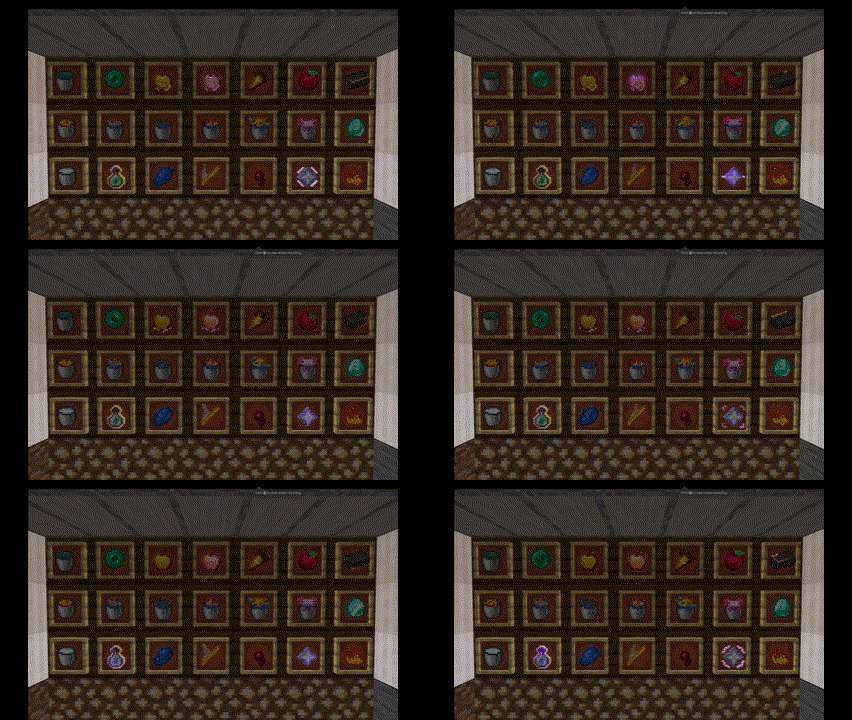
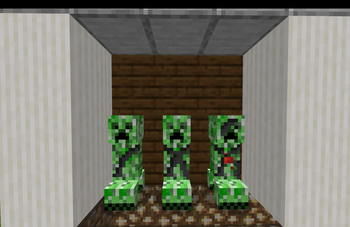
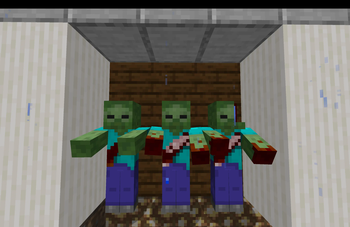
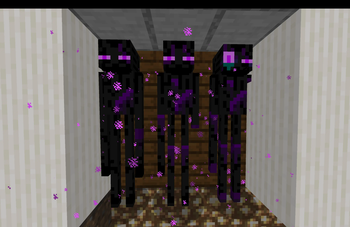
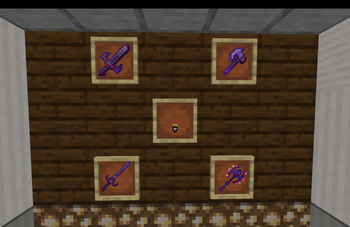
SenpaiSpider's Texture Pack!

Features
Game Version :  1.19.4 - 1.20.2
Pack Version :  1.0
Features :
      - Custom Animations
      - Custom Weapon Textures
      - Custom Entity Models
      - Secret Messages!
      - Custom Banner Colours
      - Custom Totem Particles
      - No More Explosion Particles!
      - 3D Crystal
Installation
For PC Users -
Download the File from the Versions Tab
Open your resourcepacks folder in your .minecraft folder
Copy and paste the .zip / .rar file into the resourcepacks folder
SpiderFault has been installed!
If you face any more issues, kindly watch this video
For MCPE Users -
Download the MCPE version of the pack from Here
Locate the file in the file manager
Unzip the file, and move the MCPACK file outside the ZIP file ( You may ignore the MCMETA file )
Click on the file and open with Minecraft
SpiderFault has been installed!
If you face any more issues, kindly watch this video
Credits
@TheGreatArki :  For creating the Modrinth page
@Njgaming3 : For fixing many bugs in the pack's older versions
@darkxx14 :  For porting most of the packs to bedrock and for helping fix issues
Pragyan : For porting most of the packs to bedrock and for helping fix issues
@senpaispider : For Creating the 400k texture pack and being an awesome youtuber!
@yomantheog : For creating the MCPE installation tutorial video
@imashtreks : For Creating the JAVA installation tutorial video
ClickCrystals Modrinth Page :  For letting me steal their markdown code
- Edition: Minecraft Java
- File type: .zip (resource pack)
- Minecraft versions listed: 1.15.2, 1.16, 1.16.1
- How to install: Download the .zip resource pack — do not unzip it. → Put it in .minecraft/resourcepacks. → Enable it in Options → Resource Packs.
- Where to get it: Opens on Modrinth — not every file is mirrored on our own servers.
Install steps are the general flow for this file type — How to install Minecraft Java resource packs walks through it step by step.
- Downloads as SenpaiSpider_50k_Pack (1).zip
- Download size: 2.6 MB
- Download link checked 27 Aug 2026 — working
These come from our own check of the pack file, not from the source page.