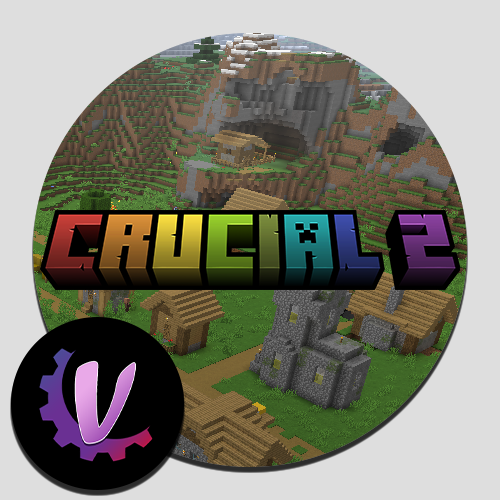
Crucial 2 - The Refresh Update
Videos YUNGNICKYOUNG's Crucial 2 trailer: Mischief of Mice's Crucial 2 review: ProbablyNotMatt's Crucial 2 Let's Play: Getting Started Simply find the…
⬇ Download on CurseForge


Videos
- YUNGNICKYOUNG's Crucial 2 trailer: https://www.youtube.com/watch?v=2b7Aw3lAGIM
- Mischief of Mice's Crucial 2 review: https://www.youtube.com/watch?v=FQkCc4UO-jg
- ProbablyNotMatt's Crucial 2 Let's Play: https://www.youtube.com/watch?v=M_op24OikhM
Getting Started
Simply find the Crucial 2 guide. In survival it'll be in your inventory. In creative, you can search for it. It'll get you all the info you need to get going.

Using Optifine - Optifine is not compatible by default, as the pack runs Sodium (the Magnesium port). If you want to use Optifine or even Shaders, be prepared for a steep FPS decrease. You can remove Sodium and its supplemental mods by deleting the following mods from the mods folder: magnesium....jar, magnesium_extras....jar, RoadRunner....jar
- Edition: Minecraft Java
- File type: .jar
- Minecraft version listed: 1.16.5
- How to install: Install the matching mod loader (Forge, Fabric or NeoForge) for your Minecraft version. → Download the .jar. → Put it in the .minecraft/mods folder and launch that loader profile.
- Where to get it: Opens on CurseForge — not every file is mirrored on our own servers.
Install steps are the general flow for this file type — How to install Minecraft Java mods & modpacks walks through it step by step.
Crucial 2 - The Refresh Update is a free Minecraft Java modpack. Compatible with Minecraft 1.16.5. Downloaded 718,190 times (via CurseForge). Download it and open it directly in the game.


