
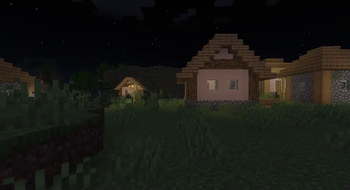
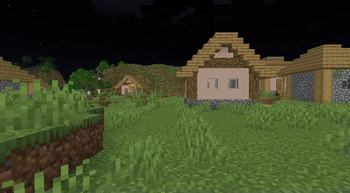
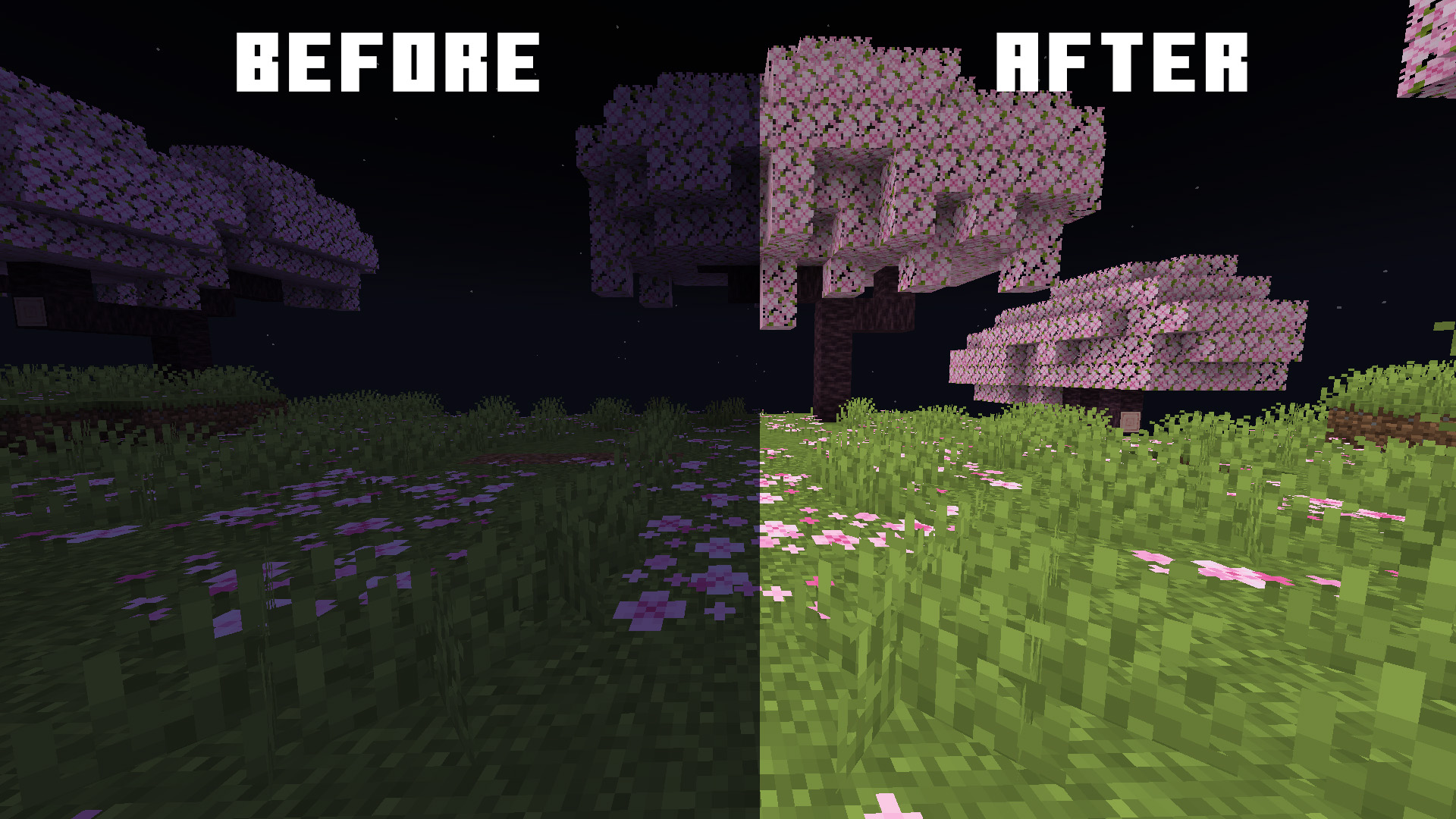
Bright Plus is a Fullbright texture pack, which removes darkness from your game, making everything bright and easy to see. This is perfect for survival players, builders, and explorers who want a clearer view without using torches or night vision potions.
Requirements
To use Bright Plus, you’ll need to install the following mods:
- Sodium – a performance optimization mod for Minecraft.
- Polytone – a client-side customization mod which allows tweaking various aspect with the game via Resource Packs
These mods are essential for Bright Plus to work properly.
⚠️ Restart the game if Bright Plus is not working
Supported Versions
Bright Plus works on all Minecraft versions from 1.16.3 to the latest. No matter what version you’re playing, Bright Plus will brighten up your world!
Features of Bright Plus
- ✅ Fullbright support for Sodium (not available for optifine and vanilla)
- ✅ Works on all versions from 1.16.3 to Latest.
- ✅ Makes caves, underwater areas, and night-time exploration super easy.
- ✅ Created by SpunkyInsaan, a trusted name in the community.

Quick facts
- Edition: Minecraft Java
- File type: .zip (resource pack)
- Minecraft version listed: 1.21.11
- How to install: Download the .zip resource pack — do not unzip it. → Put it in .minecraft/resourcepacks. → Enable it in Options → Resource Packs.
- Where to get it: Opens on Modrinth — not every file is mirrored on our own servers.
Install steps are the general flow for this file type — How to install Minecraft Java resource packs walks through it step by step.
Verified by MCModsHub
- Downloads as Bright Plus 1.21.11.zip
- Download size: 71 KB
- Download link checked 27 Aug 2026 — working
These come from our own check of the pack file, not from the source page.