
Grass+
Java resource pack listed for Minecraft 1.21–26.x. Downloads from the MC Java Mods app on Android.
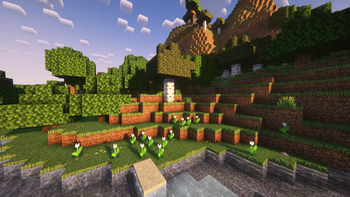
Grass in Minecraft is boring. If you want to make touching grass (in Minecraft, not real life) more exciting, this is the pack for you!
I don't know my version or loader
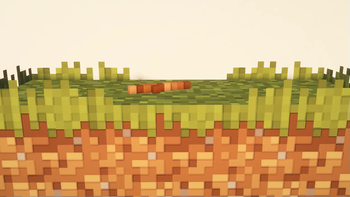
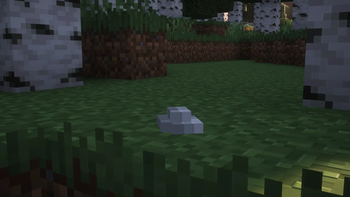
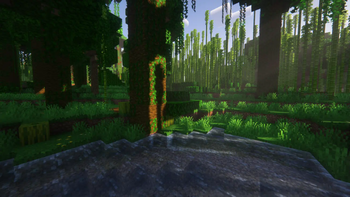
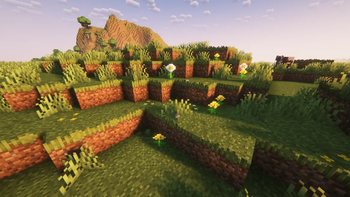

Grass+
Why should I use this?
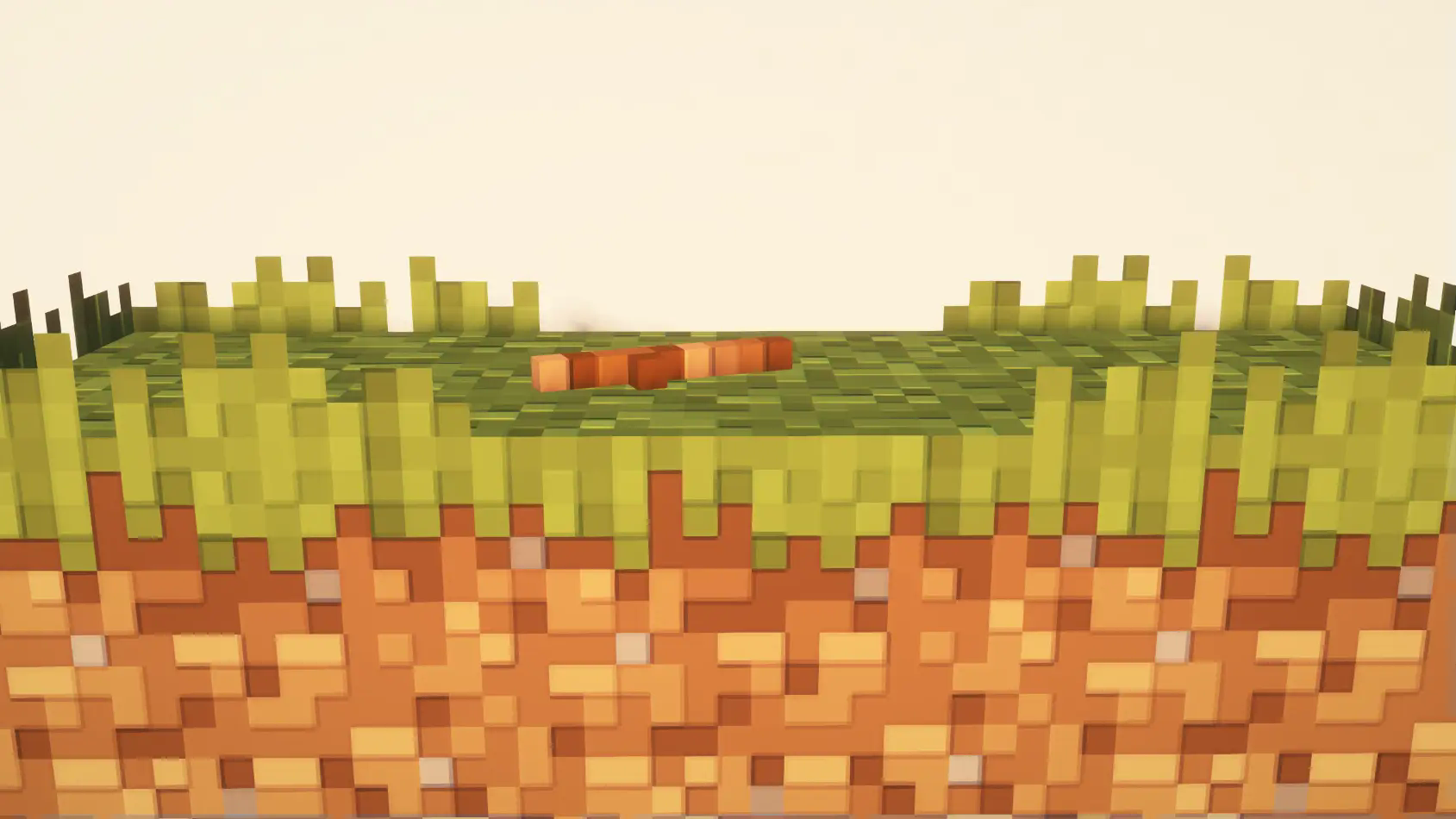
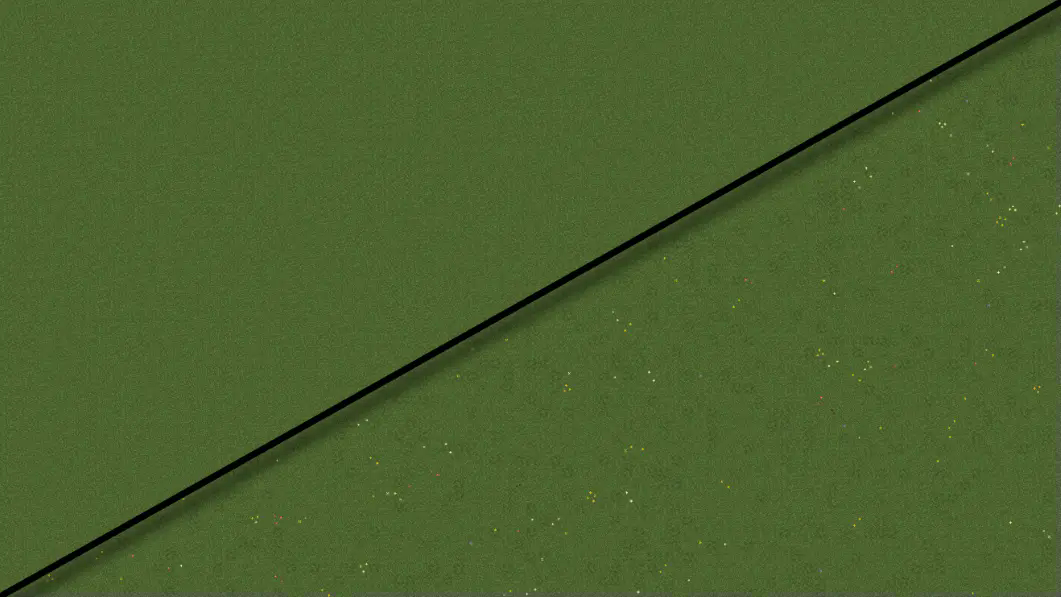
Grass+ aims to enhance the appearance of all grassy biomes by adding a small hedging effect to the sides of grass blocks, generating random flowers and details on the surface of grass blocks, and creating subtle vatiations in the grass texture.
How it works:
I make use of multipart blockstates to achive completely random combinations of variations in the grass block model. Each grass block can have a combination of different rotations, hedge lengths, flowers, and details.
Future plans:
I plan to keep updating this resource pack to all newer versions of the game. I also want to create a second pack to add details to the nether nylium as well. Why make a second pack? To allow more user customizability. I'll link it [here] when I upload it.
Compatibility
This recource pack should be compatible with all texture packs that change the way grass appears. However the flowers and details use special textures so it could look strange with 32x and other higher resolution texture packs
Full support list:
Thank you SO MUCH for over 40,000 downloads!!! 🎉
I never thought this was possible, and it wouldn't have happened without your (yes you reading this) continued support! Updates have been less frequent due to life responsabilities, so thank you for your patience. Expect more content from me this coming summer!
For bug reports, compatability issues, suggestions and ideas, join my Discord server! https://discord.gg/gpNt8265mg
Hedging effect:
Top down comparison:
If you're still looking for another way to add more depth and detail to your Minecraft world, try my other project: Dimensionalized 3D Essentials!!
https://modrinth.com/resourcepack/dimensionalized-3d-essentials
- Edition: Minecraft Java
- File type: .zip (resource pack)
- Minecraft versions listed: 1.21.5, 1.21.6, 1.21.7
- How to install: Download the .zip resource pack — do not unzip it. → Put it in .minecraft/resourcepacks. → Enable it in Options → Resource Packs.
- Where to get it: Opens on Modrinth — not every file is mirrored on our own servers.
Install steps are the general flow for this file type — How to install Minecraft Java resource packs walks through it step by step.
- Downloads as §aGrass§f+ §7Release §e§n26.1§n.zip
- Download size: 192 KB
- Download link checked 7 Oct 2026 — working
These come from our own check of the pack file, not from the source page.