
Teyvat Weapon Collection
I don't know my version or loader


❗ Disclaimer
This resource pack is unofficial fanart. Neither I nor this resource pack have any affiliation with HoYoverse (COGNOSPHERE) or Genshin Impact. All rights to the original designs belong to HoYoverse (COGNOSPHERE).
📖 About
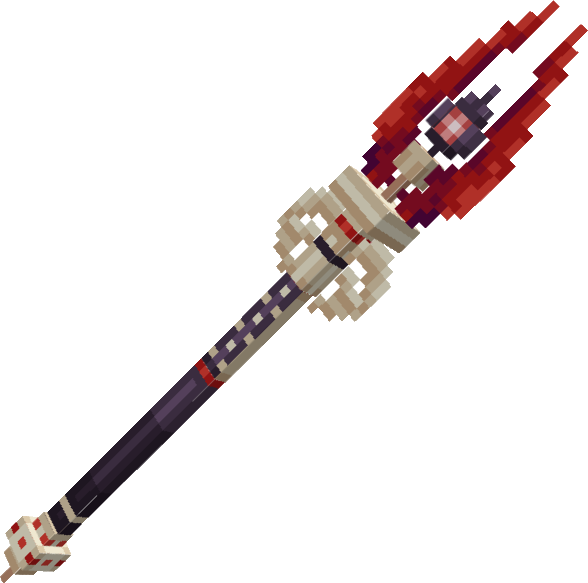
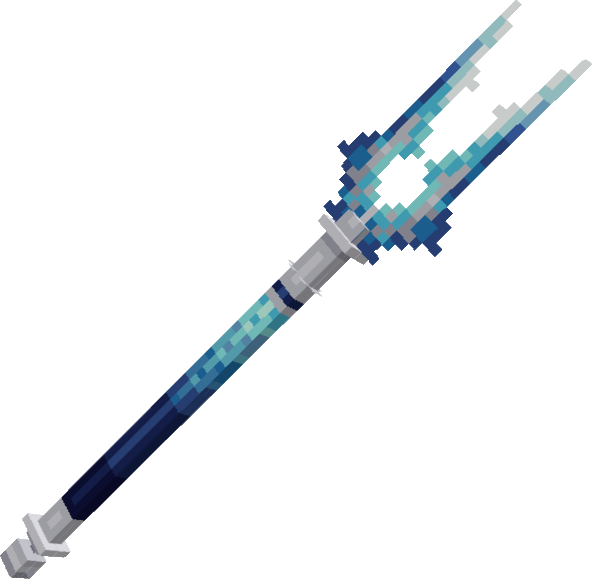
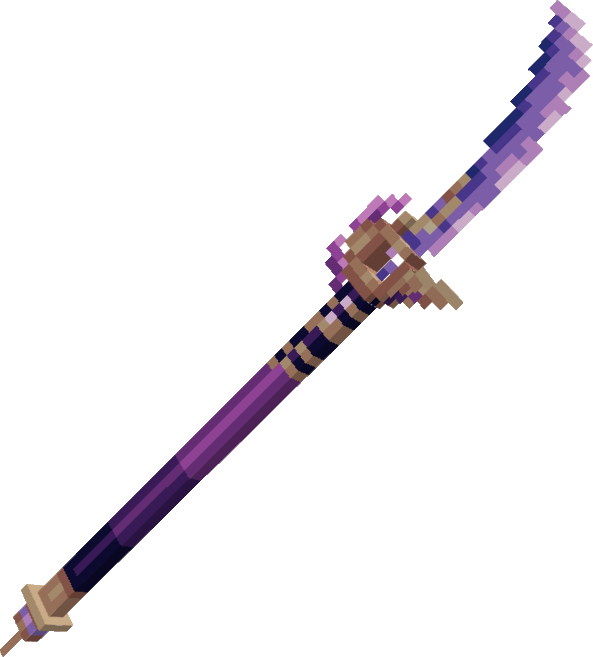
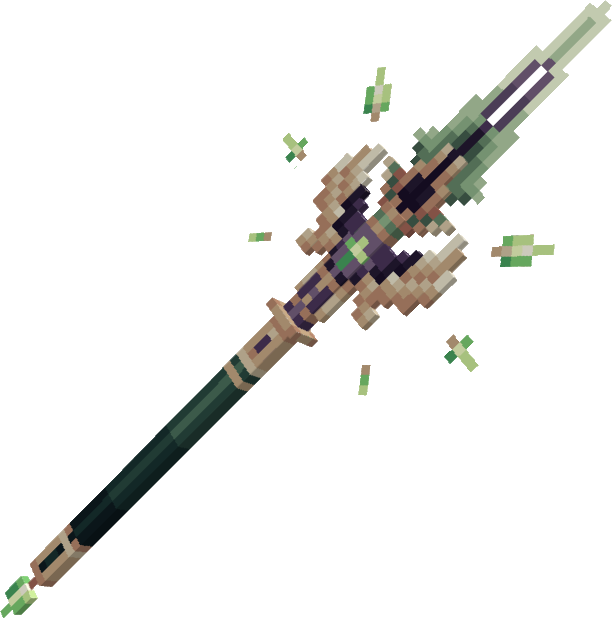
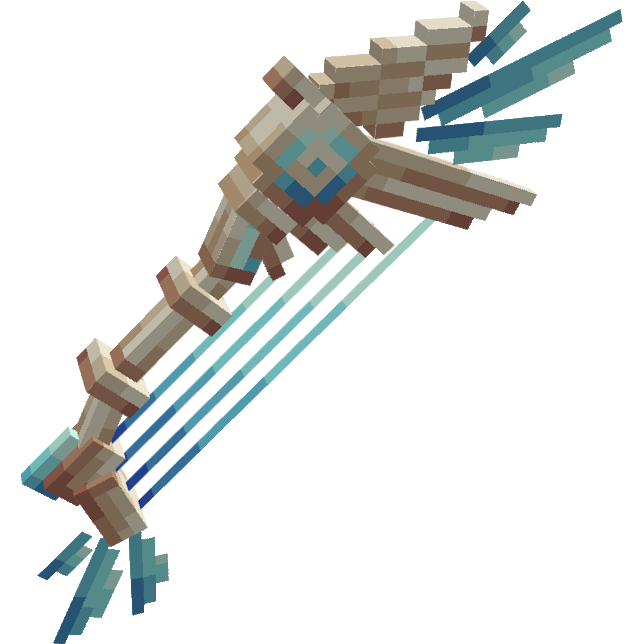
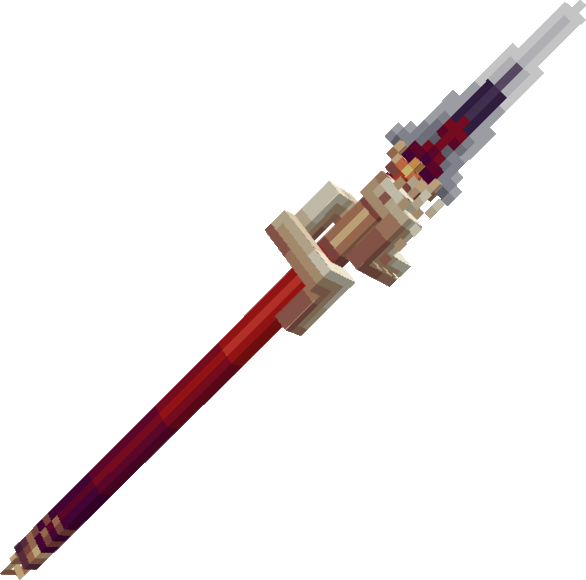
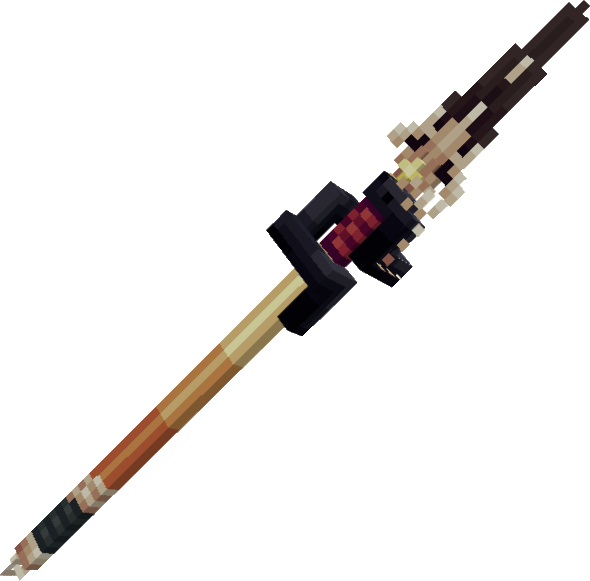
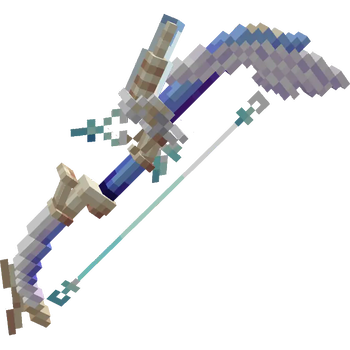
Teyvat Weapon Collection adds Weapons from Genshin Impact to the game as 3D item models, available through renaming certain items.
⚔️ Weapons
Spears (Any Sword)
- Staff of Homa
- Primordial Jade Winged Spear
- Engulfing Lightning
- The Catch
- Dragon's Bane
- Lithic Spear
- Staff of the Scarlet Sands
- Skyward Spine
- Vortex Vanquisher
- Ballad of the Fjords
- Crimson Moon's Semblance
- Lumidouce Elegy
Bows
- Amos' Bow
- Skyward Harp
- Hamayumi
- Thundering Pulse
- End of the Line
Claymores (Any Axe)
- Wolf's Gravestone
- Redhorn Stonethresher
- Favonius Greatsword
- Beacon of the Reed Sea
- Verdict
Swords
- Mistsplitter Reforged
- Primordial Jade Cutter
- Toukabou Shigure
- Key of Khaj-Nisut
- Fleuve Cendre Ferryman
- Freedom-Sworn
- Absolution
Catalysts (Any Crossbow)
- Skyward Atlas
- Memory of Dust
- Kagura's Verity
- Jadefall's Splendor
- Tulaytullah's Remembrance
- Crane's Echoing Call
This resource pack also works on the Wynncraft server.
Click here for a list of corresponding weaponsSpears
- Staff of Homa - Hero
- Primordial Jade Winged Spear - Zephra Shredder
- Engulfing Lightning - Thrundacrack
- The Catch - Idol
- Dragon's Bane - Ignition
- Lithic Spear - Tisaun's Proof
- Staff of the Scarlet Sands - Infidel
- Skyward Spine - Blade of Purity
- Vortex Vanquisher - Guardian
- Ballad of the Fjords - Tidebinder
- Crimson Moon's Semblance - Apocalypse
- Lumidouce Elegy - Gaia
Bows
- Skyward Harp - Freedom
- Amos' Bow - Spring
- Hamayumi - Cluster
- Thundering Pulse - Epoch
- End of the Line - Maelstrom
Claymores
- Wolf's Gravestone - Braker
- Redhorn Stonethresher - Gert Rock Smashbanger
- Favonius Greatsword - Thanos Warhammer
- Beacon of the Reed Sea - Helm Splitter
- Verdict - Alkatraz
Swords
- Mistsplitter Reforged - Cataclysm
- Jadecutter - Weathered
- Toukabou Shigure - Grimtrap
- Key of Khaj-Nisut - Manna
- Fleuve Cendre Ferryman - Sawtooth
- Freedom Sworn - Weathered
- Absolution - Absolution
Catalysts
- Skyward Atlas - Olympic
- Memory of Dust - Sigil of Resistance
- Kagura's Verity - Sunstar
- Jadefall's Splendor - Toxoplasmosis
- Tullaytullah's Remembrance - Narcissist
- Crane's Echoing Call - Conference Call
🔧 How to use
Required/recommended mods
- Optifine: Required for custom item textures and emissive textures.
- CIT Resewn: Required for custom item textures when using fabric.
- Continuity: Can optionally be installed for emissive textures on fabric.
- RP Renames: Can optionally be installed to see a list of custom names.
Usage
- Drop the .zip file into your resource pack folder.
To open your resource pack folder, go to Resource Packs > Open Pack Folder


- Enable it in your resource pack window.

Make sure the "custom items" setting is enabled.
This setting is available under Video Settings > Quality > Custom Items. If you want to have glow-in-the-dark features, enable Emissive Textures in the same window.


- To remodel an item, rename a compatible weapon in an anvil to its name.

📜 Terms of use
You may:
- Use this resource pack on your server.
- Use this resource pack in YouTube videos or similar content creation.
- Please remember to credit me if this is the case.
- Alter this resource pack for private use.
You may NOT:
- Claim ownership over this resource pack or any of its assets.
- Redistribute this resource pack or any of its assets, edited or not, without my permission.
🌐 My other projects
- Edition: Minecraft Java
- File type: .zip (resource pack)
- Minecraft versions listed: 1.21, 1.21.1, 1.21.2
- How to install: Download the .zip resource pack — do not unzip it. → Put it in .minecraft/resourcepacks. → Enable it in Options → Resource Packs.
- Where to get it: Opens on Modrinth — not every file is mirrored on our own servers.
Install steps are the general flow for this file type — How to install Minecraft Java resource packs walks through it step by step.
- Downloads as Teyvat Weapon Collection 1.4.1.zip
- Download size: 271 KB
- Download link checked 27 Aug 2026 — working
These come from our own check of the pack file, not from the source page.