ResourcepacksJava
ThaiFontFix
I don't know my version or loader
Open the Minecraft launcher and look at the profile you play on — it names both, like fabric-loader-1.21.4. The version also shows in the bottom-right corner of the game's main menu.
No loader in the profile name? Then it's plain Minecraft, and these mods won't run — you need Fabric or NeoForge installed first.
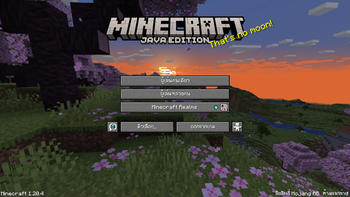
ThaiFontFix
Introduction
For Minecraft Java Edition only! (สำหรับ Minecraft Java Edition)
Features (คุณสมบัติ)
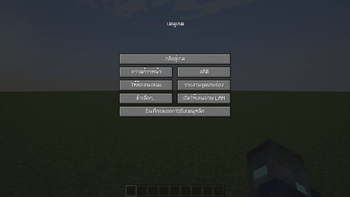
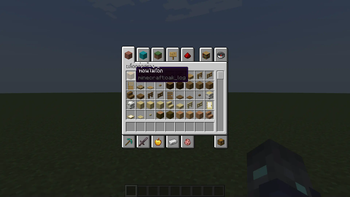
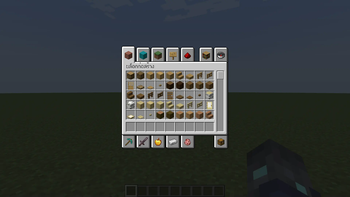
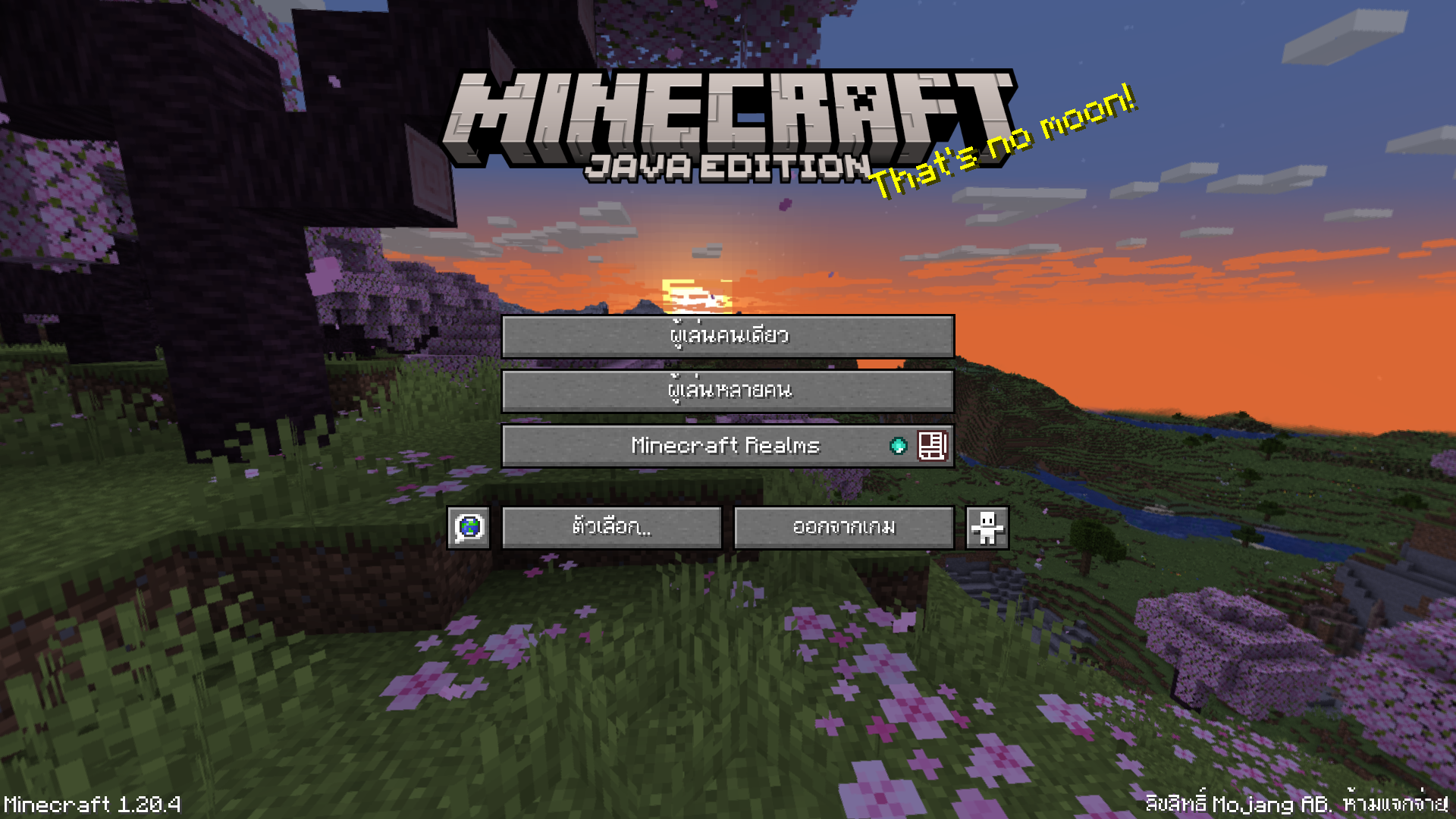
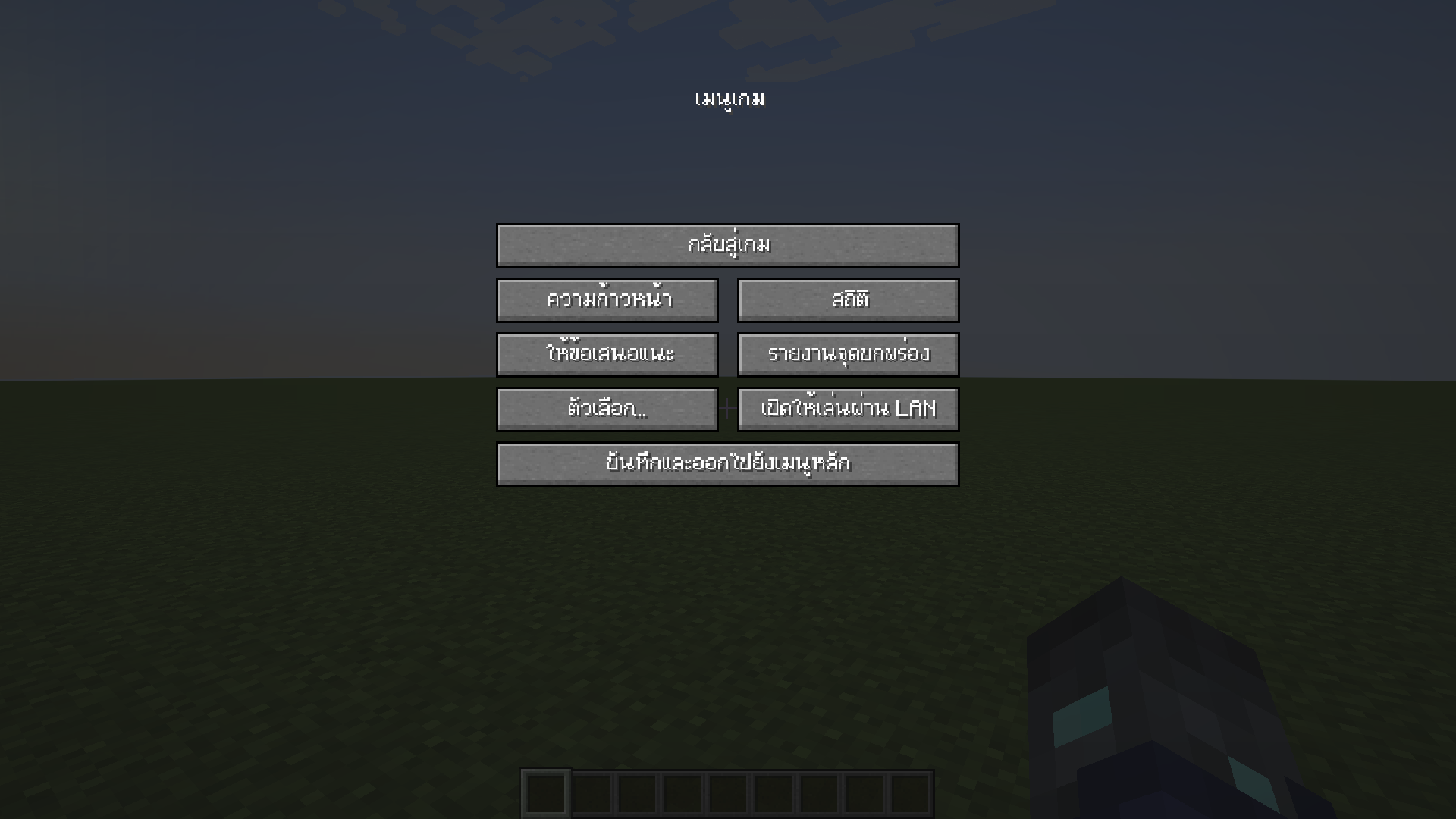
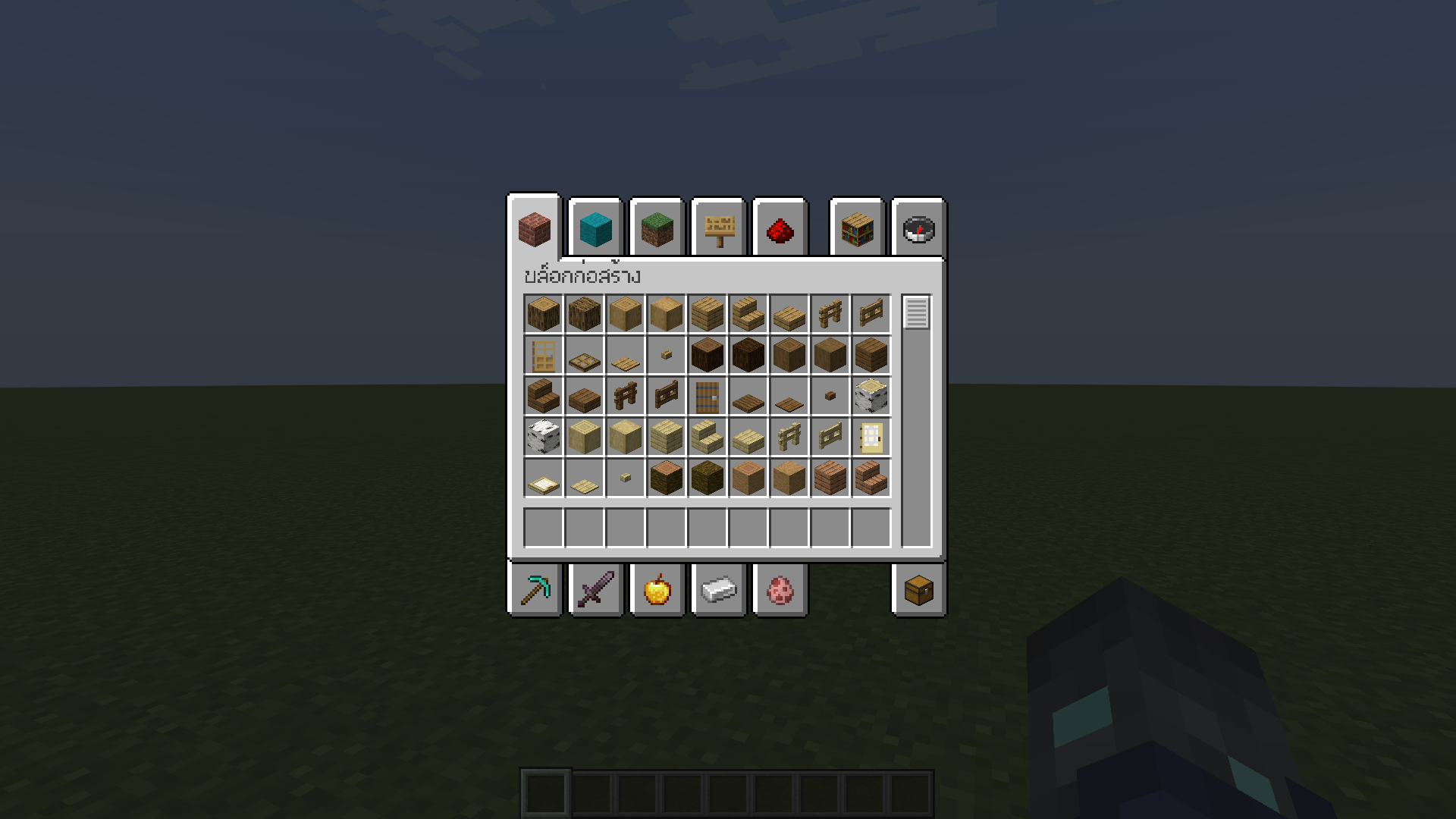
- Float correction (แก้สระลอย)
- Make the font easier to read in Thai (ทำให้ฟอนต์ไทยอ่านง่ายขึ้น)
Font used (ฟอนต์ที่ใช้)
Example (ตัวอย่าง)
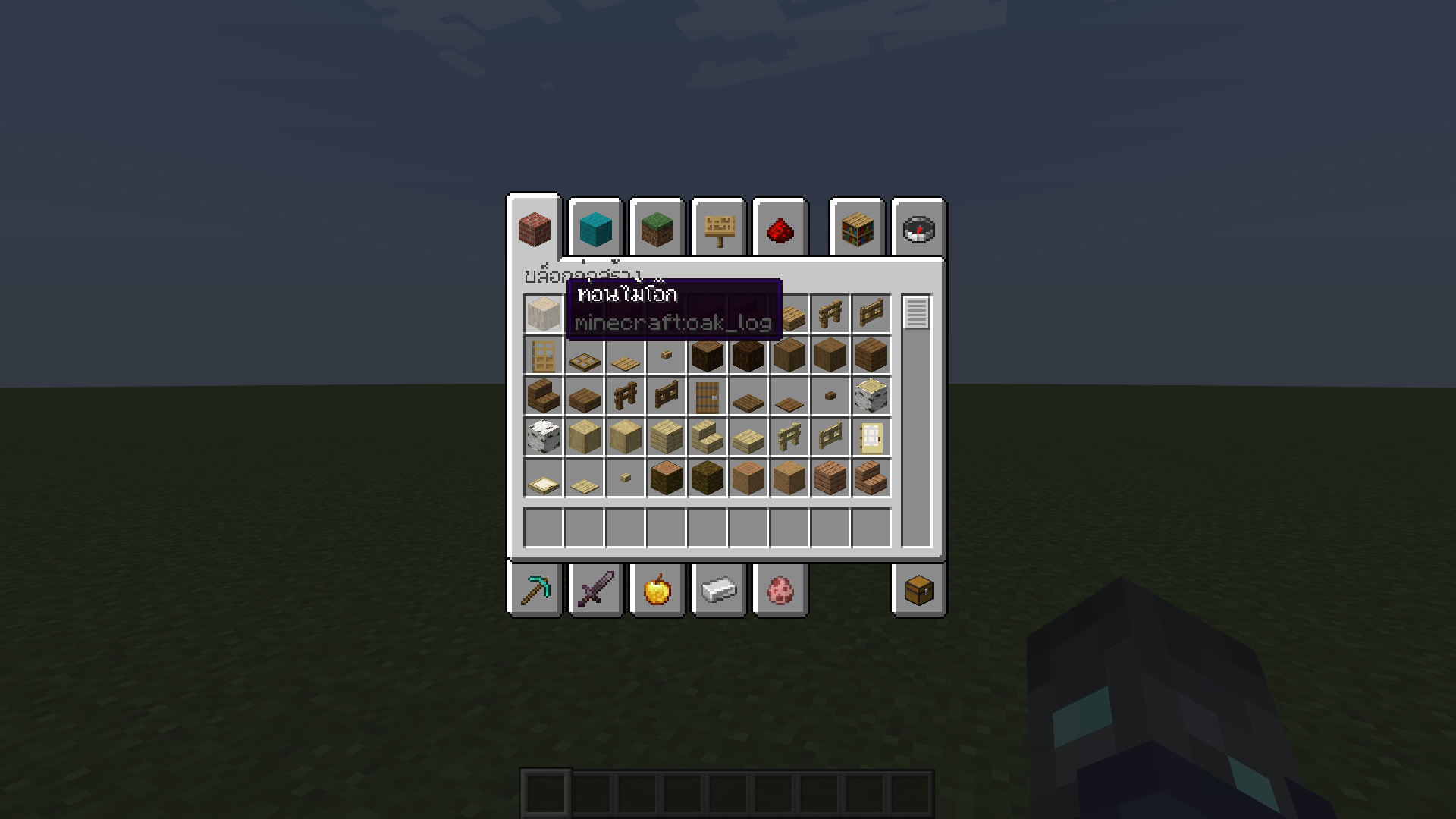
Installation (วิธีการติดตั้ง)
- Download ThaiFontFix. (ดาวน์โหลด ThaiFontFix)
- Place the .zip file into the directory where the game is installed, for example: .minecraft\resourcepacks. (นำไฟล์ .zip ไปใส่ในไดเรคทอรี่ที่ติดตั้งเกม เช่น .minecraft\resourcepacks)
- Enable ThaiFontFix in the game. (เปิดใช้งาน ThaiFontFix ในตัวเกม)
Quick facts
- Edition: Minecraft Java
- File type: .zip (resource pack)
- Minecraft versions listed: 1.21, 1.21.1, 1.21.2
- How to install: Download the .zip resource pack — do not unzip it. → Put it in .minecraft/resourcepacks. → Enable it in Options → Resource Packs.
- Where to get it: Opens on Modrinth — not every file is mirrored on our own servers.
Install steps are the general flow for this file type — How to install Minecraft Java resource packs walks through it step by step.
Verified by MCModsHub
- Downloads as ThaiFontFix-1.0.5.zip
- Download size: 14 KB
- Download link checked 28 Aug 2026 — working
These come from our own check of the pack file, not from the source page.