ResourcepacksJava
Distinguished GUI
I don't know my version or loader
Open the Minecraft launcher and look at the profile you play on — it names both, like fabric-loader-1.21.4. The version also shows in the bottom-right corner of the game's main menu.
No loader in the profile name? Then it's plain Minecraft, and these mods won't run — you need Fabric or NeoForge installed first.
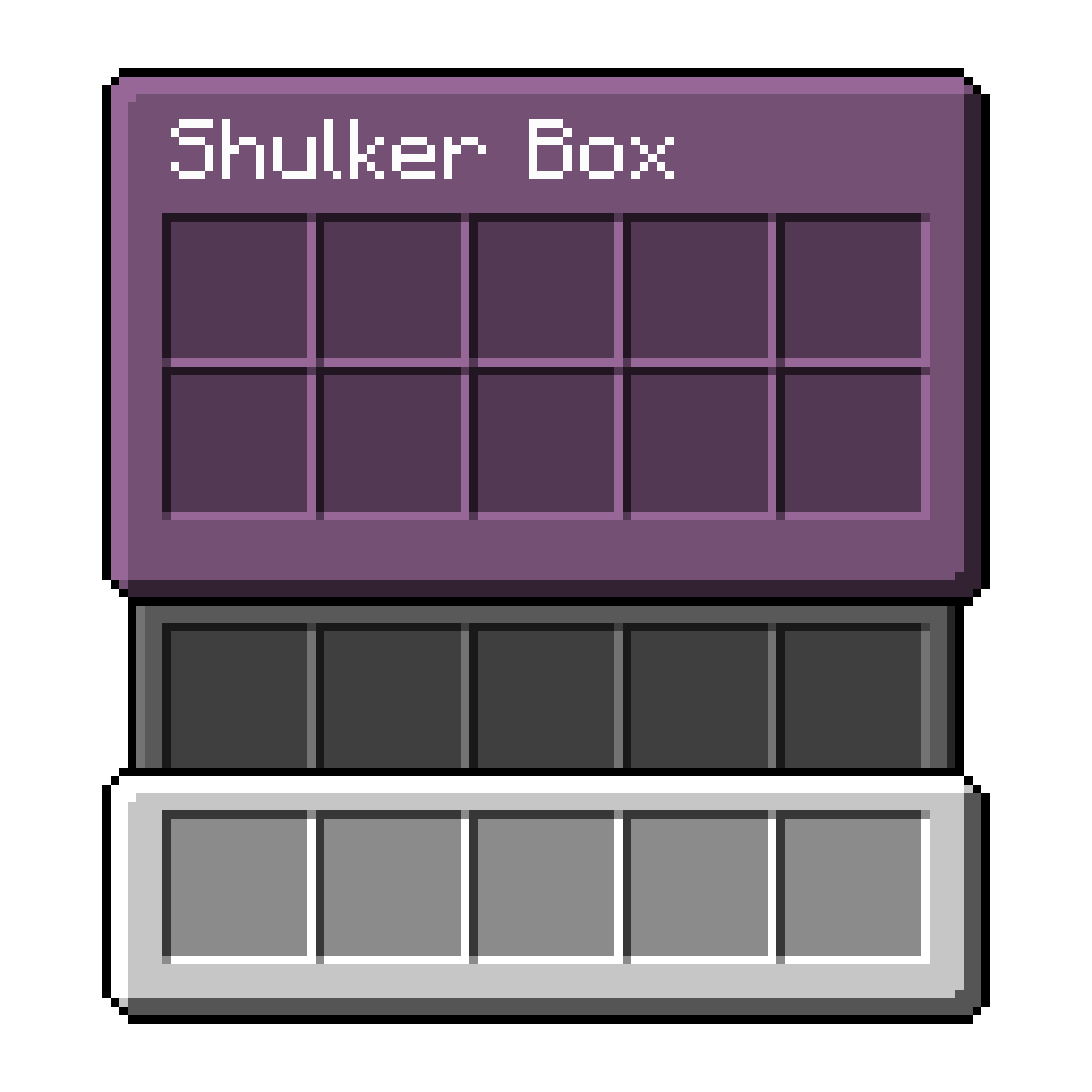
Distinguished GUI
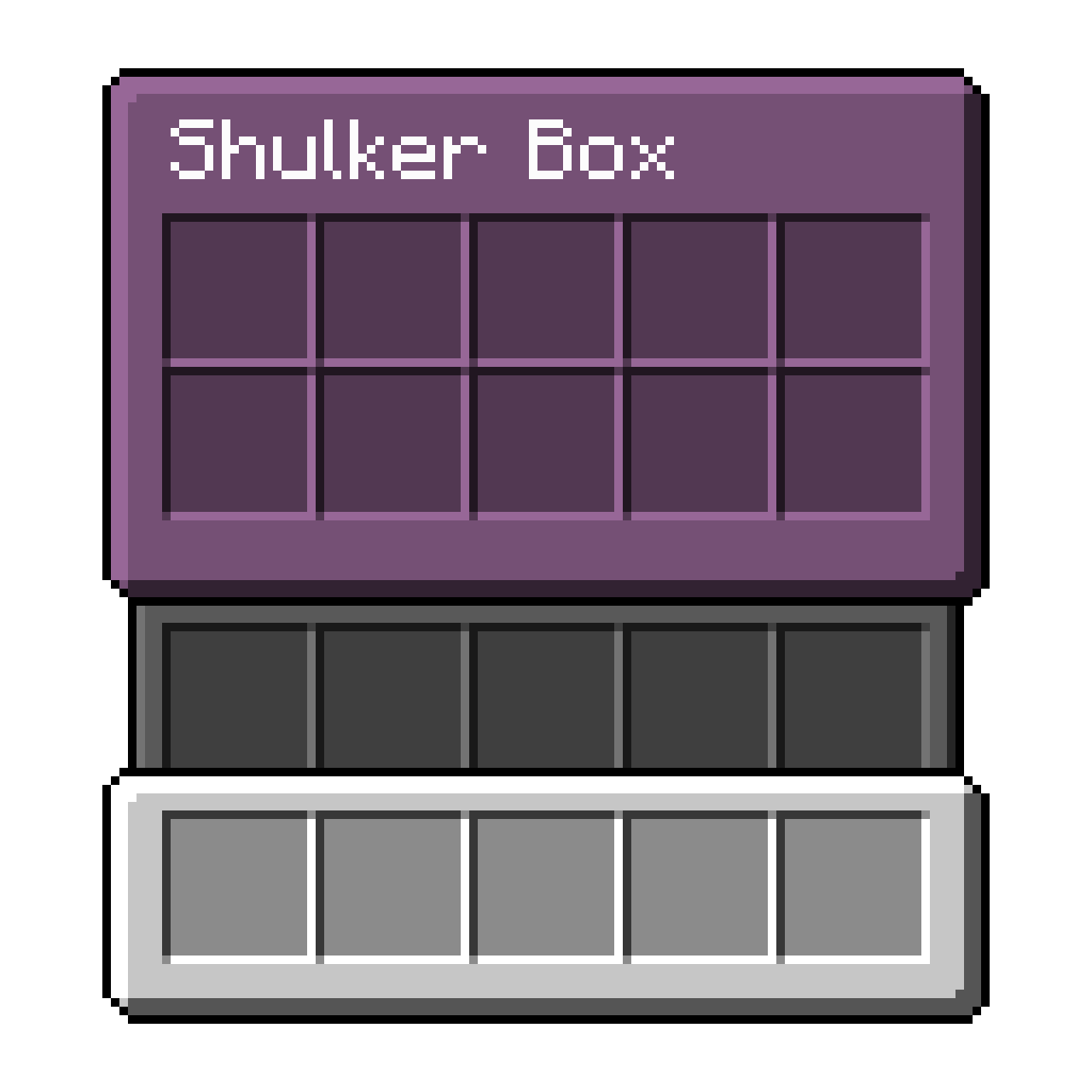
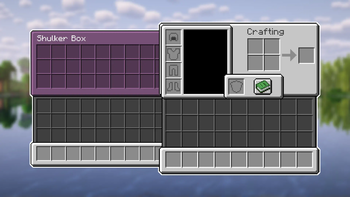
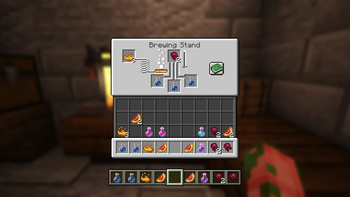
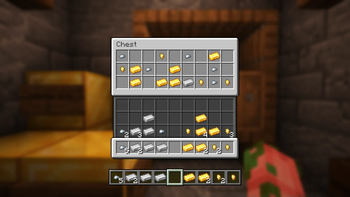
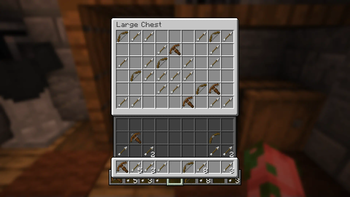
This quintessential GUI resource-pack aims to make the vanilla GUI more distinguishable
from itself by separating the hotbar, inventory, and container from each other.
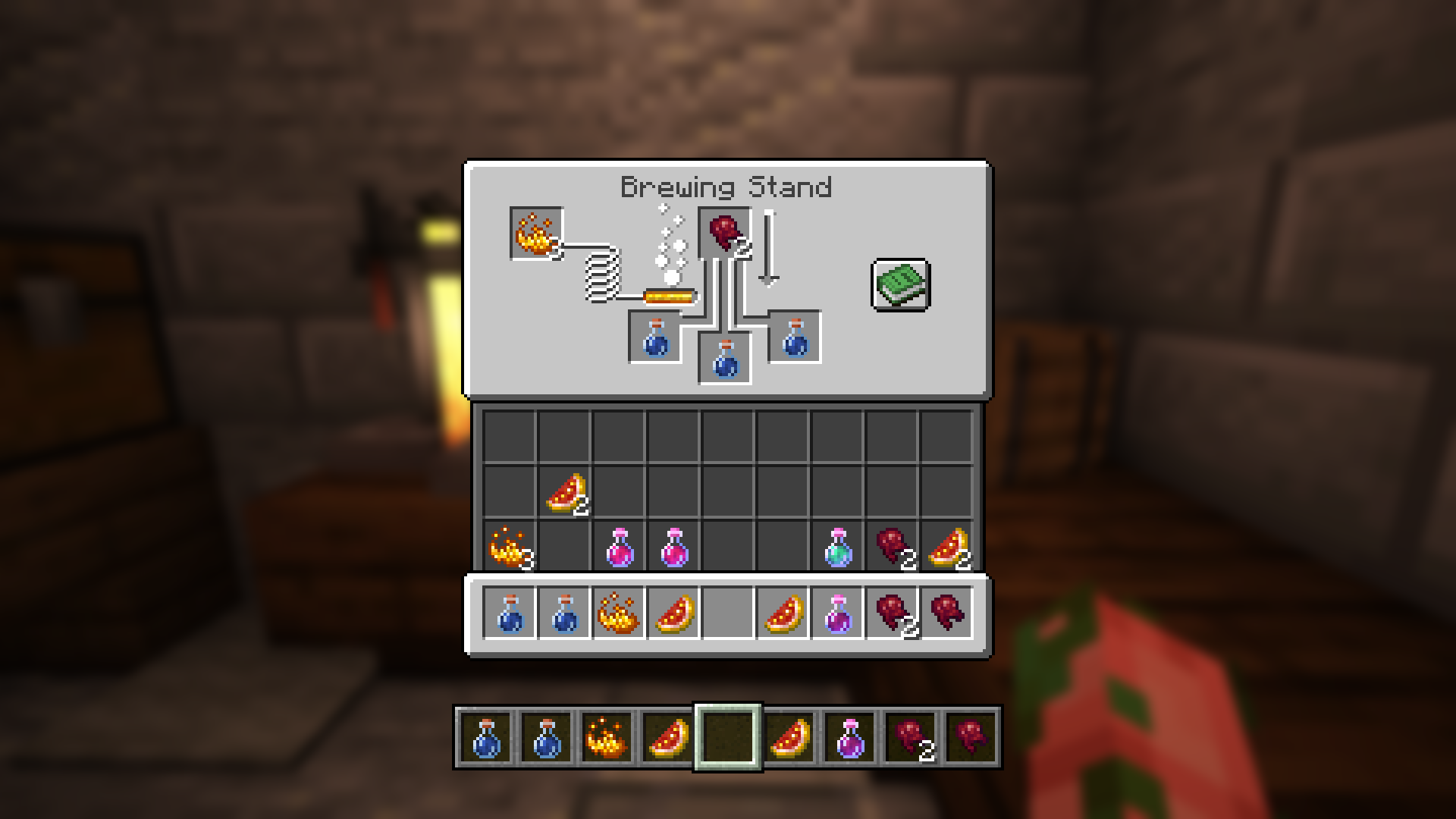
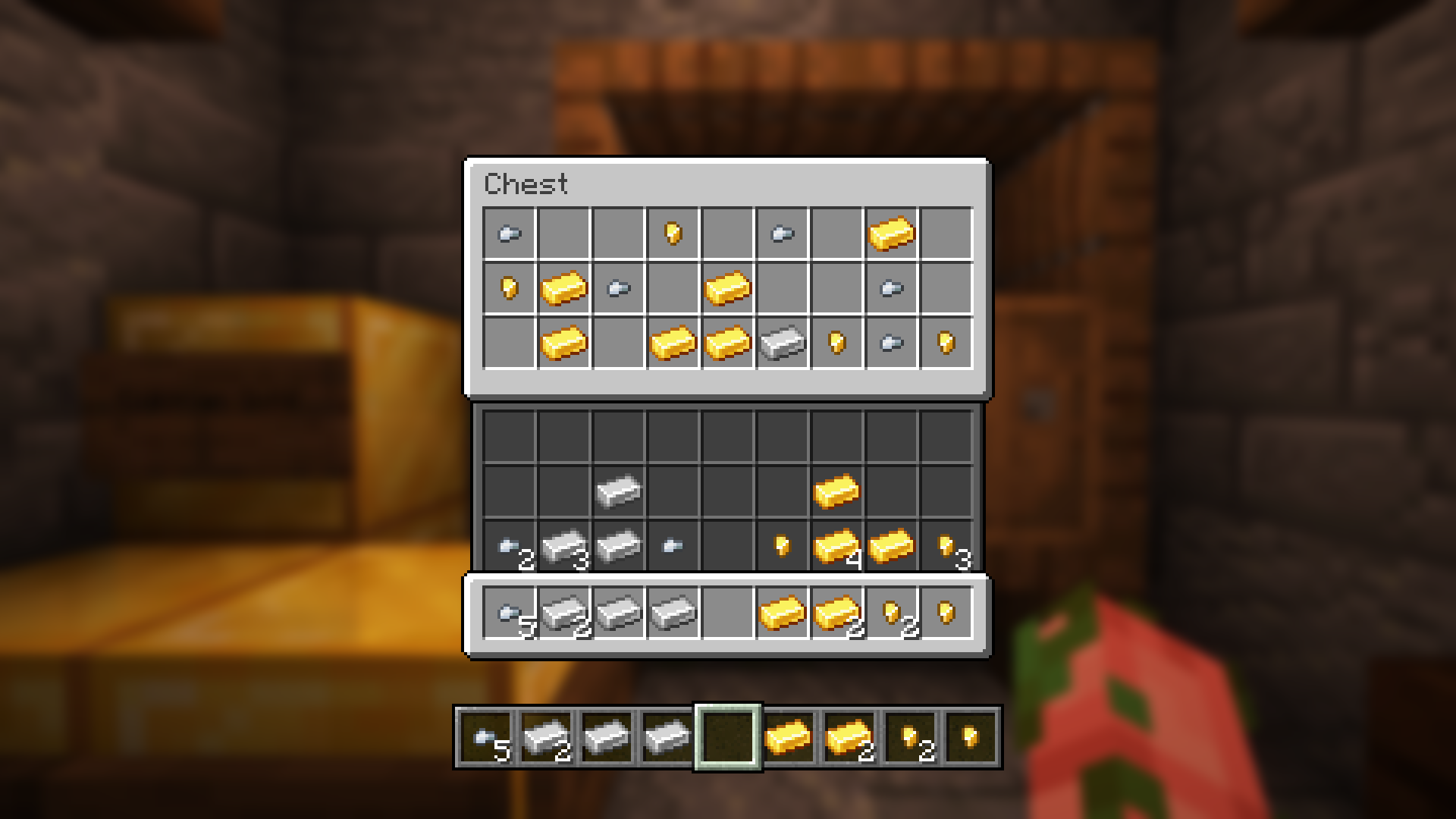
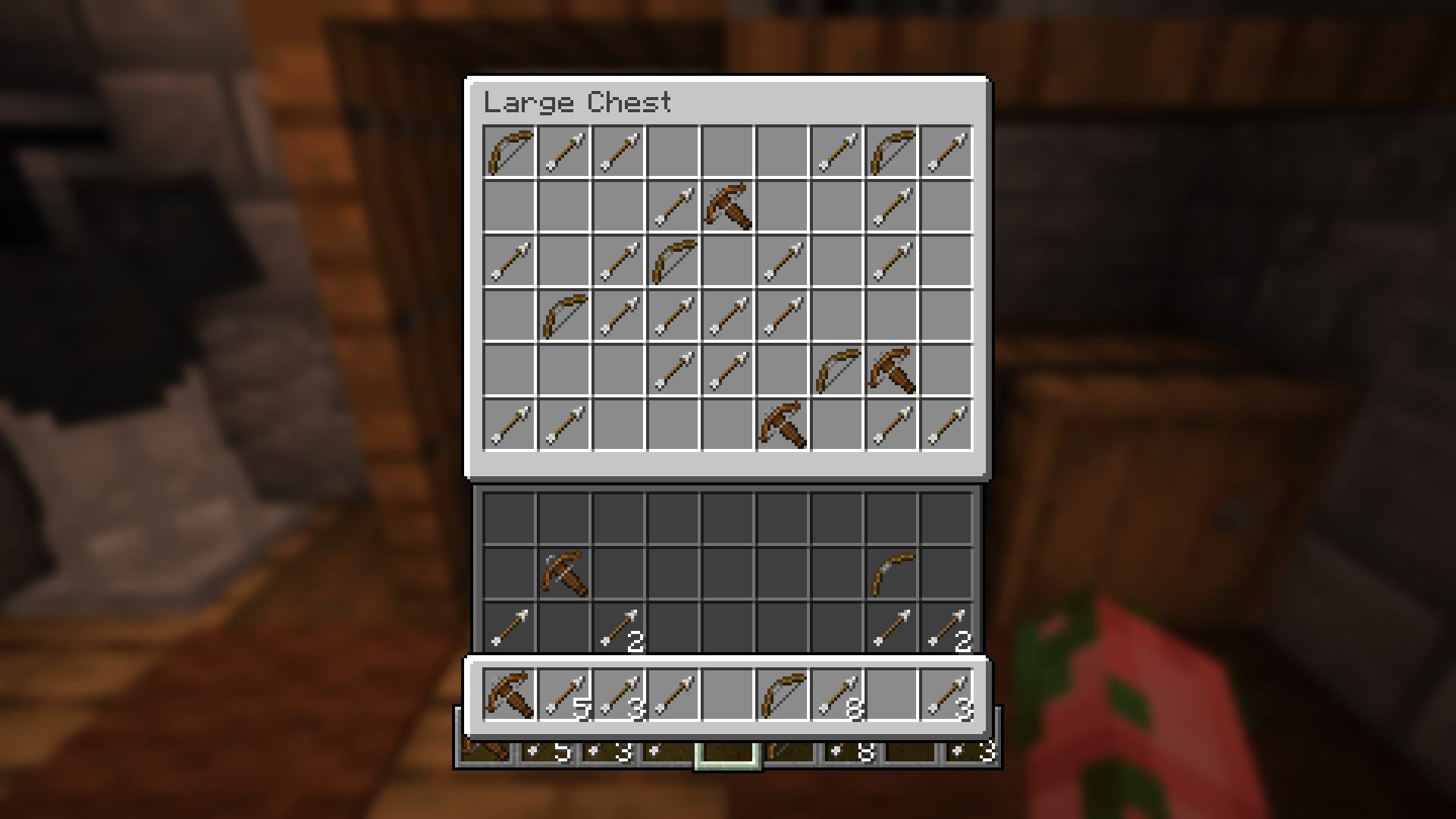
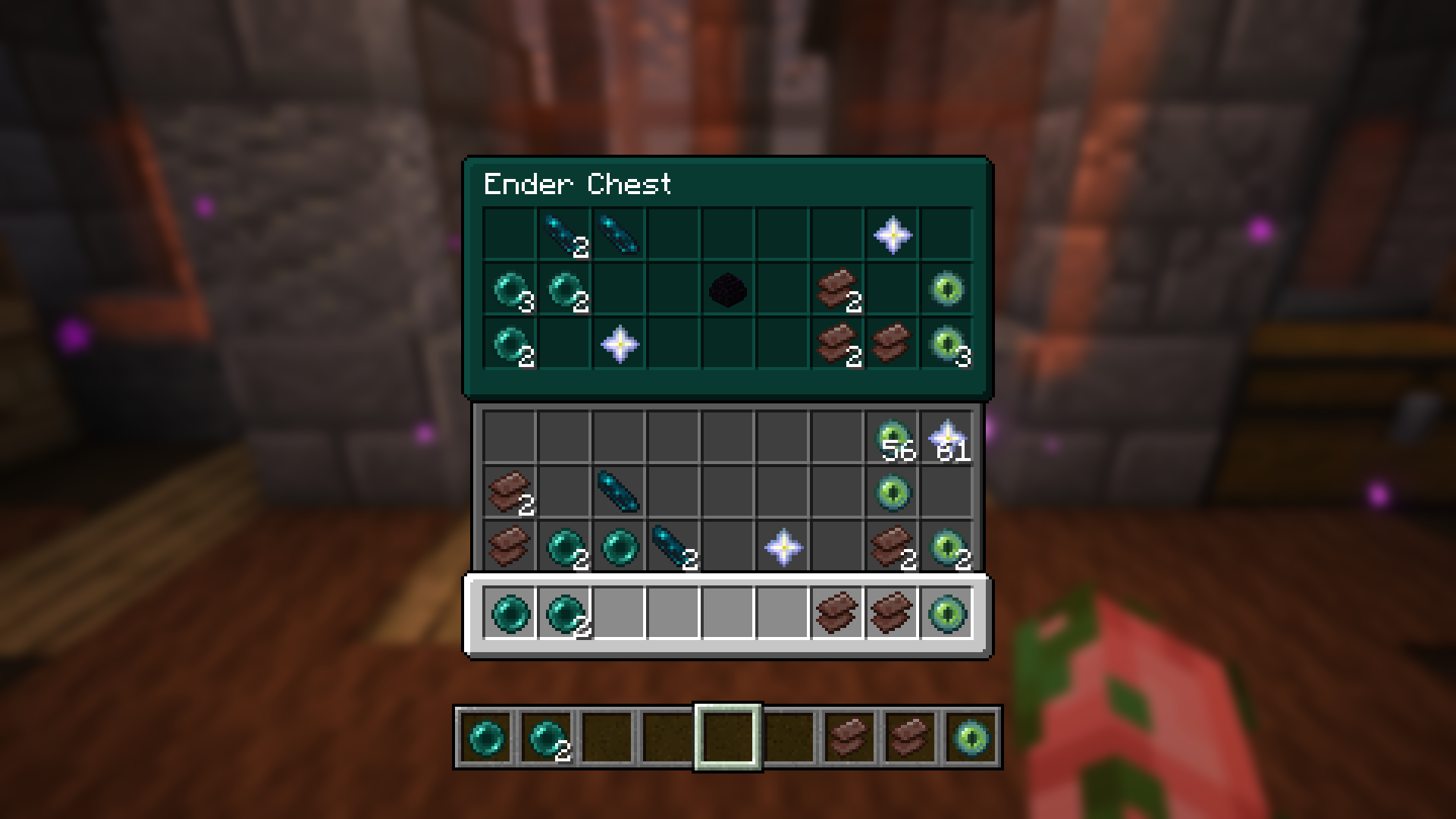
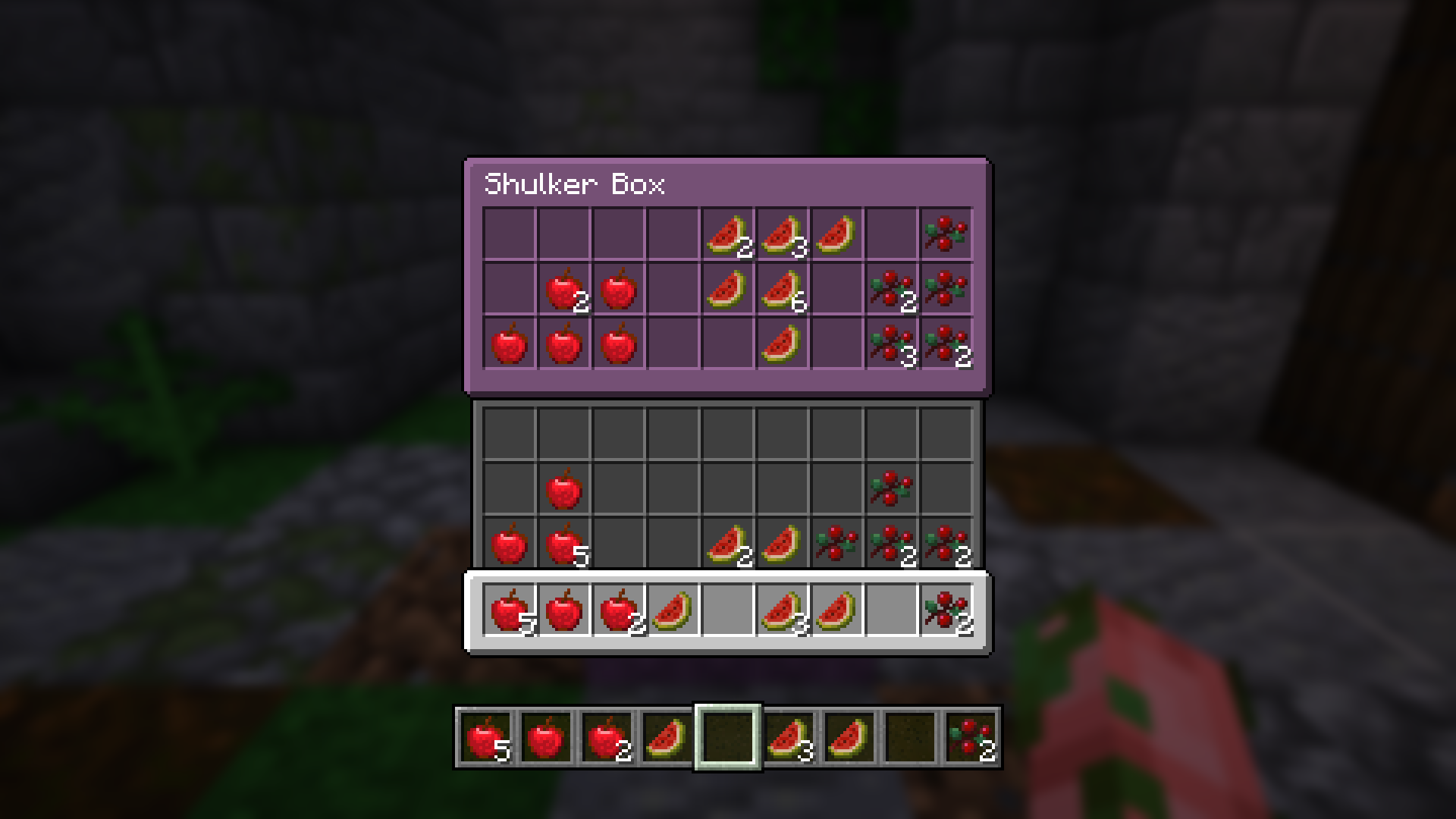
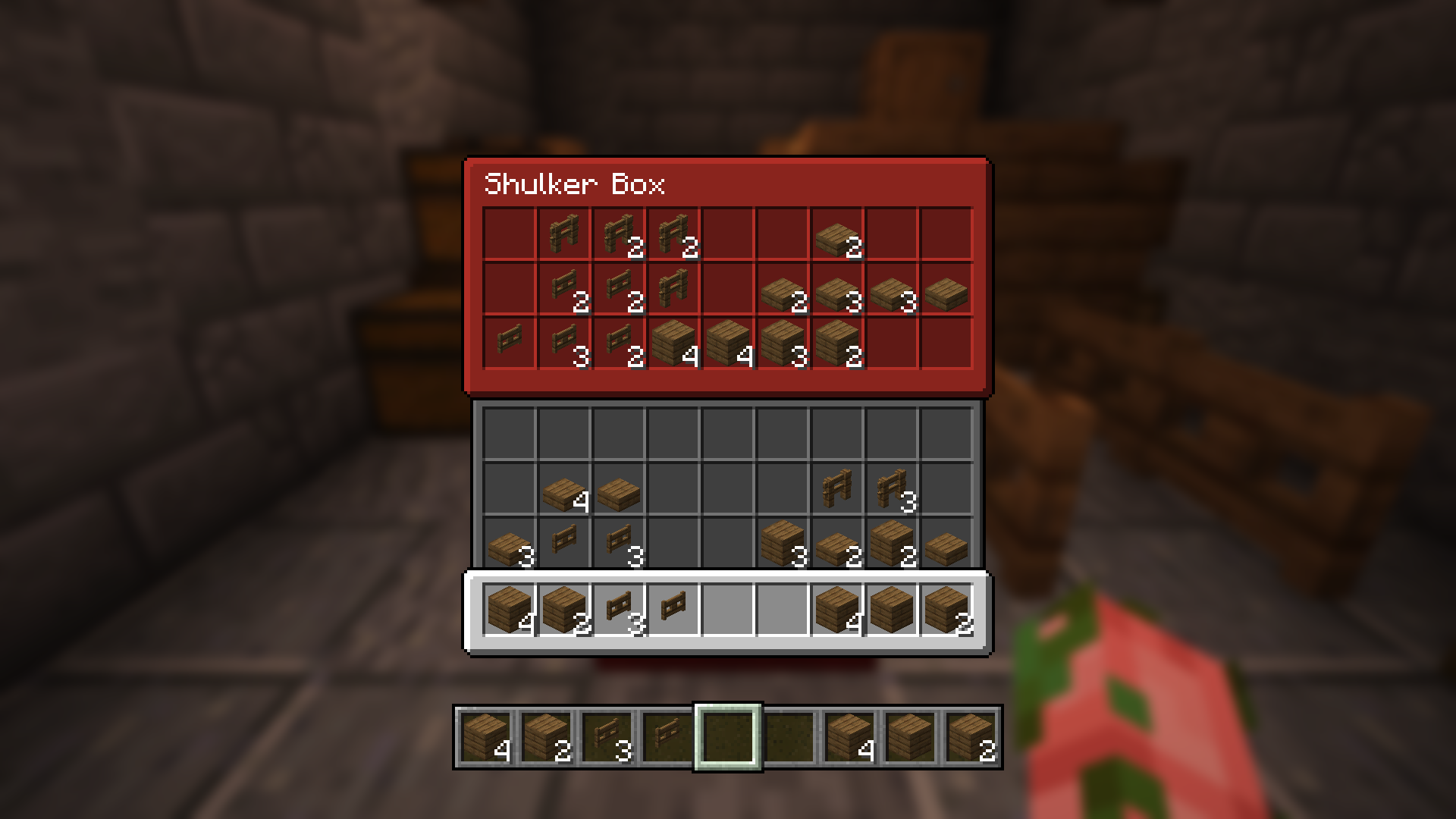
This resource-pack updates the vanilla textures for these GUIs to make them more distinguishable from themselves.
Check out my other projects! https://modrinth.com/user/zanderest
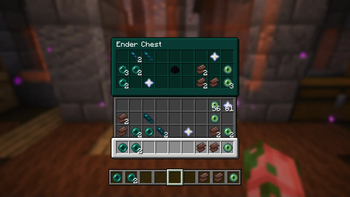
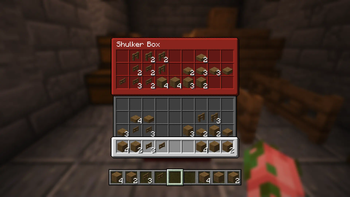
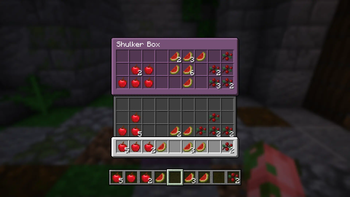
In order for the custom-colored containers to work you'll need OptiFine or OptiGUI installed.
| Containers Updated | Containers Updated | Containers w/ Colors |
|---|---|---|
| Anvil | Grindstone | Shulker Boxes |
| Beacon | Hopper | Ender Chest |
| Blast Furnace | Entity Inventory | --- |
| Brewing Stand | Inventory | --- |
| Cartography Table | Loom | --- |
| Crafting Table | Smithing Table | --- |
| Double Chest | Smoker | --- |
| Enchanting Table | Stonecutter | --- |
| Chest | Villager Trading | --- |
Quick facts
- Edition: Minecraft Java
- File type: .zip (resource pack)
- Minecraft versions listed: 1.20.2, 1.20.3, 1.20.4
- How to install: Download the .zip resource pack — do not unzip it. → Put it in .minecraft/resourcepacks. → Enable it in Options → Resource Packs.
- Where to get it: Opens on Modrinth — not every file is mirrored on our own servers.
Install steps are the general flow for this file type — How to install Minecraft Java resource packs walks through it step by step.
Verified by MCModsHub
- Downloads as Distinguished GUI 1.3.zip
- Download size: 61 KB
- Download link checked 28 Aug 2026 — working
These come from our own check of the pack file, not from the source page.