
Color Me Outlines 2
Updated + Maintained version of Color Me Outlines as a resource pack that allows you to set a custom block highlighting/outline color
I don't know my version or loader
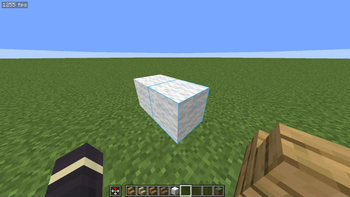
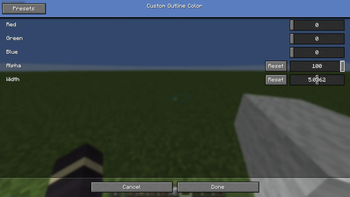
Showcase
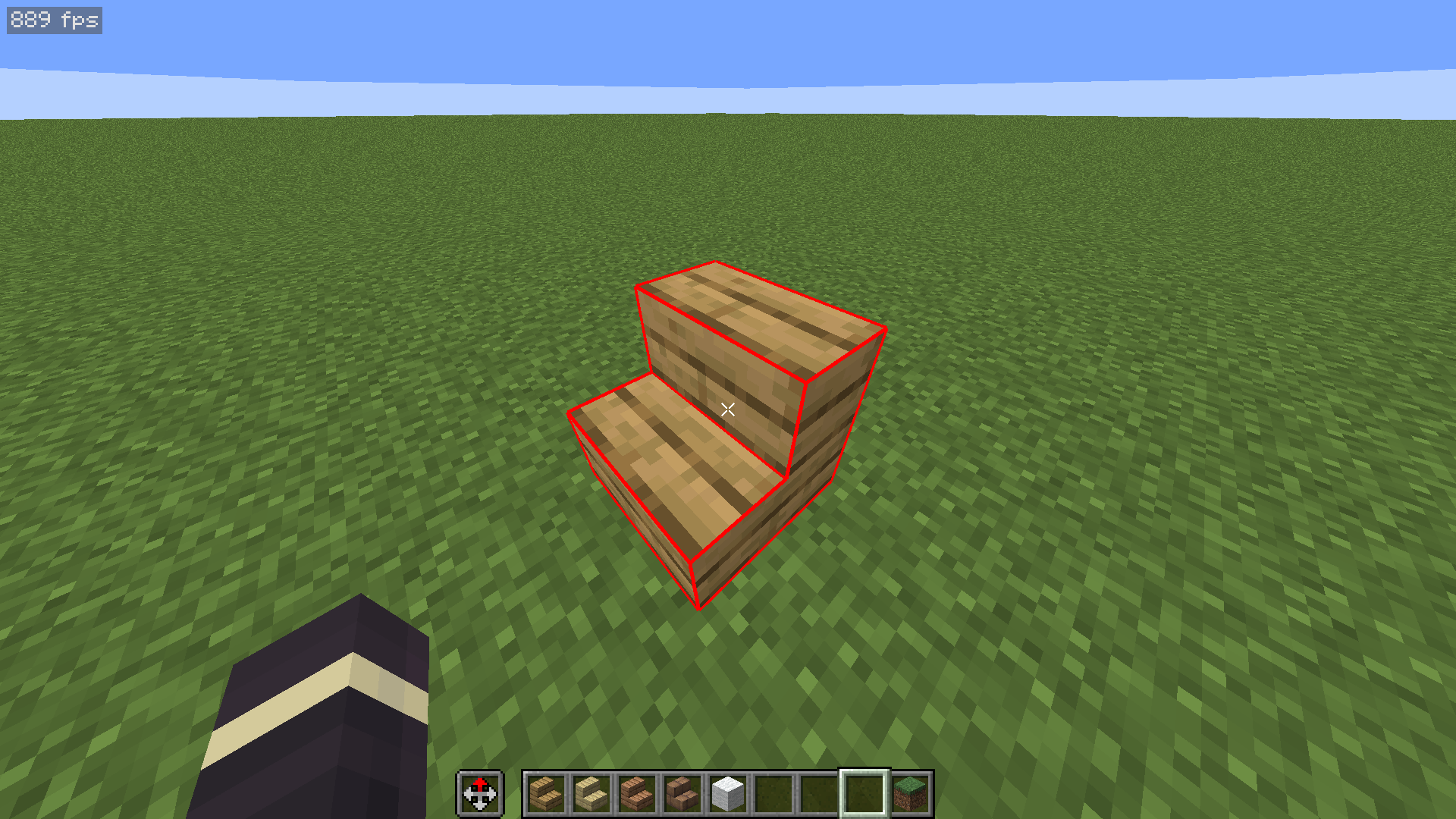
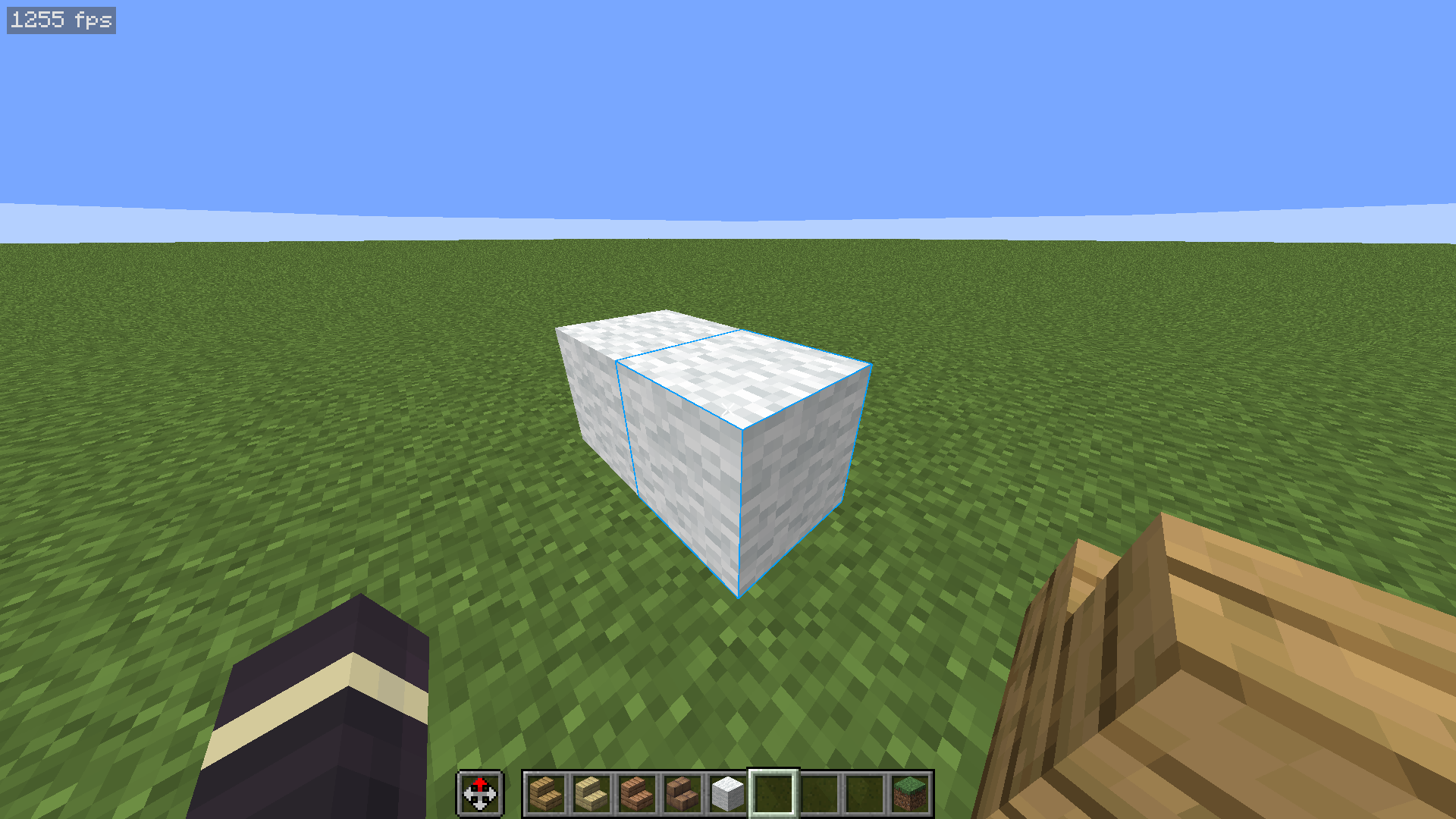
Description
If you ever wanted to customize the color of the outlines around blocks that you look at, then this is the right texture pack for you. It works completely in Vanilla Minecraft 1.21+ so you don't need to worry about installing any other mods. You can also easily disable it by just taking the pack off!
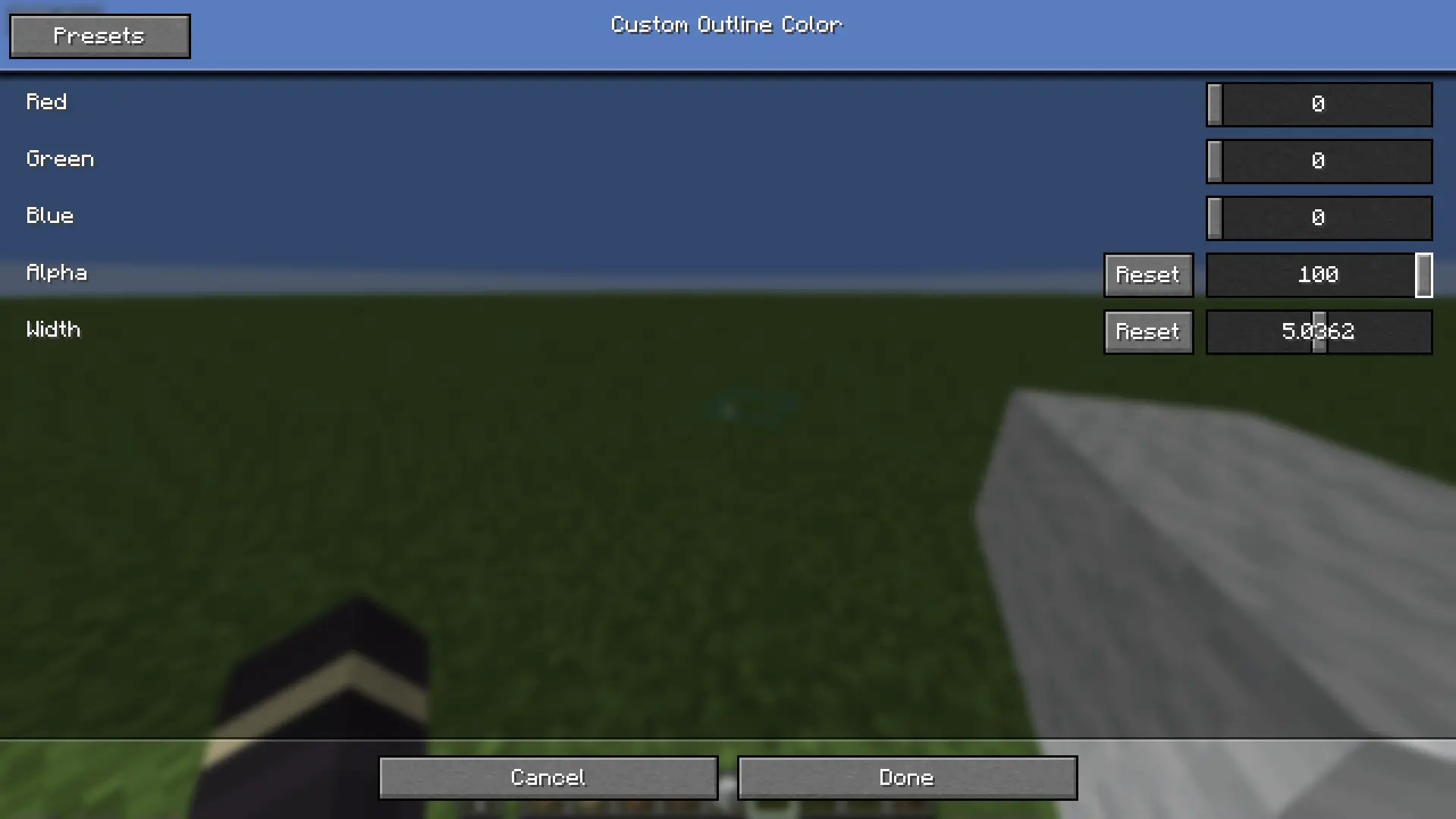
Optionally, you can install a mod called respackopts that will allow you to have settings for the texture pack. This will allow you to easily customize how the outlines look on the fly. Alternatively, there's a configuration file inside the texture pack itself that you can customize. You can find instructions on how to actually use the texture pack below.
How to Use
- Install and apply the texture pack
- (Optionally) for easier customization, install the respackopts mod
- If you did step 2, you will see a new settings button appear on the texture pack ingame. You can use these settings to customize the color, transparency, and width of the outlines
- If you skipped step 2, you can instead open the texture pack in your files, navigate to
assets/minecraft/shaders/includethen open thecustom_outlines.glslfile. You will find the options near the top of the file.
Support
If you want to suggest anything, report a bug, or vote on future packs, then join my discord
- Edition: Minecraft Java
- File type: .zip (resource pack)
- Minecraft versions listed: 1.20.2, 1.20.3, 1.20.4
- How to install: Download the .zip resource pack — do not unzip it. → Put it in .minecraft/resourcepacks. → Enable it in Options → Resource Packs.
- Where to get it: Opens on Modrinth — not every file is mirrored on our own servers.
Install steps are the general flow for this file type — How to install Minecraft Java resource packs walks through it step by step.
- Downloads as §7§lColor Me Outlines §7v2.0.2.zip
- Download size: 13 KB
- Download link checked 28 Aug 2026 — working
These come from our own check of the pack file, not from the source page.