
Blocks in Blocks Renewed
I don't know my version or loader
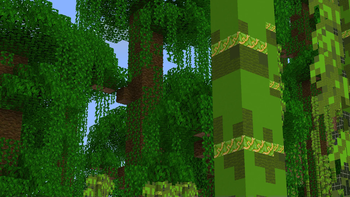
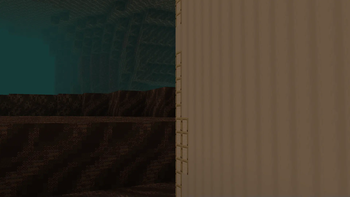
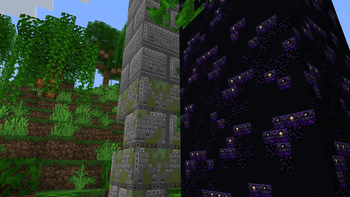
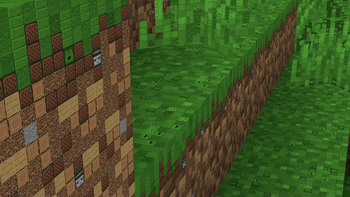
u/leckaschmecka's post
Inspired this pack, most credit goes to them.
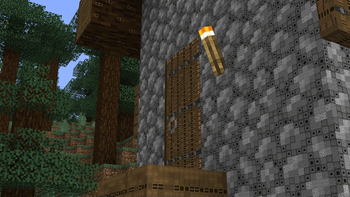
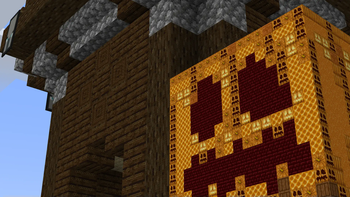
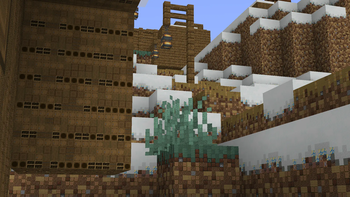
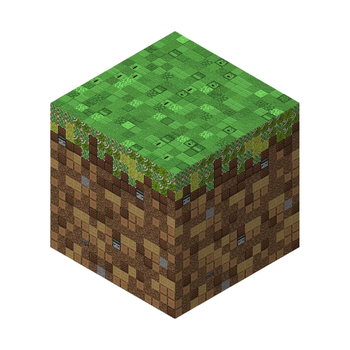
This update's u/leckaschmecka Blocks in Blocks pack to the latest (and earlier) versions, all made using mathematical formulas.
This pack was both a programming goal/project, as well as something I wanted to try and see if I could recreate myself for newer versions after finding out that the creator didnt update it after 1.15, which was pretty sad.
Over the past couple years, I had started getting skills in programming, and manipulating images with python, and decided to put that to use in order to make this pack, which I did.
This program starts by getting the avarage color of each texture, then making a reference dictionary, and then based off each pixel of each image, getting the closest image (from its avarage color,) and then putting it into a new image thats 16x the size.
And the result? well, they speak for themselves, go ahead and download a version and try it out!
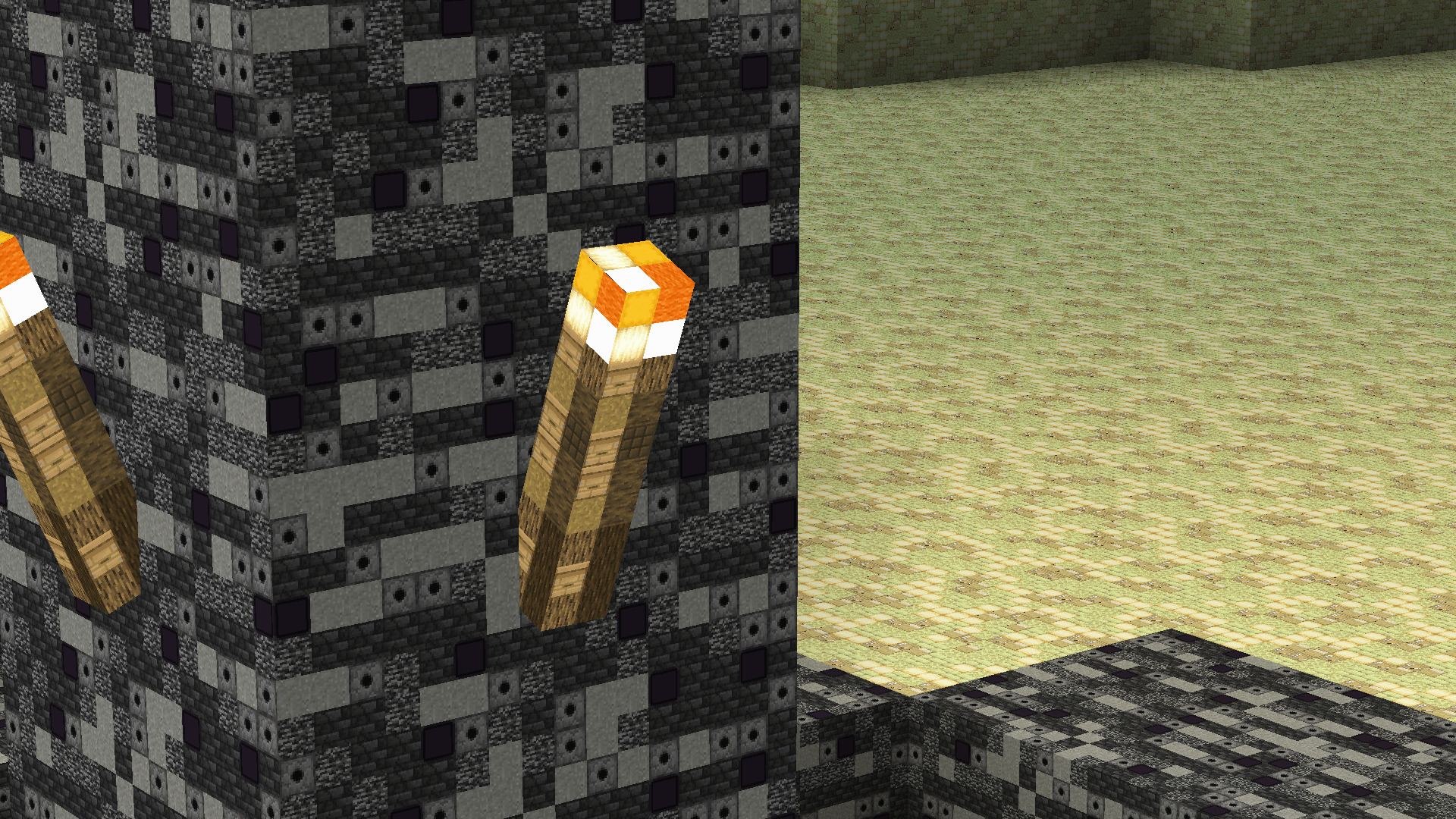
- Edition: Minecraft Java
- File type: .zip (resource pack)
- Minecraft versions listed: 1.21, 1.21.1, 1.21.2
- How to install: Download the .zip resource pack — do not unzip it. → Put it in .minecraft/resourcepacks. → Enable it in Options → Resource Packs.
- Where to get it: Opens on Modrinth — not every file is mirrored on our own servers.
Install steps are the general flow for this file type — How to install Minecraft Java resource packs walks through it step by step.
- Downloads as Blocks in Blocks Renewed 1.21 v5.zip
- Download size: 116.1 MB
- Download link checked 28 Aug 2026 — working
These come from our own check of the pack file, not from the source page.