
NIJISANJI EN Resource Pack
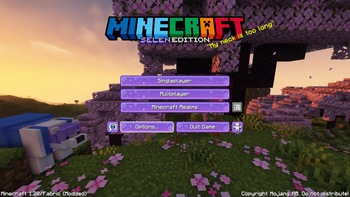
This is an Official NIJISANJI EN Resource Pack, produced and organized by Selen Tatsuki, which implements a variety of NIJISANJI EN themed features as…
I don't know my version or loader
NIJISANJI EN: Resource Pack
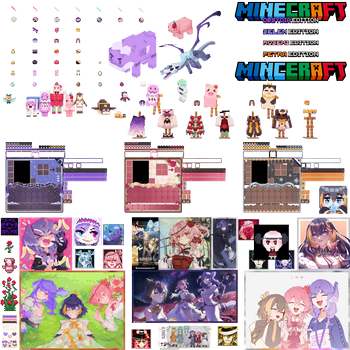
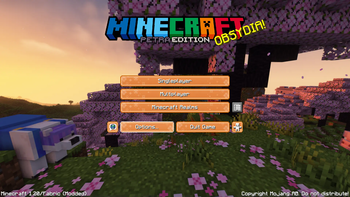
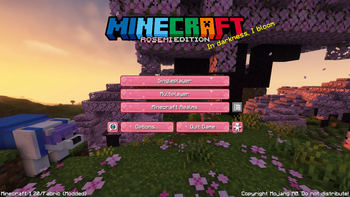
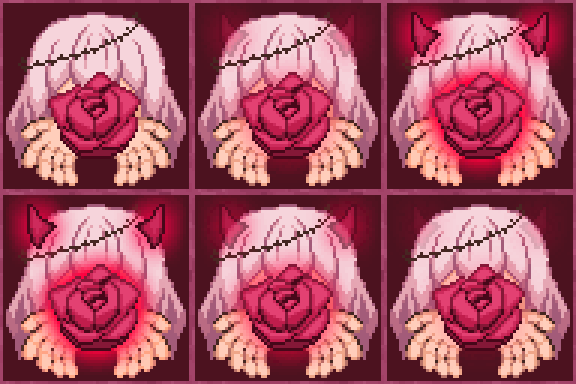
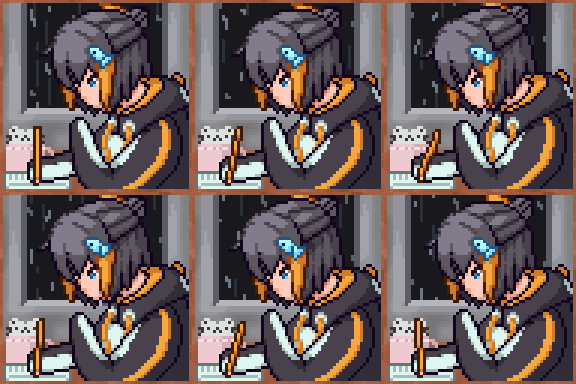
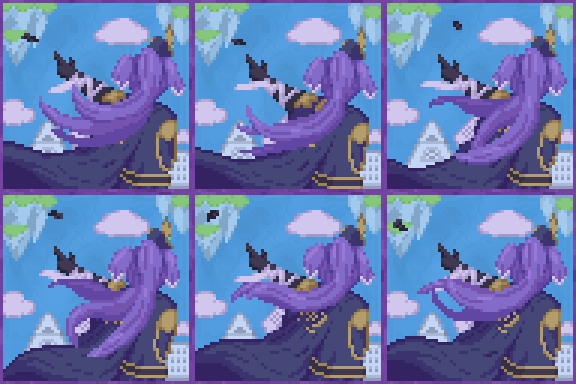
The NIJISANJI EN Resource Pack is an Official NIJISANJI EN project, produced and organized by Selen Tatsuki, which implements a variety of custom NIJISANJI EN themed retextured and remodelled items and entities, custom OBSYDIA member themed GUI. As well as featuring original voice acting from NIJISANJI EN Members!
Installation Guide
There are 2 ways to install this pack for it to work properly. The first is an OptiFine Install, which is a simple easy method for those new to modded Minecraft, and the second a Fabric Install for those who use other mods or don't like Optifine. We recommend using Optifine!
The Guide here will show you how to do both, or alternatively you can watch the YouTube Install Videos.
OptiFine
Fabric
Contents

NIJISANJI EN MOBS
[Requires CEM support] OSRP turns the following mobs into your favorite NIJISANJI EN Talents, featuring original voice lines provided by them!


- Pomu Allay
- Finana Drowned
- Elira Ender Dragon
- Selen Polar Bear
- Rosemi Iron Golem
- Petra Snow Golem
- Dragoon Pillager
- Pentomo Turtle
- Rosebud Villager
- Reimu Vex
Custom Re-Nameable Items
Requires CIT support. Items can be renamed in-game at an anvil to display new textures. (Case insensitive)
OBSYDIA Members Armor Rename an armor piece (iron, diamond or netherite) by adding a member name (Selen, Rosemi, Petra), to display the corresponding armor.
- "____ helmet"
- "____ chestplate"
- "____ leggings"
- "____ boots"
OBSYDIA Cookies Rename a cookie to display an OBSYDIA-themed cookie
- "petra cookie"
- "selen cookie"
- "rosemi cookie"
OBSYDIA Elytra Rename an Elytra to display an OBSYDIA-themed set of wings
- "petra elytra"
- "selen elytra"
- "rosemi elytra"
Colored Glowsticks Rename a stick to display a colored glowstick
- "blue glow stick"
- "cyan glow stick"
- "green glow stick"
- "magenta glow stick"
- "orange glow stick"
- "purple glow stick"
- "red glow stick"
- "yellow glow stick"
OBSYDIA Pie Rename a pie to display an OBSYDIA-themed pie
- "petra pie"
- "selen pie"
- "rosemi pie"
OBSYDIA Mascot Shield Rename a shield to display an OBSYDIA mascot-themed shield
- "pentomo shield"
- "dragoon shield"
- "rosebud shield"
Rosemi Totem of Undying Rename a totem of undying to display a Rosemi-themed totem
- "rose totem"
- "rosemi totem"
Music Discs
Custom disc textures & lo-fi renditions of original NIJISANJI music
- Diamond City Lights
- Black Out
- God sees all - keiki_
- Hope in the dark
- Stuck In The Abyss
- Lets Get It Started
- HOLD IT DOWN
Paintings
Featured NIJISANJI fanart
- "#Artsuki" - 釜飯轟々丸
- "1st Anniversary" - syan
- "Alban" - Zoggga
- "Elira" - Zoggga
- "Luca" - Zoggga
- "Meloco" - Zoggga
- "NIJISANJI EN THE MOVIE" - 釜飯轟々丸
- "Nina" - Zoggga
- "OBSYDIA!!!" - aki
- "Peto Peto Penguin" - Craymer
- "Ren" - Zoggga
- "Rosemi" - Zoggga
- "SELEN!!!" - HARUSHURURU
- "Stars & Roses" - Akemono
- "Submit To Rosemi-SAMA" - Senki
Requirements
OptiFine features CEM & CIT support, so no additional mods are needed. The Guide will show you how to install (click the little blue text). Or alternatively you can watch the YouTube Tutorial
[Non-OptiFine Installation]
If you are not using OptFine (i.e. you are a Sodium, Fabric/Quilt user), install the following mods and their dependencies/requirements instead:
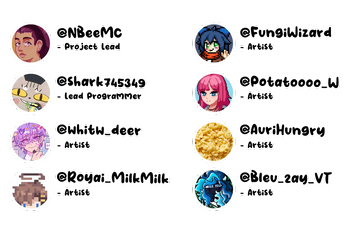
Dev Team
Producer

Project Lead

Coding Lead

Artists


Special Credits
Spawn Egg Folder Structure
Folder Structure Reference and Smooth Font
- Edition: Minecraft Java
- File type: .zip (resource pack)
- Minecraft versions listed: 1.20, 1.20.1
- How to install: Download the .zip resource pack — do not unzip it. → Put it in .minecraft/resourcepacks. → Enable it in Options → Resource Packs.
- Where to get it: Opens on Modrinth — not every file is mirrored on our own servers.
Install steps are the general flow for this file type — How to install Minecraft Java resource packs walks through it step by step.
- Downloads as NIJI EN 1.20 O.zip
- Download size: 241.5 MB
- Download link checked 28 Aug 2026 — working
These come from our own check of the pack file, not from the source page.