
⚫ Blackened Netherite
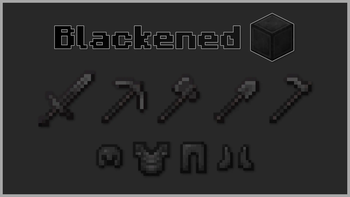
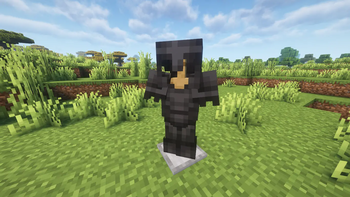
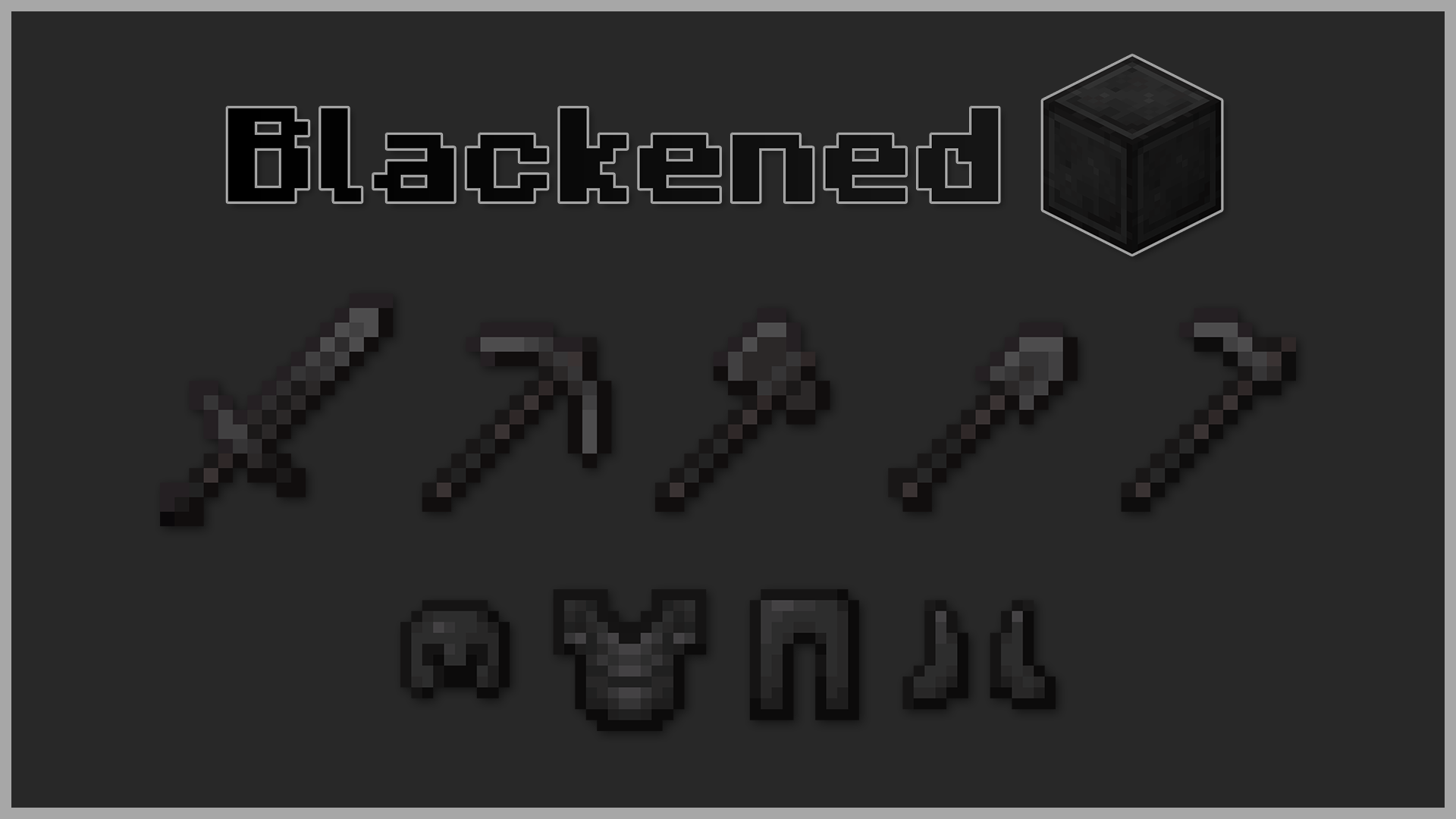
Blackened Netherite or Black Netherite gives Minecraft’s toughest material an even darker identity. Every netherite tool, block, and piece of armor now carries a bold black finish for a more menacing look 😨
🔍 What’s Inside
- ⚔️ Armor and weapons retextured with a pitch-black style
- 🪓 Tools and blocks refined into a deeper, shadowy tone
- 🎨 Subtle yet powerful visual tweak
🛠️ Installation
- Download the
.zipfile. - Open Minecraft → Options → Resource Packs → Open Pack Folder.
- Move the
.zipinto theresourcepacksfolder. - Select Blackened Netherite in-game and click Done.
Step into battle with the darkest version of Netherite. 🖤
Quick facts
- Edition: Minecraft Java
- File type: .zip (resource pack)
- Minecraft versions listed: 1.16, 1.16.1, 1.16.2
- How to install: Download the .zip resource pack — do not unzip it. → Put it in .minecraft/resourcepacks. → Enable it in Options → Resource Packs.
- Where to get it: Opens on Modrinth — not every file is mirrored on our own servers.
Install steps are the general flow for this file type — How to install Minecraft Java resource packs walks through it step by step.
Verified by MCModsHub
- Downloads as §8§lBlackened §f§lNetherite §7- §fv1.4.zip
- Download size: 63 KB
- Download link checked 28 Aug 2026 — working
These come from our own check of the pack file, not from the source page.