Nebula GUI and Hotbar
With swirling clouds of mist, and a sprinkle of stars, this GUI pack changes all inventories, menus and your hotbar to be in nice, calm shades of blue…
I don't know my version or loader
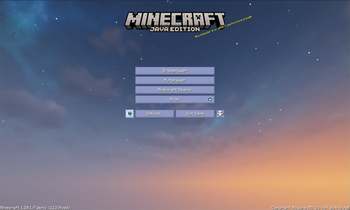
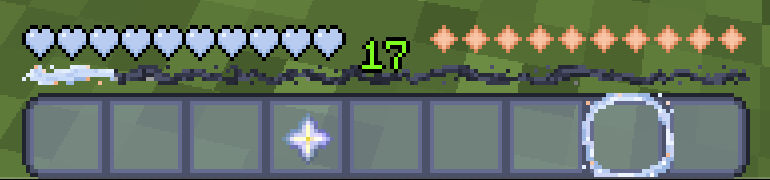
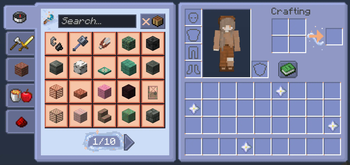
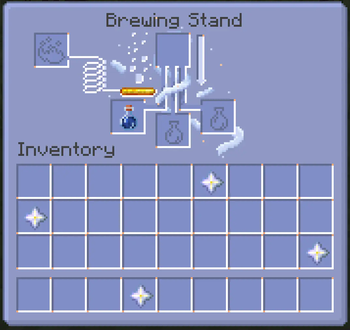
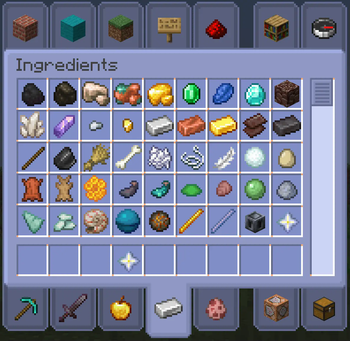
I most likely will not be updating this pack to any new versions. Feel free to manually update for personal use.
With swirling clouds of mist, and a sprinkle of stars, this GUI pack changes all inventories, menus and your hotbar to be in nice, calm shades of blue with hints of orange!
How to download:
- Click 'download texture pack'.
- Go to your download folder, and copy/cut the zip.
- Locate your .minecraft resource pack folder, and paste it in.
- Reload your Minecraft resource packs, and you'll be able to use it!
-> Please put this pack above all others in your resource pack menu, or else it will not work. If you need help, DM aelianix on discord or find me elsewhere at https://aelianix.carrd.co! <-
- Edition: Minecraft Java
- File type: .zip (resource pack)
- Minecraft versions listed: 1.21.10, 1.21.11
- How to install: Download the .zip resource pack — do not unzip it. → Put it in .minecraft/resourcepacks. → Enable it in Options → Resource Packs.
- Where to get it: Opens on Modrinth — not every file is mirrored on our own servers.
Install steps are the general flow for this file type — How to install Minecraft Java resource packs walks through it step by step.
- Downloads as nebulagui_2.5_v1.21.11.zip
- Download size: 3.6 MB
- Download link checked 28 Aug 2026 — working
These come from our own check of the pack file, not from the source page.