
565+ Minecraft Emoji
I don't know my version or loader
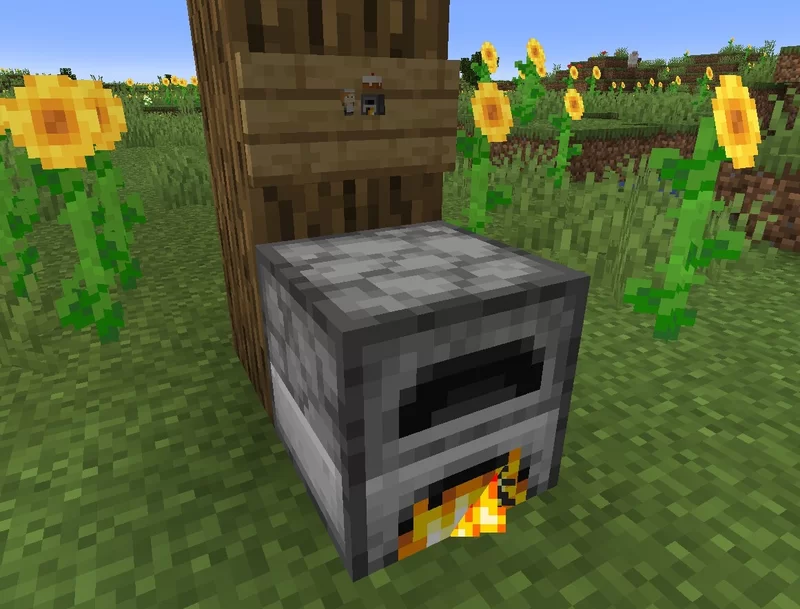
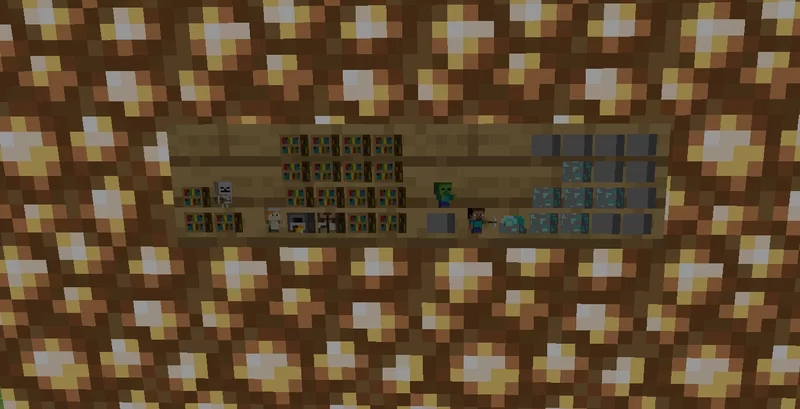
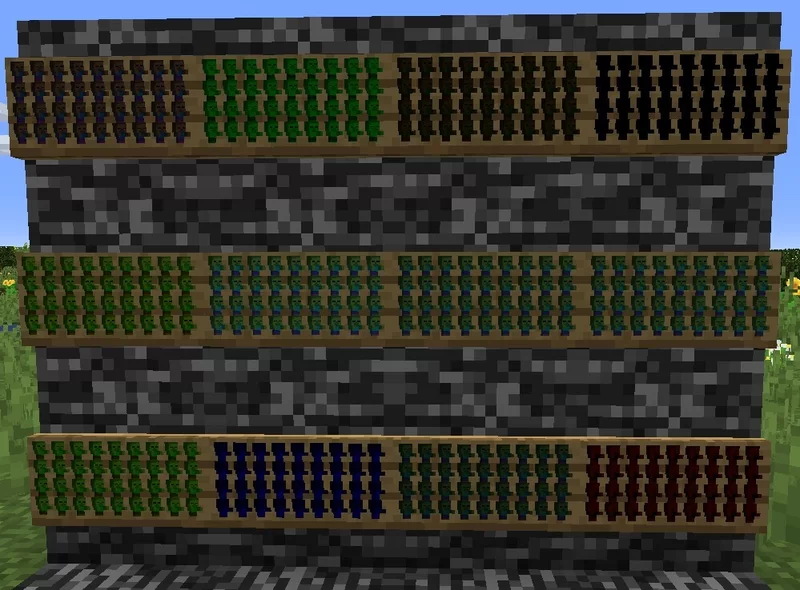
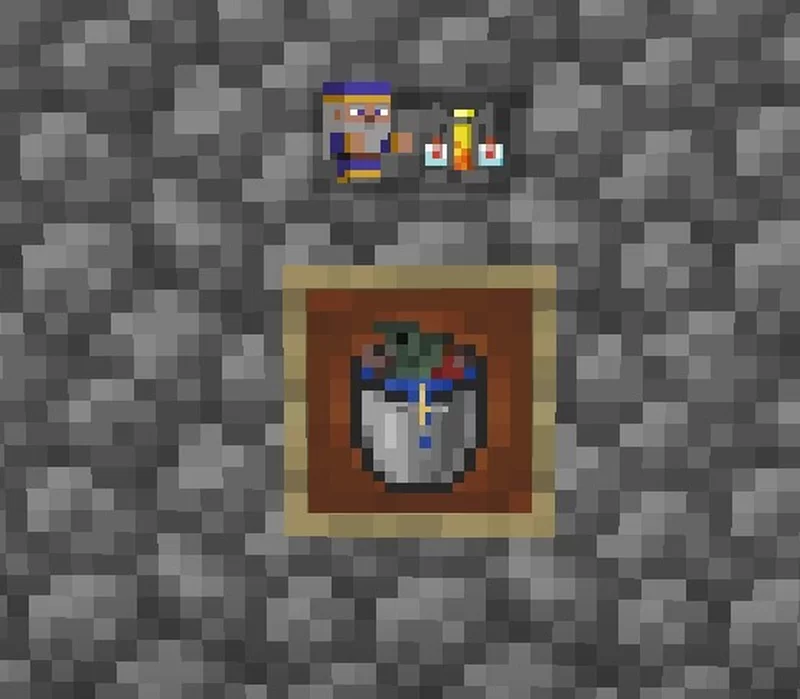
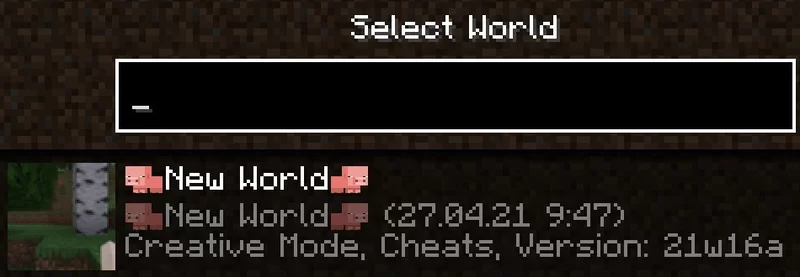
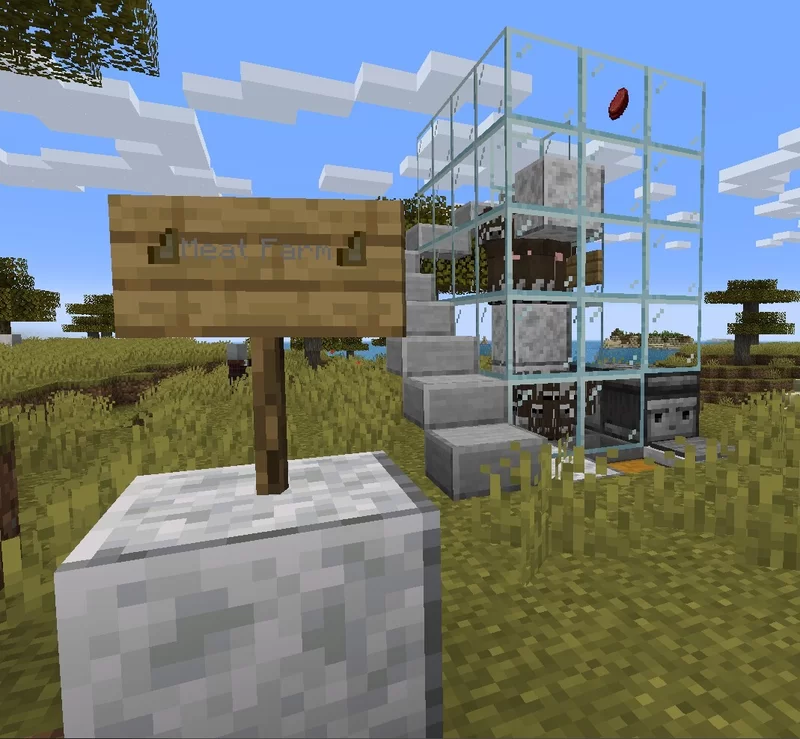
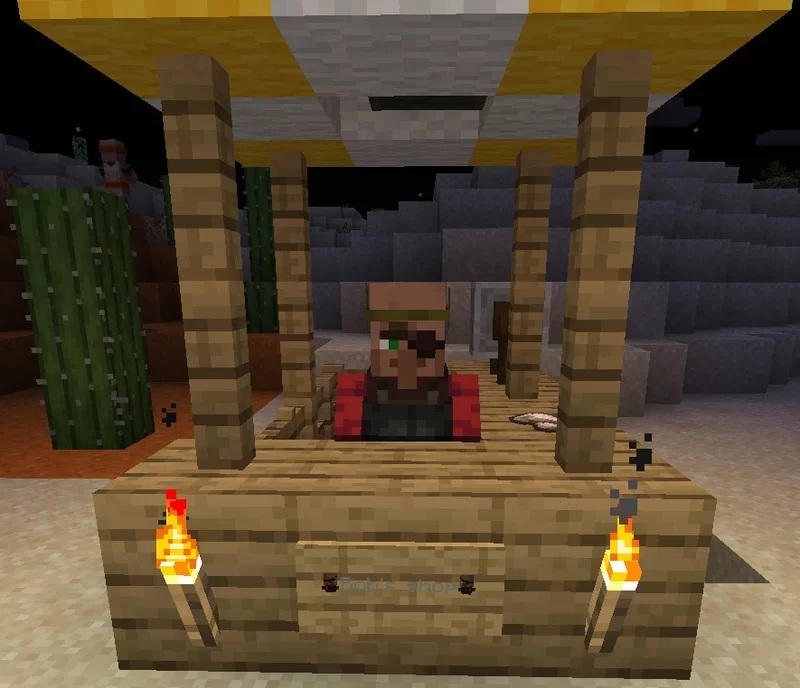
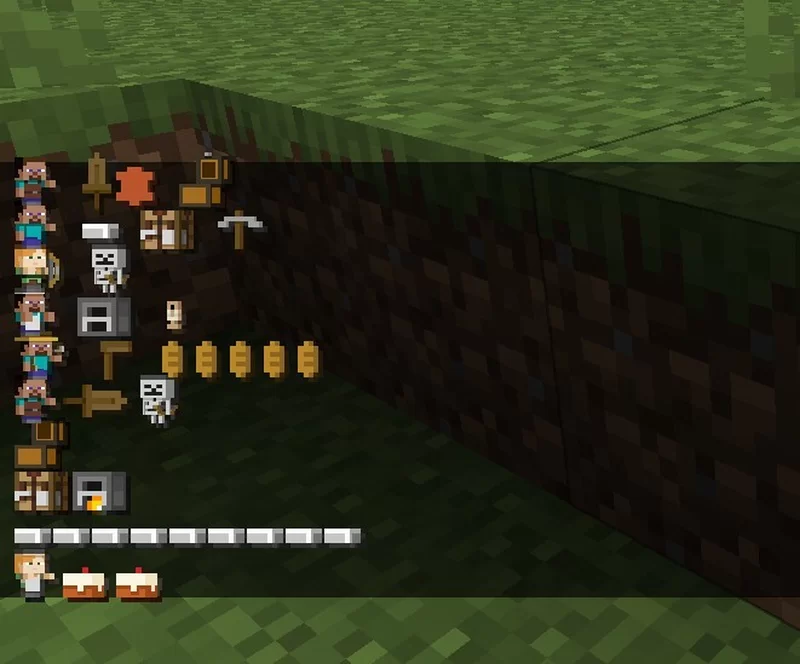
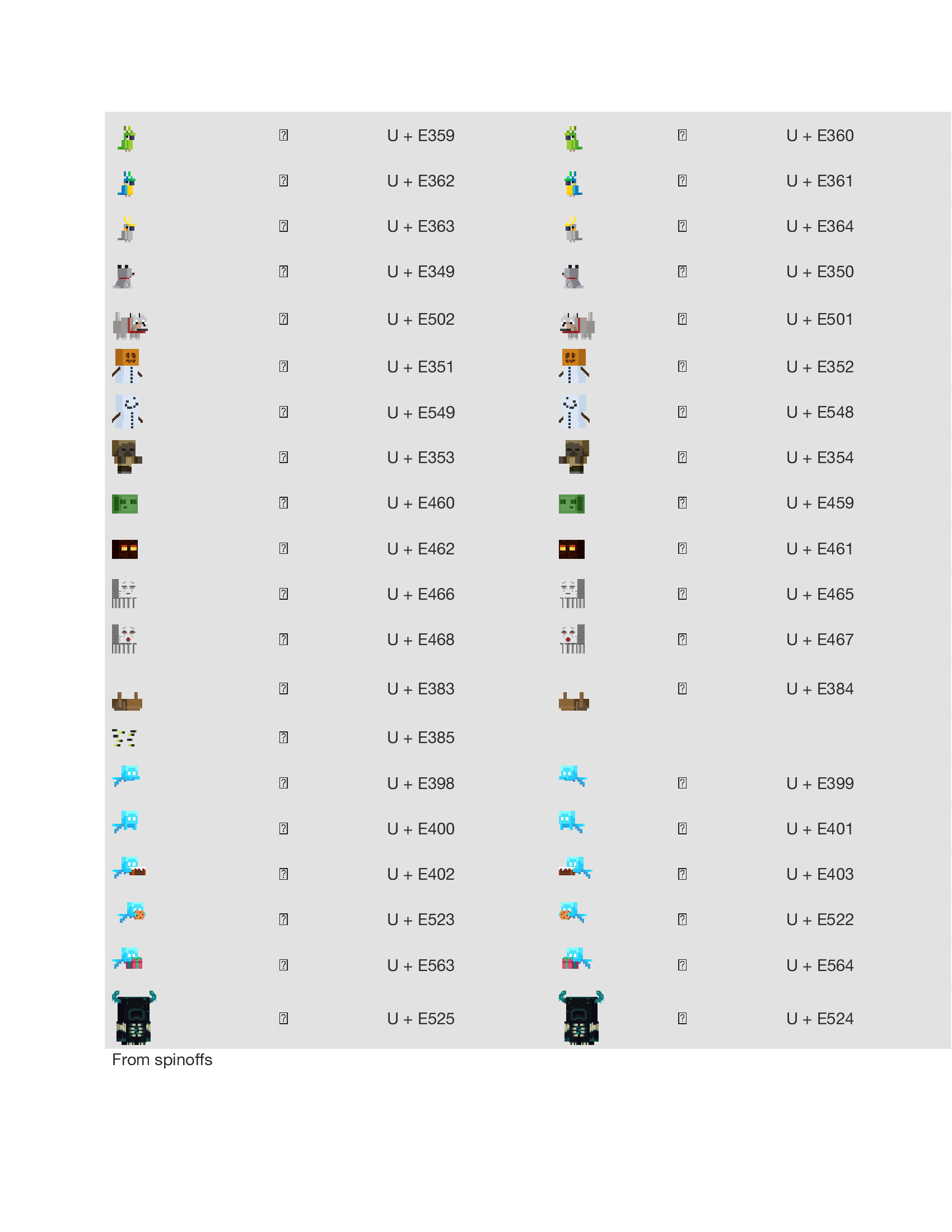
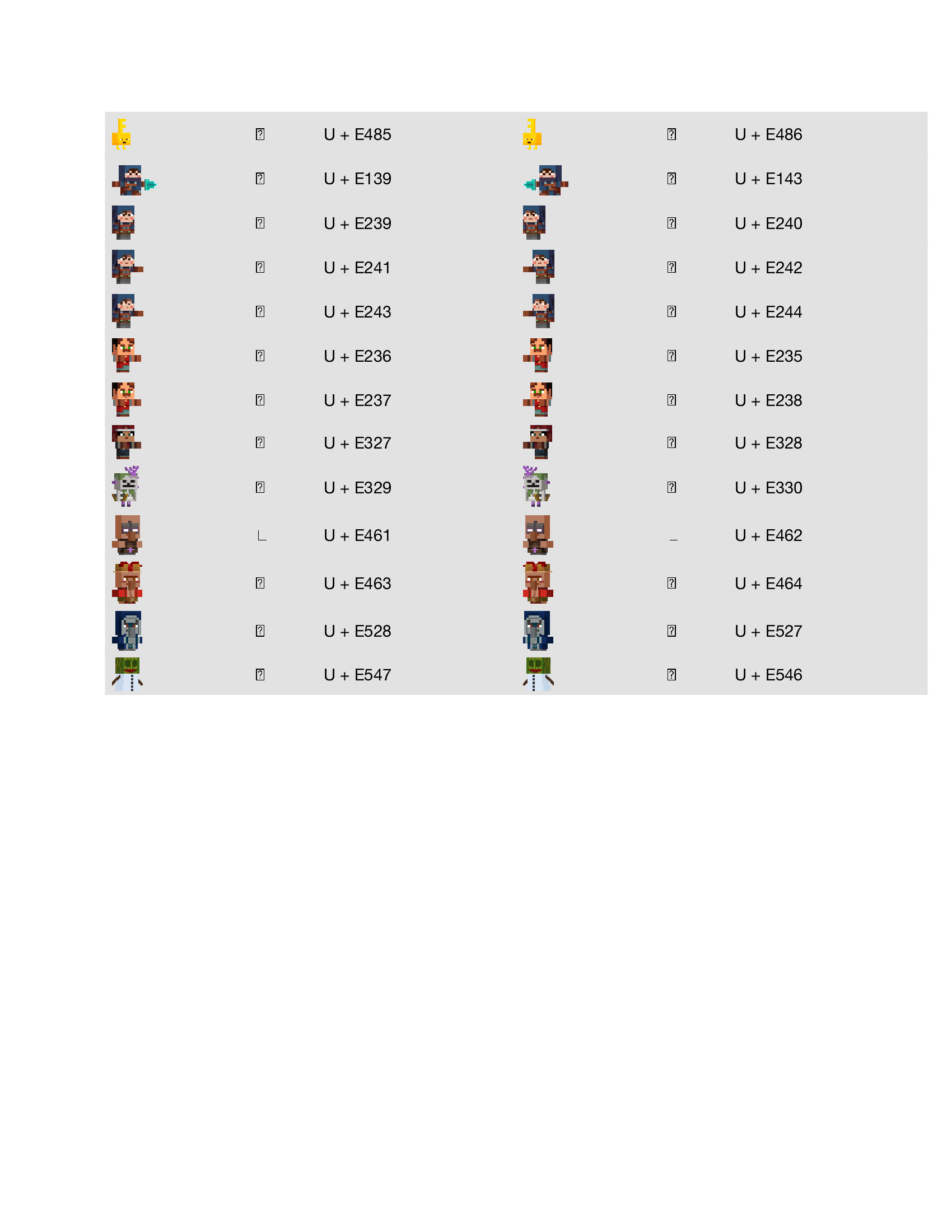
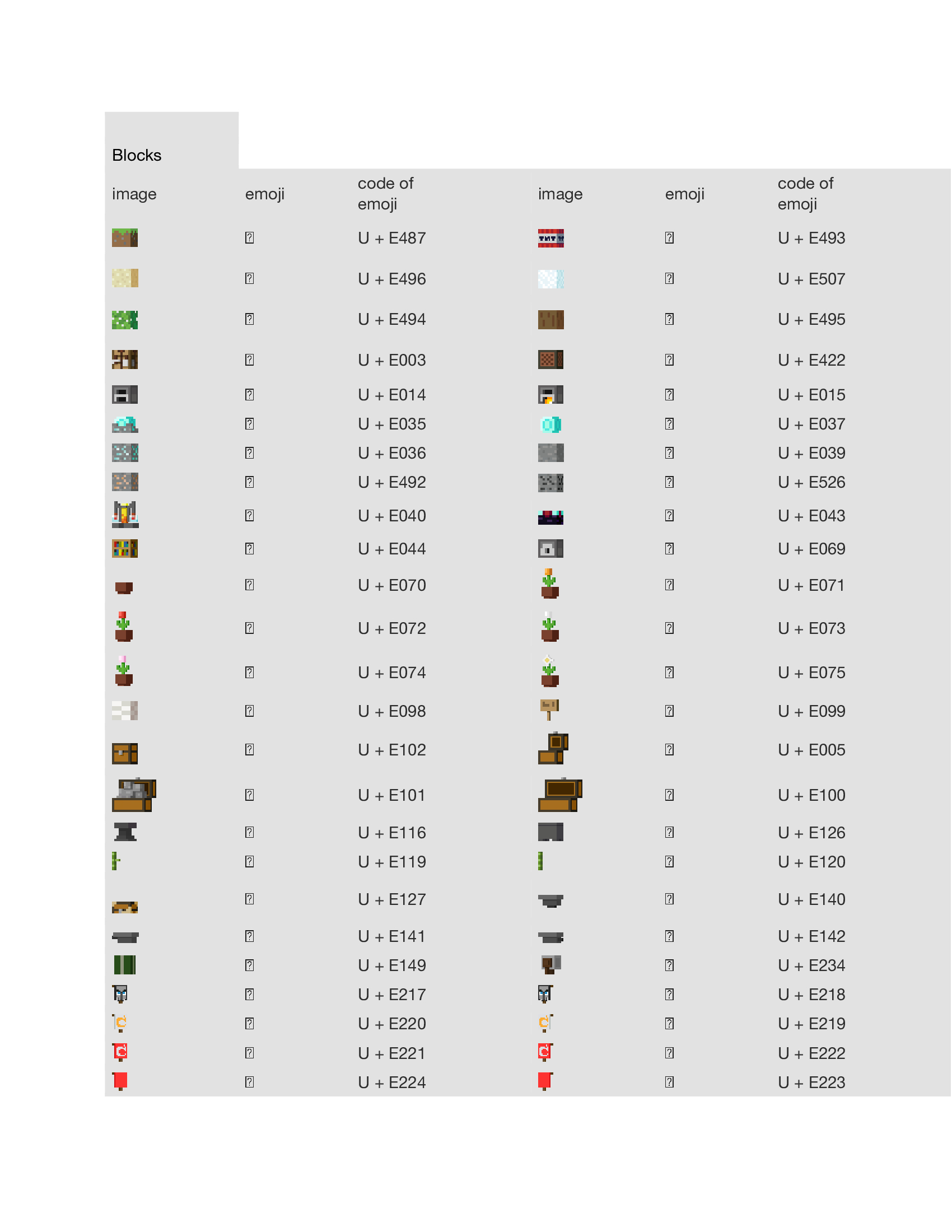
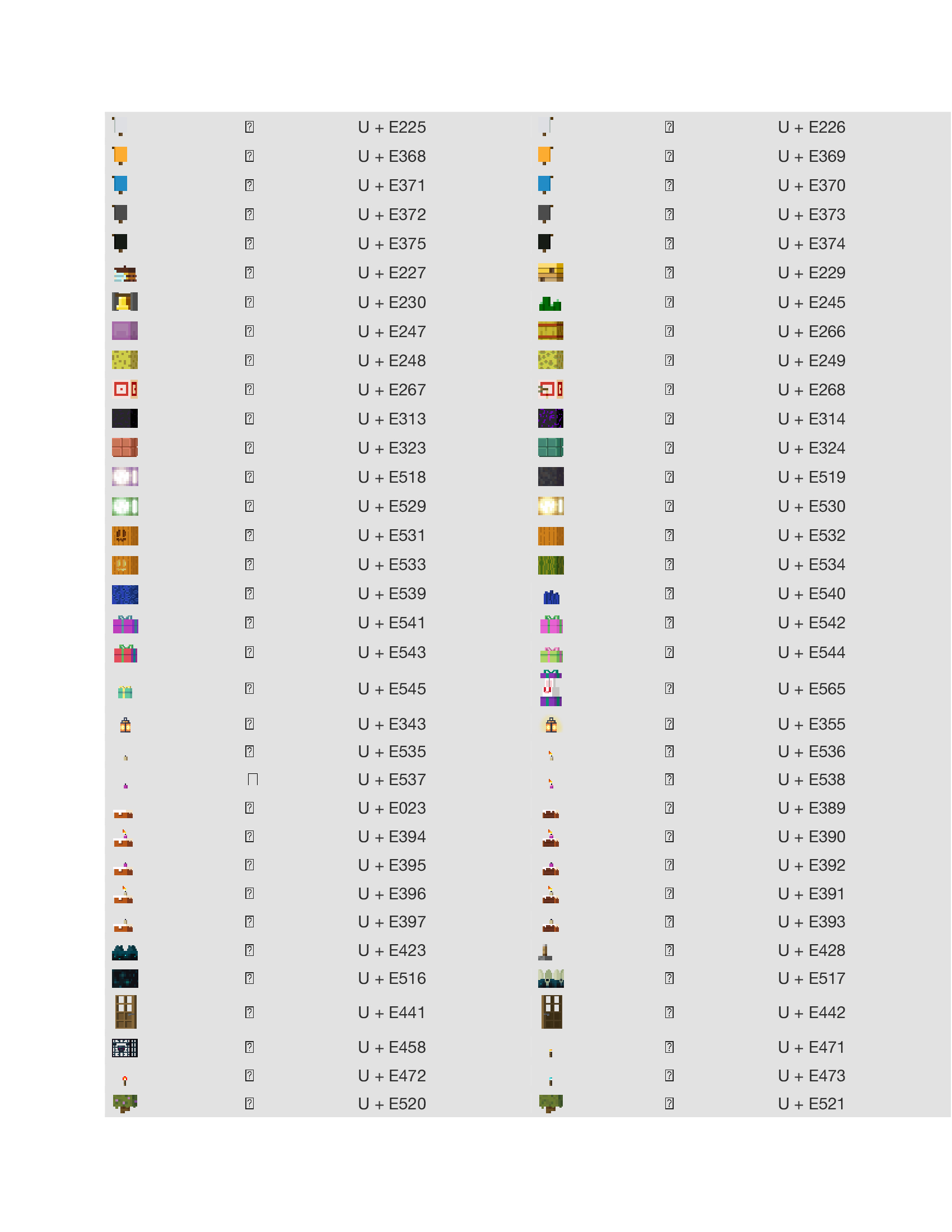
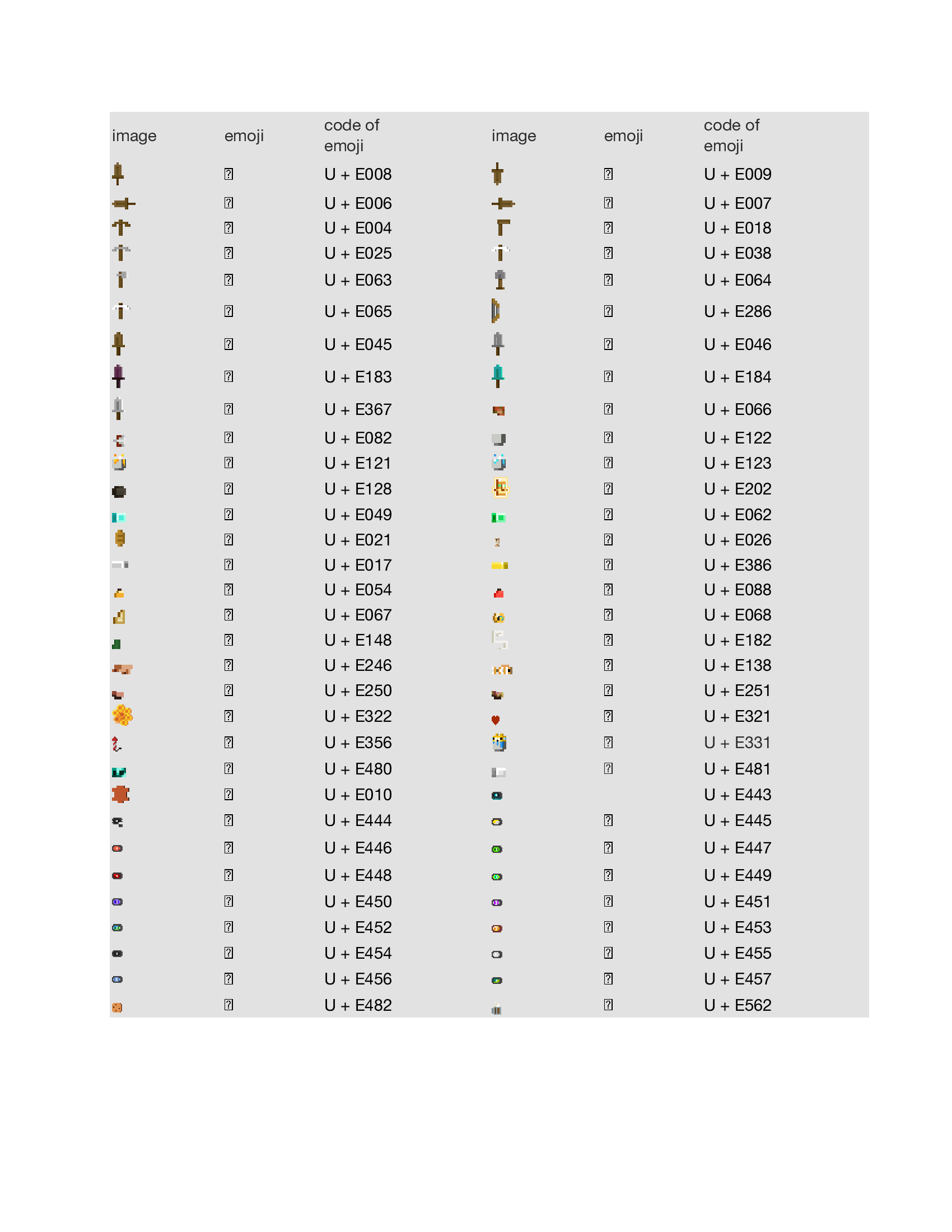
To insert an emoji into the game, you need to copy the ? in the square located on the opposite of the emoji picture that you would like to use
In order for the emoji on the plate to be highlighted, you need to paint them white
To use the emojis refer to this Google Doc and paste the next to it in Minecraft to use it.

Here is the Catalogue
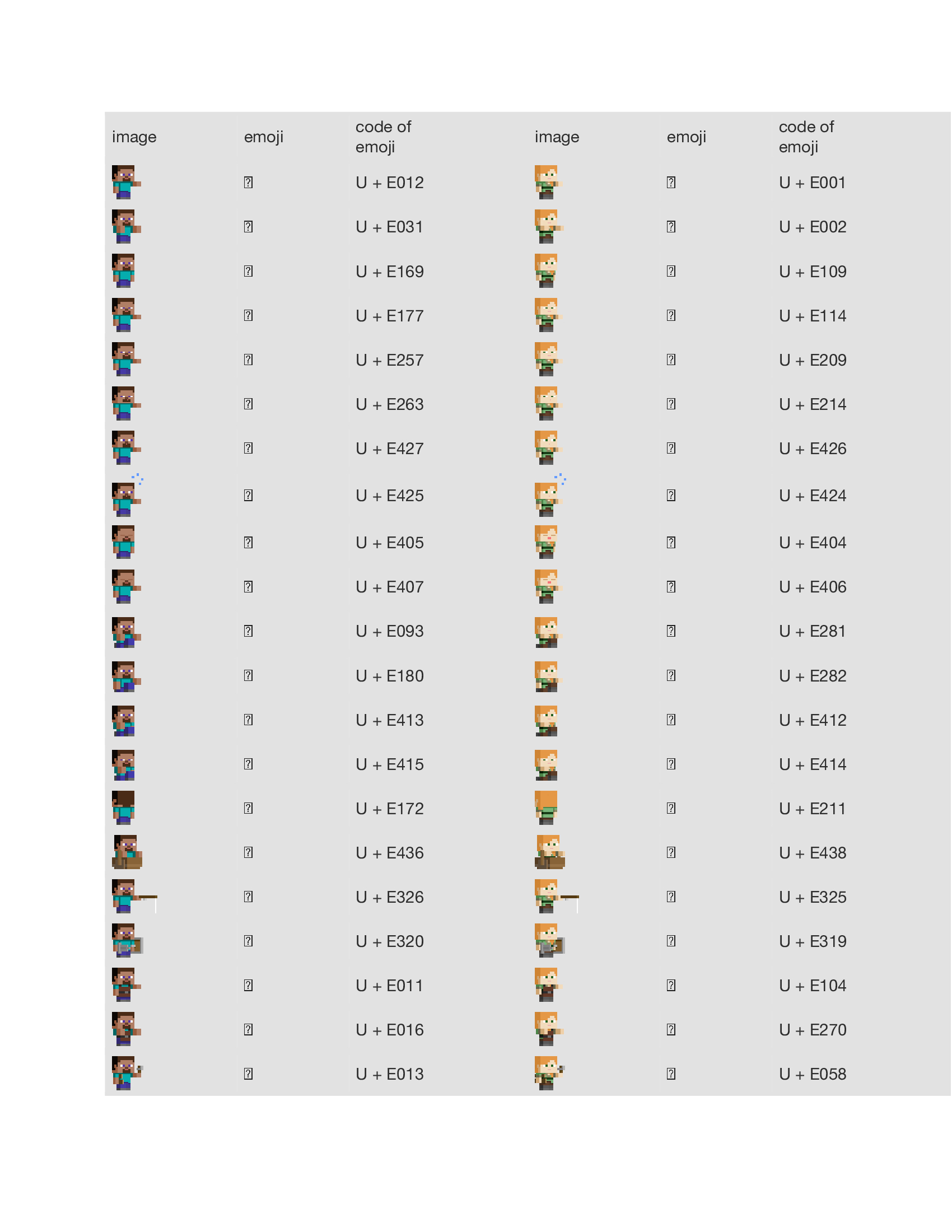
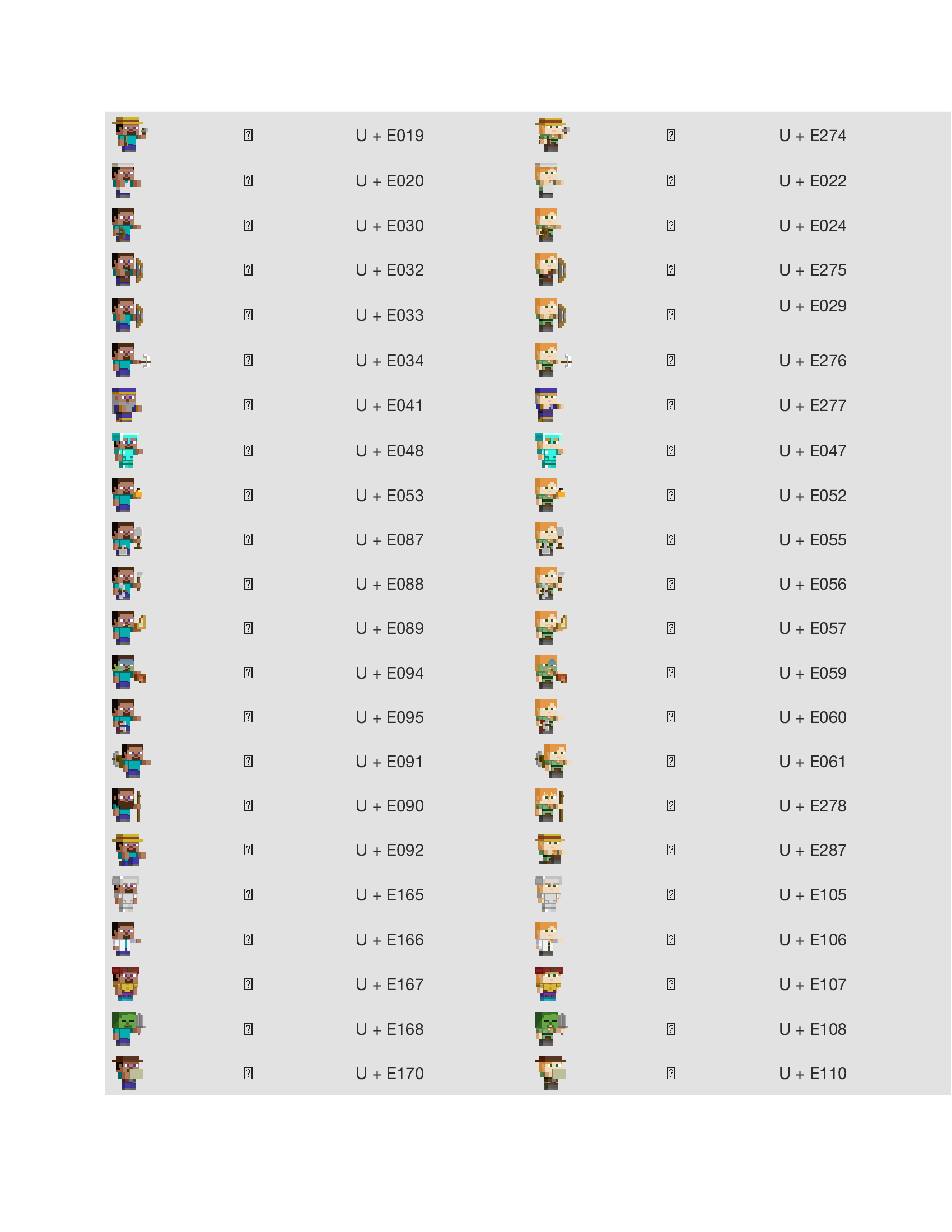
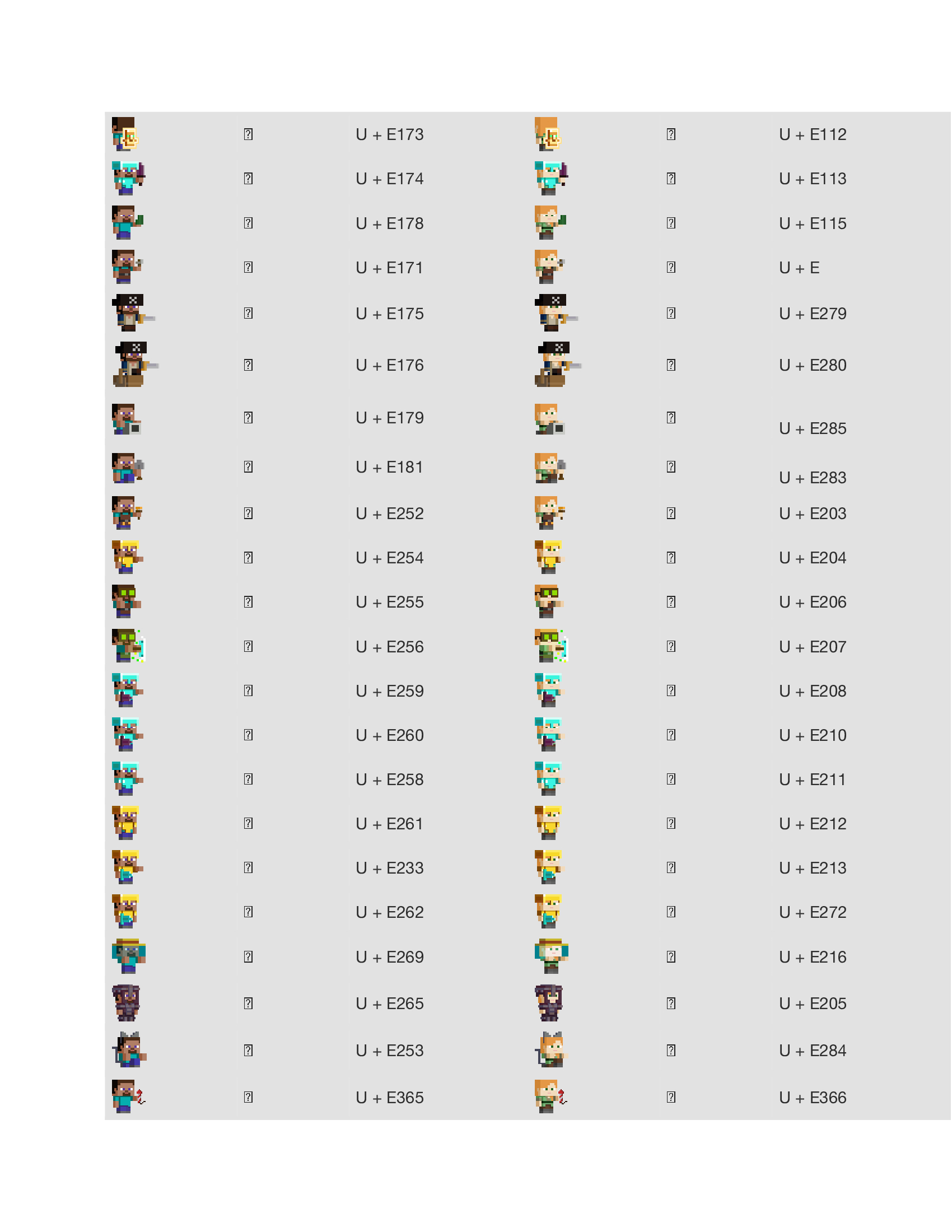
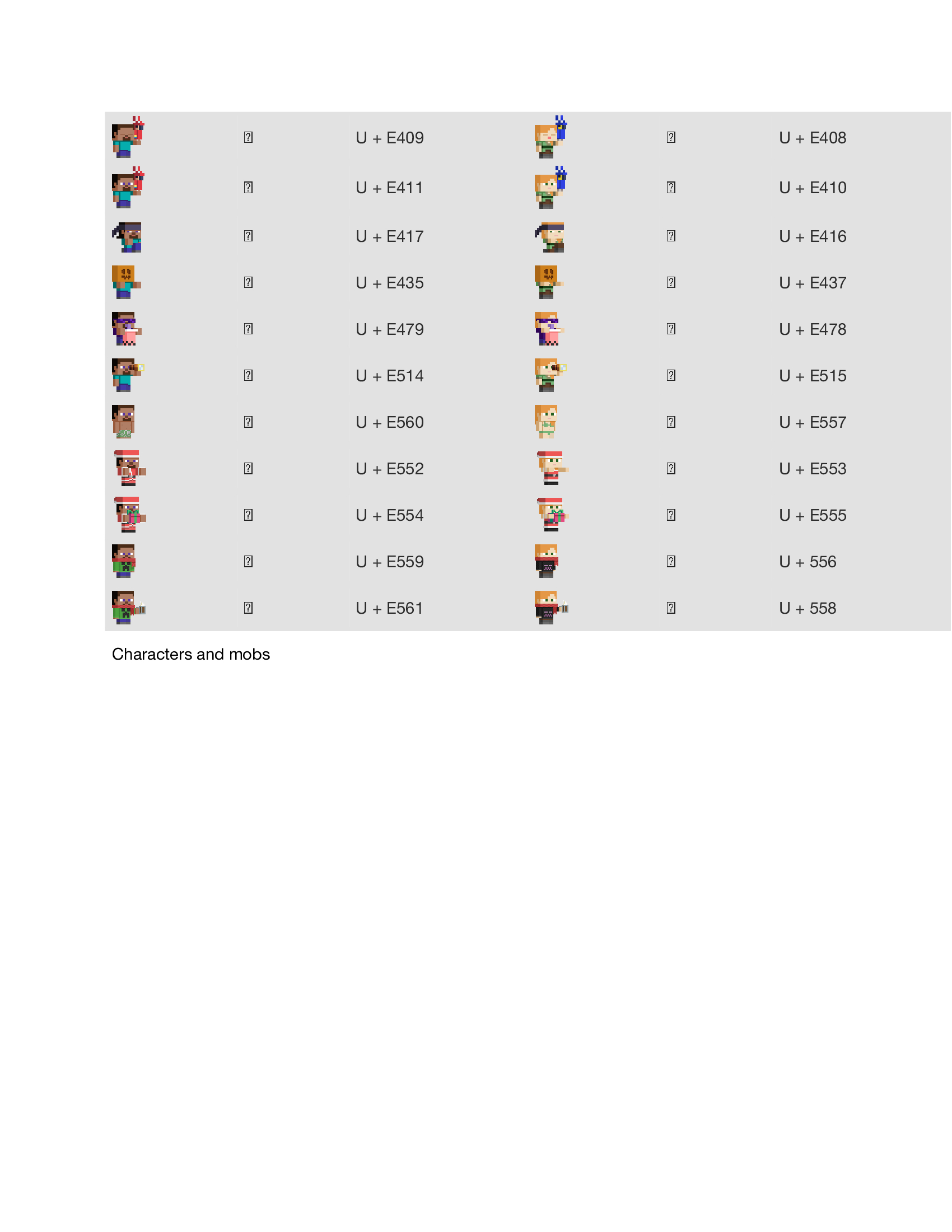
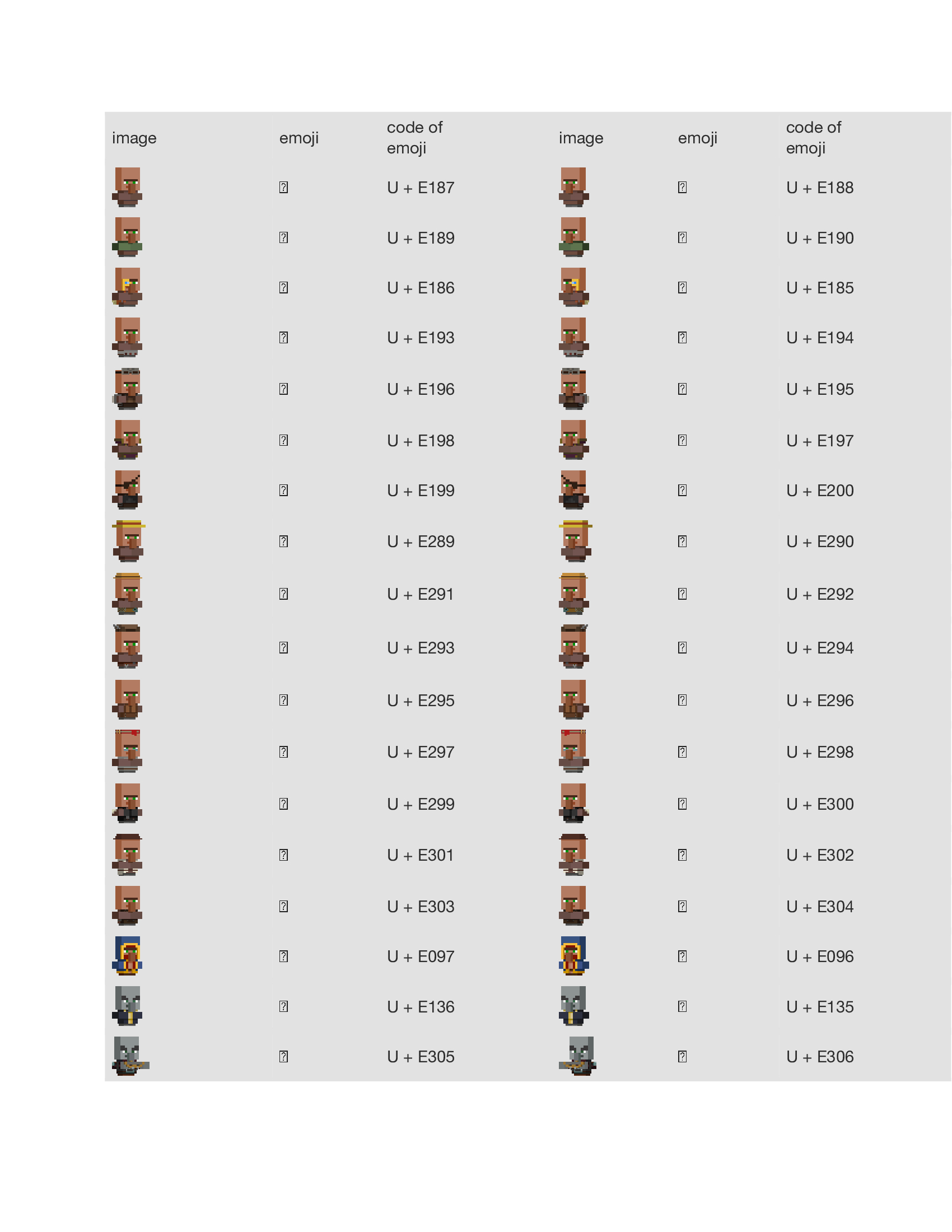
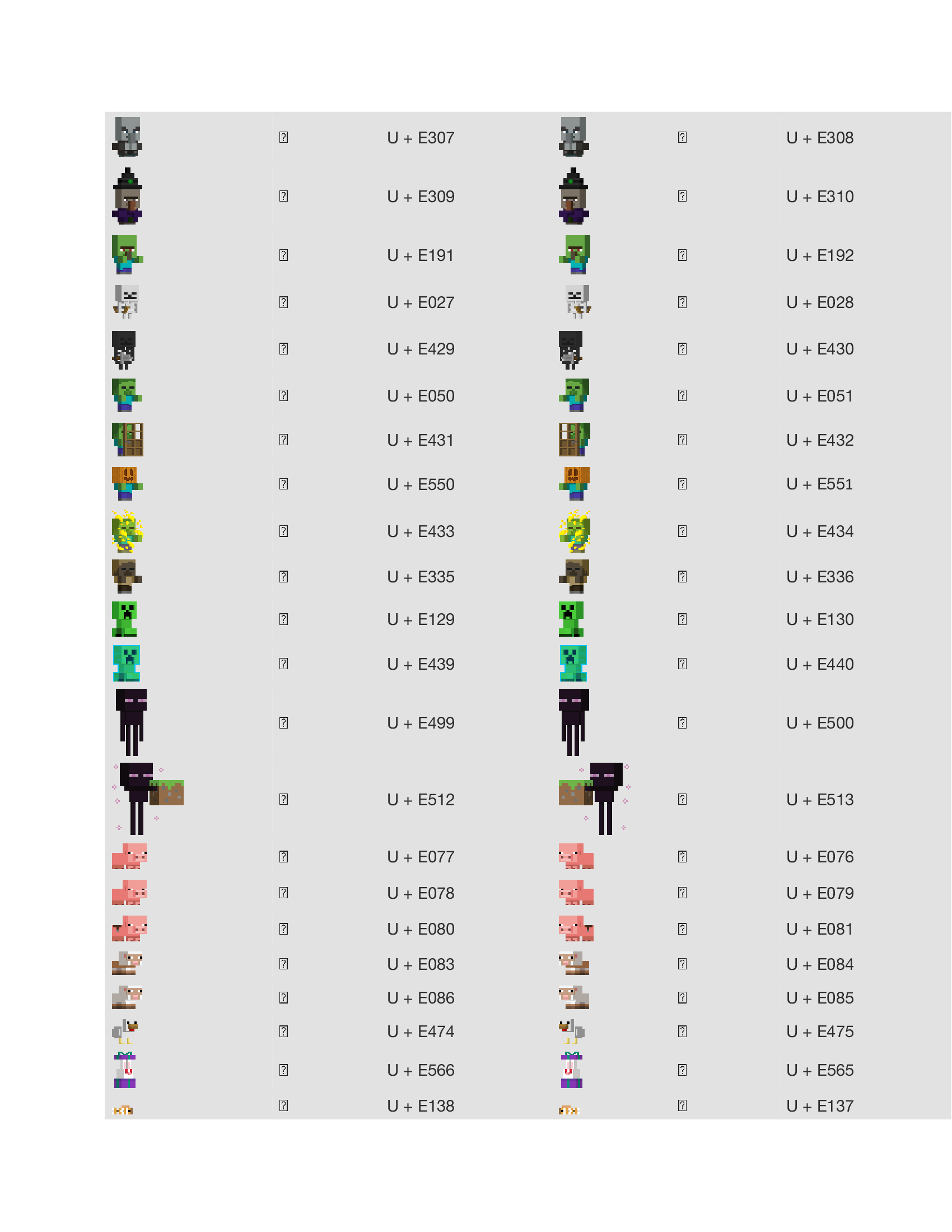
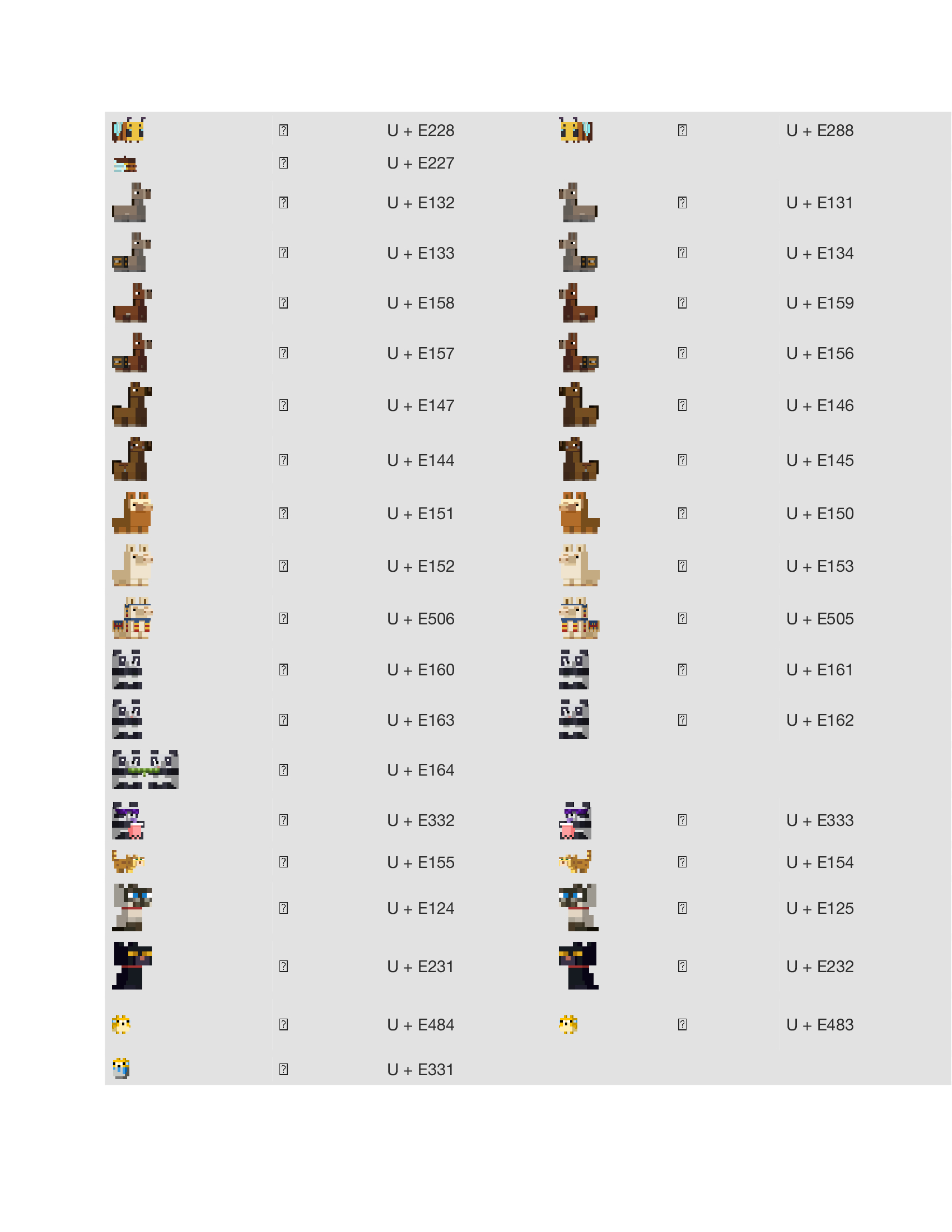
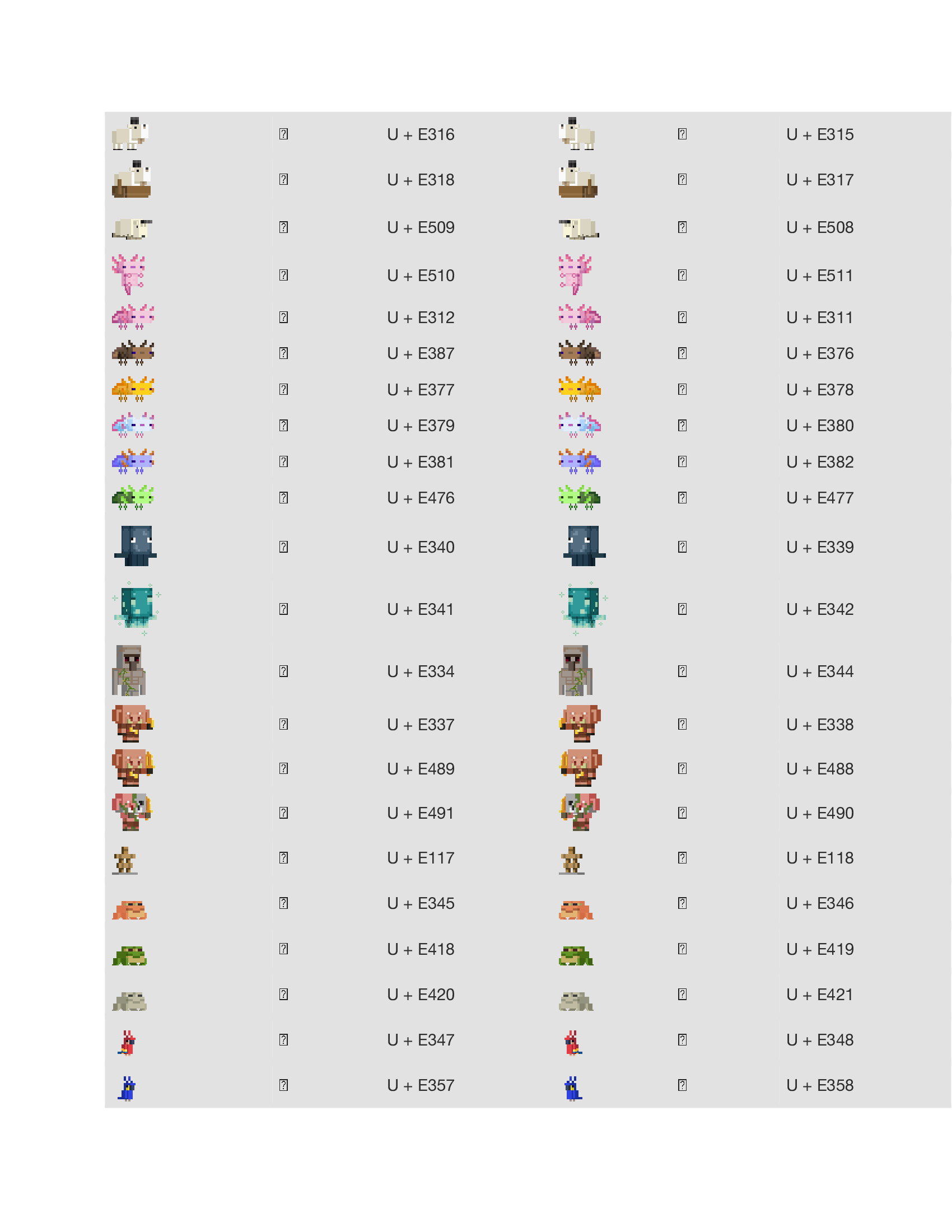
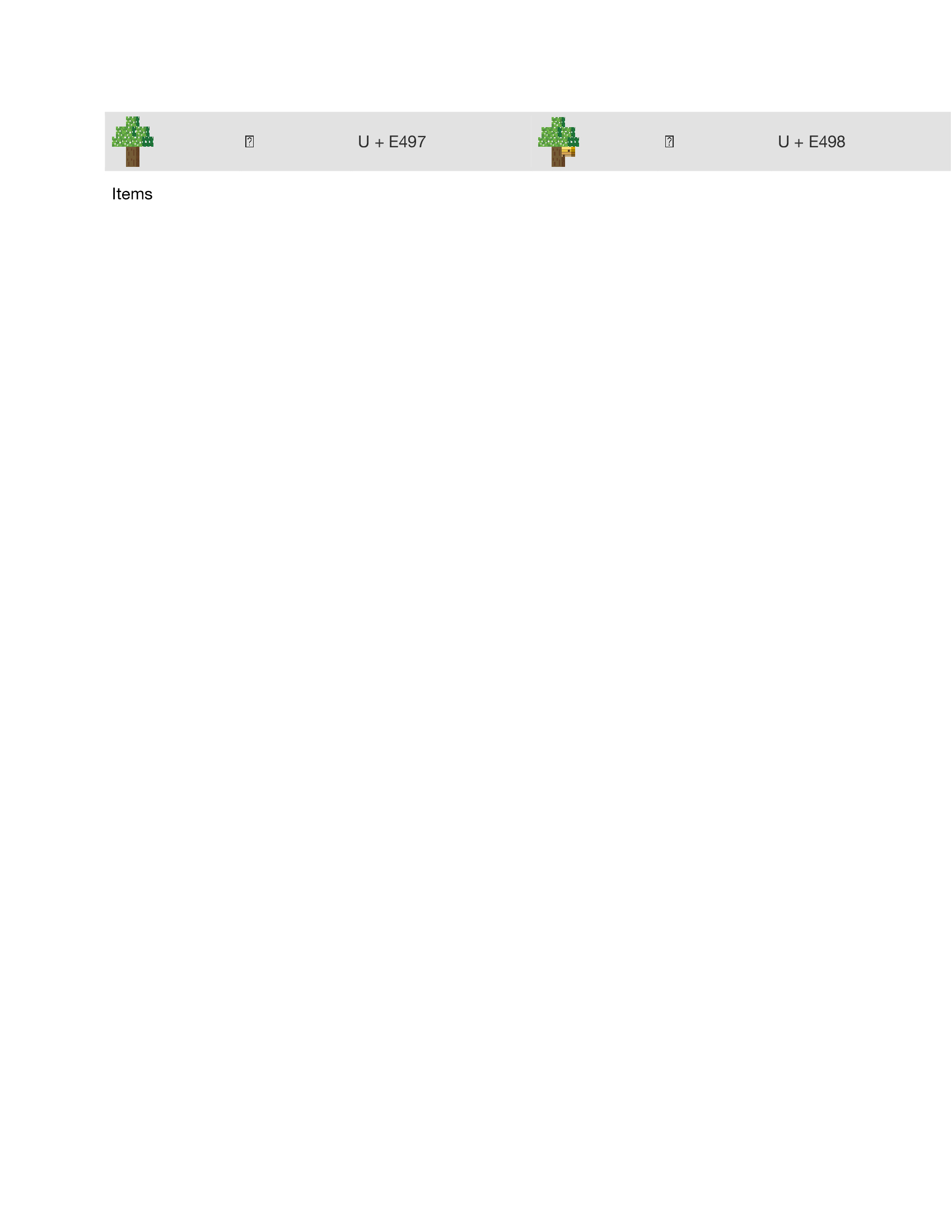
MIkaG has ceased to create his wonderful mods, I am going to be updating this pack to work not only on the original version but future versions. I don't want his work to go to waste and would love for it to work again. Miss you MIkaG!
The Following post follows 4. Copyright and Reuploads
You must own or have the necessary licenses, rights, consents, and permissions to store, share, and distribute the Content that is uploaded under your Modrinth account.
Content may not be directly reuploaded from another source without explicit permission from the original author. If explicit permission has been granted, or it is a license-abiding "fork", this restriction does not apply. We define "forks" as modified copies of a project which have diverged substantially from the original project.
- Edition: Minecraft Java
- File type: .zip (resource pack)
- Minecraft versions listed: 1.20, 1.20.1, 1.20.2
- How to install: Download the .zip resource pack — do not unzip it. → Put it in .minecraft/resourcepacks. → Enable it in Options → Resource Packs.
- Where to get it: Opens on Modrinth — not every file is mirrored on our own servers.
Install steps are the general flow for this file type — How to install Minecraft Java resource packs walks through it step by step.
- Downloads as 565+ Minecraft Emoji 1.20.x.zip
- Download size: 1.5 MB
- Download link checked 28 Aug 2026 — working
These come from our own check of the pack file, not from the source page.