CreatoCapes
I don't know my version or loader
CreatoCapes (ARCHIVED)
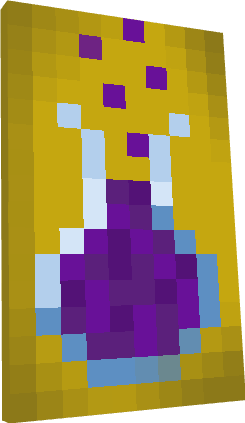
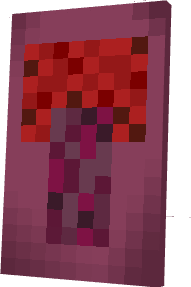
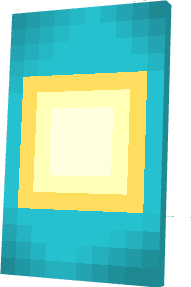
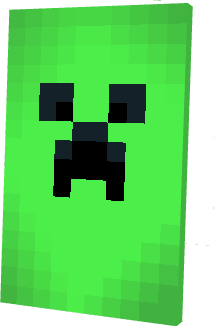
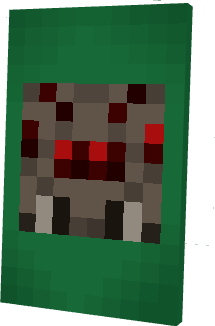
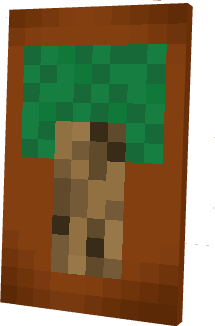
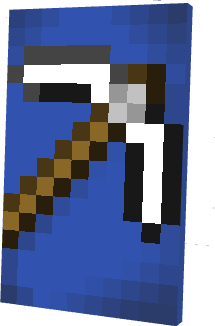
Custom capes!


-0?style=for-the-badge&logo=googleforms&color=indigo)


NOTICE: CreatoCapes has been officialy archived, all code and files under this project are now completely open source(ignore the LICENSE file in the relevant repos and files), feel free to modify, distribute or use this data as you see fit, all the relevant pages will still be maintained aswell as a version of the pack maintained for future minecraft versions, however, no code will be changed or fixed or added. Thank you for the support, Cre8to-Team.
Installation (mods)
Install Fabric:
-->Fabric
Download the following mods and place them in the mods folder:
-->Fabric Api
-->Entity Model Features
-->Entity Texture Features
Download the resourcepack from the releases tab and place it in the resourcepack folder:
-->Releases
Start the game and load the resourcepack
Getting a custom cape
Get a cape from the capes folder
Visit the cape convertor and follow these steps:
--> Upload your skin
--> Upload your cape
--> Download the modified skin
Finally Upload the skin you got in the minecraft launcher or the minecraft site
WARNING: MAKE SURE YOUR SKIN TYPE IS SET TO 'SLIM' WHILE UPLOADING
This project is free to use, modify and distribute as you see fit, the LICENSE files in the relevant repos and files are invalid as of 25th May 2024
Not afflicted, employed or associated by or with mojang or minecraft

- Edition: Minecraft Java
- File type: .zip (resource pack)
- Minecraft versions listed: 1.21.2, 1.21.3, 1.21.4
- How to install: Download the .zip resource pack — do not unzip it. → Put it in .minecraft/resourcepacks. → Enable it in Options → Resource Packs.
- Where to get it: Opens on Modrinth — not every file is mirrored on our own servers.
Install steps are the general flow for this file type — How to install Minecraft Java resource packs walks through it step by step.
- Downloads as CreatoCapes.zip
- Download size: 11 KB
- Download link checked 28 Aug 2026 — working
These come from our own check of the pack file, not from the source page.