
ResourcepacksJava
TemplateTexures
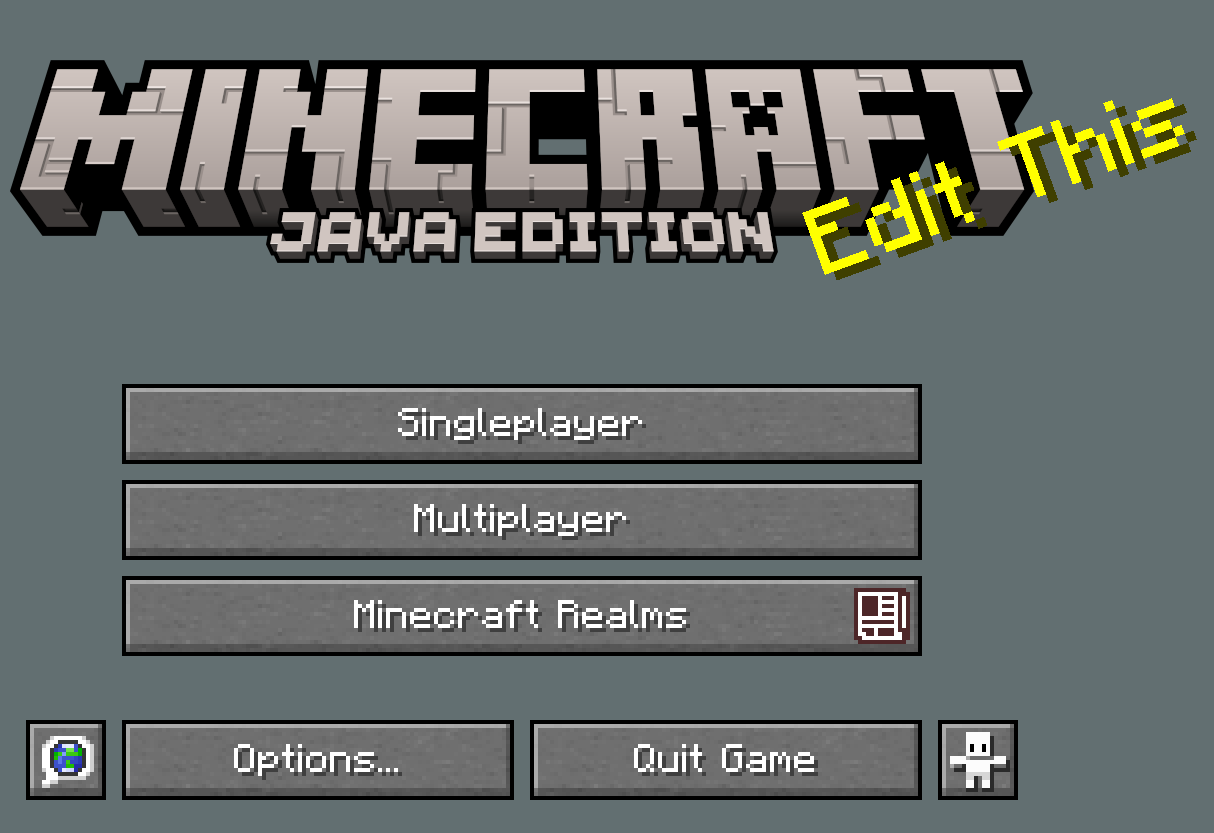
This is a texture pack that has nothing inside other than vanila you can edit and change this however you want
⬇ Download on Modrinth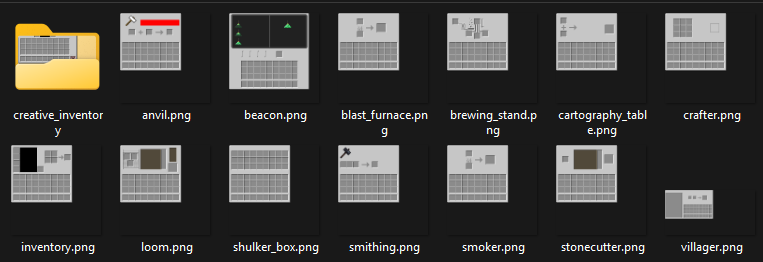

How to Edit
Step 1 unzip
Step 2 open and edit the .mcpack (discription).
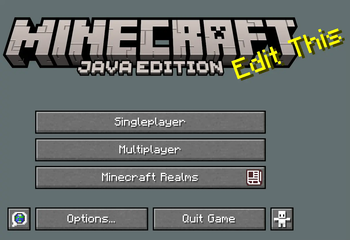
Step 3 edit the text splashes in the file texts.
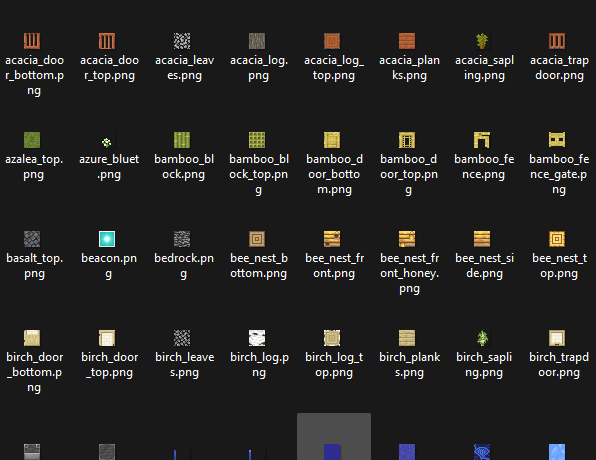
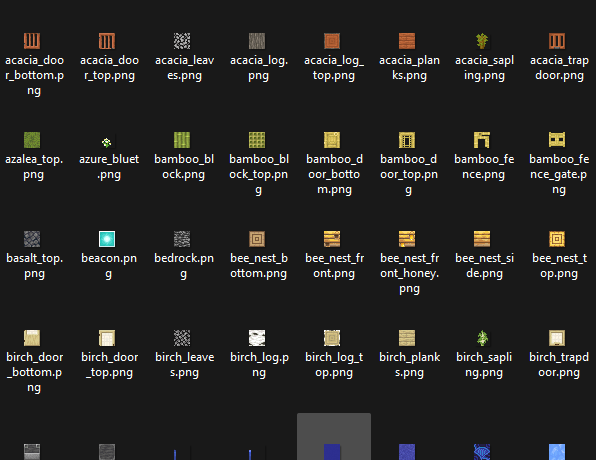
Step 4 edit the images for the blocks just keep file name as is
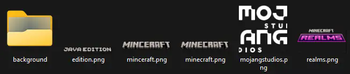
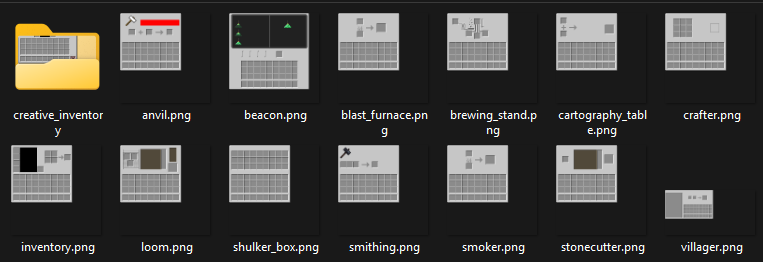
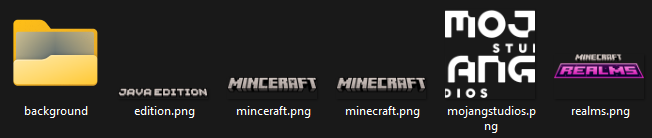
Step 5 Optional edit GUI and background and other stuff if needed.
Step 6 rename and rezip.
END
ADDED DIRECTORIES V3: Fonts, Audio, GUI, Block Texture and more
Additional Resources:
- Check out more content on My Website
- Join our Discord server to suggest new packs, vote on upcoming designs, and join anime discussions. Thank you for your support! ❤️
Screenshots
Quick facts
- Edition: Minecraft Java
- File type: .zip (resource pack)
- Minecraft versions listed: 1.16, 1.16.1, 1.16.2
- How to install: Download the .zip resource pack — do not unzip it. → Put it in .minecraft/resourcepacks. → Enable it in Options → Resource Packs.
- Where to get it: Opens on Modrinth — not every file is mirrored on our own servers.
Install steps are the general flow for this file type — How to install Minecraft Java resource packs walks through it step by step.
Verified by MCModsHub
- Downloads as TemplatePack3.zip
- Download size: 2.7 MB
- Download link checked 28 Aug 2026 — working
These come from our own check of the pack file, not from the source page.