
Better Birch Leaves
I don't know my version or loader
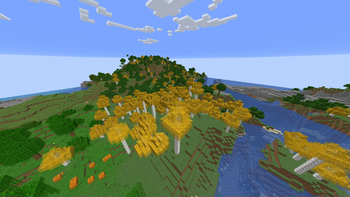
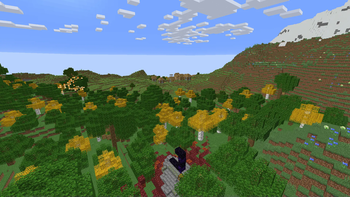
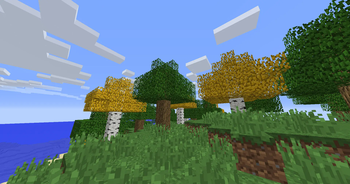
Customize the look of Minecraft's birch leaves!
Better Birch Leaves
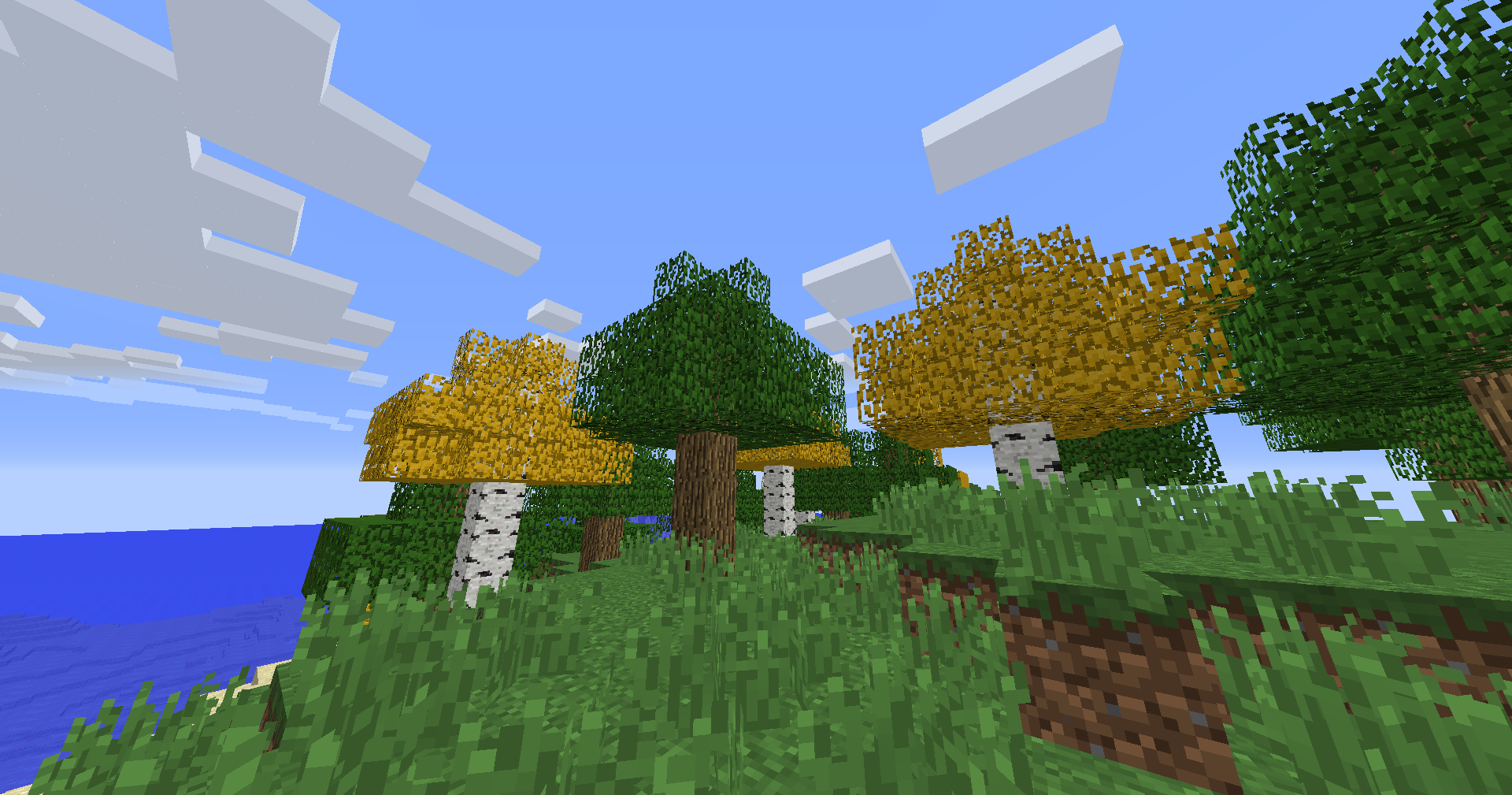
Make birch forests look the way you want! This Resource Pack lets you choose between golden birch leaves, biome-colored birch leaves, or the vanilla appearance — all fully configurable with Respackopts and powered by Polytone
🔧 Requires Respackopts and Polytone to work!
| Minecraft Version | Better Birch Leaves | Configurable Features |
|---|---|---|
| 1.20 – 26.2 | ✅ | ✅ |
| 1.6.1 – 1.19.4 | ✅ | 🚧 Coming soon |
Features:
Yellow Birch Leaves
The classic Better Birch Leaves look. Gives birch leaves and saplings a warm golden-yellow appearance, making forests feel brighter and more natural.
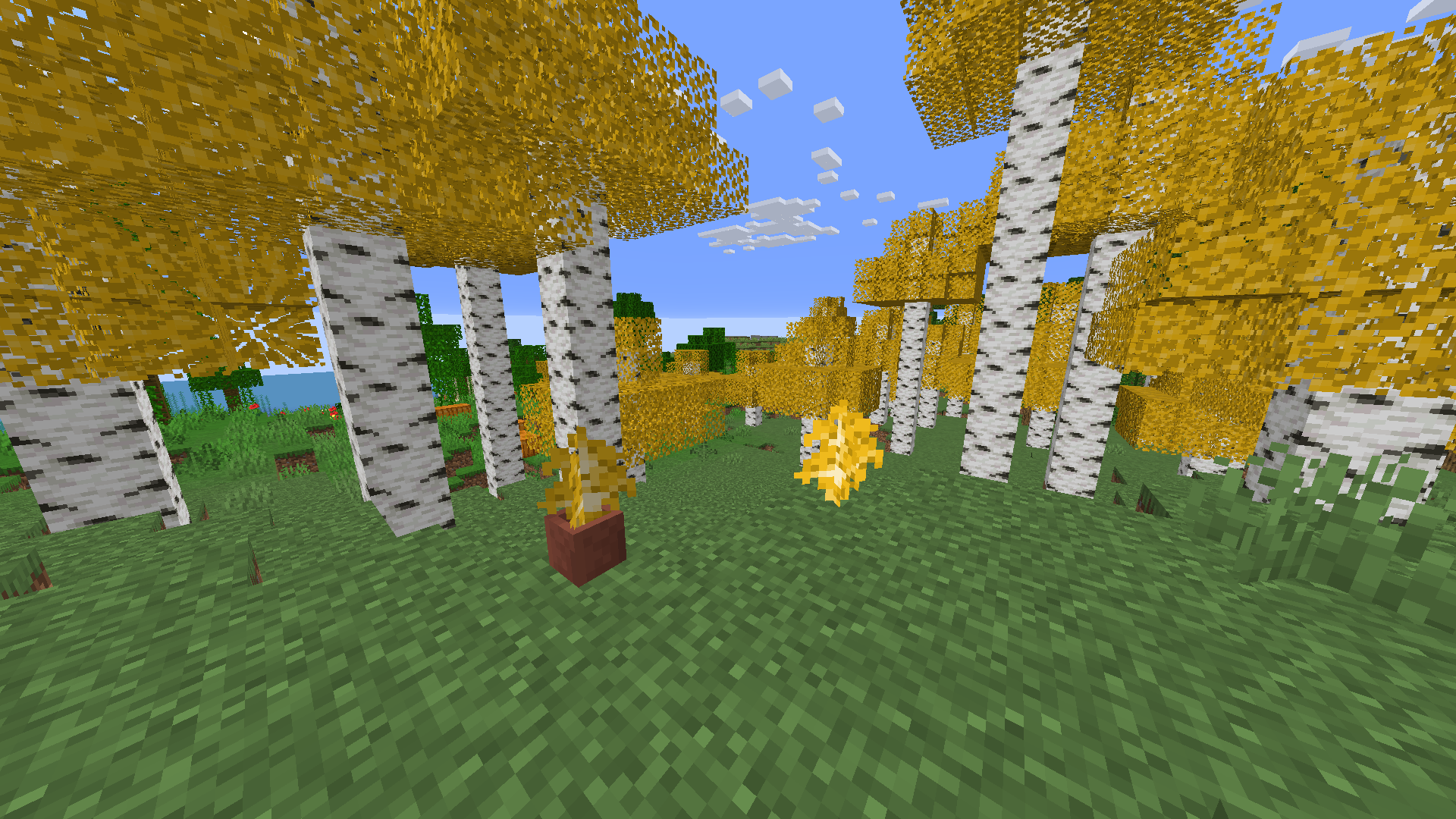
Biome-Colored Birch Leaves
Birch leaves now change color depending on the biome, just like other foliage. Enjoy vibrant greens, warm yellows, and unique seasonal-looking forests across your world.
Vanilla Birch Leaves
Prefer the default look? Switch back to Minecraft's original birch leaf colors anytime.
Config Options
Better Birch Leaves Birch Leaves Yellow / Colormap / VanillaOlder Versions Supported:
- In Minecraft 1.6.1 - 1.12.2, birch leaves and saplings use the older-style textures, blending into classic visuals
Compatibility:
Resource Pack: Minecraft 1.6.1 - 26.2
Requires Respackopts and Polytone
- Edition: Minecraft Java
- File type: .zip (resource pack)
- Minecraft versions listed: 23w17a, 23w18a, 1.20-pre1
- How to install: Download the .zip resource pack — do not unzip it. → Put it in .minecraft/resourcepacks. → Enable it in Options → Resource Packs.
- Where to get it: Opens on Modrinth — not every file is mirrored on our own servers.
Install steps are the general flow for this file type — How to install Minecraft Java resource packs walks through it step by step.
- Downloads as betterbirchleaves-1.20-26.2.zip
- Download size: 22 KB
- Download link checked 28 Aug 2026 — working
These come from our own check of the pack file, not from the source page.