
ResourcepacksJava
Haimiya Sky Overlay
Java resource pack listed for Minecraft 1.16–26.x. File opened and checked on 5 Oct 2026; downloads from the MC Java Mods app on Android.
I don't know my version or loader
Open the Minecraft launcher and look at the profile you play on — it names both, like fabric-loader-1.21.4. The version also shows in the bottom-right corner of the game's main menu.
No loader in the profile name? Then it's plain Minecraft, and these mods won't run — you need Fabric or NeoForge installed first.
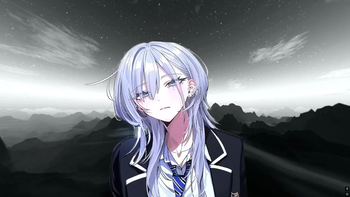
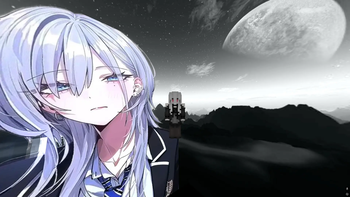
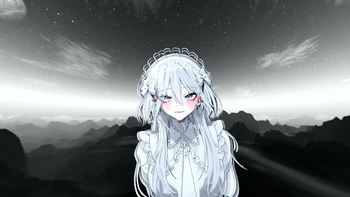
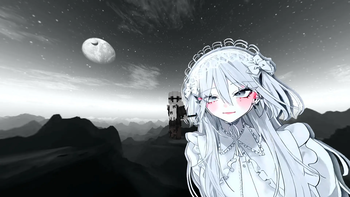
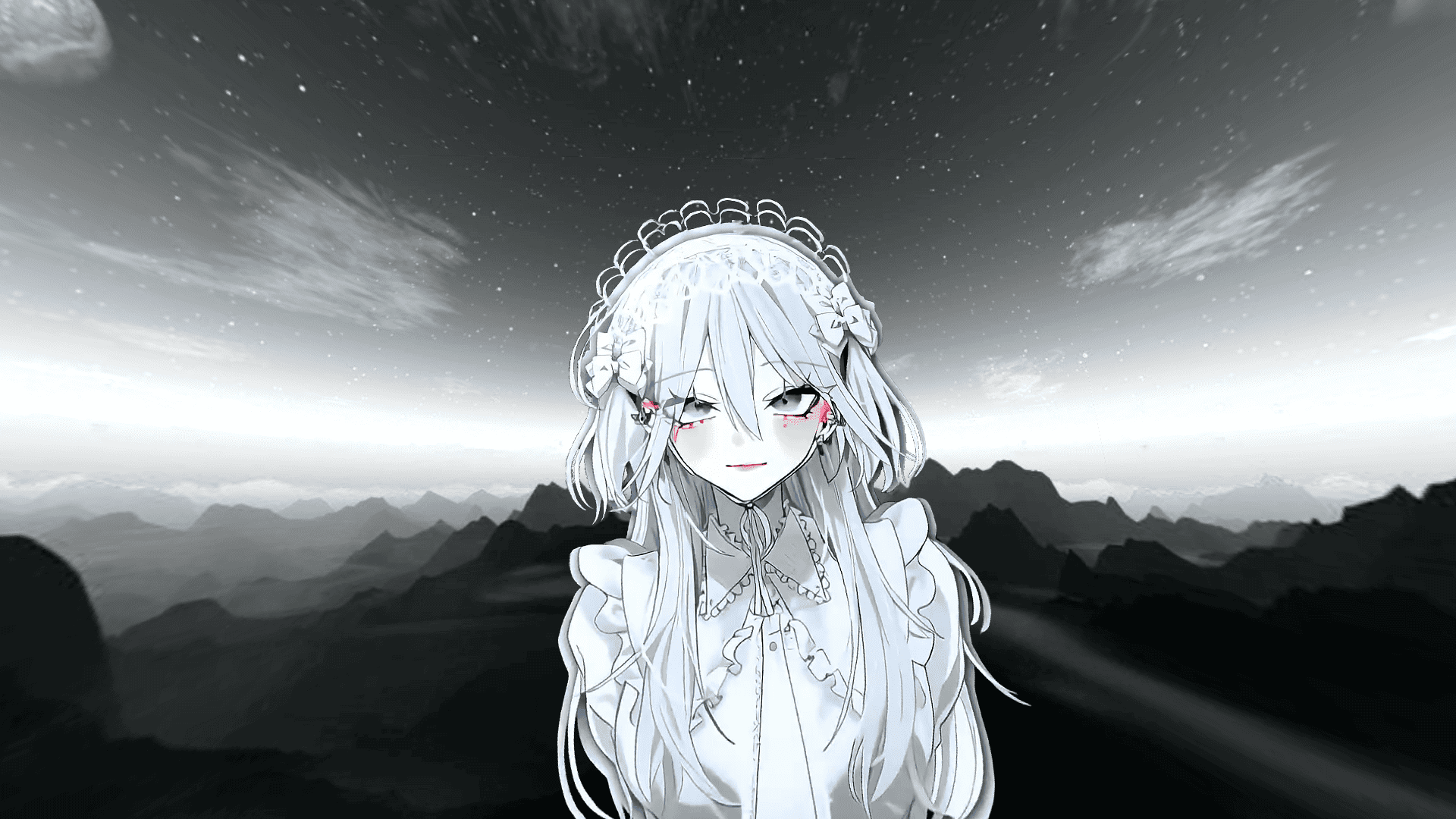
This resource pack replaces the sky we're used to with a dark gray sky featuring the character Haimiya.
- The sky is clearly visible regardless of the time of day (no display issues during the day)
- Version: 1.16.5-26.1.2
- For the resource pack to work properly, you need to install Optifine. (Forge)
For sky overlays to work correctly on Fabric, you will need the following mods:
If you encounter problems:
- Check if "Custom Sky" is enabled in your graphics settings.
- Check other included resource packs, they might be interfering.
Quick facts
- Edition: Minecraft Java
- File type: .zip (resource pack)
- Minecraft versions listed: 1.16.5, 1.17, 1.17.1
- How to install: Download the .zip resource pack — do not unzip it. → Put it in .minecraft/resourcepacks. → Enable it in Options → Resource Packs.
- Where to get it: Opens on Modrinth — not every file is mirrored on our own servers.
Install steps are the general flow for this file type — How to install Minecraft Java resource packs walks through it step by step.
File checked by MCModsHub
- Downloads as Haimiya_sky_overlay_1.0.2.zip
- Download size: 15.9 MB
- Download link checked 9 Oct 2026 — working
These come from our own check of the pack file, not from the source page.