
ResourcepacksJava
Clear GUI
This resource pack adds semi-transparent elements to in-game GUIs for improved utility while also staying stylish.
⬇ Download on Modrinth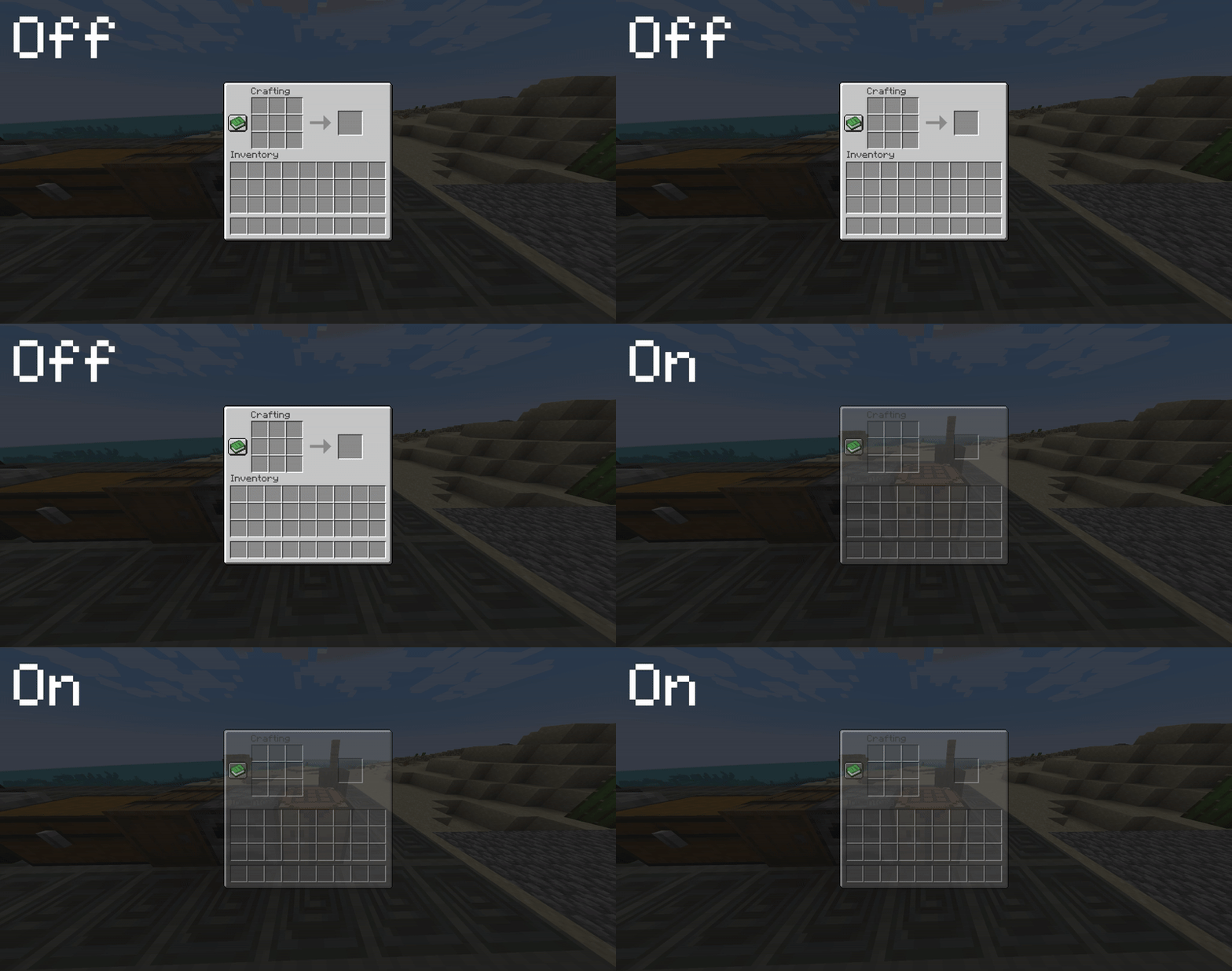
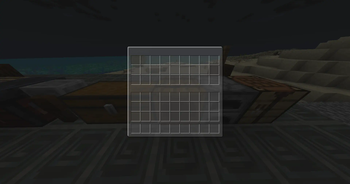
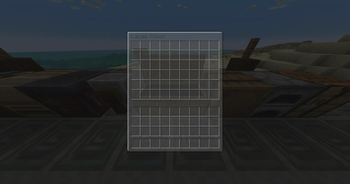
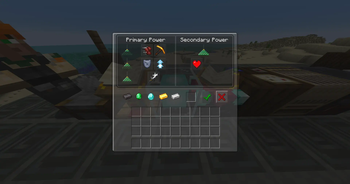
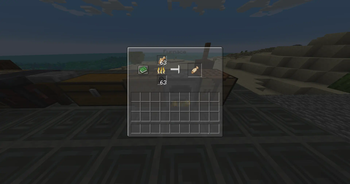

This resource pack overhauls the vanilla GUI to improve visibility while in-game, all while maintaining a stylish design.
The goal of this pack is to enhance visibility while interacting with GUI menus. For instance, if you're browsing your recipes and a creeper sneaks up on you because you didn't notice it behind the GUI. This is especially useful if you're using a higher GUI scale that blocks more of your screen.

Quick facts
- Edition: Minecraft Java
- File type: .zip (resource pack)
- Minecraft versions listed: 1.21, 1.21.1, 1.21.2
- How to install: Download the .zip resource pack — do not unzip it. → Put it in .minecraft/resourcepacks. → Enable it in Options → Resource Packs.
- Where to get it: Opens on Modrinth — not every file is mirrored on our own servers.
Install steps are the general flow for this file type — How to install Minecraft Java resource packs walks through it step by step.
Verified by MCModsHub
- Downloads as ClearGUI(1.21.3).zip
- Download size: 216 KB
- Download link checked 28 Aug 2026 — working
These come from our own check of the pack file, not from the source page.