
Classic Dark Mode
Java resource pack listed for Minecraft 1.21–26.x. Downloads from the MC Java Mods app on Android.
I don't know my version or loader
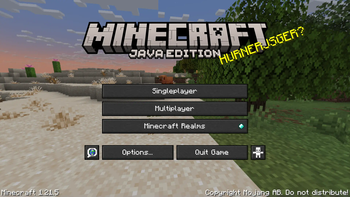

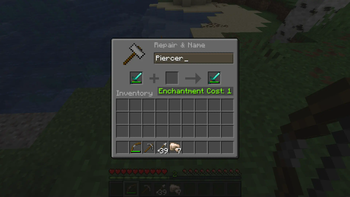
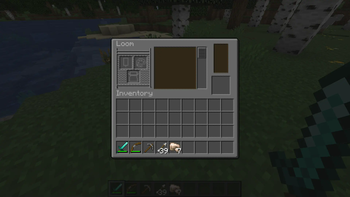

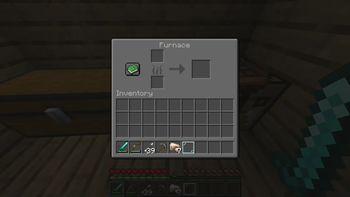
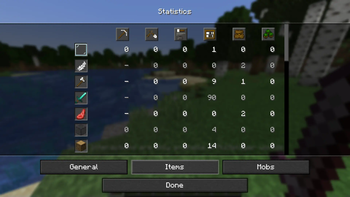
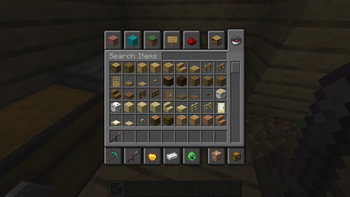
Lots of people love dark mode — it’s easier on the eyes, especially at night, and it just looks cleaner. But Minecraft still doesn’t offer it!
If that’s something you’ve been missing, this pack is made for you!
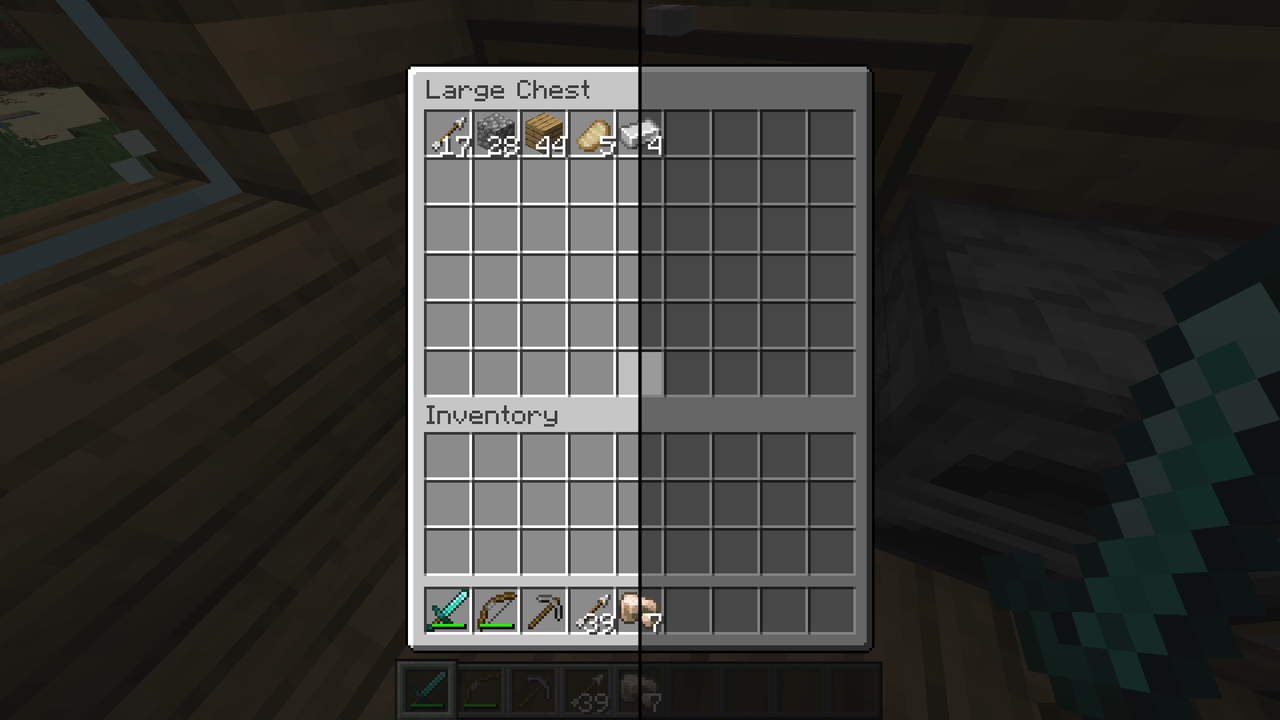
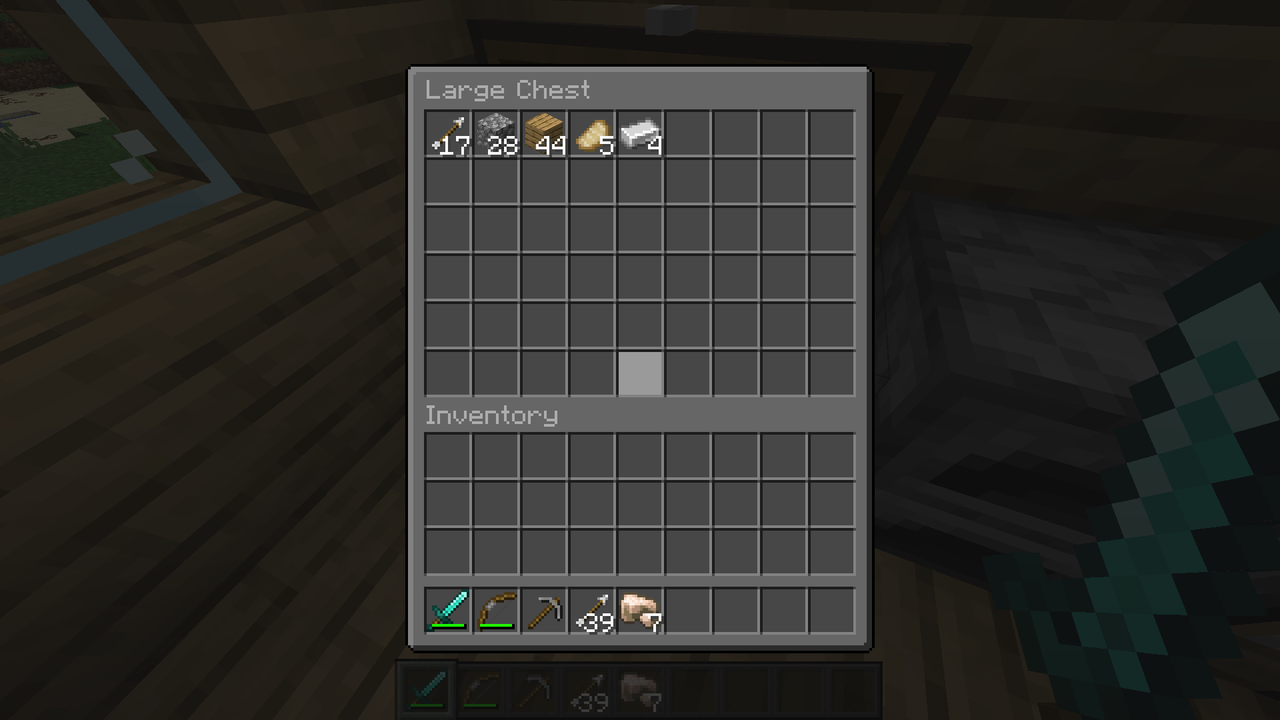
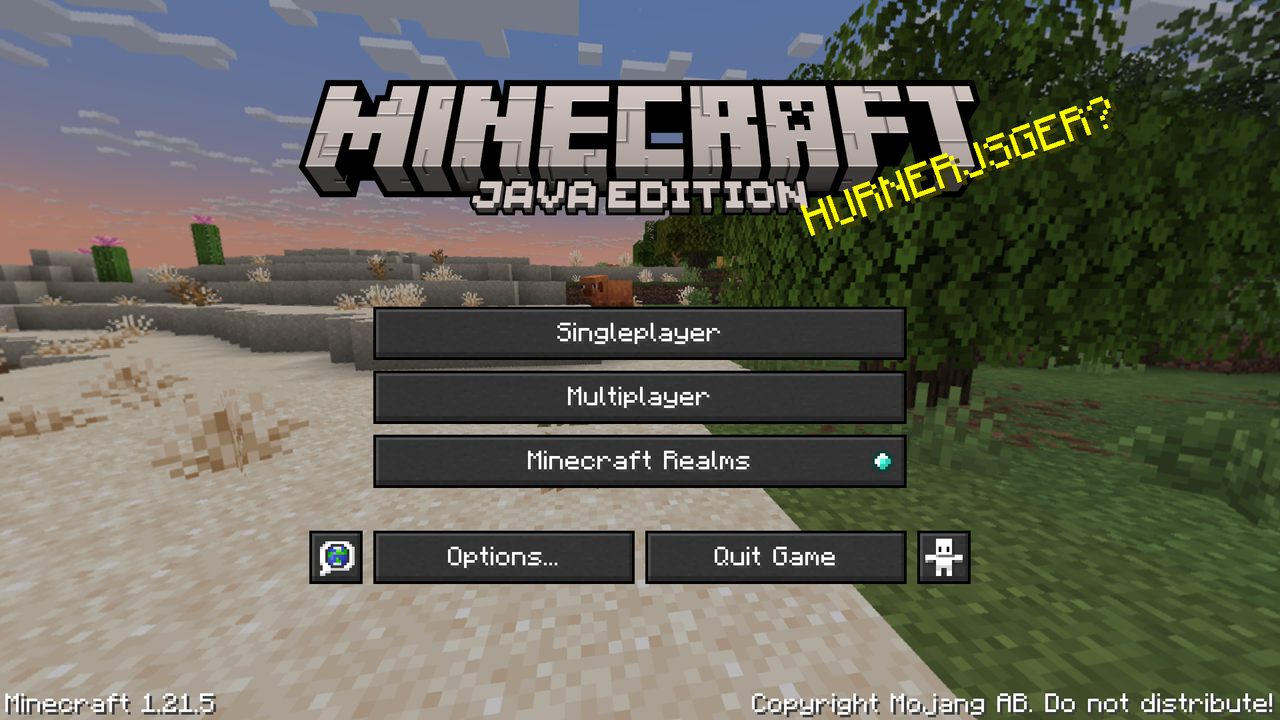
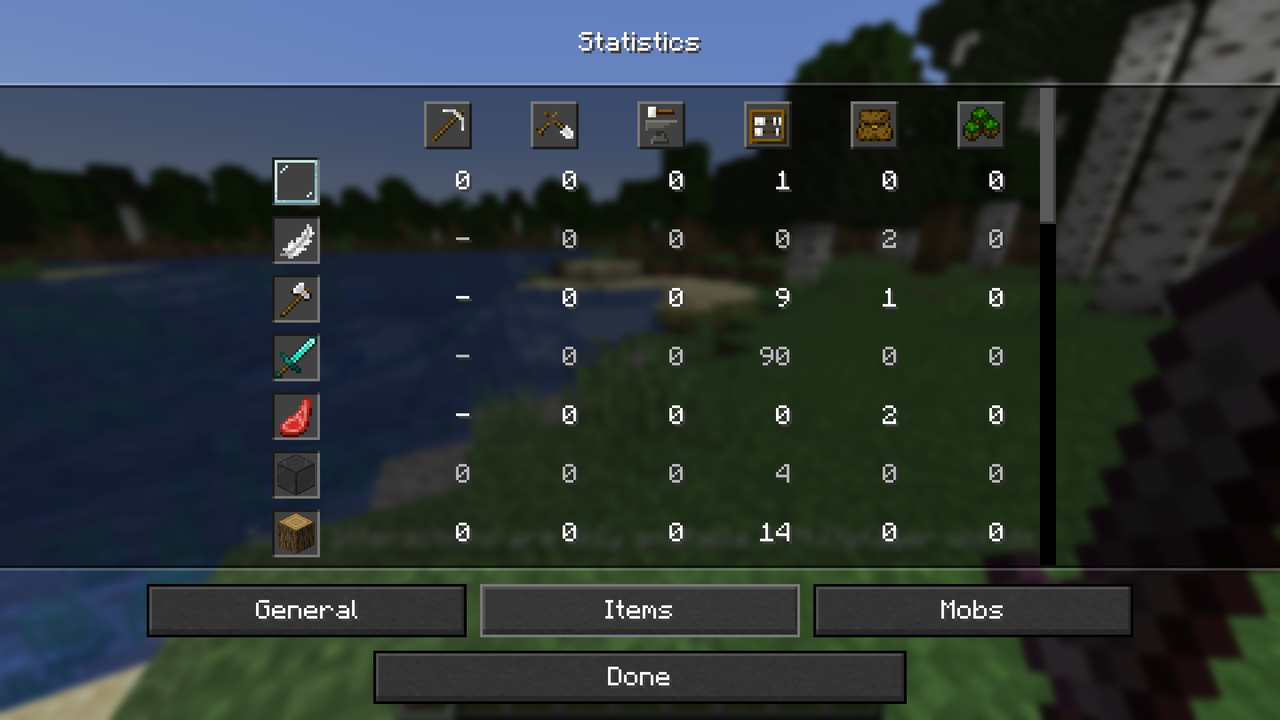
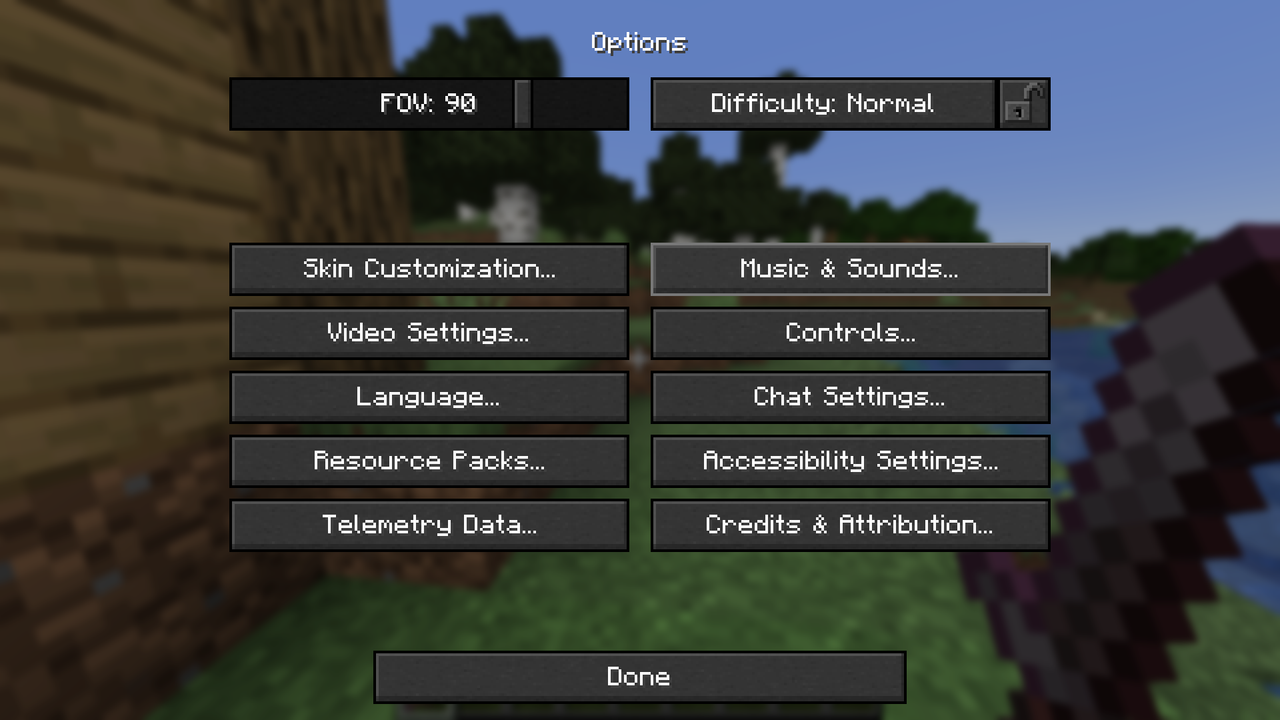
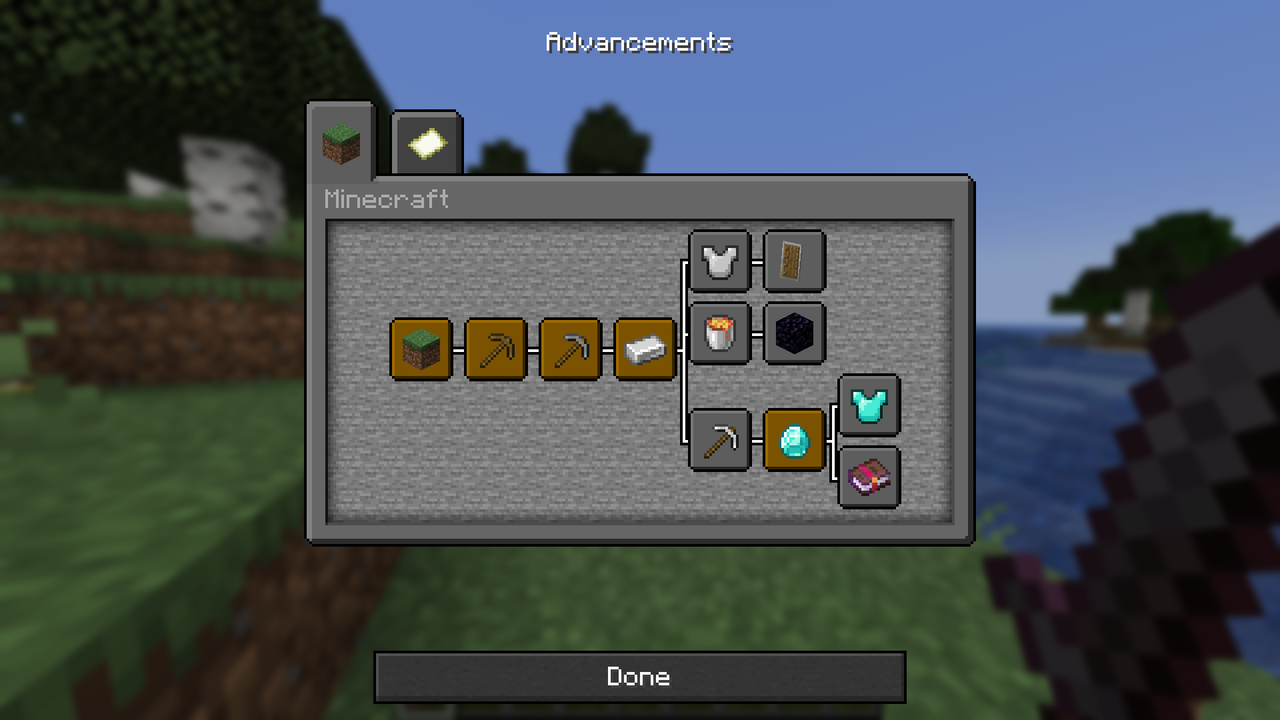
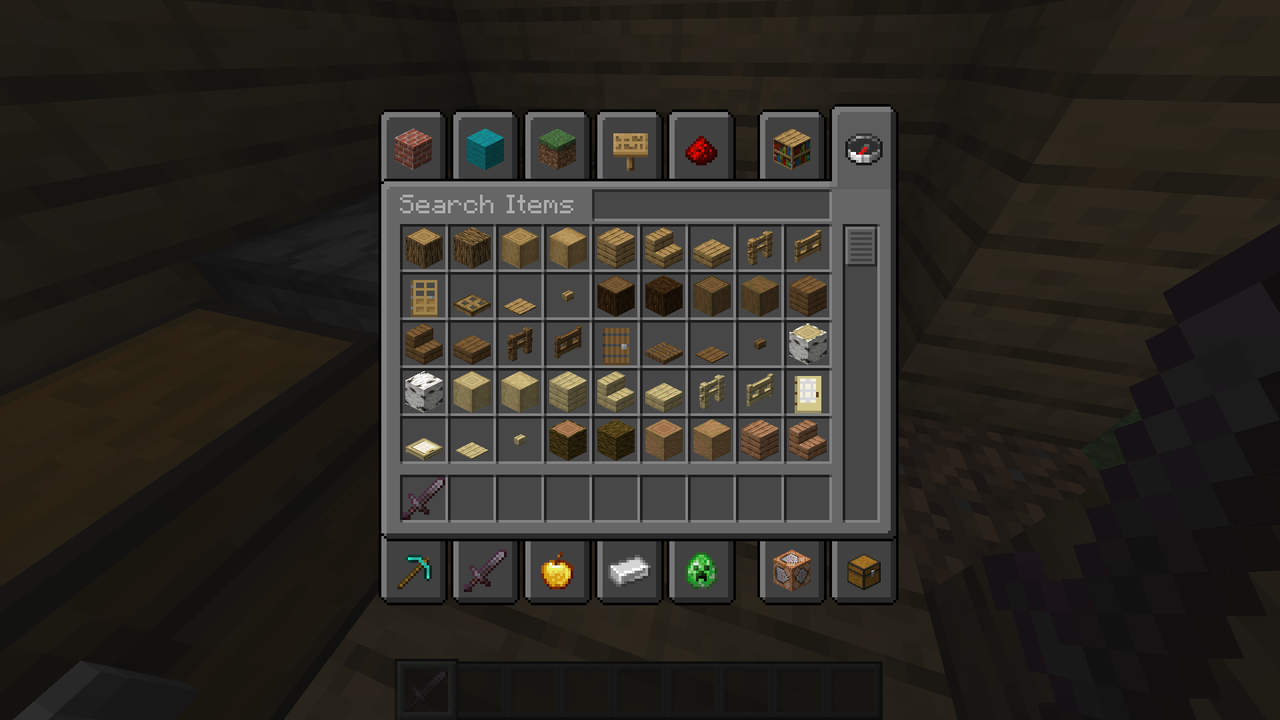
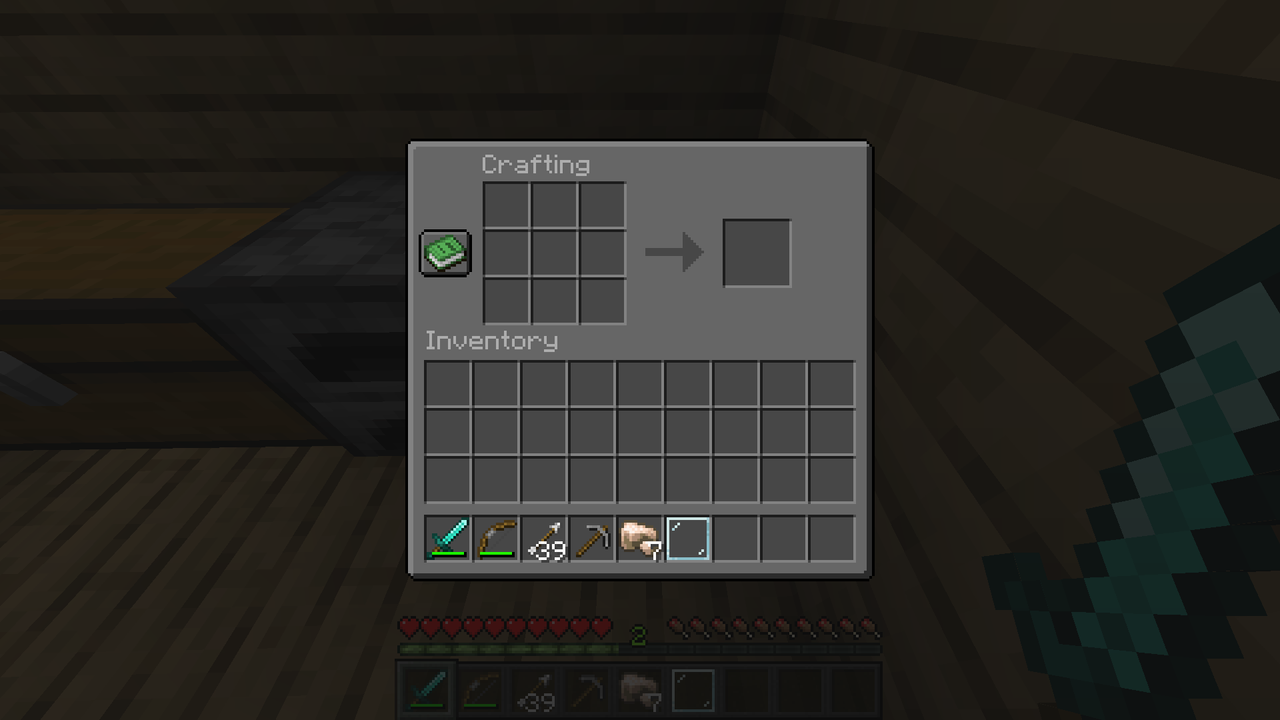
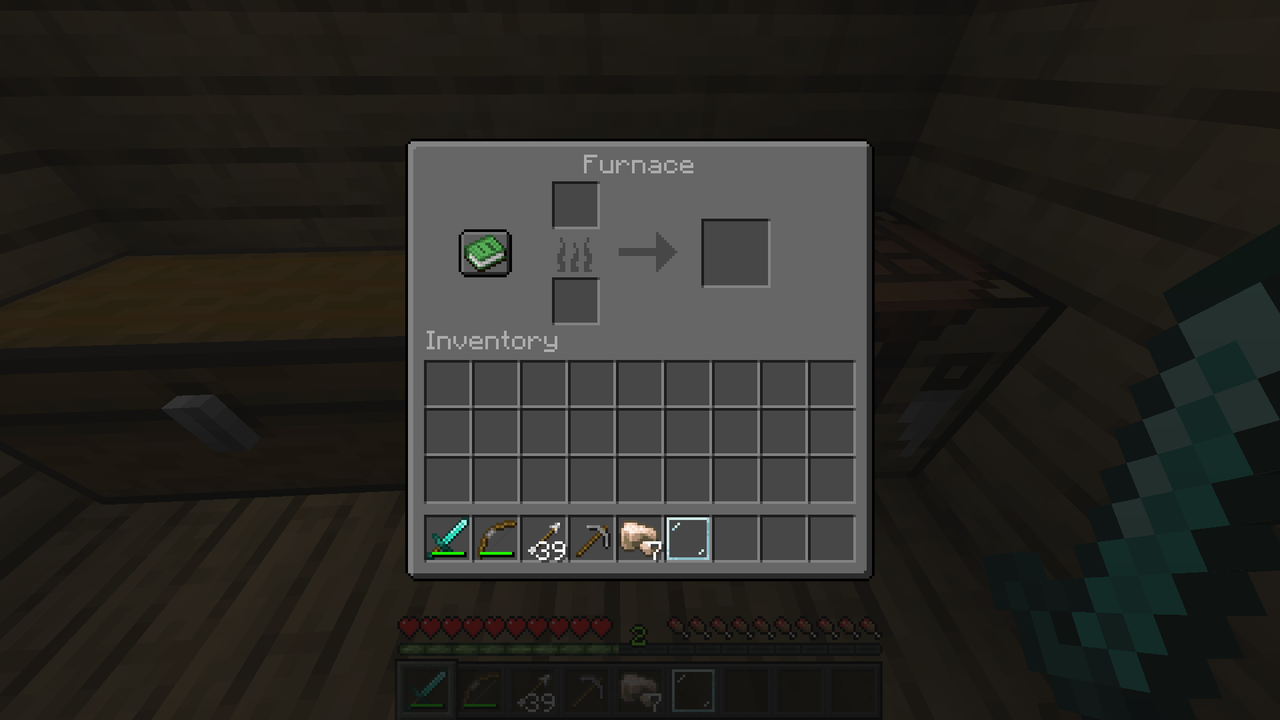
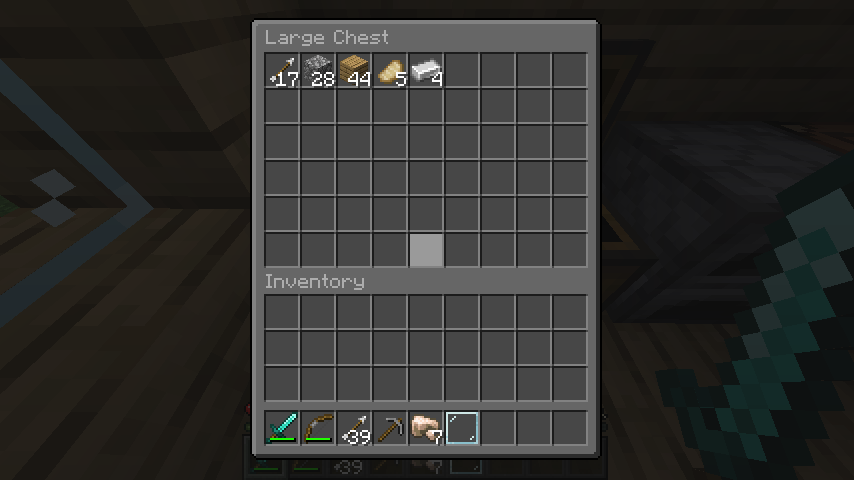
Classic Dark Mode darkens all major vanilla in-game GUIs — including inventories, menus, and more — by around 50%, while keeping the default style and feel of Minecraft intact. Brighter textures (like yellow buttons) are only reduced by ~40% to preserve visibility.
But that’s not all — this pack also includes tons of mod support, so you can enjoy your favourite mods and your favourite mode at the same time.
Features:
- Darkened vanilla GUI while keeping the classic Minecraft look
- Support for dozens of popular mods
- Improved font visibility on menus using core shaders (works fine with Sodium!)
Shaders Compatibility
This pack uses core shaders to brighten the font on dark backgrounds like the title screen. It’s fully compatible with Sodium and other popular performance mods.
Supported mods (Some of the changes are very minor):- Better Advancements
- Cherished Worlds
- Cloth Config API
- Curios API
- EMI
- Entity Texture Features (ETF)
- Iris Shaders
- Jade
- Just Enough Items (JEI)
- Language Reload
- MaLiLib
- Mod Menu
- No Chat Reports
- Polymorph
- Resourceful Config
- Sodium
- Trinkets
- Simple Voice Chat
- Yet Another Config Lib (YACL)
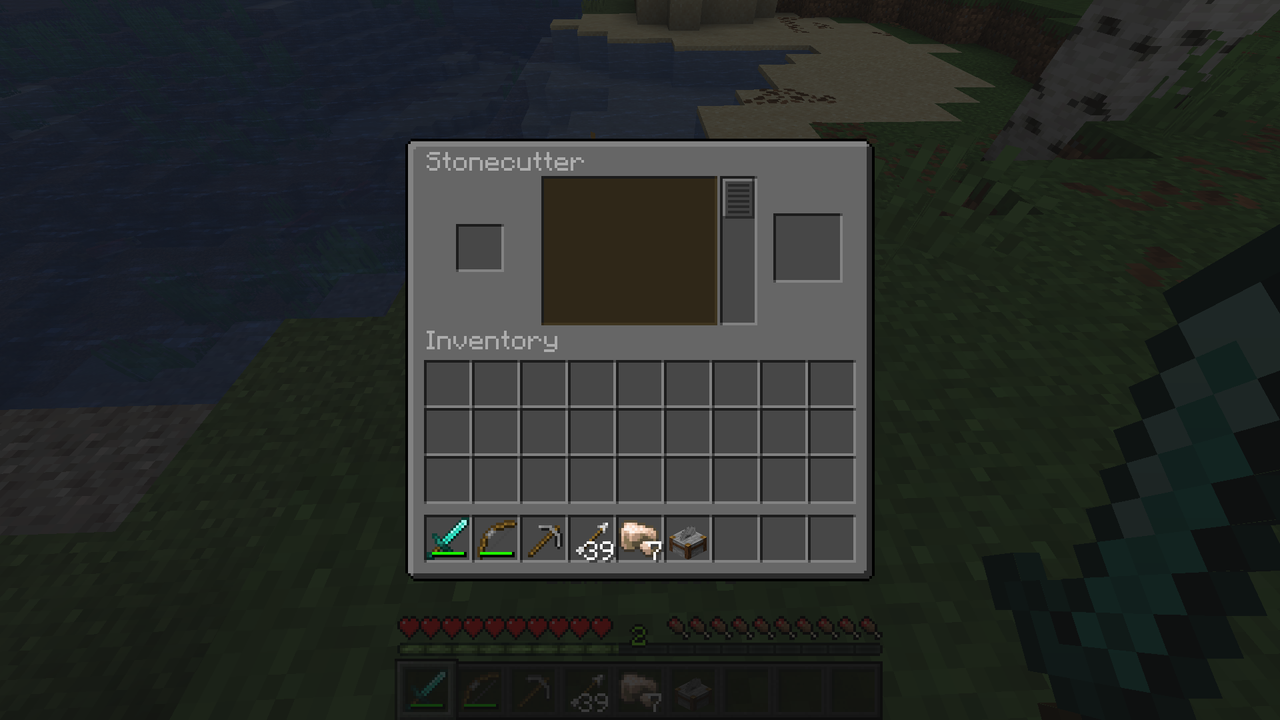
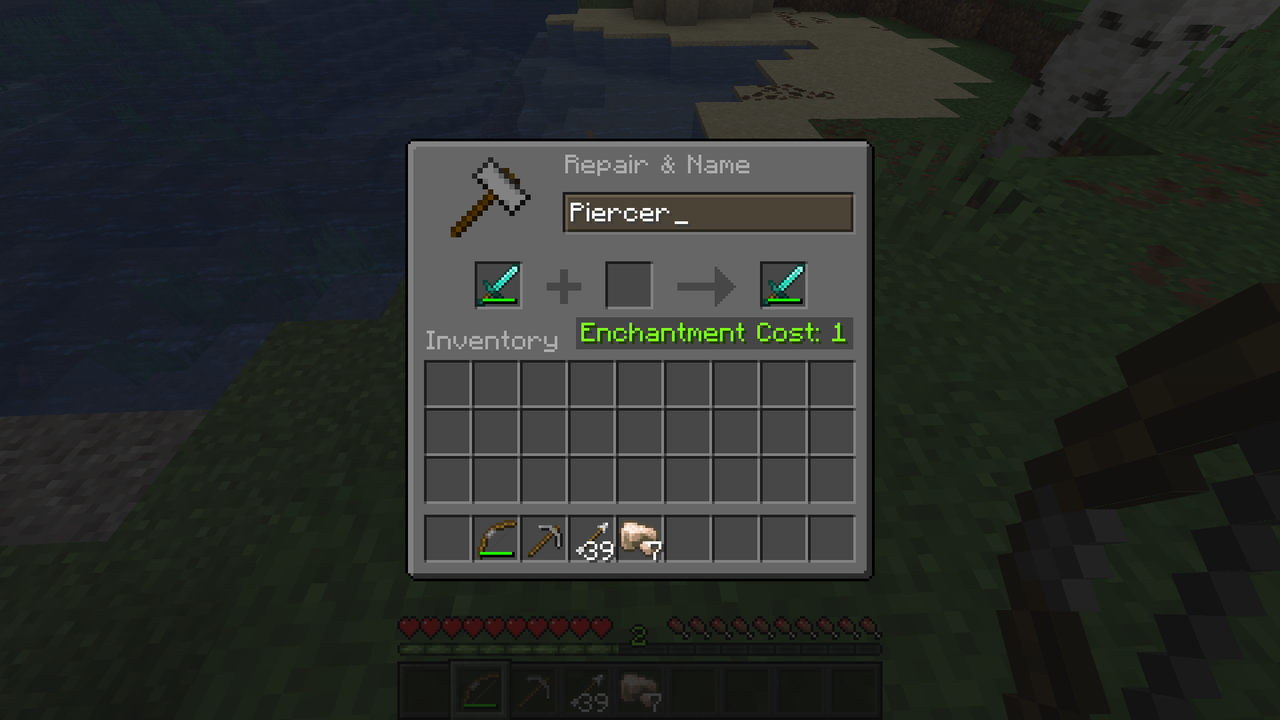
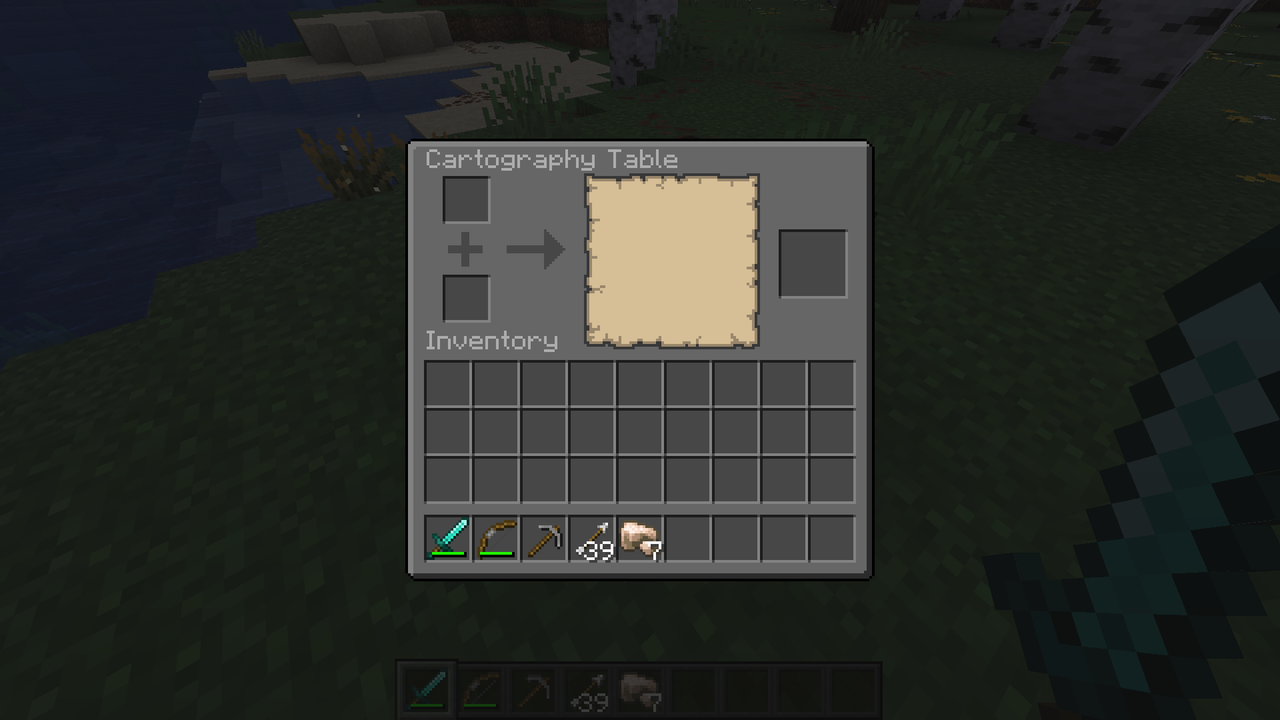
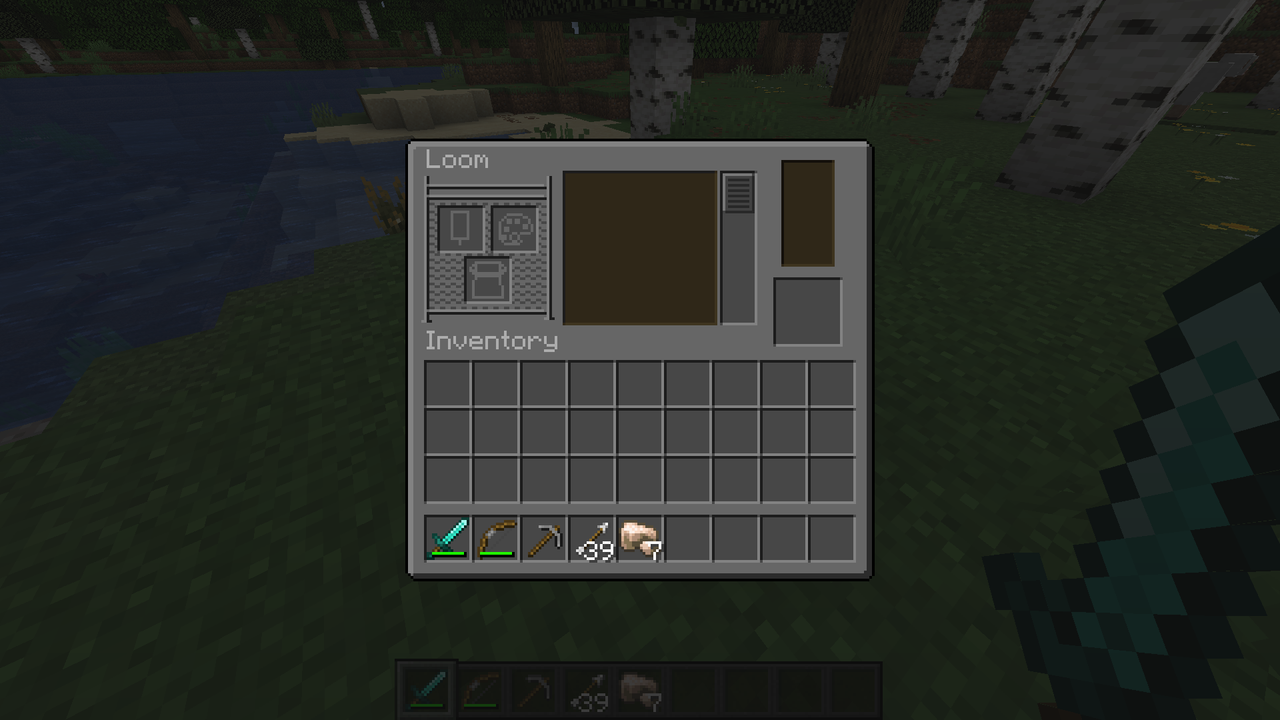

Enjoy!
- Edition: Minecraft Java
- File type: .zip (resource pack)
- Minecraft versions listed: 1.21.5, 1.21.6, 1.21.7
- How to install: Download the .zip resource pack — do not unzip it. → Put it in .minecraft/resourcepacks. → Enable it in Options → Resource Packs.
- Where to get it: Opens on Modrinth — not every file is mirrored on our own servers.
Install steps are the general flow for this file type — How to install Minecraft Java resource packs walks through it step by step.
- Downloads as classic-dark-mode-0.1.zip
- Download size: 503 KB
- Download link checked 9 Oct 2026 — working
These come from our own check of the pack file, not from the source page.