
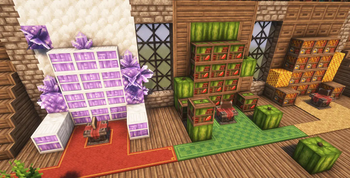
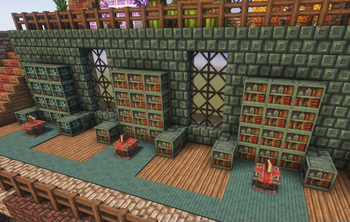
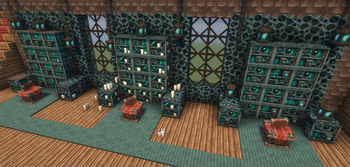
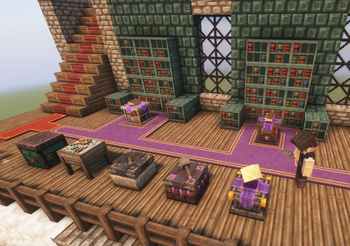
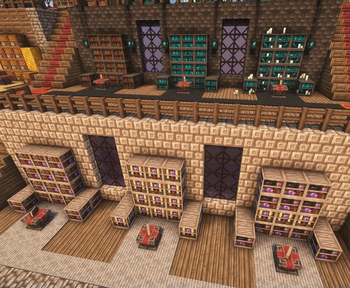
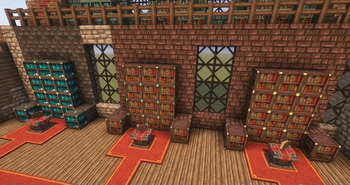
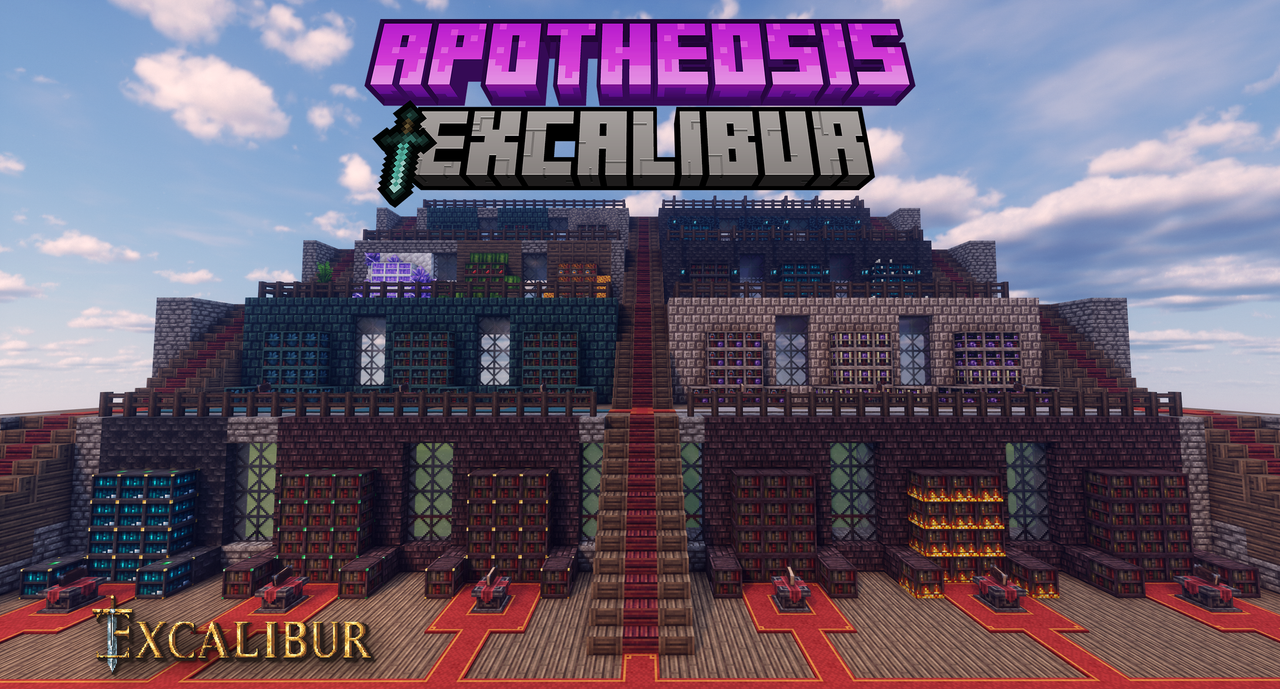
This is a support pack that converts Apotheosis Mod textures to better match the awesome Excalibur ResourcePack.
Head over to the Excalibur Discord to follow the development of Excalibur and this addon.
This Pack contains :
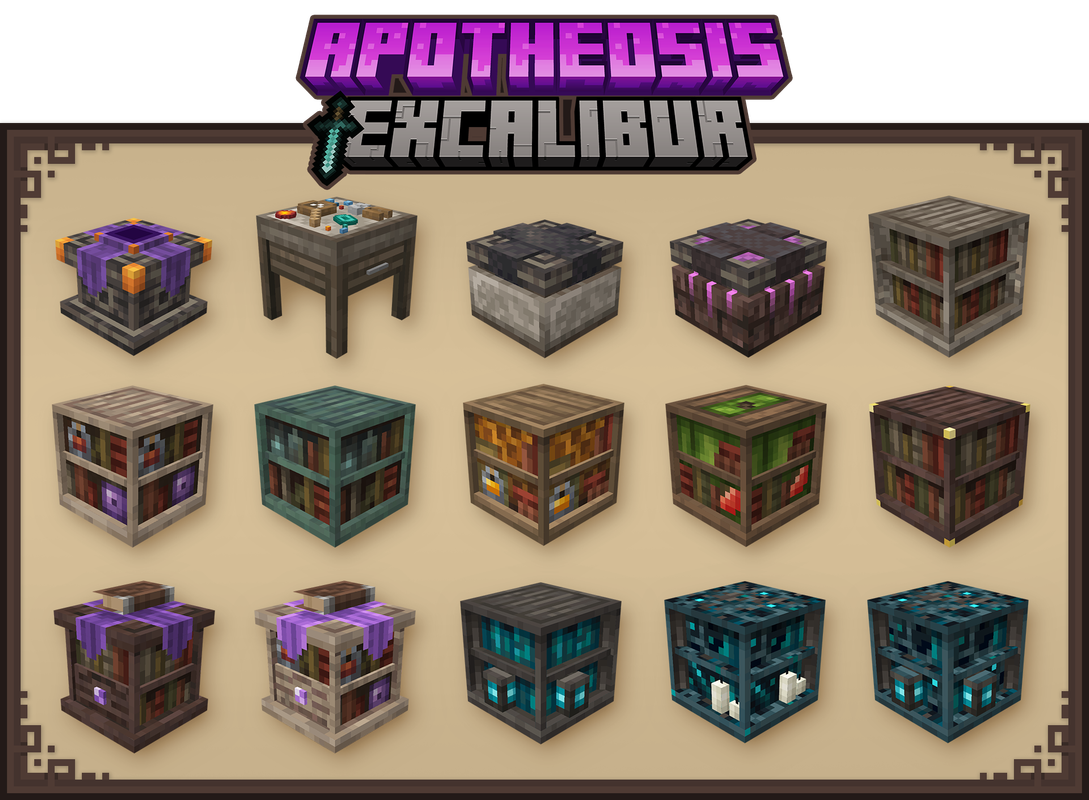
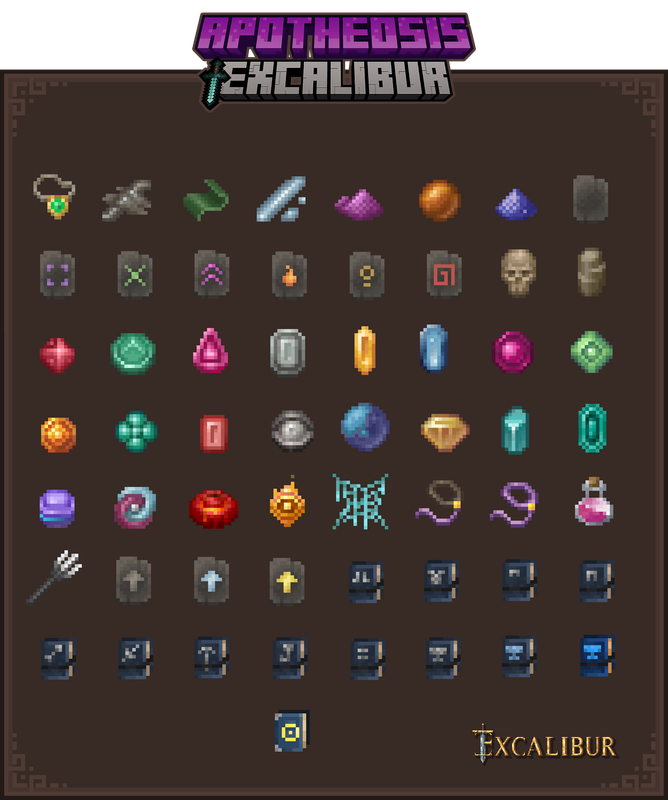
- All blocks, items and GUI have been retextured/remodeled to match Excalibur style/theme.
Installation :
Ingame
-> Click "Options…"
-> Click "Resource Packs…"
-> Click "Open Resource Pack Folder"
-> Drag and Drop the Excalibur_Apotheosis Addon.zip file into the "resourcepacks" folder
-> Move the Excalibur Apotheosis Support resource pack from the left column to the right
-> Make sure that the support pack is placed above the original Excalibur resource pack
-> Select "Done"
Credits :
Maffhew - Author of the resourcepack Excalibur
Shadows_of_Fire - Author of the mod Apotheosis
Abyssal_Kutku - He helped me on this project
- Edition: Minecraft Java
- File type: .zip (resource pack)
- Minecraft versions listed: 1.21, 1.21.1
- How to install: Download the .zip resource pack — do not unzip it. → Put it in .minecraft/resourcepacks. → Enable it in Options → Resource Packs.
- Where to get it: Opens on Modrinth — not every file is mirrored on our own servers.
Install steps are the general flow for this file type — How to install Minecraft Java resource packs walks through it step by step.
- Downloads as Excalibur_Apotheosis Addon_v1.9.zip
- Download size: 448 KB
- Download link checked 19 Sept 2026 — working
These come from our own check of the pack file, not from the source page.