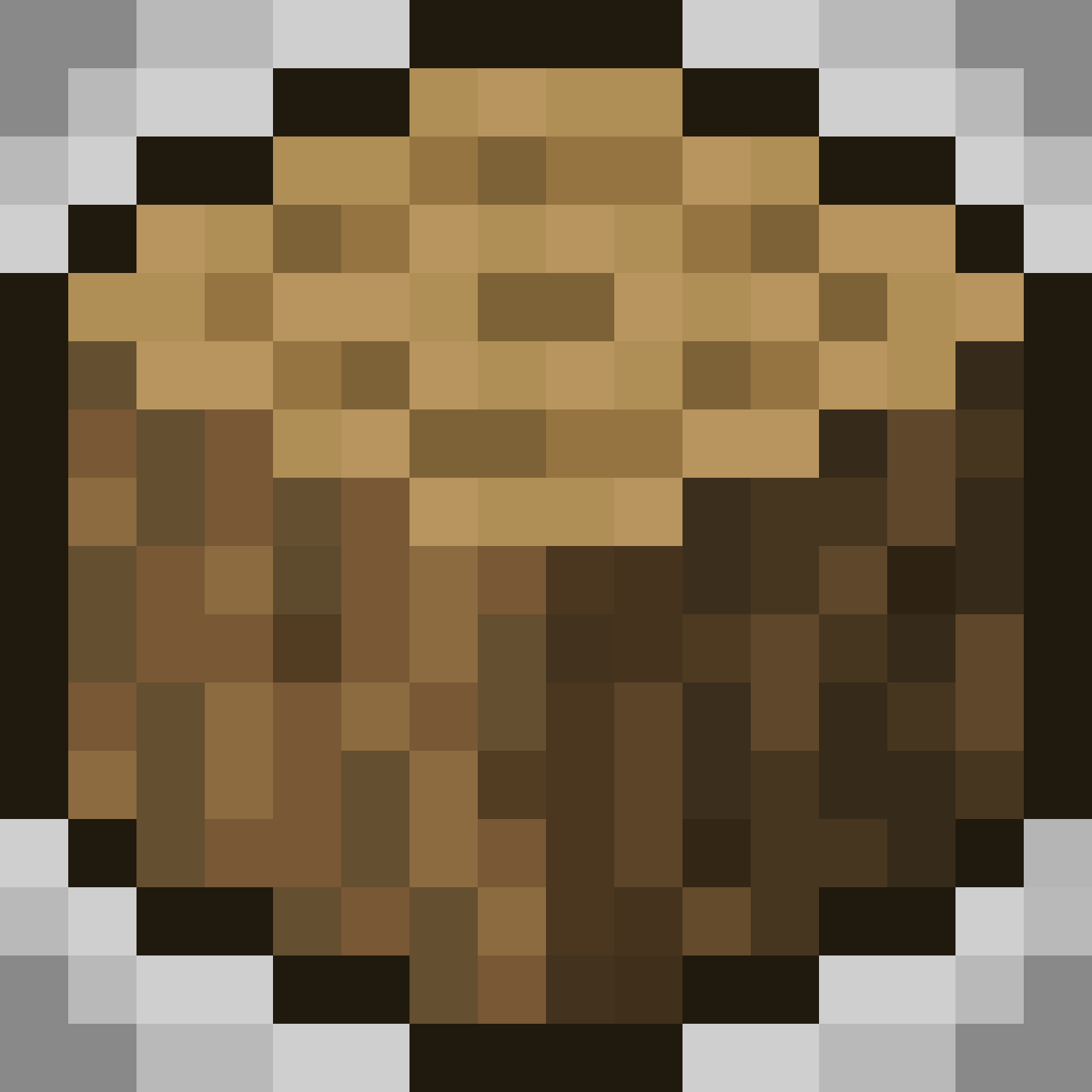
Blocks Pixelated
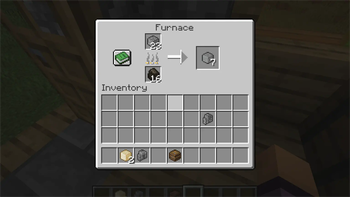
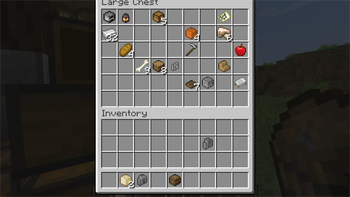
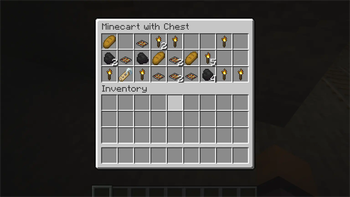
Resource pack that transforms most of 3D rendered blocks and other block-like items (in inventory) into their respective pixelated variants.
I don't know my version or loader
Blocks Pixelated
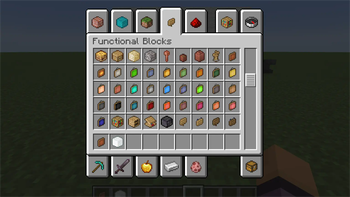
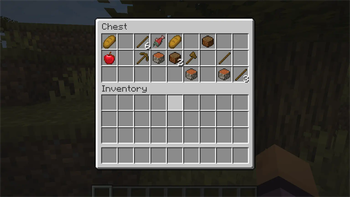
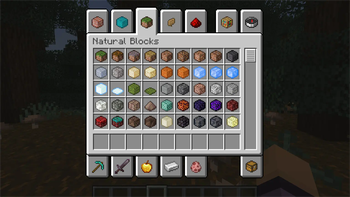
This resource pack transforms most of 3D rendered blocks and other block-like items (in inventory) into their respective pixelated variants to enhance your Minecraft experience. All textures were carefully remade and inspired by original actual in-game blocks. Hope you will like this creation. Enjoy!

⚠️⚠️⚠️
!!!Please DO NOT download versions which states as deprecated anymore (marked with D in version number) but rather download other versions!!!
👀 1.21.4 support soon!
==📢DISCORD SERVER (TEST)📢==
All the feedback, questions, suggestions can go into this server: https://discord.gg/BdxuyD7ZwU
Features:
- 830+ new hand-made textures (as of 1.21)
- animated textures for waxed copper blocks and infested blocks
- custom mob head textures
- compatible with Minecraft 1.20, 1.21
- compatible with Optifine
- Optifine features (see below)
- and more
Optifine Features:
- coloured paintings (in inventory) to help you distinguish particular paintings
Tip: If you dont see it in game try the latest version of resource pack.
My YouTube channel: https://www.youtube.com/@cat_metalhead
Istallation:
- Download resource pack.
- Open directory you set to download pack to.
- Copy the resource pack.
- Run Minecraft.
- Navigate to Options > Resource packs.
- Click "Open Pack Folder".
- Paste the copied resource pack.
- Enjoy!
- Edition: Minecraft Java
- File type: .zip (resource pack)
- Minecraft versions listed: 1.21.2, 1.21.3
- How to install: Download the .zip resource pack — do not unzip it. → Put it in .minecraft/resourcepacks. → Enable it in Options → Resource Packs.
- Where to get it: Opens on Modrinth — not every file is mirrored on our own servers.
Install steps are the general flow for this file type — How to install Minecraft Java resource packs walks through it step by step.
- Downloads as bp_v1.1_1.21.2-1.21.3.zip
- Download size: 1012 KB
- Download link checked 29 Aug 2026 — working
These come from our own check of the pack file, not from the source page.