
ResourcepacksJava
Redstone: Reloaded
Java resource pack listed for Minecraft 26.x. Downloads from the MC Java Mods app on Android.
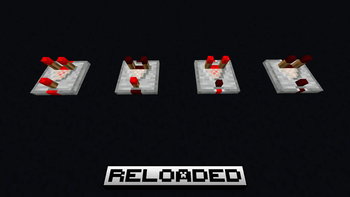
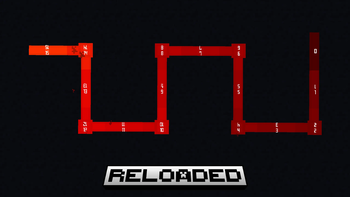
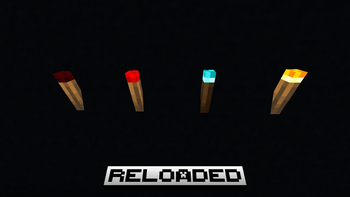
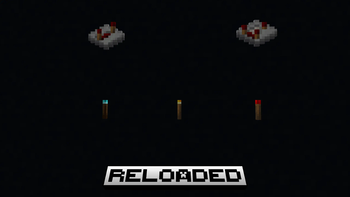
Improves redstone components with cleaner textures and intuitive visual blockstate indicators. Free Minecraft Java resourcepack for 26.3.
⬇ Download on Modrinth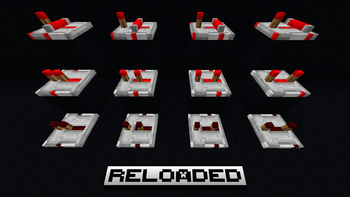
Quick facts
- Edition: Minecraft Java
- File type: .zip (resource pack)
- Minecraft version listed: 26.3
- How to install: Download the .zip resource pack — do not unzip it. → Put it in .minecraft/resourcepacks. → Enable it in Options → Resource Packs.
- Where to get it: Opens on Modrinth — not every file is mirrored on our own servers.
Install steps are the general flow for this file type — How to install Minecraft Java resource packs walks through it step by step.
File checked by MCModsHub
- Downloads as §7§l§nRedstone Reloaded§8§k.zip
- Download size: 188 KB
- Download link checked 9 Oct 2026 — working
These come from our own check of the pack file, not from the source page.