
🧽 SpongeBob PvP Resource Pack — fun under the sea 🌊
✨ Short Description
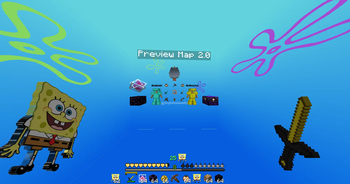
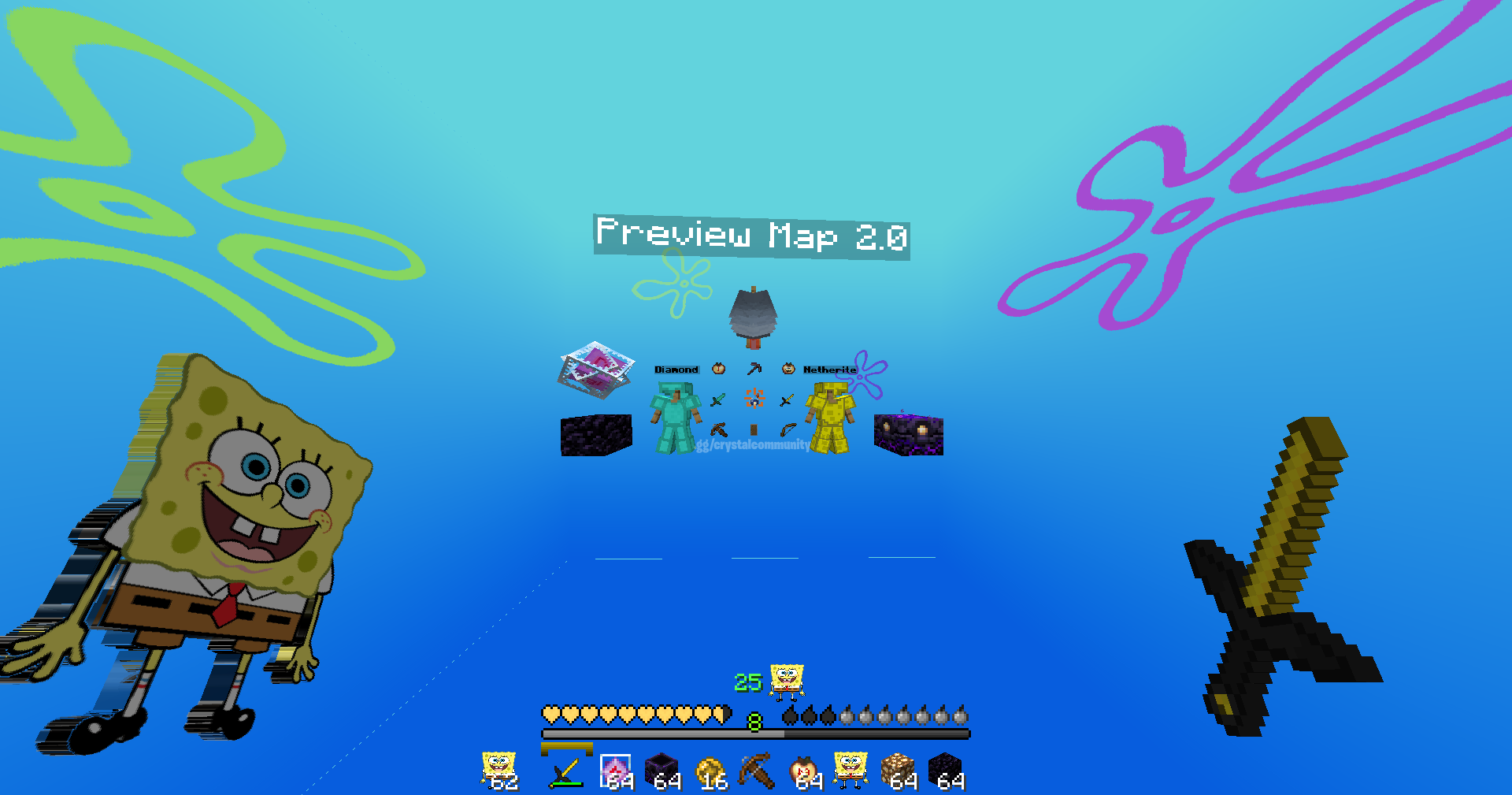
The SpongeBob PvP Pack brings the goofy, colorful world of Bikini Bottom straight into your Minecraft fights ⚔️. With SpongeBob-themed HUD, textures, and a custom sky full of underwater vibes, you’ll never have a boring duel again.
💎 Features
- 🌊 Custom SpongeBob-themed skybox with cartoon details.
- 🧽 SpongeBob HUD icons (hearts, hunger bar, totems, etc.).
- 🗡️ Golden-styled swords & clean PvP-ready item textures.
- 🎨 Bright and colorful armor textures for diamond & netherite.
- ⚡ Optimized resolution (16×16) for smooth performance.
📥 Installation
- ⬇️ Download the
.zipfrom Modrinth. - ⚙️ Open Minecraft → Options → Resource Packs → “Open Pack Folder”.
- 📂 Place the zip inside (no need to unzip).
- 🔄 Enable the pack.
🔗 Compatibility
- 🖥️ Minecraft versions: 1.20 - 1.21.3
- ✅ Works with most PvP clients (FoxClient, Lunar, Badlion, Feather, etc.).
📸 Screenshot
Quick facts
- Edition: Minecraft Java
- File type: .zip (resource pack)
- Minecraft versions listed: 1.20, 1.20.1, 1.20.2
- How to install: Download the .zip resource pack — do not unzip it. → Put it in .minecraft/resourcepacks. → Enable it in Options → Resource Packs.
- Where to get it: Opens on Modrinth — not every file is mirrored on our own servers.
Install steps are the general flow for this file type — How to install Minecraft Java resource packs walks through it step by step.
Verified by MCModsHub
- Downloads as SpongeBob Pack.zip
- Download size: 8.5 MB
- Download link checked 29 Aug 2026 — working
These come from our own check of the pack file, not from the source page.