






1.21.1 REQUIRES ICONS TO WORK



If you need help, readme.txt is in the zip for this. @magisitas on Discord if that didn't help
Latest Update 1.0.4 by PlanetWaffle :
Added Golden Dandelion
Rarity change on Name Tag
Latest Update 1.0.3 by PlanetWaffle :

Added Command Rarity to items that are obtained with commands
Added to see how much food you can get with the food item you have
Added all of 1.21.11 items to the list of rarity
Latest Update 1.0.2 : Loot Beam Up Support !






Magisitas Rarity Icons
Featuring :
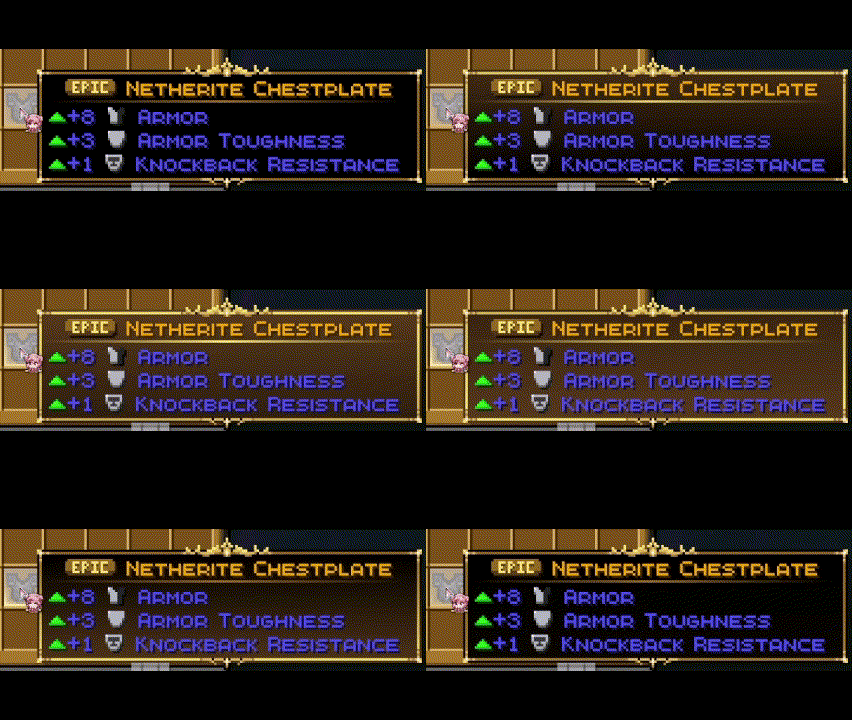
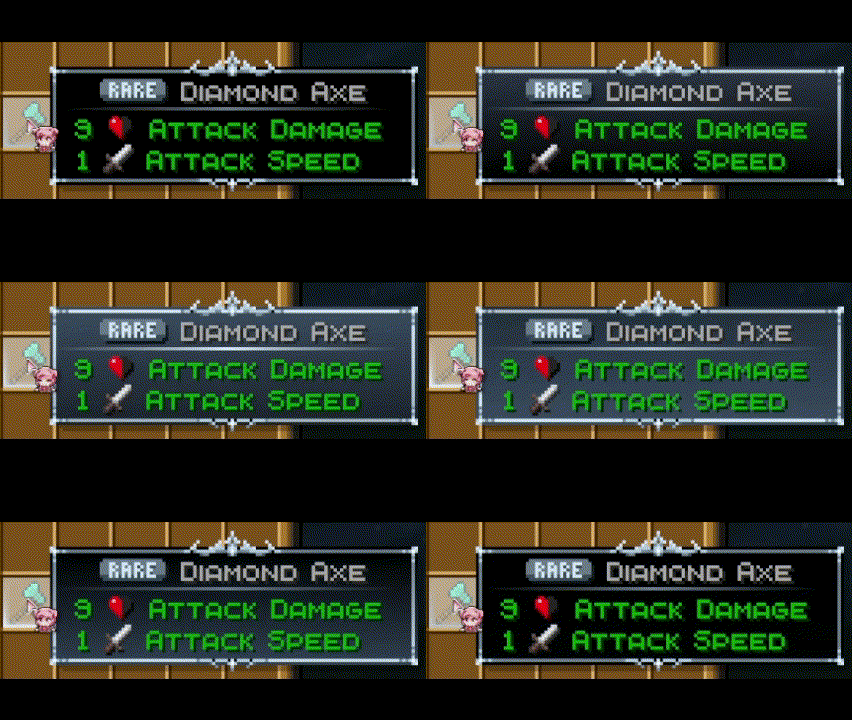
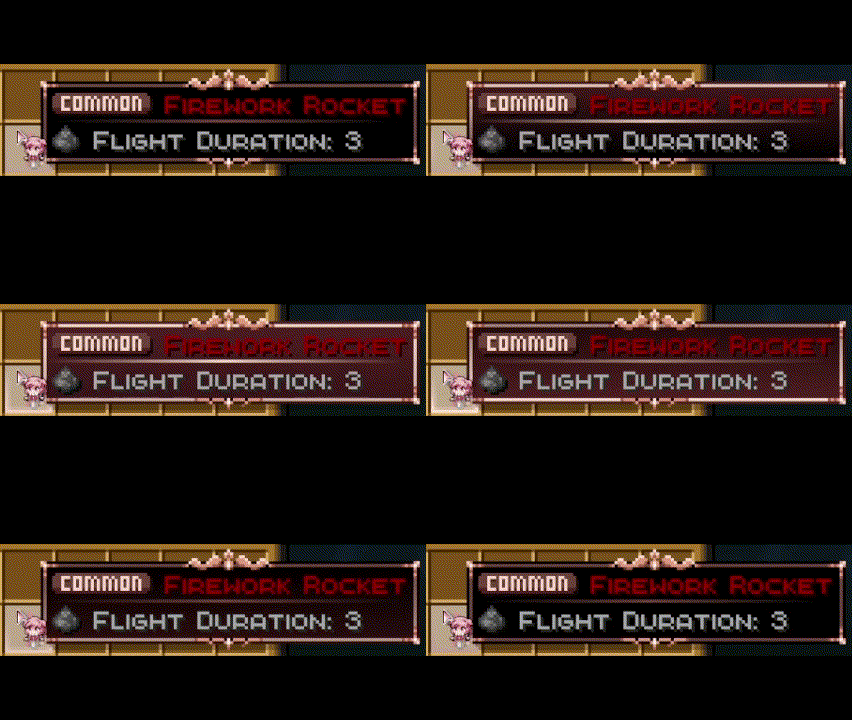
7 Unique Rarities :
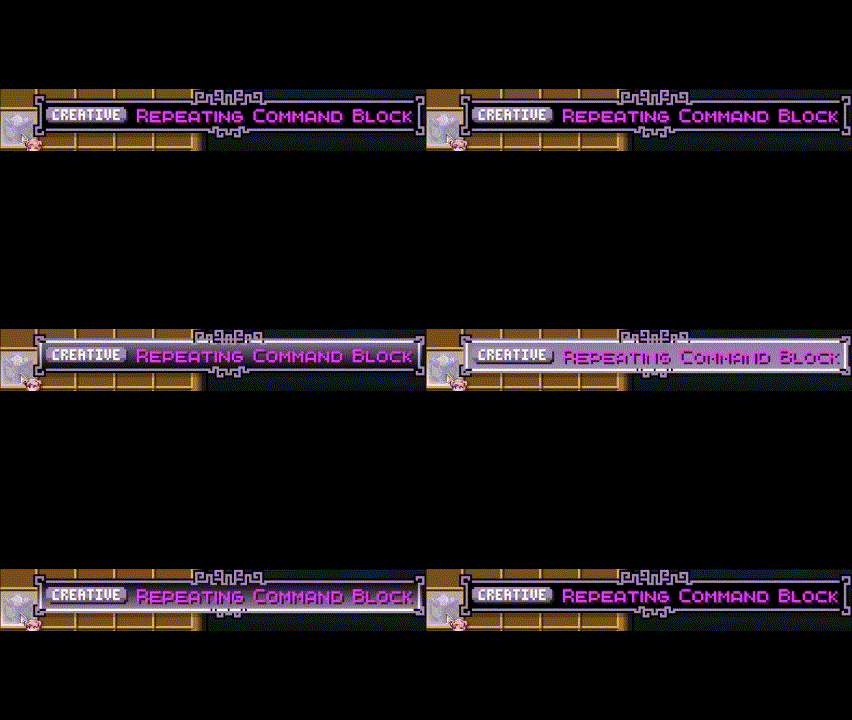
Creative Rarity :
- Only for Creative items !
- This includes all the items you cannot get in you inventory normaly in survival.
Unique Rarity :
- Only for Unique items !
- This includes only the Dragon Egg since it's the only item you cannot get multiple of (without cheats)
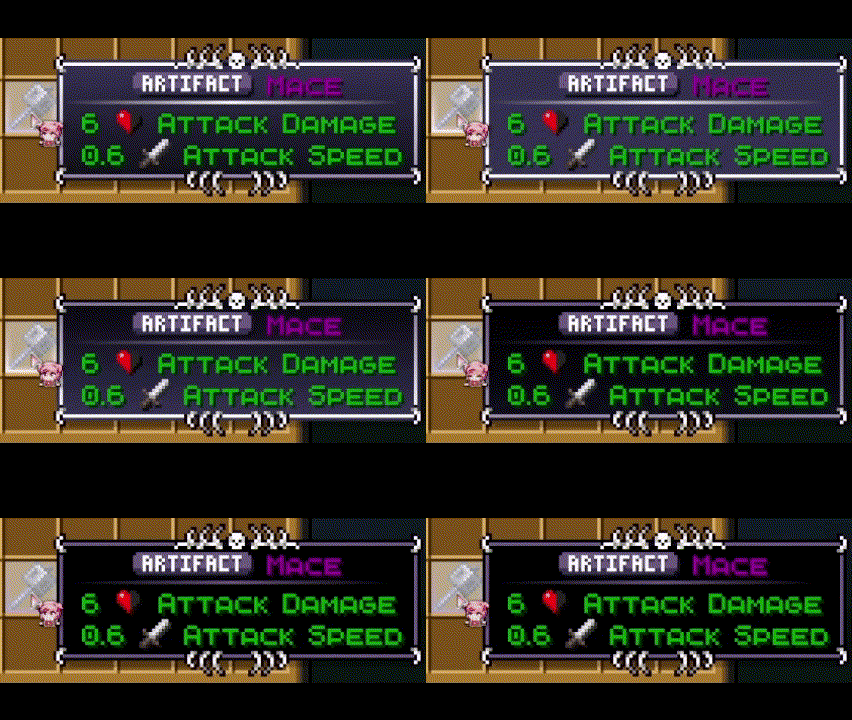
Artifact Rarity :
- This includes items that are very hard to get, usually the best reward of the most diffcult Regions of the game.
- Nether Star, Disc 5, Mace and even Elytras are here !
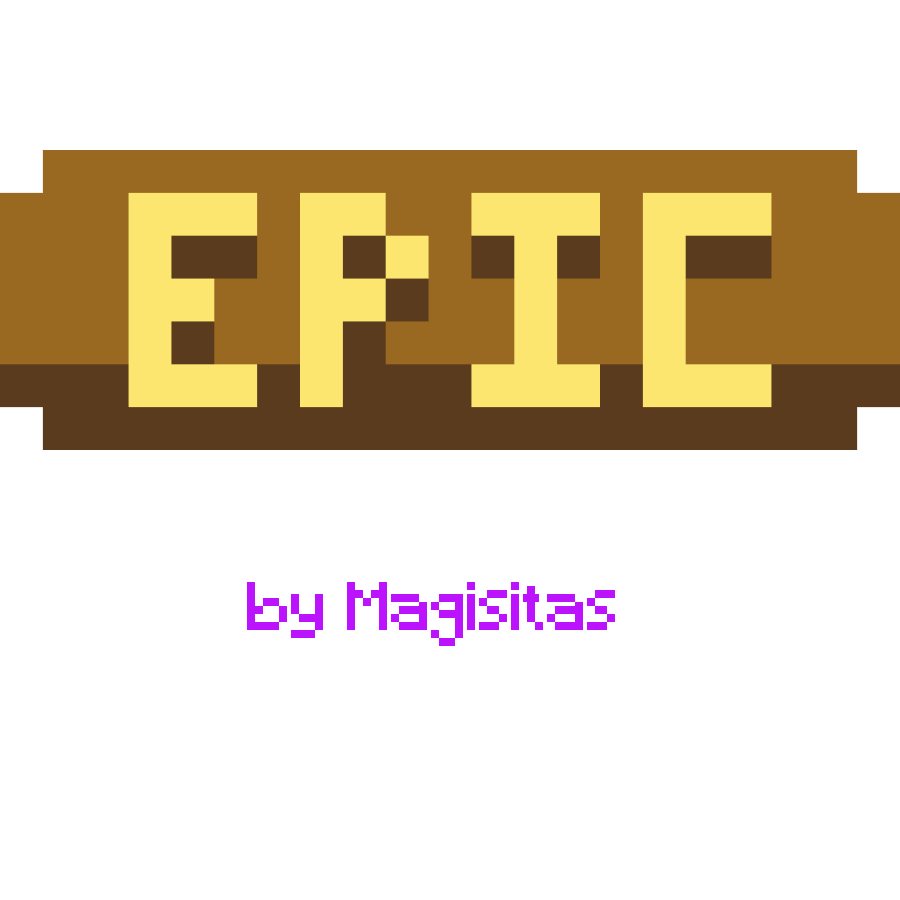
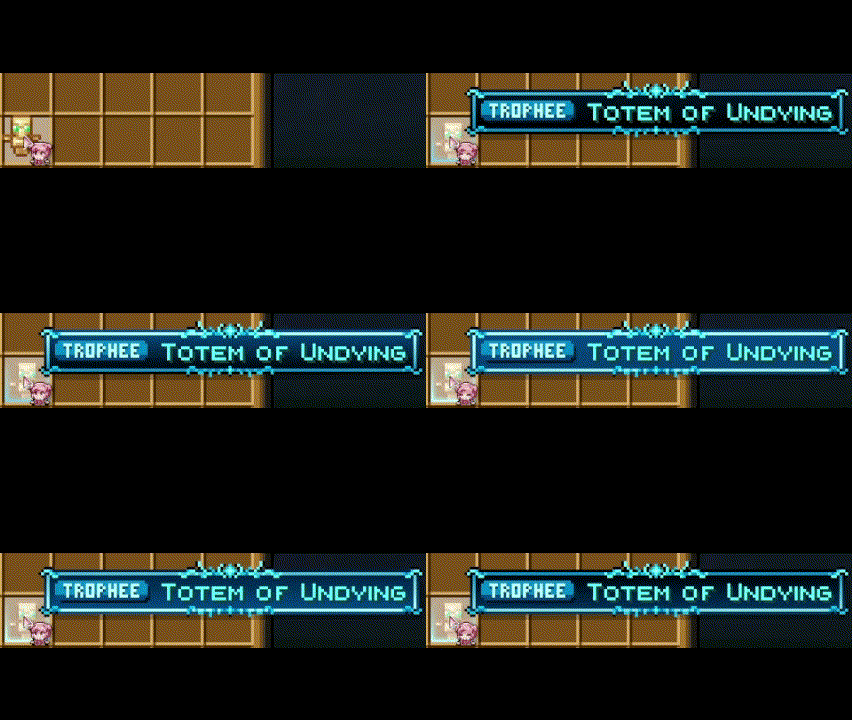
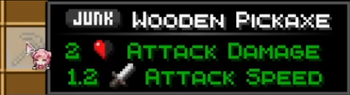
Trophee, Epic, Rare, Common and Trash Rarities :
- These items were given a rarity based on my personal feeling, feel free to give me feedback if you want some changes !
- Btw yes most items are in the common rarity, junk is only here for like dirt cobble etc
Eclectic Trove + Legendary Tooltips Support
Yes, you need the Legendary Tooltips mod to use all the features. It is needed for the Cool tooltip art and animations to work. Without this mod, you will only get Rarity Icons and Color text !












YOU NEED TO USE MY CUSTOM CONFIG FILE (in the zip) FOR THIS TO WORK (more info in the readme.txt)
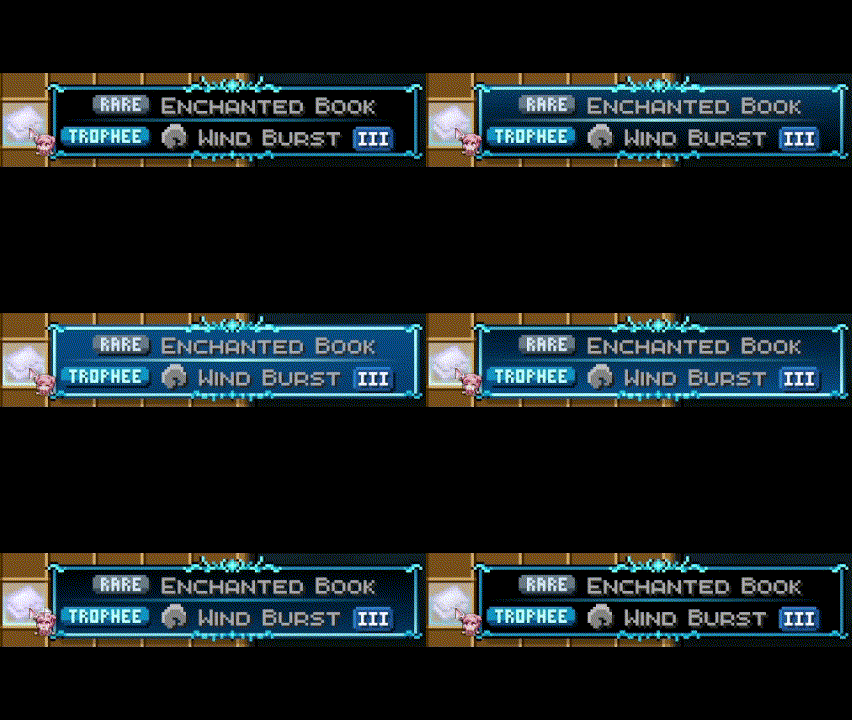
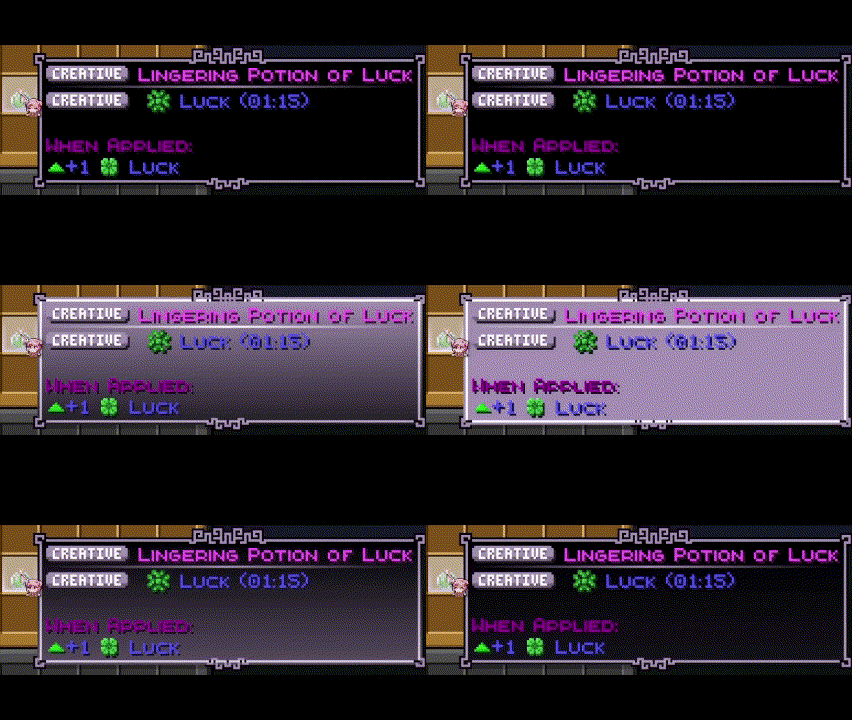
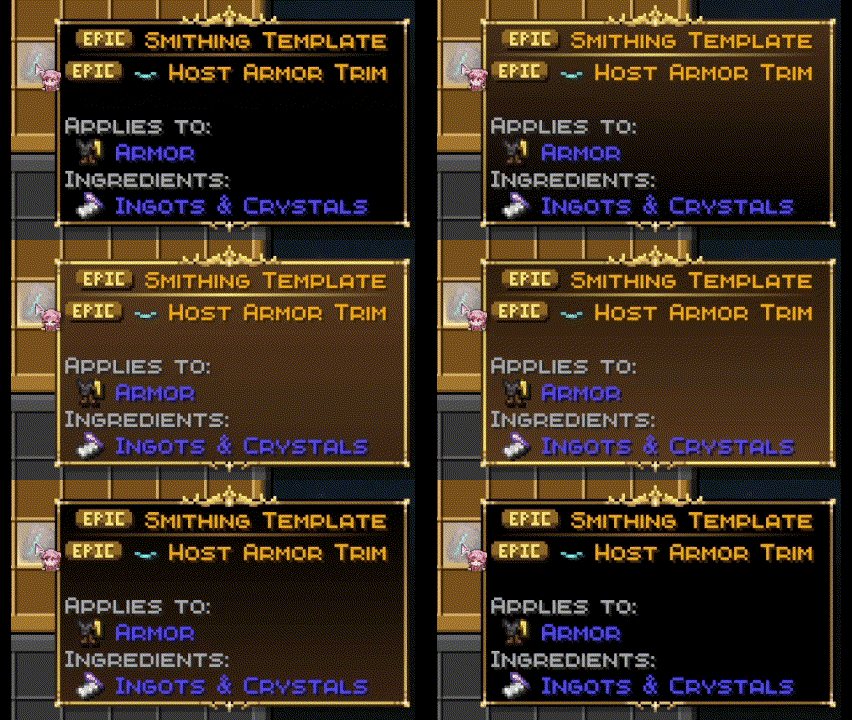
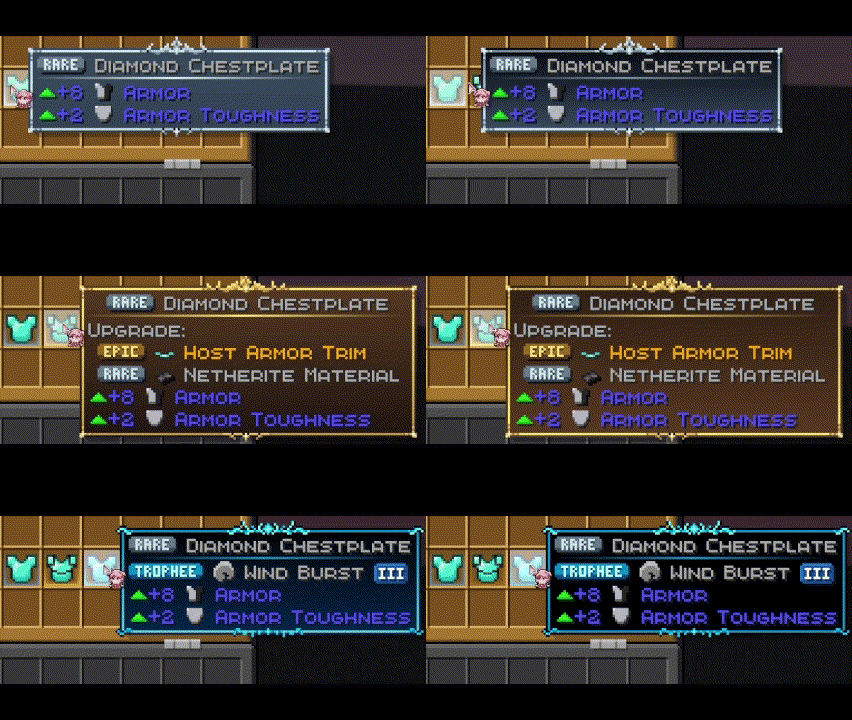
Enchant, Potions and Trims priority System
Enchants, Potions and Trims take the tooltip of the highest rarity they have. If you have mutiple enchants on a book for exemple, the tooltip will be the one of the best enchant ! This also works when equiped on armor as shown here :
Item Borders Support
You will also need Items border to get the cool borders like here ! This will not work without Eclectic Trove + Legendary Tooltips









YOU NEED TO USE MY CUSTOM CONFIG FILE (in the zip) FOR THIS TO WORK (more info in the readme.txt)
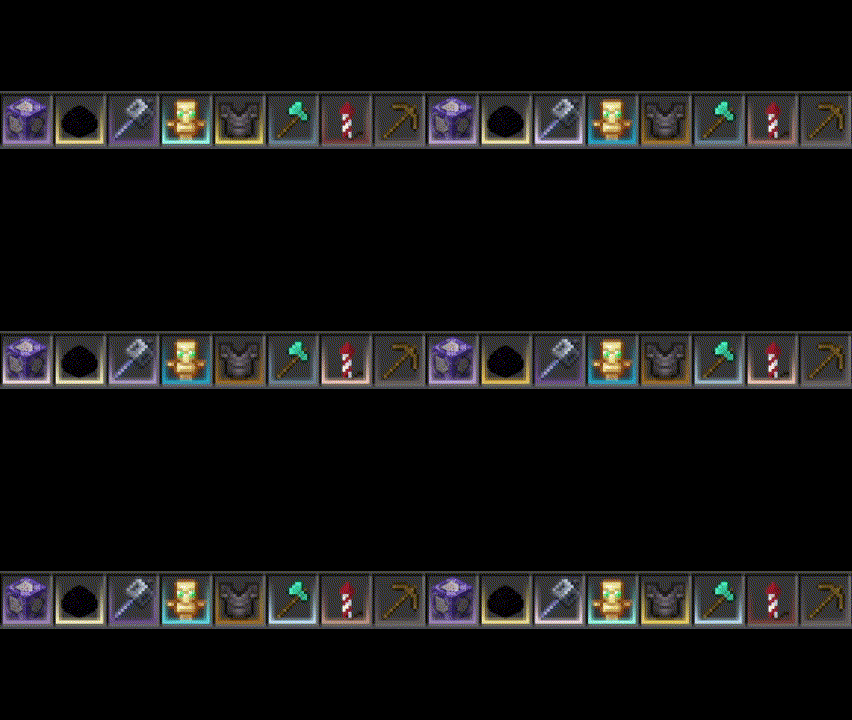
Fully Customisable !
You can customize the pack and the config files yourself ! I highly suggest doing it if you like coding things, its not hard I made it very explicit in the readme.txt, also you can change the rarity icons if you want
Have fun playing !
- Edition: Minecraft Java
- File type: .zip (resource pack)
- Minecraft version listed: 26.2
- How to install: Download the .zip resource pack — do not unzip it. → Put it in .minecraft/resourcepacks. → Enable it in Options → Resource Packs.
- Where to get it: Opens on Modrinth — not every file is mirrored on our own servers.
Install steps are the general flow for this file type — How to install Minecraft Java resource packs walks through it step by step.
- Downloads as magisitas-rarity-icons-26.2_1.0.5.zip
- Download size: 30 KB
- Download link checked 29 Aug 2026 — working
These come from our own check of the pack file, not from the source page.