
Medieval Tactical Shield
Java resource pack listed for Minecraft 1.20–1.21. Downloads from the MC Java Mods app on Android.
⬇ Download on Modrinth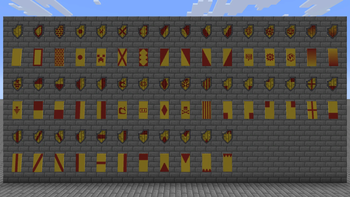
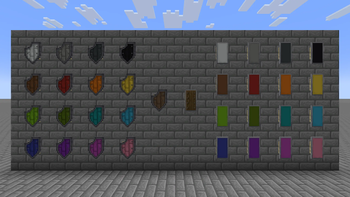
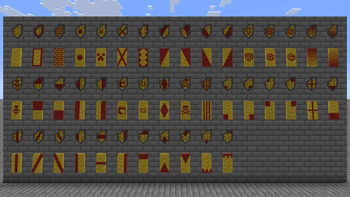
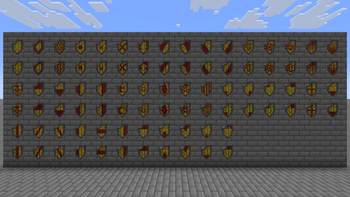
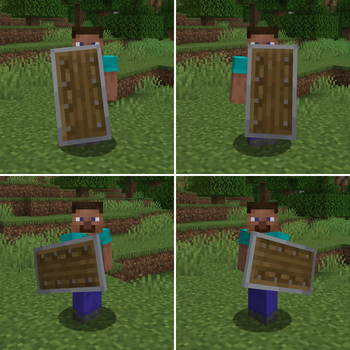
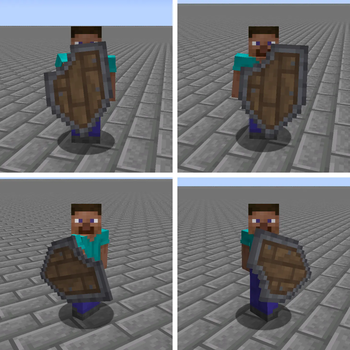
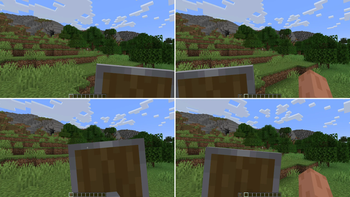
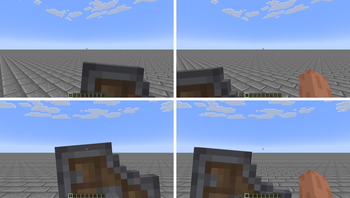
Almost every shield resource pack I have found only serves to change the position, size or opacity of the shield, although there are others that do change the model, they are not usually compatible with banners, so I wanted to make my own version of the shield.
The only thing that bothers me about the vanilla shield is the plain texture when using banners, hiding the wood texture and the characteristic nails of the shield. I also wanted to change the shape and make it more interesting.**
Features:
- The shield now is wider, more detailed texture with metal border, bigger wood planks, nails and a more medieval shape.
- The tactical shape of the shield allows you to see clearly when it is in the left hand.
- Fully compatible with banners, using the wood texture for the color map, all drawn manually, instead of a boring plain color.
- Tweaked some patterns to match with Wavy Banners
- Bigger scale in item frames to use the shield as decoration.
- New unique texture on the back of the shield.
Note:
- I recommend Wavy Banners for more consistency with the patterns.
- If you want a more vanilla shield but still improved, you can use Better Vanilla Shields [Coming Soon].
Dependencies:
- This requires Optifine or better yet Entity Model Features [EMF] + Entity Texture Features [ETF].
- Edition: Minecraft Java
- File type: .zip (resource pack)
- Minecraft versions listed: 1.20, 1.20.1, 1.20.2
- How to install: Download the .zip resource pack — do not unzip it. → Put it in .minecraft/resourcepacks. → Enable it in Options → Resource Packs.
- Where to get it: Opens on Modrinth — not every file is mirrored on our own servers.
Install steps are the general flow for this file type — How to install Minecraft Java resource packs walks through it step by step.
- Downloads as Medieval Tactical Shield 1.1.zip
- Download size: 417 KB
- Download link checked 30 Oct 2026 — working
These come from our own check of the pack file, not from the source page.