
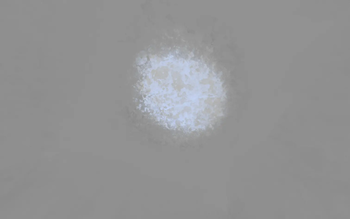
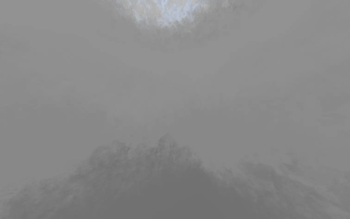
why gray? ever seen a digital artists plank paper? well if you havent, its a light gray to help avoid eye strain!
why isnt it working? Make sure the pack is ontop of your other packs! this will not hide your other packs but will make sure the sky shows through.
Will this pack be updated to the newset version? ill be looking into getting this pack updated to newer versions but for now it will remain on 1.8.9
NEEDS OPTIFINE TO RUN
Please email me here with any issues: wowmoonwow@proton.me
Quick facts
- Edition: Minecraft Java
- File type: .zip (resource pack)
- Minecraft versions listed: 1.6.1, 1.6.2, 1.6.4
- How to install: Download the .zip resource pack — do not unzip it. → Put it in .minecraft/resourcepacks. → Enable it in Options → Resource Packs.
- Where to get it: Opens on Modrinth — not every file is mirrored on our own servers.
Install steps are the general flow for this file type — How to install Minecraft Java resource packs walks through it step by step.
Verified by MCModsHub
- Downloads as Gray Sky 1.8.9.zip
- Download size: 44.6 MB
- Download link checked 29 Aug 2026 — working
These come from our own check of the pack file, not from the source page.