
Clearer Glass
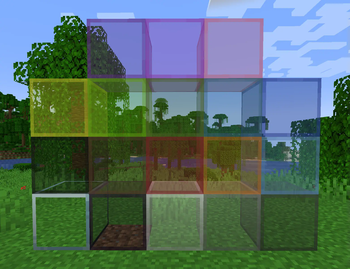
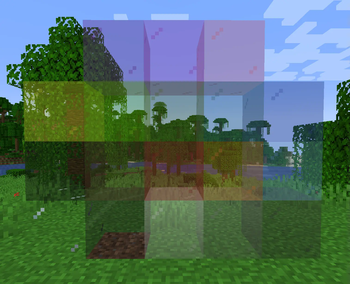
This pack updates the appearance of all types of glass in every version.
Each version has its own file – pick your favorite from the download page
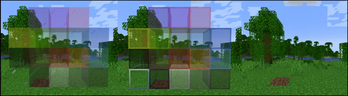
There are three different styles, each available as a separate download
Border-Only Glass – Keeps only the outer edges visible for a cleaner look.
Borderless Glass – Removes all borders for a seamless, clear appearance.
Invisible Glass – Makes glass completely transparent and nearly undetectable.
- launch Minecraft
- Click "Esc"
- Click "Options"
- Click "Resourse Packs"
- Open "File Explorer"
- Go to "Downloads"
- Drag and Drop The File in the "Resourse Packs" Tab
- Click "Yes"
- Then Click the Resourse Pack icon
- Click Done
Your Done
My Other ProjectsQuick facts
- Edition: Minecraft Java
- File type: .zip (resource pack)
- Minecraft versions listed: 1.20.5, 1.20.6, 24w18a
- How to install: Download the .zip resource pack — do not unzip it. → Put it in .minecraft/resourcepacks. → Enable it in Options → Resource Packs.
- Where to get it: Opens on Modrinth — not every file is mirrored on our own servers.
Install steps are the general flow for this file type — How to install Minecraft Java resource packs walks through it step by step.
Verified by MCModsHub
- Downloads as Clearer Glass Border Only.zip
- Download size: 195 KB
- Download link checked 29 Aug 2026 — working
These come from our own check of the pack file, not from the source page.