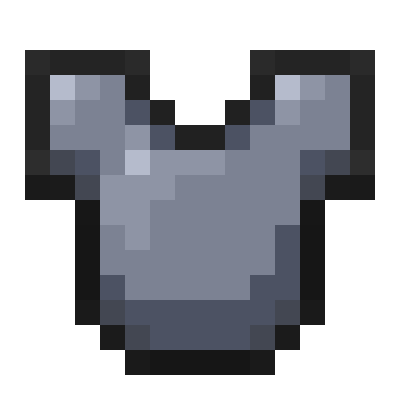
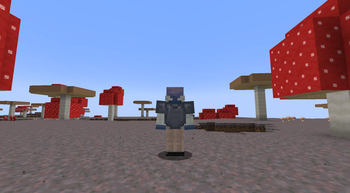
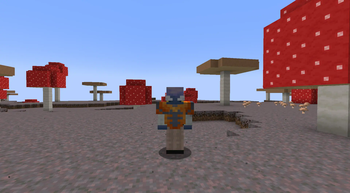
This resource pack is a example pack that adds all the files you need to add custom armor textures in minecraft (1.21.4)
How it works:
- Download / unzip the pack
- If you are in a version above 1.21.4 adjust the pack formats as needed
- locate the equipment folder inside the datapack
- adjust the json files inside that folder and change them to match what you need
- if your armor item is using a custom item model you will also need to add that inside namespace/items and naamespce/model/item
- make sure you add the armor texture into the entity/equipment/humanoid and the item texture inside textures/item
In game command to get the custom song: /give @p minecraft:chainmail_chestplate[minecraft:item_model="minecraft:better_chainmail_chestplate",minecraft:equippable={asset_id:'minecraft:heavy', slot:"chest"}] 1
Better Tutorial in video form:
Quick facts
- Edition: Minecraft Java
- File type: .zip (resource pack)
- Minecraft version listed: 1.21.4
- How to install: Download the .zip resource pack — do not unzip it. → Put it in .minecraft/resourcepacks. → Enable it in Options → Resource Packs.
- Where to get it: Opens on Modrinth — not every file is mirrored on our own servers.
Install steps are the general flow for this file type — How to install Minecraft Java resource packs walks through it step by step.
Verified by MCModsHub
- Downloads as Custom Armor Textures - RP.zip
- Download size: 7 KB
- Download link checked 29 Aug 2026 — working
These come from our own check of the pack file, not from the source page.