![Simply Glowing Zinc [Create]](https://cdn.modrinth.com/data/HMu5tLuQ/26cdc3bd84ce809924d39b43d268cdede1a4c1d6_96.webp)
Simply Glowing Zinc [Create]
A resource pack that makes the zinc ores from create simply glow and glint(animation). Support "Optifine" and "Continuity" Mod!
⬇ Download on Modrinth![Simply Glowing Zinc [Create] — screenshot 1](https://cdn.modrinth.com/data/HMu5tLuQ/images/d4adce9d8a48adc75d5bb665b265d56ad1cd6e89.gif)
![Simply Glowing Zinc [Create] — screenshot 2](https://cdn.modrinth.com/data/HMu5tLuQ/images/a78cd4e2642facd9eae339a95e4a1b063463e1bc_350.webp)
ZINC GLOW ONLY IF HAVING ONE OF THESE THINGS INSTALLED:
Optifine (Forge) or Continuity (Fabric/Forge/NeoForge/Quilt)
The Resource pack relies on the Emissive properties of these. Without it the resource pack will work but no glowing and there will be only animated glint.
And of course you need Create mod. (Textures from version 6.0.1)
Showcase:

In addition you can mix it with my other zinc resoursepack for glow and animation on 3D model Simply 3D Zinc:
Spoiler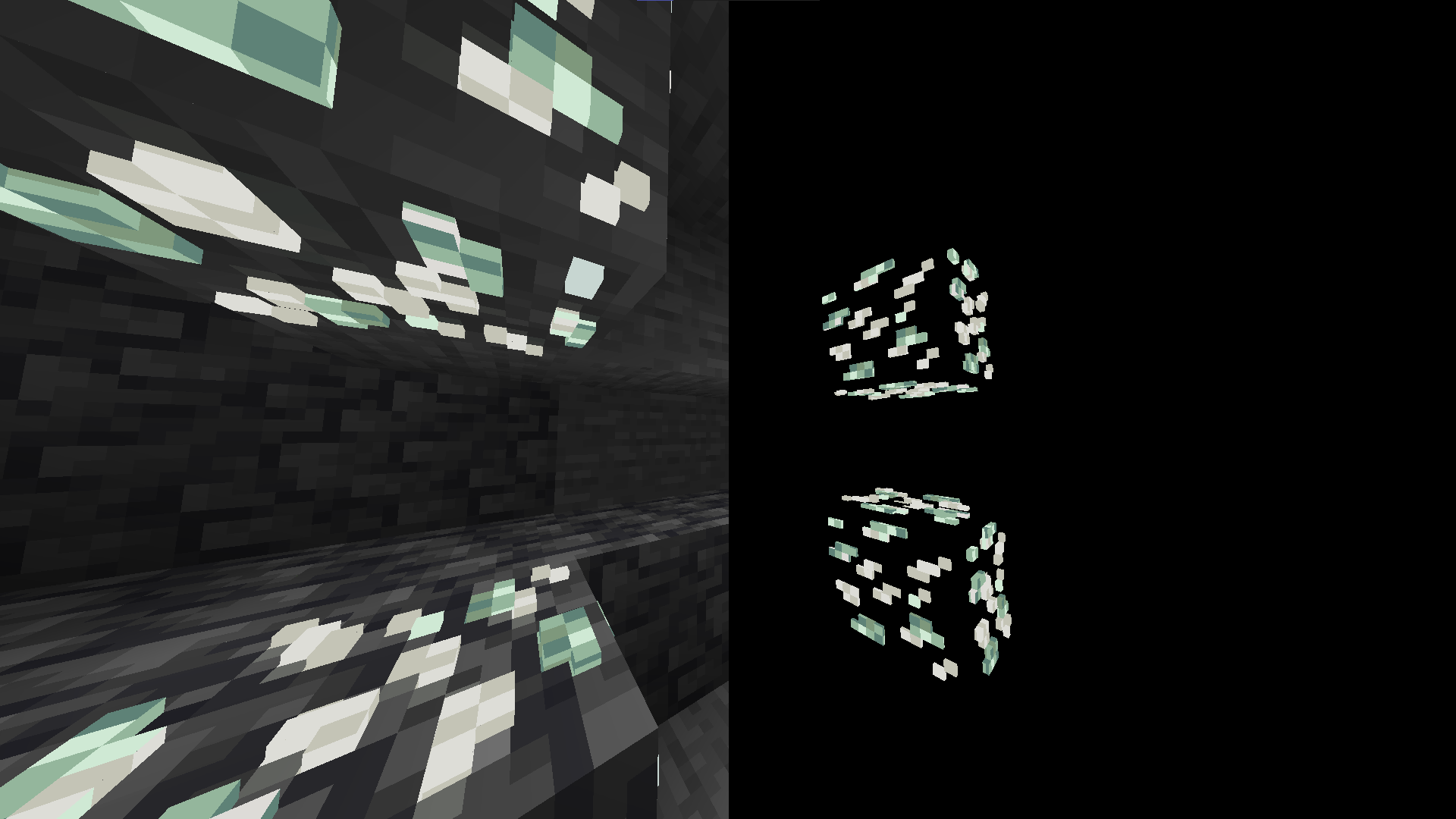
- Edition: Minecraft Java
- File type: .zip (resource pack)
- Minecraft versions listed: 1.18, 1.18.1, 1.18.2
- How to install: Download the .zip resource pack — do not unzip it. → Put it in .minecraft/resourcepacks. → Enable it in Options → Resource Packs.
- Where to get it: Opens on Modrinth — not every file is mirrored on our own servers.
Install steps are the general flow for this file type — How to install Minecraft Java resource packs walks through it step by step.
- Downloads as Simply Glowing Zinc [Create].zip
- Download size: 9 KB
- Download link checked 29 Aug 2026 — working
These come from our own check of the pack file, not from the source page.