
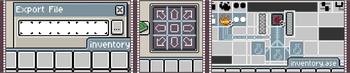
Your favorite Pixel Art tool Aseprite invades Minecraft!
Enjoy a new set of customized UI elements for Minecraft with the Aseprite LIGHT Resource Pack by ChimeraDev.

What does this pack add?
The Aseprite LIGHT Resource Pack adds a light theme based on Aseprite's Classic theme, that affects all of the menus in the game including the buttons etc. (Except narrator pop-up and Player Report for clarity)
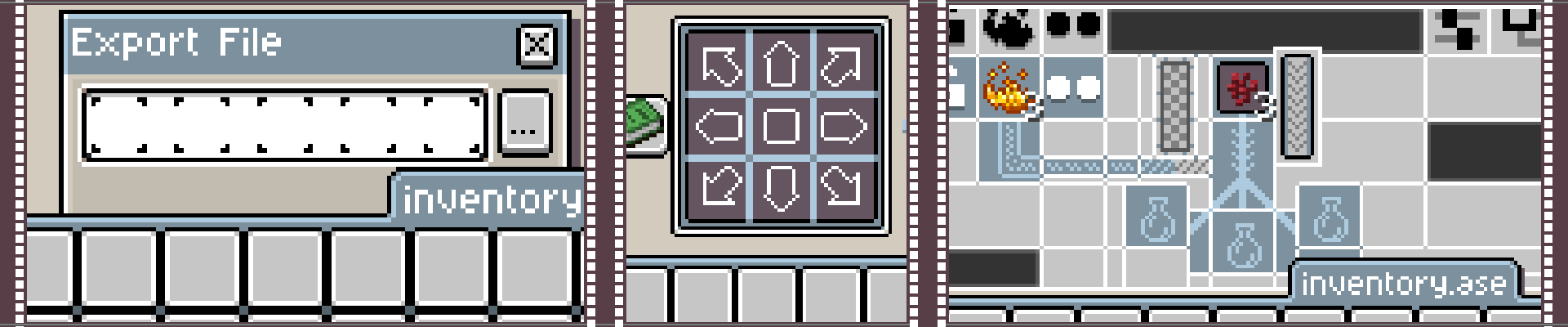
Most of the menus are made referencing different Aseprite features like the Timeline, canvas change, and Export Window, to name a few!
Known Issues Disclaimers This Resourcepack features custom lang files for every single available language in Minecraft to remove certain container names (like the hopper) so make sure it's at the top of your resource packs to function properly!Naming a container will affect the displayed name inside itself, for Chests, Shulkers, Double Chests, Dispensers, and Droppers this has been accounted for, but for stylistic choices, the rest of containers will display custom names wrongly in most cases.
That's all for now, If you find any more issues, please make sure to contact over Discord
This Resourcepack was made by ChimeraDev, and it's not affiliated with Aseprite or Igara Studio S.A.; Aseprite is a tool created by Igara Studio S.A. on GitHub; All of the art has been made exclusively using Aseprite 1.3+ (Steam
- Edition: Minecraft Java
- File type: .zip (resource pack)
- Minecraft versions listed: 1.21.5, 1.21.6, 1.21.7
- How to install: Download the .zip resource pack — do not unzip it. → Put it in .minecraft/resourcepacks. → Enable it in Options → Resource Packs.
- Where to get it: Opens on Modrinth — not every file is mirrored on our own servers.
Install steps are the general flow for this file type — How to install Minecraft Java resource packs walks through it step by step.
- Downloads as AsepriteLIGHT.zip
- Download size: 263 KB
- Download link checked 29 Aug 2026 — working
These come from our own check of the pack file, not from the source page.