
Vanilla Gui+
Java resource pack listed for Minecraft 26.x. Downloads from the MC Java Mods app on Android.
⬇ Download on Modrinth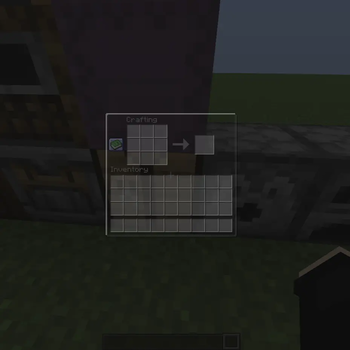
🎨 Vanilla GUI+
🌊 Overview
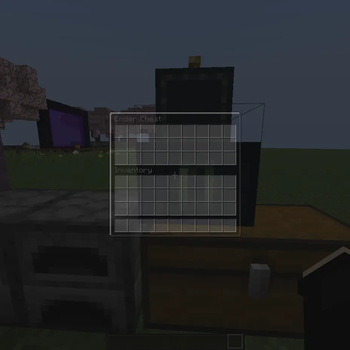
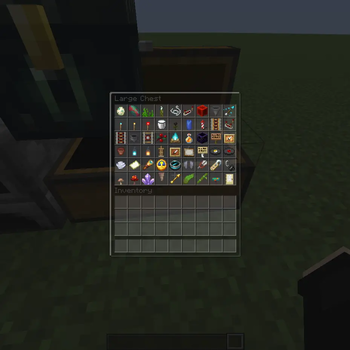
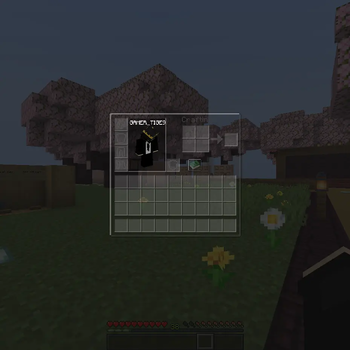
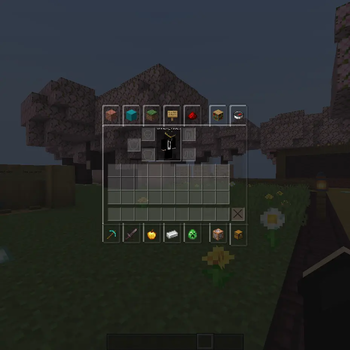
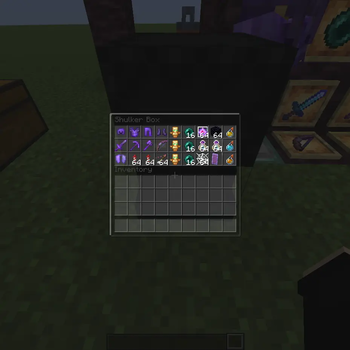
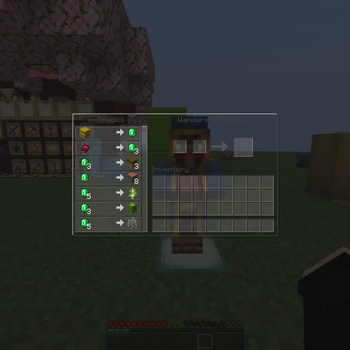
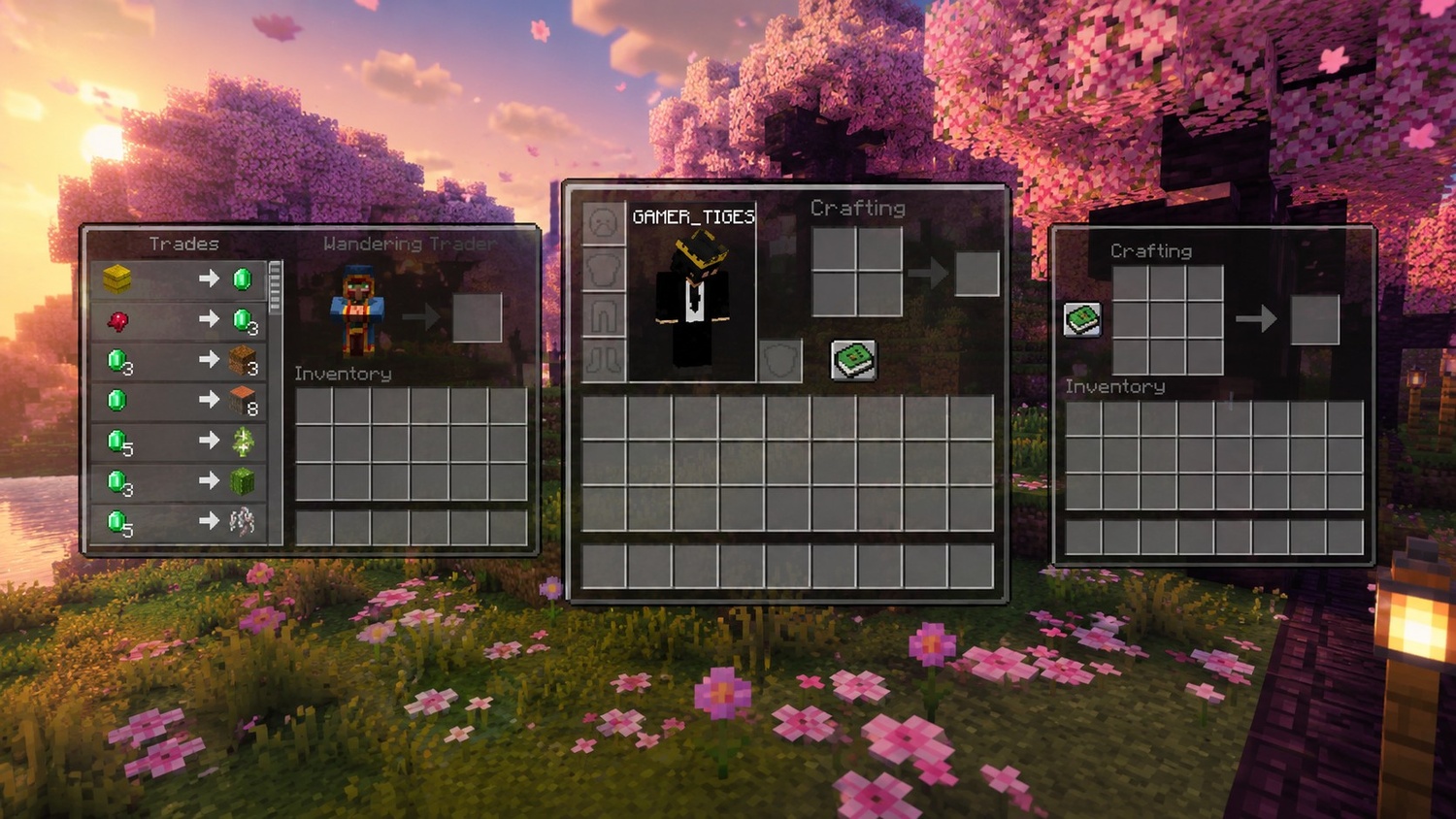
Vanilla GUI+ refreshes Minecraft's interface with a cleaner, lower-opacity design while preserving the game's original vanilla style. Menus become less distracting, allowing more of the game world to remain visible and creating a smoother gameplay experience.
 ━━━━━━━━━━━━━━━━━━
⚔ Features
• Lower-opacity vanilla GUI
• Cleaner inventory and menu screens
• Improved visibility behind interfaces
• Maintains the original Minecraft aesthetic
• Lightweight and easy to use
━━━━━━━━━━━━━━━━━━
🎮 Perfect For
• PvP players
• Survival gameplay
• Vanilla+ pack collections
• Players who prefer cleaner interfaces
• Everyday Minecraft use
━━━━━━━━━━━━━━━━━━
📜 License
Licensed under the MIT License.
You are free to use, modify, and redistribute this project with proper credit to the original creator.
- Edition: Minecraft Java
- File type: .zip (resource pack)
- Minecraft version listed: 26.2
- How to install: Download the .zip resource pack — do not unzip it. → Put it in .minecraft/resourcepacks. → Enable it in Options → Resource Packs.
- Where to get it: Opens on Modrinth — not every file is mirrored on our own servers.
Install steps are the general flow for this file type — How to install Minecraft Java resource packs walks through it step by step.
- Downloads as Vanilla Gui+.zip
- Download size: 592 KB
- Download link checked 21 Oct 2026 — working
These come from our own check of the pack file, not from the source page.