
Excalibur | Create Support
Java resource pack listed for Minecraft 1.20–1.21. Download on the author's site.
⬇ Download on CurseForge


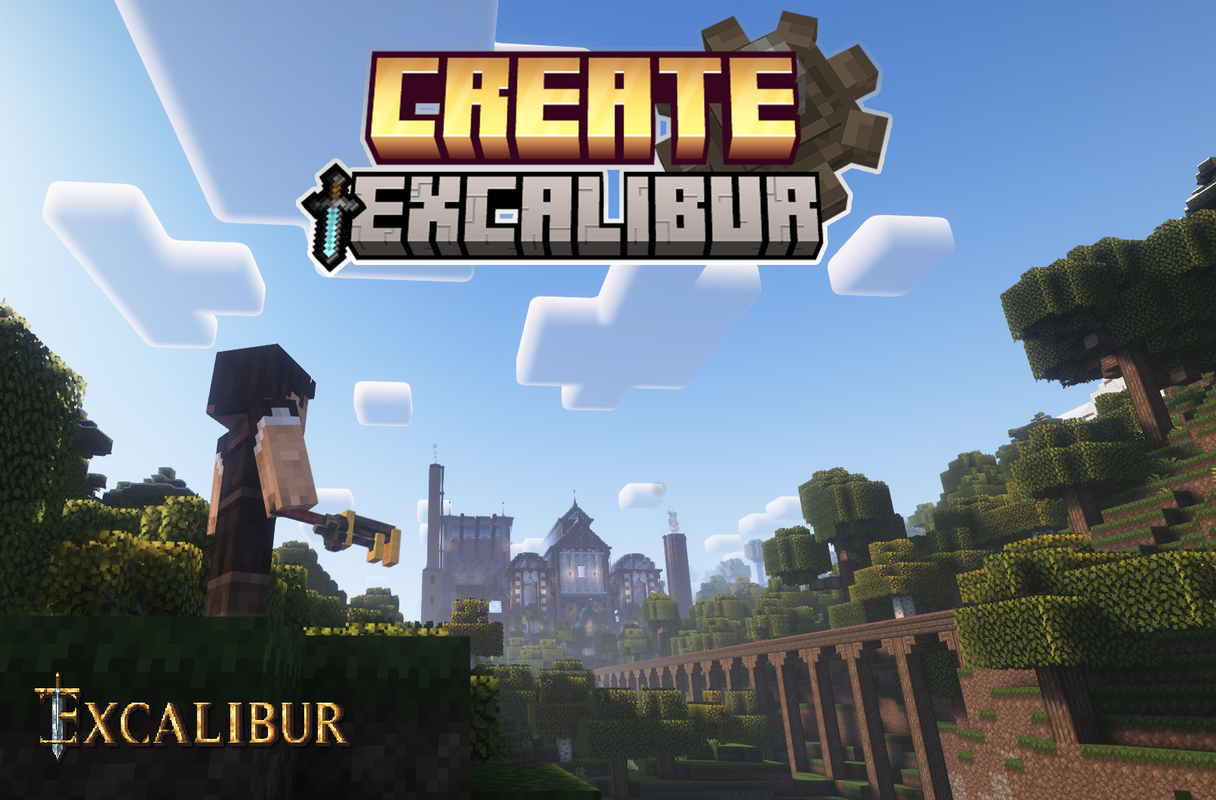
This is a support pack that converts Create Mod textures to better match the masterpiece Excalibur ResourcePack.
Head over to the Excalibur Discord to follow the development of Excalibur and this addon.
This Pack contains :
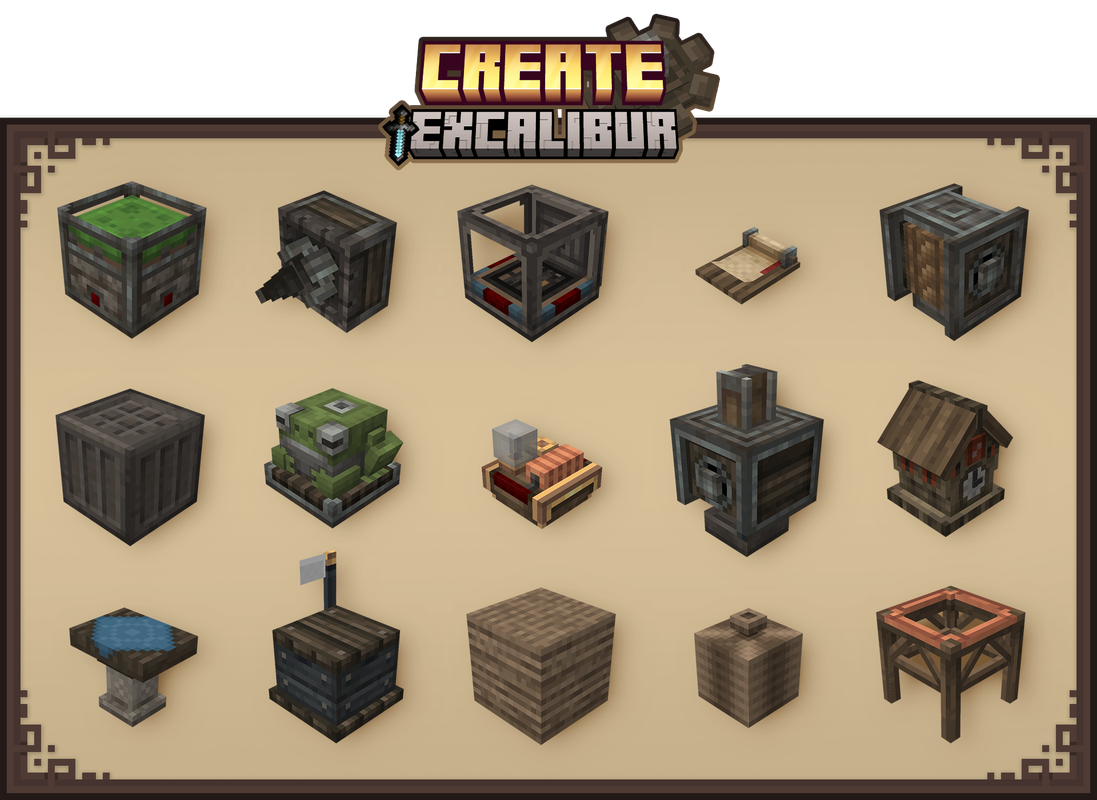
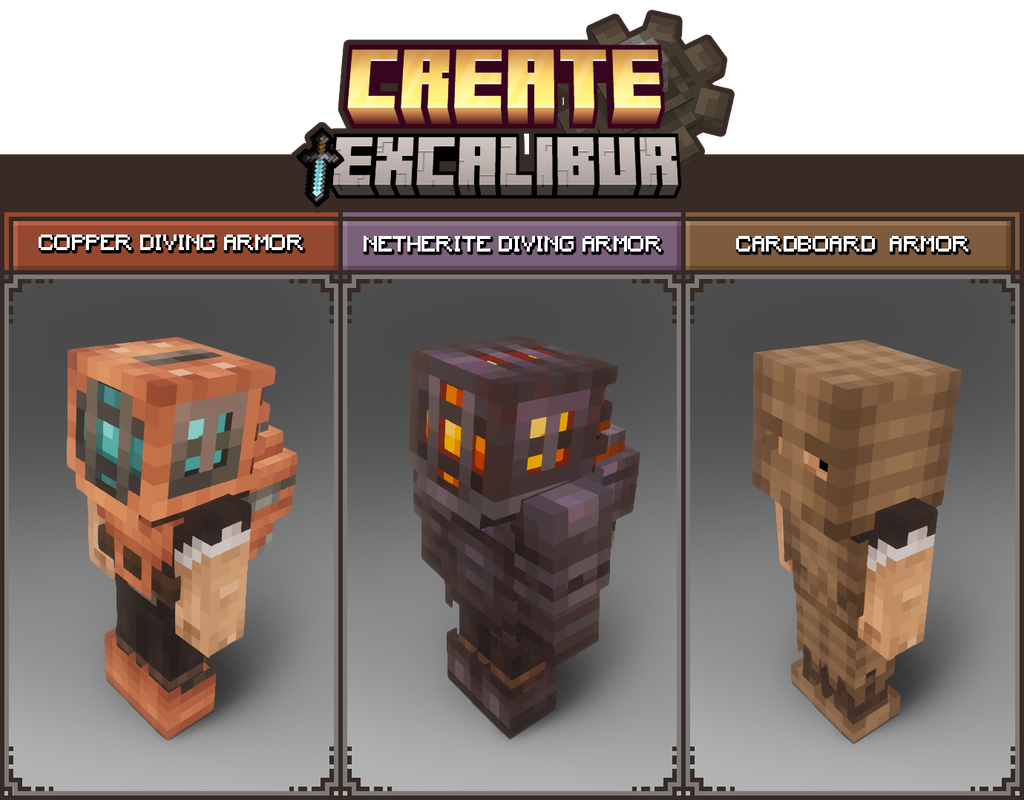
- All blocks in Create's Main and Decorative tabs have been retextured/remodeled to match Excalibur style/theme.
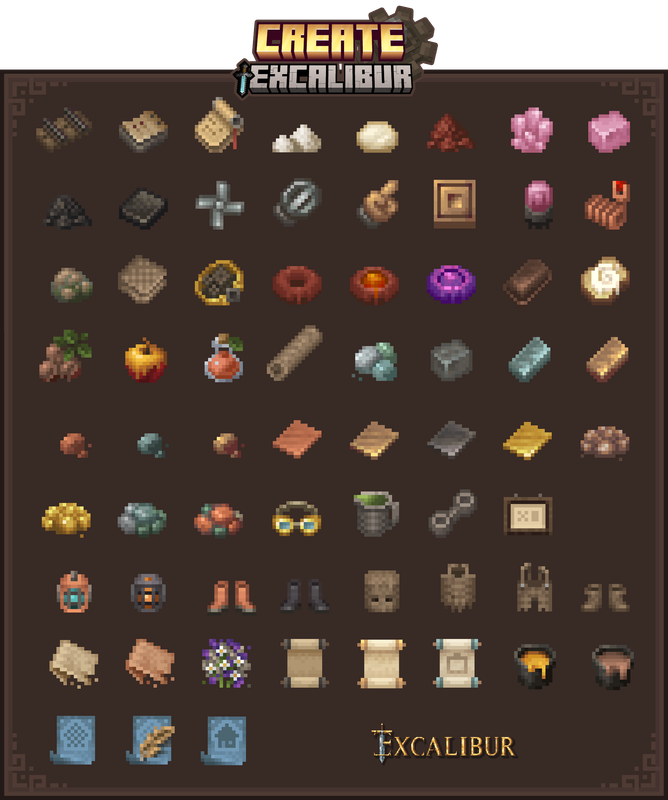
- All items retextured
- GUI retextured to match better the resourcepack Excalibur
- Connected textures. ( All Stonebricks variants, Naturals blocks, Display board )
Installation :
Ingame
-> Click "Options…"
-> Click "Resource Packs…"
-> Click "Open Resource Pack Folder"
-> Drag and Drop the Excalibur_Create Support.zip file into the "resourcepacks" folder
-> Move the Excalibur Create Support resource pack from the left column to the right
-> Make sure that the support pack is placed above the original Excalibur resource pack
-> Select "Done"
-> Create
Credits :
Maffhew - Author of the resourcepack Excalibur
Simibubi - Author of the mod Create
Craig - for helping me solve a visual issue
Koin - Author of the building on the picture presentation
- Edition: Minecraft Java
- File type: .zip (resource pack)
- Minecraft versions listed: 1.20.1, 1.21, 1.20.2
- How to install: Download the .zip resource pack — do not unzip it. → Put it in .minecraft/resourcepacks. → Enable it in Options → Resource Packs.
- Where to get it: Opens on CurseForge — not every file is mirrored on our own servers.
Install steps are the general flow for this file type — How to install Minecraft Java resource packs walks through it step by step.
Excalibur | Create Support is a free Minecraft Java resourcepack. Compatible with Minecraft 1.20.1, 1.21, 1.20.2, 1.20.5 and newer. Downloaded 1,435,234 times (via CurseForge). Download it and open it directly in the game.