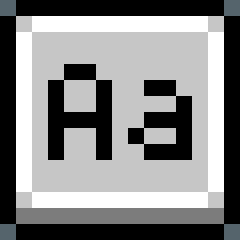
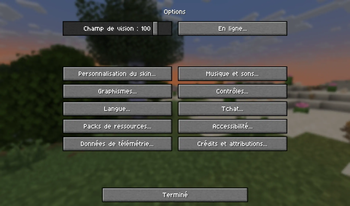
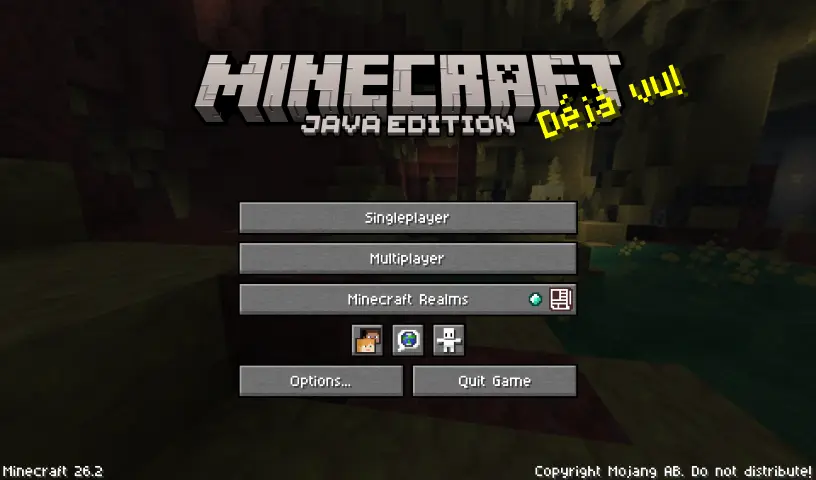
Aseprite is a very popular pixel art editor for creating sprites, frame-by-frame animations, and retro-style graphics. It features a simple but sleek font for its interface that fits perfectly within Minecraft!
Progress
| ascii | accented | nonlatin_european |
|---|---|---|
| 100% Complete | 65% Complete | 51% Complete |
This pack currently supports all languages that use the Latin, Cyrillic, or Greek alphabets, but there's more to come!
Modifications
Because Minecraft gives each glyph more pixel space compared to Aseprite, I've modified them slightly for a smoother and cleaner look. Also, most glyphs in the game are not supported by Aseprite, so I tried to recreate them as close to the Aseprite style as possible.

- Edition: Minecraft Java
- File type: .zip (resource pack)
- Minecraft versions listed: 1.16-pre7, 1.16-pre8, 1.16-rc1
- How to install: Download the .zip resource pack — do not unzip it. → Put it in .minecraft/resourcepacks. → Enable it in Options → Resource Packs.
- Where to get it: Opens on Modrinth — not every file is mirrored on our own servers.
Install steps are the general flow for this file type — How to install Minecraft Java resource packs walks through it step by step.
- Downloads as aseprite_font_v0.3.1.zip
- Download size: 31 KB
- Download link checked 20 Aug 2026 — working
These come from our own check of the pack file, not from the source page.