
Laser Swords
⚔️ Laser Swords - Custom Swords & Status Visuals Transform your Minecraft combat experience with a complete visual overhaul for your weaponry and status…
⬇ Download on Modrinth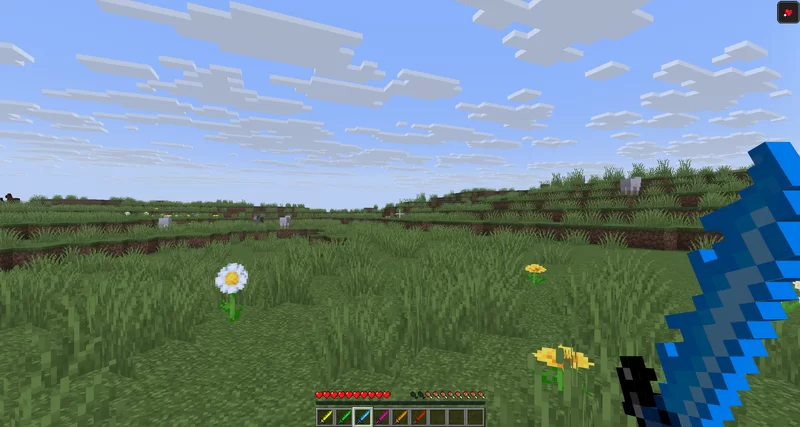
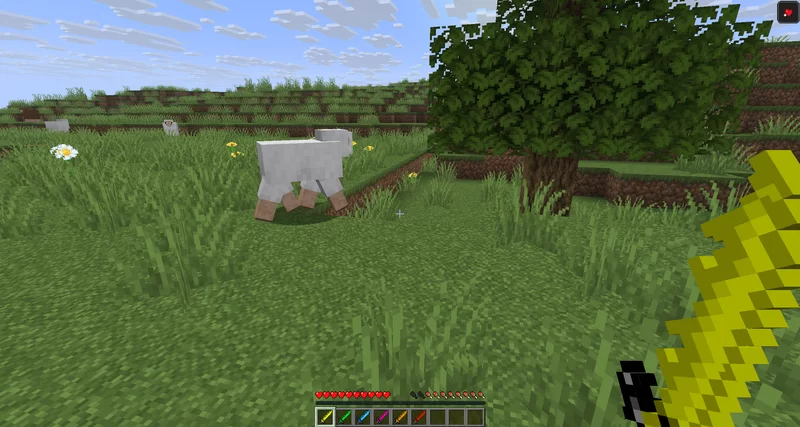
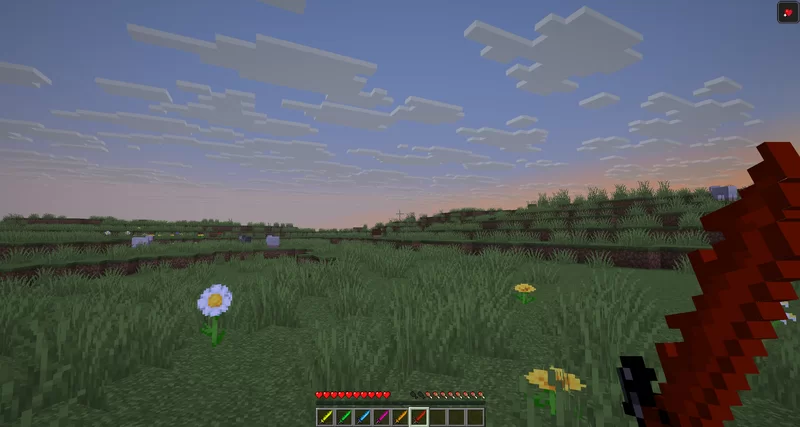
⚔️ Laser Swords - Custom Swords & Status Visuals
Transform your Minecraft combat experience with a complete visual overhaul for your weaponry and status effects! This resource pack introduces uniquely styled, vibrant custom sword textures alongside cleaner, more intuitive visuals for combat-related status effects.
✨ Features
🔹 Legendary Custom Swords
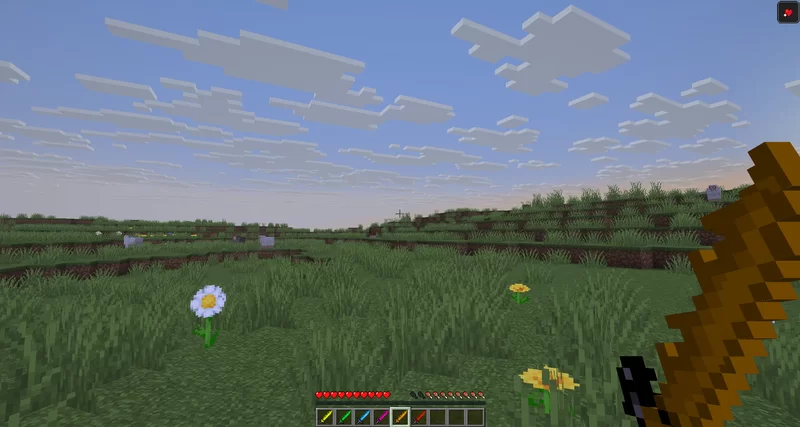
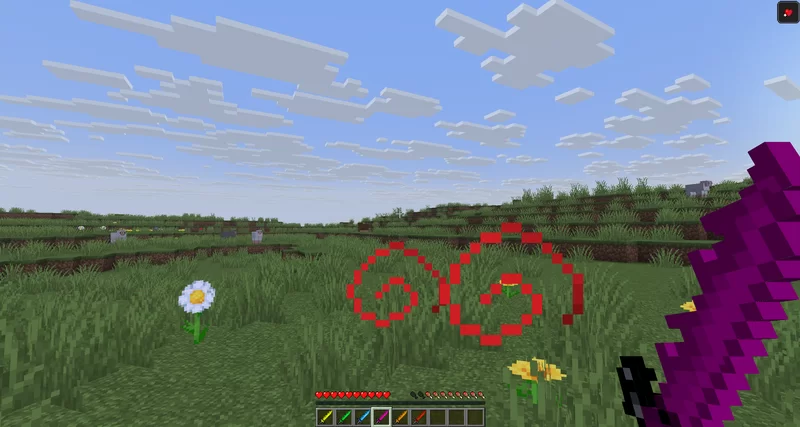
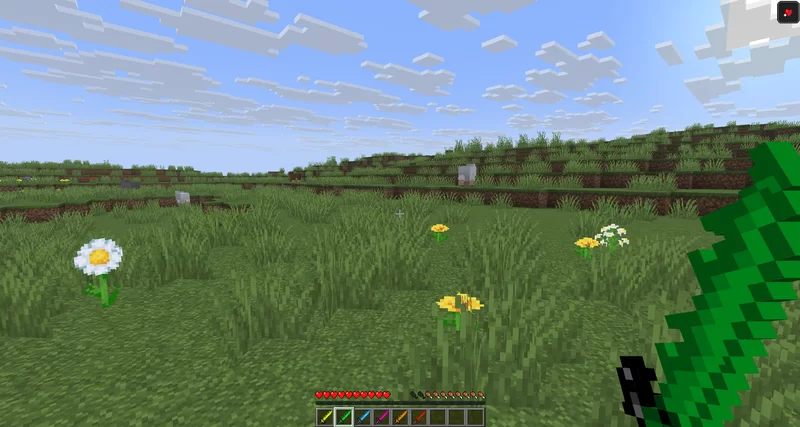
The centerpiece of this resource pack is the reimagined sword lineup. Say goodbye to the standard, boring vanilla blades and wield powerful, glowing elemental weapons:
- Unique Textures: Every sword tier features a custom pixel-art design with a striking, flammant energy-blade appearance.
- Vibrant Blue Energy: Designed with sharp, glowing blue gradients that look stunning in both PvP battles and casual survival mode.
- Sleek Hilt Designs: Detailed guards and handles that look perfect in both first-person and third-person perspectives.
💥 Enhanced Status Effect Visuals
To give you a better edge and cleaner visibility in combat, the visual indicators for key status effects have been completely redesigned:
- 💪 Strength Effect: Cleaner, more distinct particles and a modernized icon that clearly signals when you are powered up and ready to deal massive damage.
- 🌀 Weakness Effect: Rewritten visuals that instantly notify you when your attack power is compromised, without cluttering your screen during intense fights.
📸 Preview & Style
The pack stays true to the classic Minecraft Pixel-Art Style ($16\times16$ / $32\times32$ feel) while delivering a powerful fantasy punch. It fits perfectly into any PvP setup, vanilla+ client, or modded adventure.
⚙️ Installation Guide
- Download the latest
.zipfile of the resource pack. - Open Minecraft and navigate to Options > Resource Packs > Open Pack Folder.
- Drag and drop the downloaded
.zipfile into the folder. - Select the pack from the "Available" list to move it to "Selected", then click Done!
Note: For the best visual experience and potential emissive (glowing) textures, using OptiFine or the Iris/Sodium stack with ETF (Enhanced Block Entities) / EMF is highly recommended, though the pack works perfectly in pure vanilla!
🛠️ Compatibility
- Minecraft Versions: Compatible with all recent versions of Minecraft (simply ignore the version warning if it appears, the textures will load perfectly!).
- Mods: Works seamlessly alongside combat mods, HUD improvements, and texture changes that don't overwrite item models.
- Edition: Minecraft Java
- File type: .zip (resource pack)
- Minecraft versions listed: 23w12a, 23w13a, 23w13a_or_b
- How to install: Download the .zip resource pack — do not unzip it. → Put it in .minecraft/resourcepacks. → Enable it in Options → Resource Packs.
- Where to get it: Opens on Modrinth — not every file is mirrored on our own servers.
Install steps are the general flow for this file type — How to install Minecraft Java resource packs walks through it step by step.
- Downloads as Custom Swords - 2.0.1.zip
- Download size: 15 KB
- Download link checked 23 Aug 2026 — working
These come from our own check of the pack file, not from the source page.