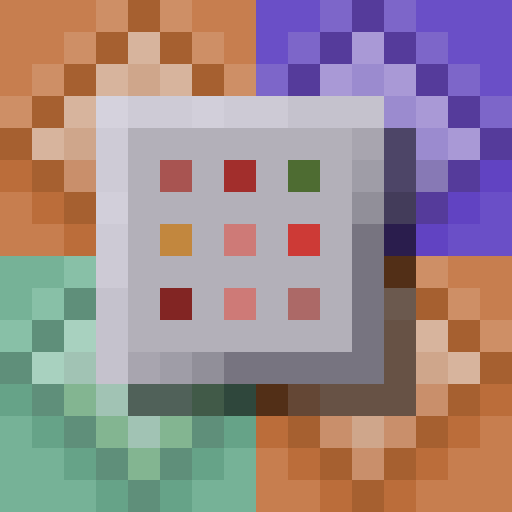
Command Blocks - Shading Tweak
I don't know my version or loader
The vanilla command block textures have some weird alignment and shading issues:
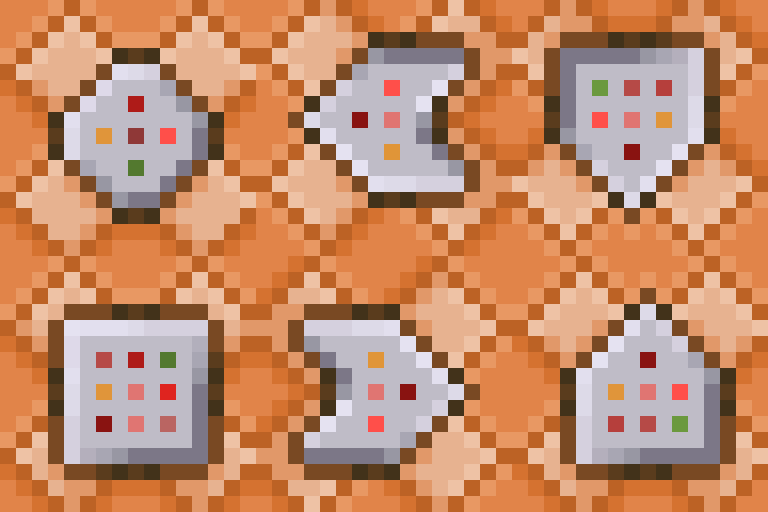
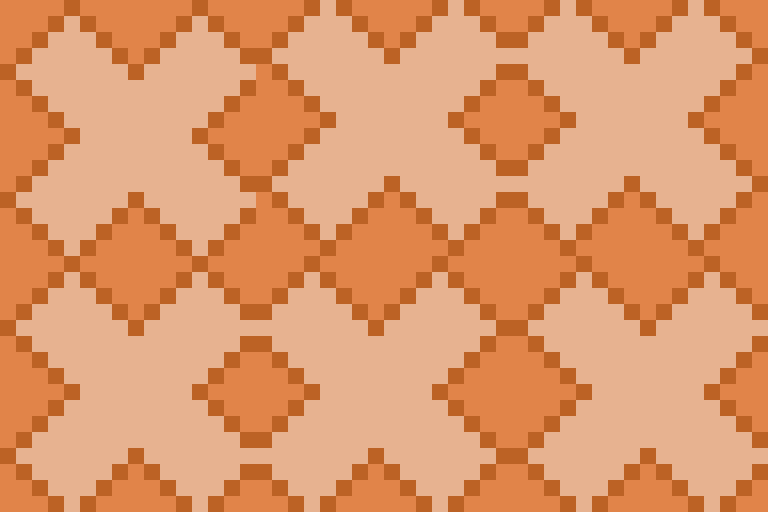
The background pattern of the blocks does not tile properly when blocks are rotated:
The baked in shading leads to the appearence of light coming from different directions based on the block rotation:
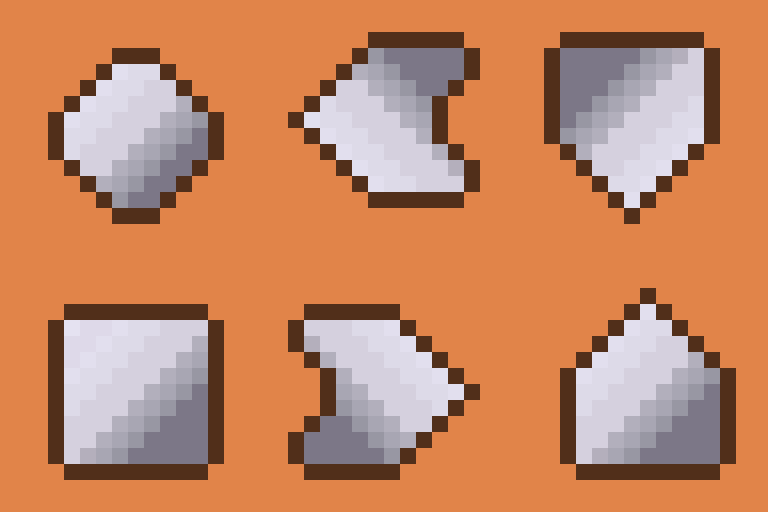
This resource pack aims to address some of these issues by updating background texture to tile more evenly, and updating block states to use slightly different panel textures based on face orientation. It also removes the shadow/border from one side of the panel on each face, allowing the panel+border to have an even width to help panels appear more aligned:
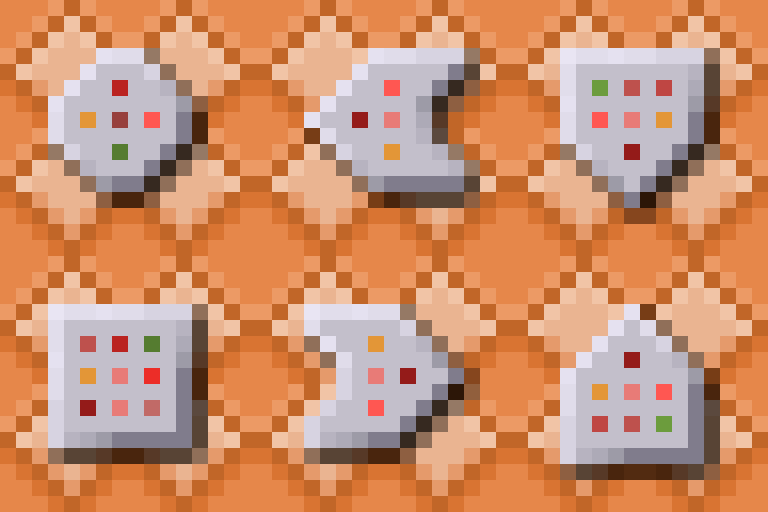
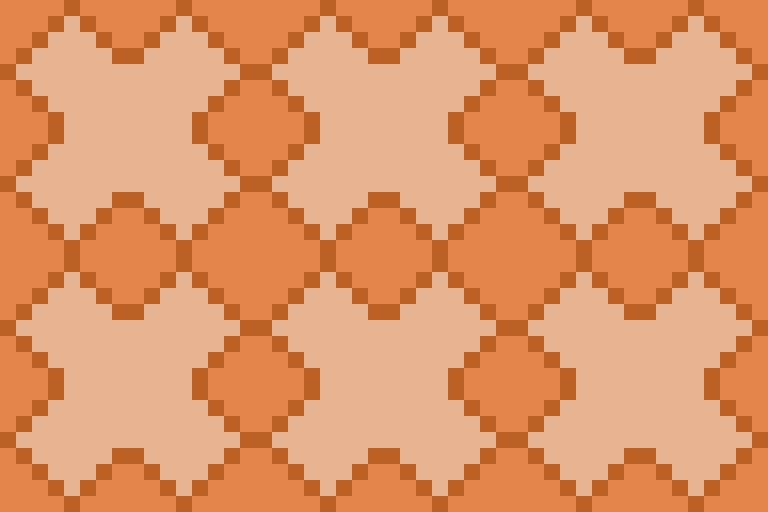
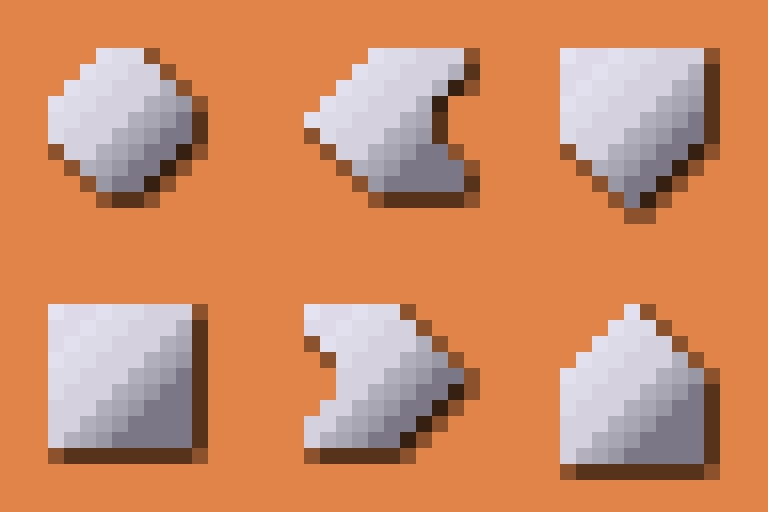
For another solution that addresses these issues, as well as other issues with panel alignment, check out this 32x32 resource pack or the slim border variant on Modrinth.
- Edition: Minecraft Java
- File type: .zip (resource pack)
- Minecraft versions listed: 1.21, 1.21.1, 1.21.2
- How to install: Download the .zip resource pack — do not unzip it. → Put it in .minecraft/resourcepacks. → Enable it in Options → Resource Packs.
- Where to get it: Opens on Modrinth — not every file is mirrored on our own servers.
Install steps are the general flow for this file type — see the MC Java Mods guides for the full walkthrough.
- Downloads as CommandsReshadedRP.zip
- Download size: 65 KB
- Download link checked 21 Aug 2026 — working
These come from our own check of the pack file, not from the source page.