
ResourcepacksJava
GDD's Theme GUI Pack
I don't know my version or loader
Open the Minecraft launcher and look at the profile you play on — it names both, like fabric-loader-1.21.4. The version also shows in the bottom-right corner of the game's main menu.
No loader in the profile name? Then it's plain Minecraft, and these mods won't run — you need Fabric or NeoForge installed first.
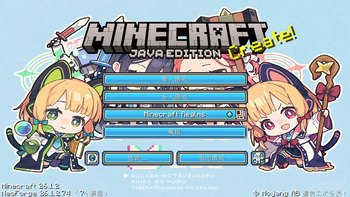
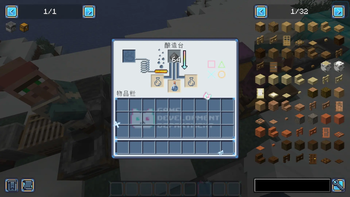
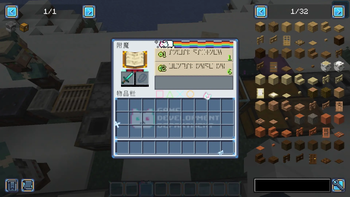
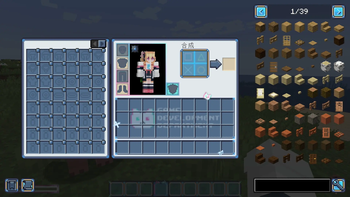
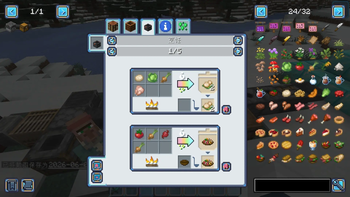
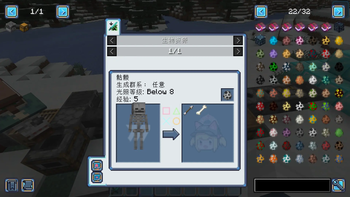
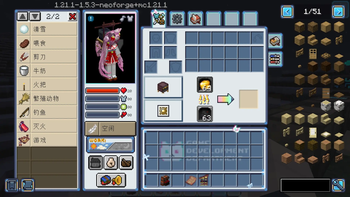
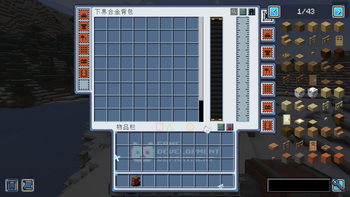
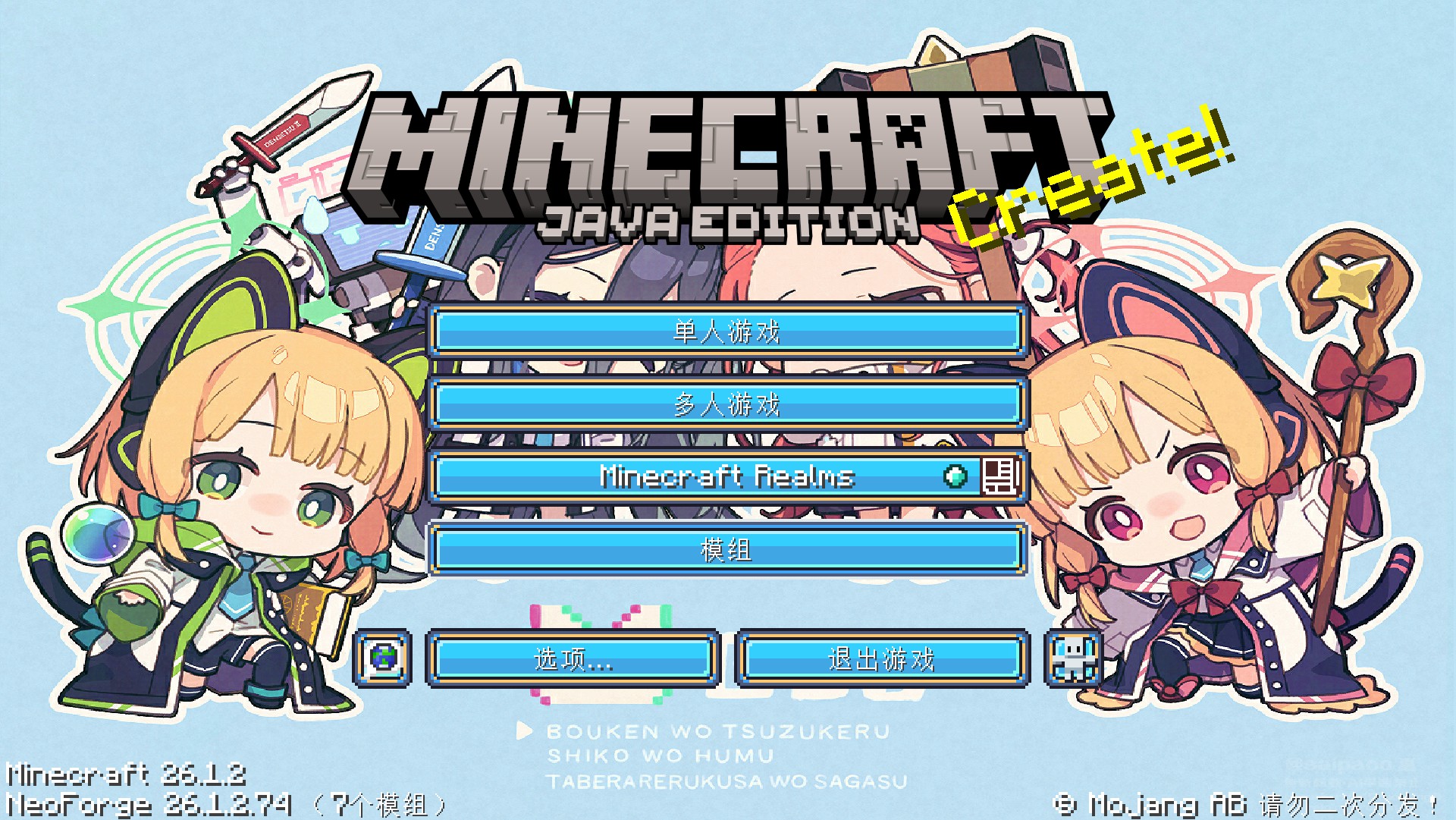
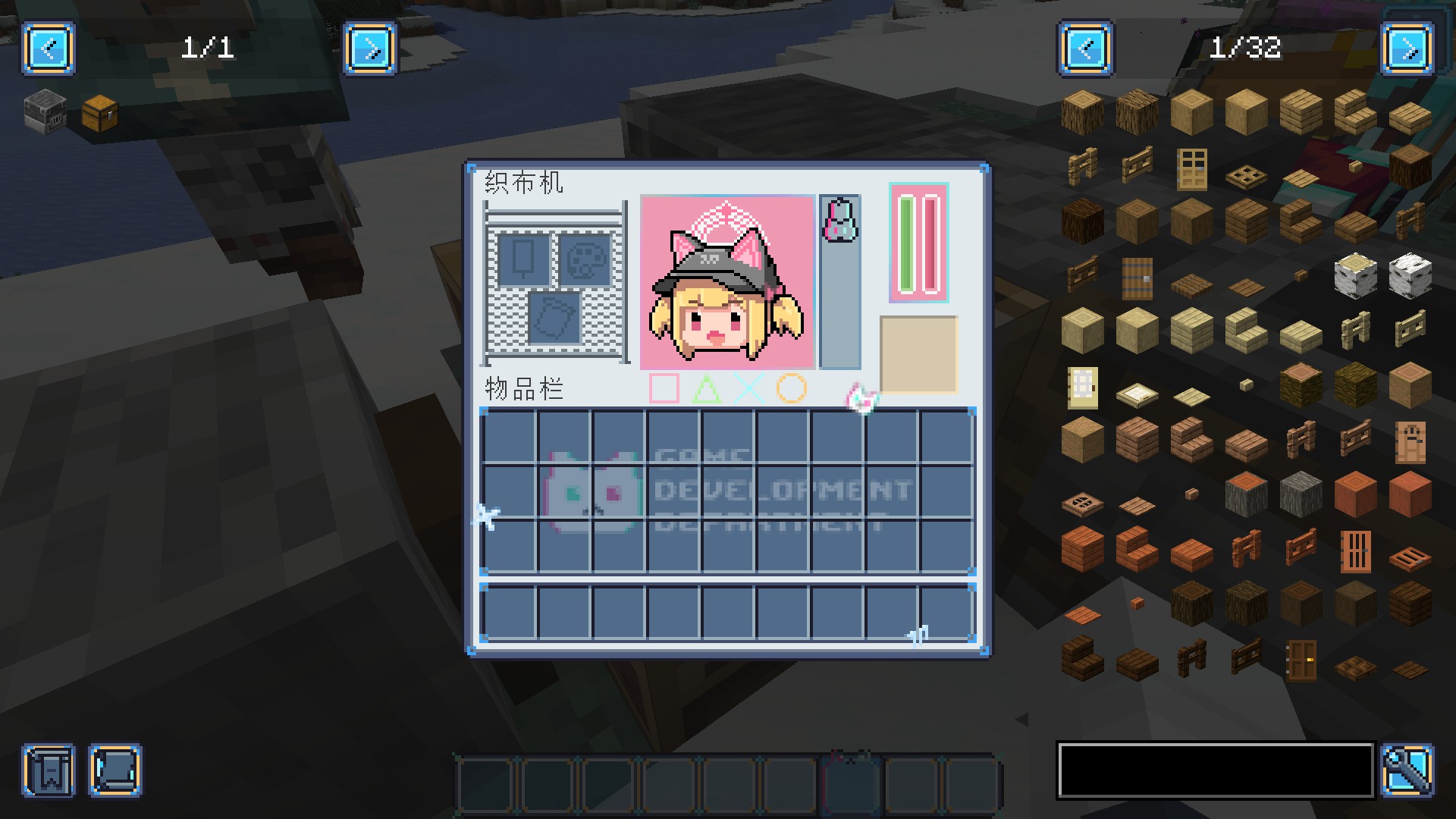
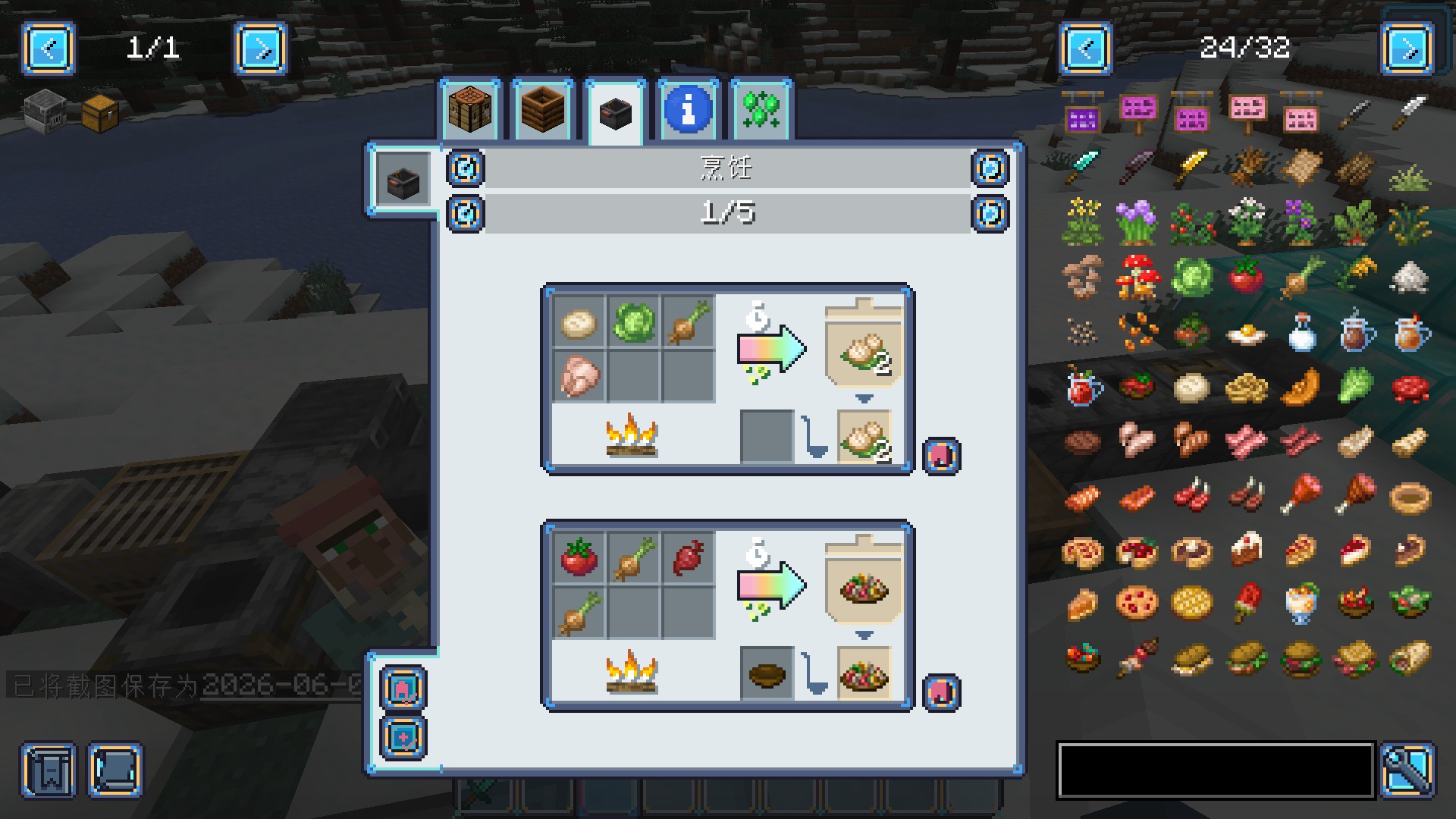
This is a GUI customization resource pack which based on the Game Development Department(GDD) in the game BlueArchive from Nexon Game.
The design features its classic blue-and-white color scheme, capturing the retro aesthetic of the Game Development Department!
Compatible Mods
It is currently compatible with the following popular mods:
Refined Storage(before 1.21.x)
Credits
The color scheme and design elements used in this resource are inspired by the game BlueArchive from Nexon Game.
The game's main menu features artwork by artist SAIPACo.from pixiv.
Game Screenshots
Quick facts
- Edition: Minecraft Java
- File type: .zip (resource pack)
- Minecraft versions listed: 1.21, 1.21.1, 1.21.2
- How to install: Download the .zip resource pack — do not unzip it. → Put it in .minecraft/resourcepacks. → Enable it in Options → Resource Packs.
- Where to get it: Opens on Modrinth — not every file is mirrored on our own servers.
Install steps are the general flow for this file type — How to install Minecraft Java resource packs walks through it step by step.
Verified by MCModsHub
- Downloads as §bGDD GUI pack NeoForge 1.21-1.21.3.zip
- Download size: 3.2 MB
- Download link checked 7 Sept 2026 — working
These come from our own check of the pack file, not from the source page.