
Snowball Texture Remover (Anti-Lag Pack)
A lightweight optimization resource pack designed to eliminate client-side lag, FPS drops, and crashes caused by excessive snowball entities and lag machines.
Why Use This Pack?
When a Minecraft client is forced to render hundreds or thousands of entities simultaneously, it puts a massive strain on your computer's GPU and CPU. Malicious players often exploit this mechanic using "snowball lag machines" to intentionally drop your frame rate, freeze your game, or crash your client completely. This texture pack protects your game by completely removing the snowball texture, giving you several key advantages:
- Immunity to Snowball Lag Machines: Prevents malicious setups from overloading your game client with thousands of moving textures. Escape "Crash Loops" and Lag Zones:
- If you get trapped in an area that instantly disconnects or crashes you upon logging in, enabling this pack allows you to successfully reconnect, bypass the rendering overload, and safely move your character away from the lag source. Farm and Redstone Optimization:
- Significantly reduces performance hiccups caused by high-efficiency snowball farms or complex redstone mechanisms utilizing snowballs.
Installation & Configuration
Download the texture pack .zip file and place it into your Minecraft resourcepacks folder. In-game, go to Options > Resource Packs and move this pack to the top of your selected list.
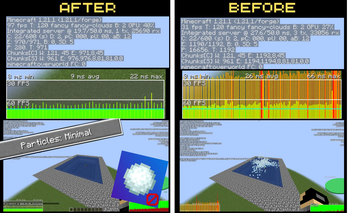
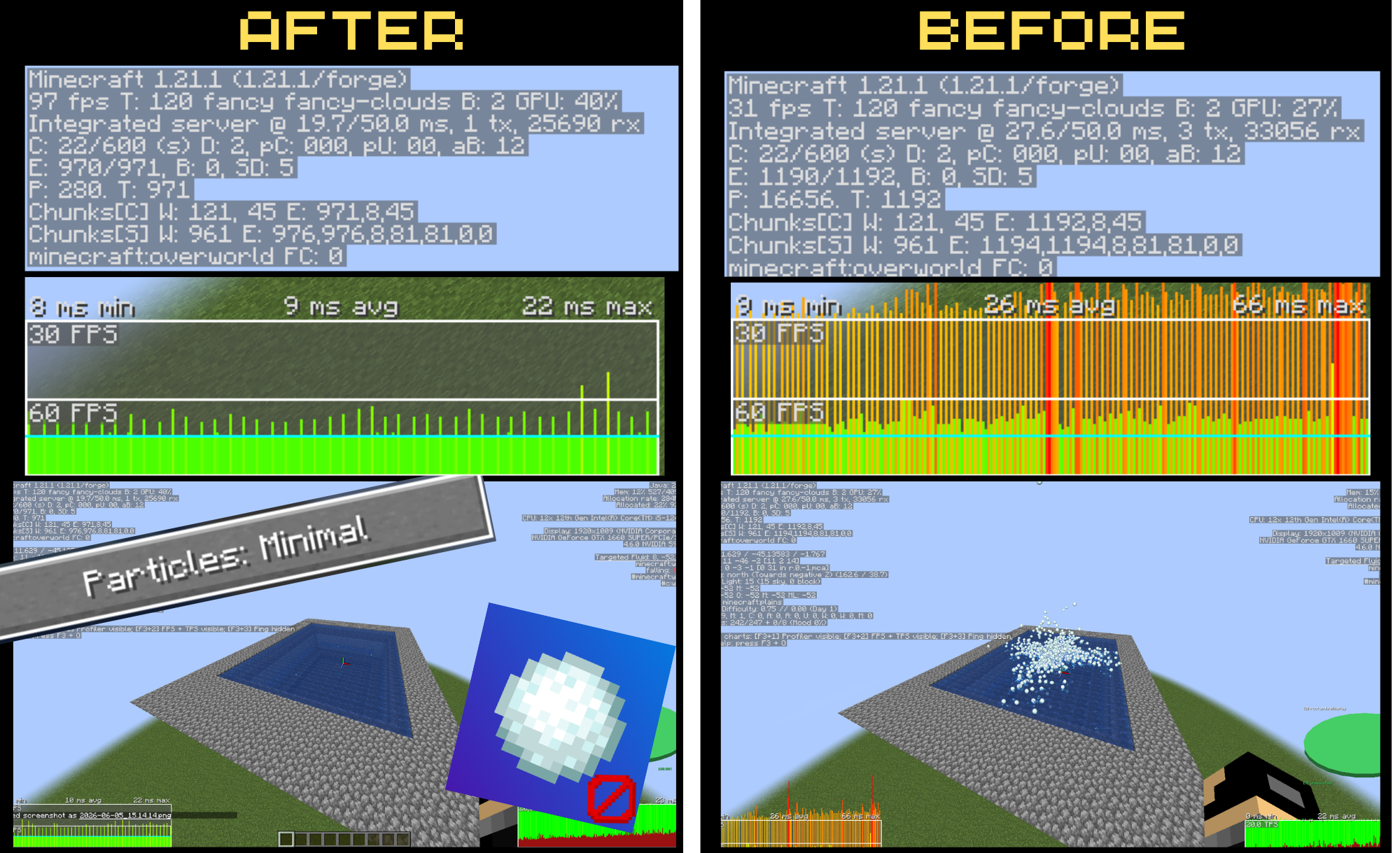
Critical Step: Go to your Video Settings / Graphics Settings and reduce your Particle settings. Combining this pack with decreased particles improves overall lag reduction by an additional 25%.
Performance Results
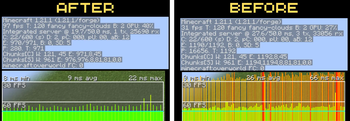
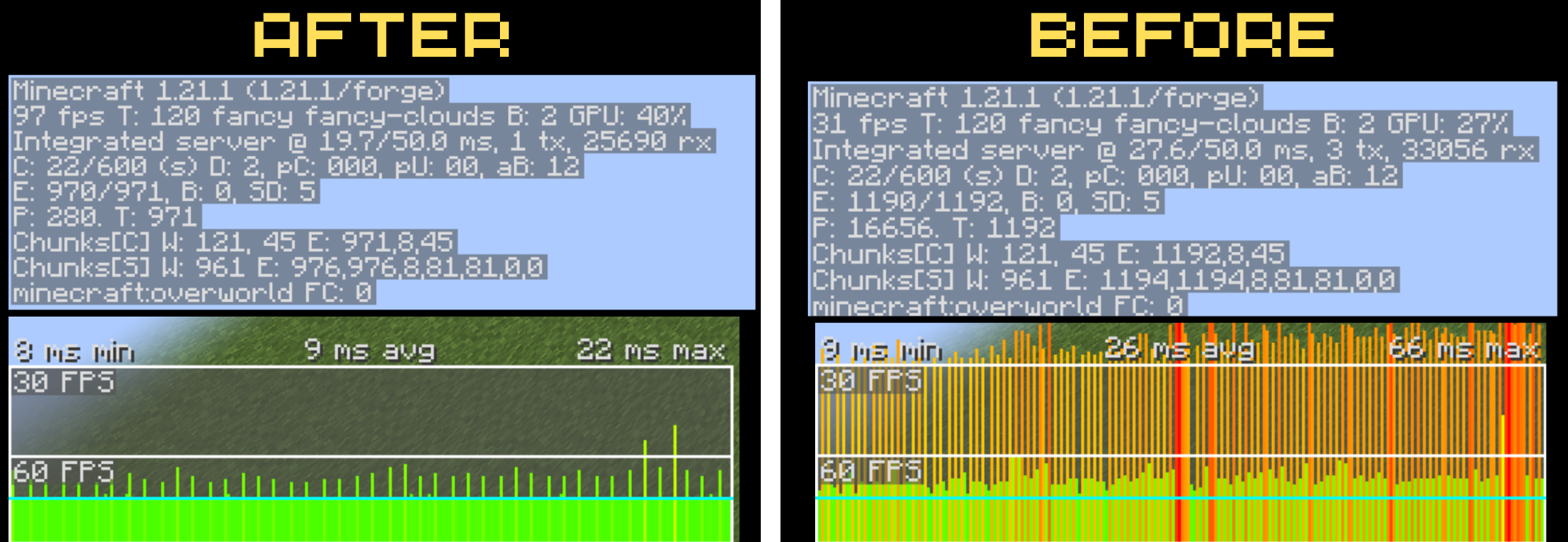
Extensive testing has shown significant performance improvements when using this resource pack:
Stop FPS drops and client crashes. A lightweight Minecraft performance resource pack that removes snowball textures to counter lag machines and farms. If you are experiencing massive frame drops, game freezes, or disconnect loops on multiplayer servers, this pack is for you. Optimizes rendering for high-entity zones. Tags: Minecraft anti-lag texture pack, remove snowball texture, stop lag machine crash, FPS boost resource pack, entity lag fix, Minecraft server crash bypass, 1.20+ performance pack
This Minecraft optimization resource pack addresses client-side rendering bottlenecks by disabling the visual textures of snowball entities. By eliminating the GPU/CPU overhead required to render dense entity clusters, it effectively immunizes players against snowball-based lag machines, mitigates FPS degradation near automated farms, and prevents connection timeouts or client crashes when logging into heavily overloaded server chunks.
- Edition: Minecraft Java
- File type: .zip (resource pack)
- Minecraft versions listed: 1.16.5, 1.17, 1.17.1
- How to install: Download the .zip resource pack — do not unzip it. → Put it in .minecraft/resourcepacks. → Enable it in Options → Resource Packs.
- Where to get it: Opens on Modrinth — not every file is mirrored on our own servers.
Install steps are the general flow for this file type — How to install Minecraft Java resource packs walks through it step by step.
- Downloads as Invisible Snowball V1.zip
- Download size: 56 KB
- Download link checked 22 Aug 2026 — working
These come from our own check of the pack file, not from the source page.