
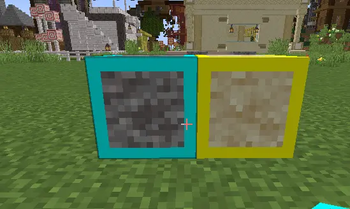
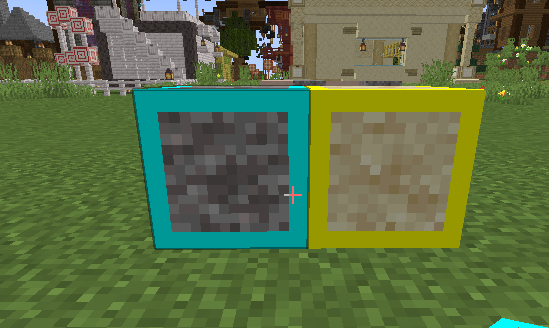
This literally adds borders to suspicous gravel and sand so you can distinguish them between normal sand and gravel
How to install Download the zip file and drop it into your resource pack folder in minecraft. Then go to minecraft and enable the resrouce pack.
Quick facts
- Edition: Minecraft Java
- File type: .zip (resource pack)
- Minecraft versions listed: 1.21, 1.21.1, 1.21.2
- How to install: Download the .zip resource pack — do not unzip it. → Put it in .minecraft/resourcepacks. → Enable it in Options → Resource Packs.
- Where to get it: Opens on Modrinth — not every file is mirrored on our own servers.
Install steps are the general flow for this file type — How to install Minecraft Java resource packs walks through it step by step.
Verified by MCModsHub
- Downloads as Suspicious_Blocks_Outlined_RealTextures.zip
- Download size: 5 KB
- Download link checked 21 Aug 2026 — working
These come from our own check of the pack file, not from the source page.