
lifeiyuAAA-Brown GUI
The Low Brightness Brown GUI Resource Pack For Minecraft:Java Edition.It did not change the item of Minecraft. Just changing Minecraft UI
I don't know my version or loader
Introduction
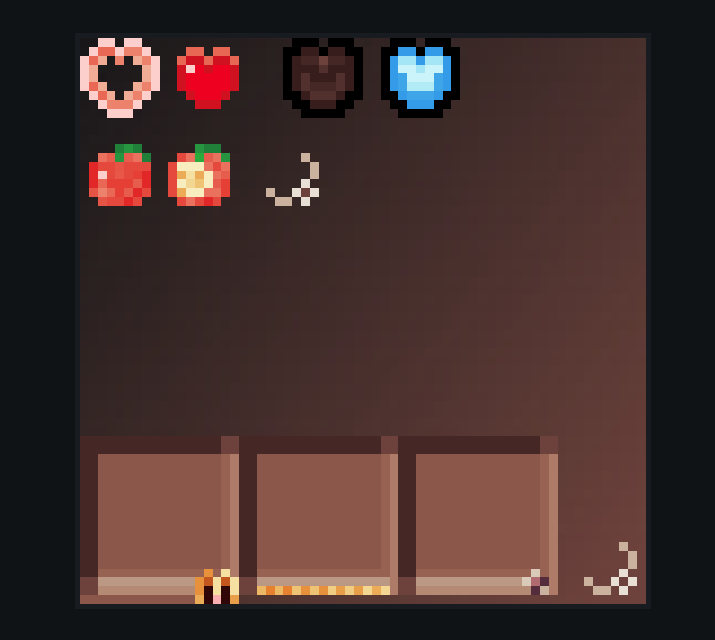
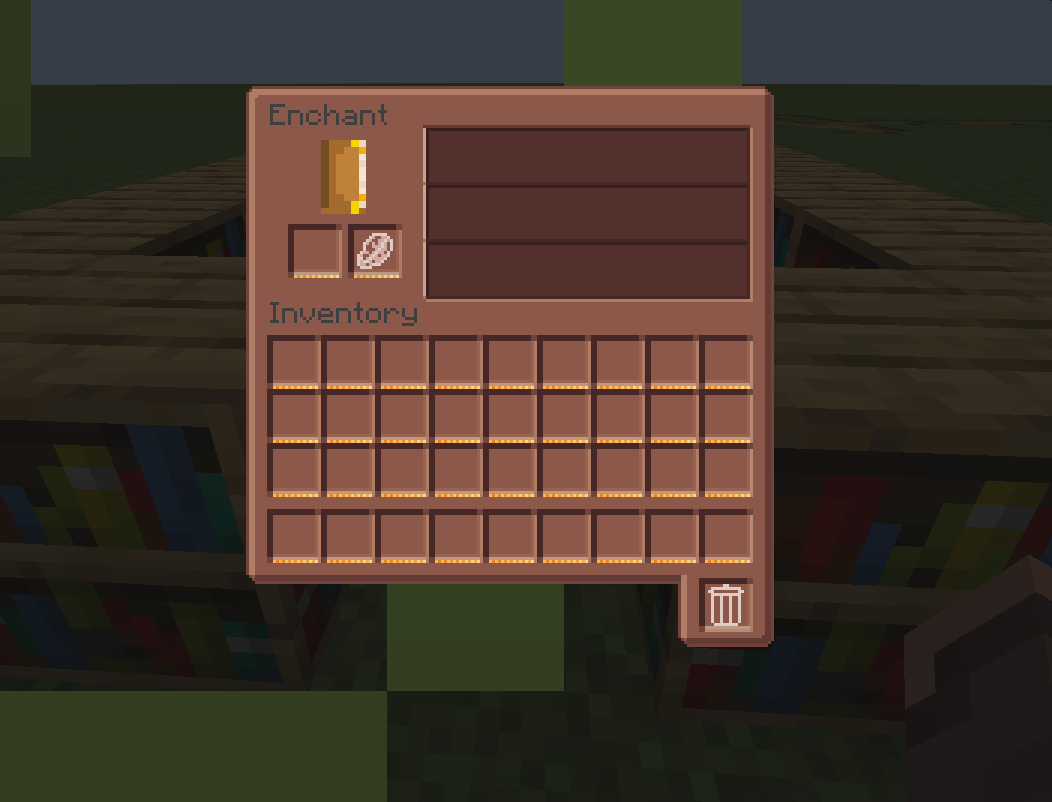
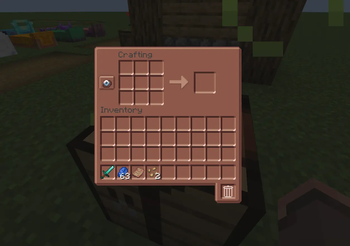
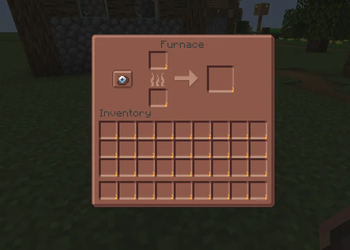
BrownGUI is a resource pack with a medium to low brightness red ceramic theme. It can avoid the problem of a bright UI when playing Minecraft at night, and also prevent the UI from being unclear during the day. If you want a new experience, you can try this resource pack. It did not change the item of Minecraft.
Feature
- Low Brightness
- Red Ceramic Theme
- It looks like chocolate!
Mod Compatibility
- trashSlot
- appleskin
(Currently compatible with a small number of mods, but I will still be compatible with other mods in the future)
Report issues
If you encounter any problems during the gameplay, please feel free to contact me. For contact information, please refer to the text file.
- Edition: Minecraft Java
- File type: .zip (resource pack)
- Minecraft versions listed: 24w18a, 24w19a, 24w19b
- How to install: Download the .zip resource pack — do not unzip it. → Put it in .minecraft/resourcepacks. → Enable it in Options → Resource Packs.
- Where to get it: Opens on Modrinth — not every file is mirrored on our own servers.
Install steps are the general flow for this file type — How to install Minecraft Java resource packs walks through it step by step.
- Downloads as LifeiyuAAA_BrownGUI1.21.x_v1.1.zip
- Download size: 471 KB
- Download link checked 13 Sept 2026 — working
These come from our own check of the pack file, not from the source page.