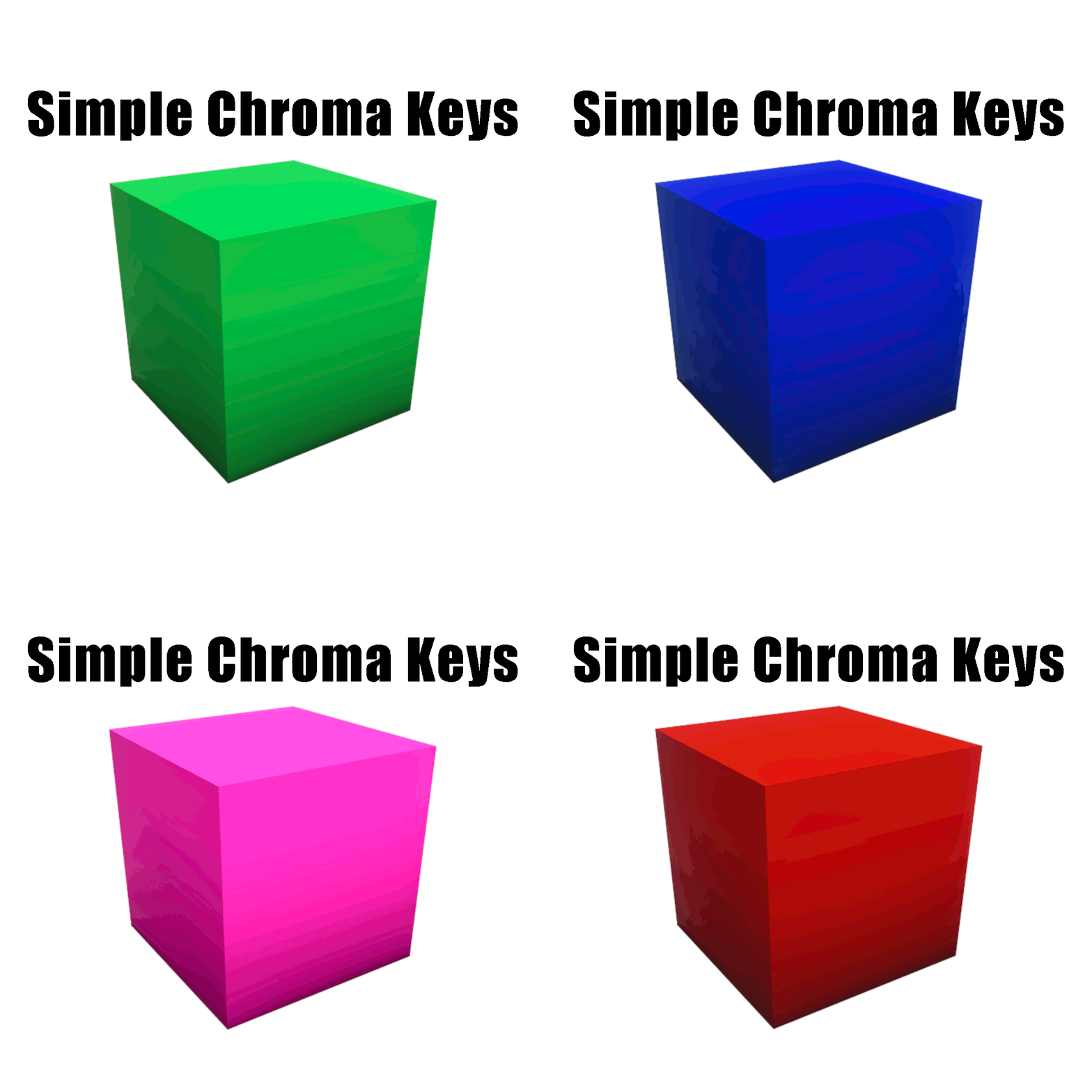
Need a clean green screen in Minecraft?
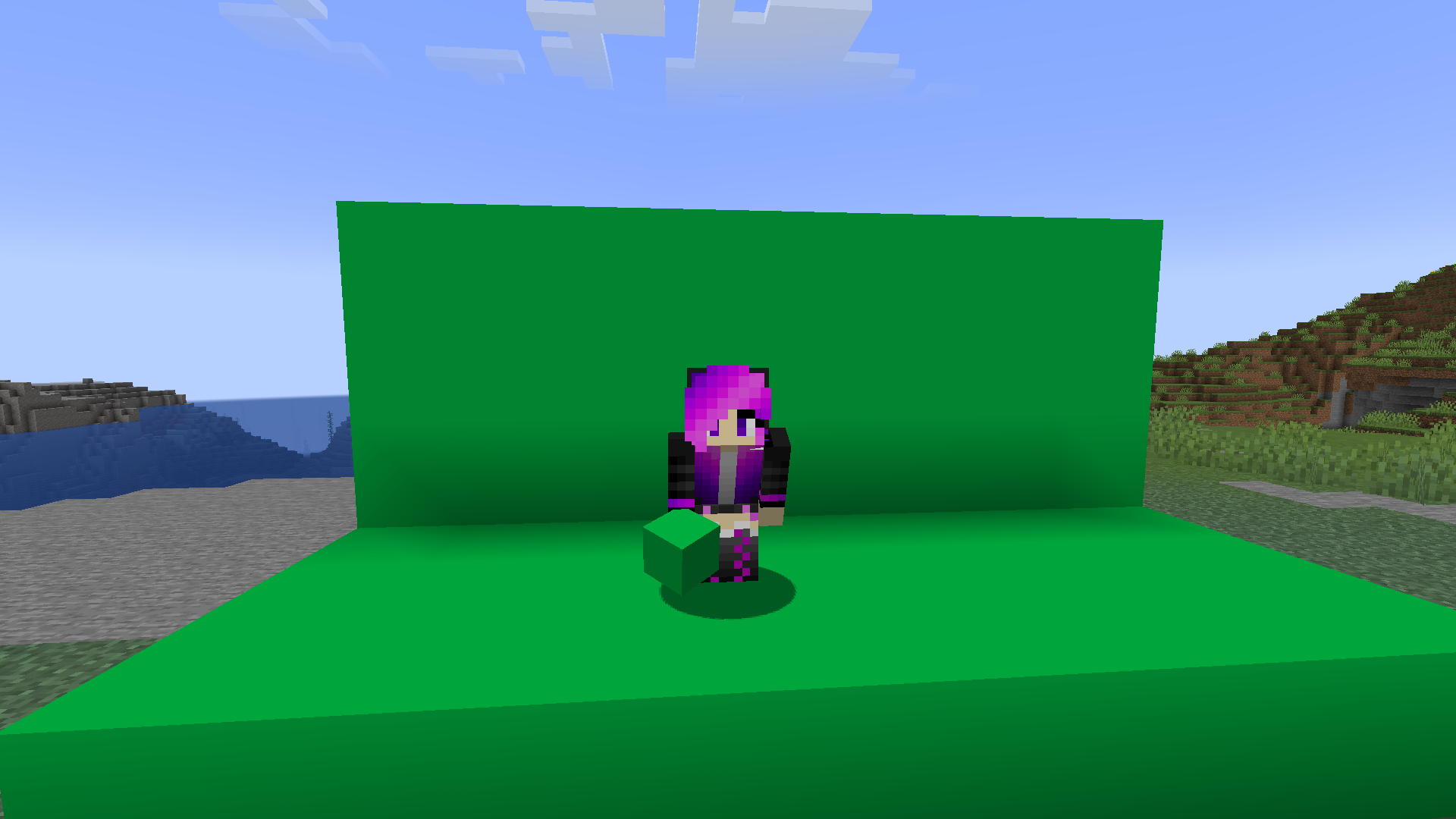
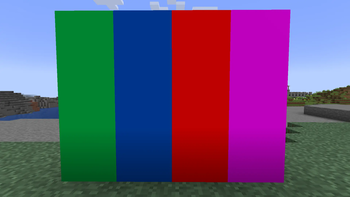
This resource pack replaces 4 Terracotta blocks with vibrant chroma key colors, making it easy to create backgrounds for videos, screenshots, cinematics, and visual effects.
Perfect for content creators who want fast and reliable green screen recording directly inside Minecraft.
Blocks Modified:
- Lime Terracotta to Green Chroma Key
- Light Blue Terracotta to Blue Chroma Key
- Pink Terracotta to Pink Chroma Key
- Red Terracotta to Red Chroma Key
Quick facts
- Edition: Minecraft Java
- File type: .zip (resource pack)
- Minecraft versions listed: 1.21, 1.21.1, 1.21.2
- How to install: Download the .zip resource pack — do not unzip it. → Put it in .minecraft/resourcepacks. → Enable it in Options → Resource Packs.
- Where to get it: Opens on Modrinth — not every file is mirrored on our own servers.
Install steps are the general flow for this file type — How to install Minecraft Java resource packs walks through it step by step.
Verified by MCModsHub
- Downloads as Simple Chroma Keys v1.0.zip
- Download size: 144 KB
- Download link checked 22 Aug 2026 — working
These come from our own check of the pack file, not from the source page.