
PolyShader
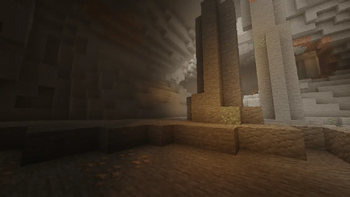
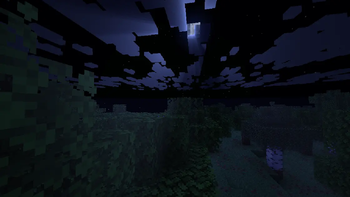
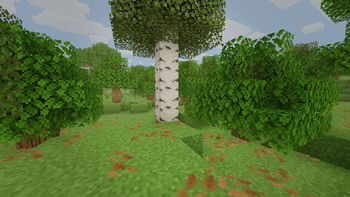
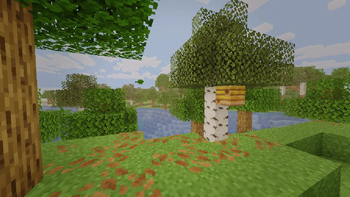
Shader-quality visuals. No Iris. No FPS loss.
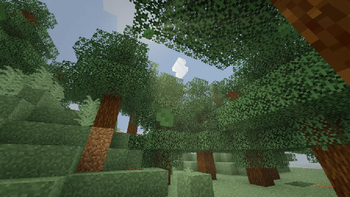
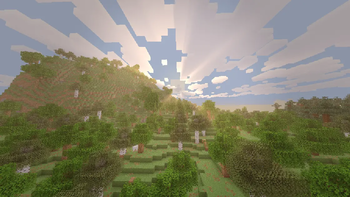
PolyShader is a resource pack that uses Polytone's post-shader system to bring shader-like visuals to Minecraft — with virtually zero performance cost.
Features
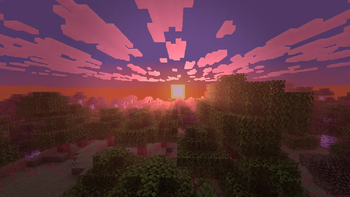
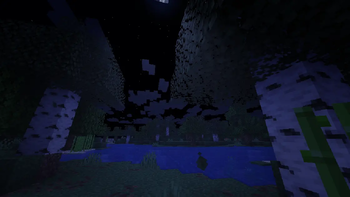
🌅 Time-of-Day System — 6 keyframes (sunrise, day, noon, sunset, night, midnight) with smooth transitions. Color grading, fog, bloom and vignette all change dynamically.
☀️ Godrays & Lens Flare — Sun and moon god rays that change color with the time of day. Disabled during rain.
✨ Bloom — Dynamic bloom that intensifies at sunrise and sunset.
🌫️ Atmospheric Fog — Warm haze during the day, deep blue at night.
🔲 SSAO — Ambient occlusion for deeper, more grounded shadows.
🌙 Vignette — Subtle edge darkening that strengthens at night.
Requirements
- Polytone (required)
Credits
- Godrays based on Sunbathing Godrays by [MehVahdJukaar] (https://modrinth.com/user/MehVahdJukaar)
- Edition: Minecraft Java
- File type: .zip (resource pack)
- Minecraft version listed: 1.21.11
- How to install: Download the .zip resource pack — do not unzip it. → Put it in .minecraft/resourcepacks. → Enable it in Options → Resource Packs.
- Where to get it: Opens on Modrinth — not every file is mirrored on our own servers.
Install steps are the general flow for this file type — How to install Minecraft Java resource packs walks through it step by step.
- Downloads as PolyShader v1.1.zip
- Download size: 42 KB
- Download link checked 29 Aug 2026 — working
These come from our own check of the pack file, not from the source page.