
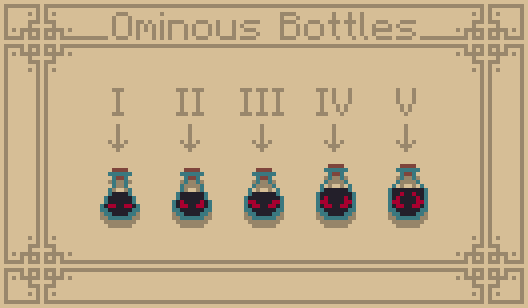
I've always loved the vanilla textures of Minecraft. However, I always thought it would be cool if certain repetitive items had unique textures, with potions being one of these items. So I set out to make a unique texture for every potion in the game while attempting to emulate the vanilla art style.
This is the official retexture of my pack for Bare Bones to emulate the style of the trailers.
Identification
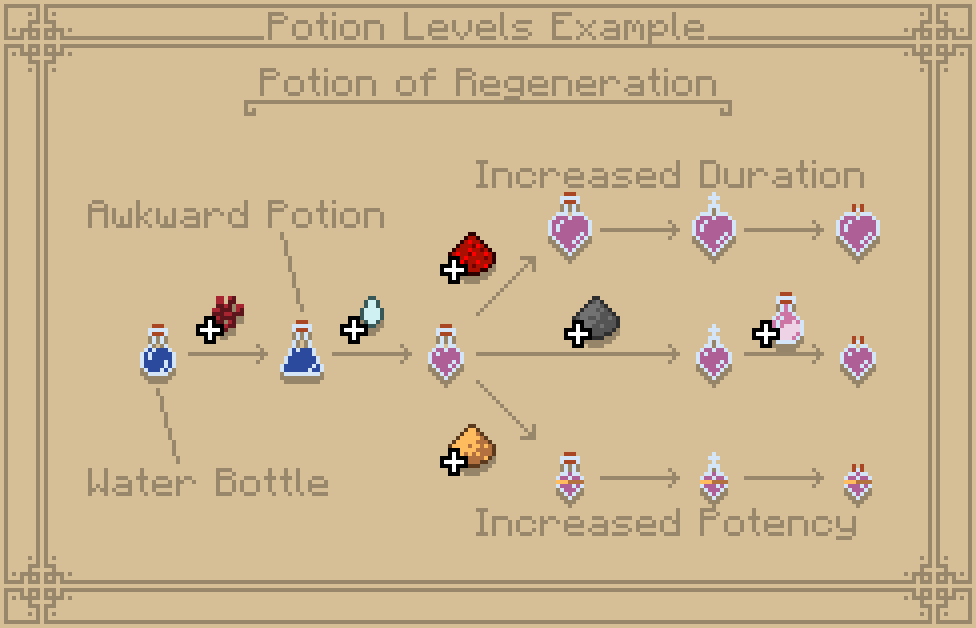
I attempted to make a predictable and understandable pattern for how the potion textures evolve depending on their ingredients. All potions now have a unique texture, with their variants displaying small changes depending on their length, power, or bottle type. Potions diluted with redstone are longer and appear in a larger bottle. On the other hand, glowstone makes the potion more potent and concentrated, allowing for a smaller bottle also distinguishable with a golden band.
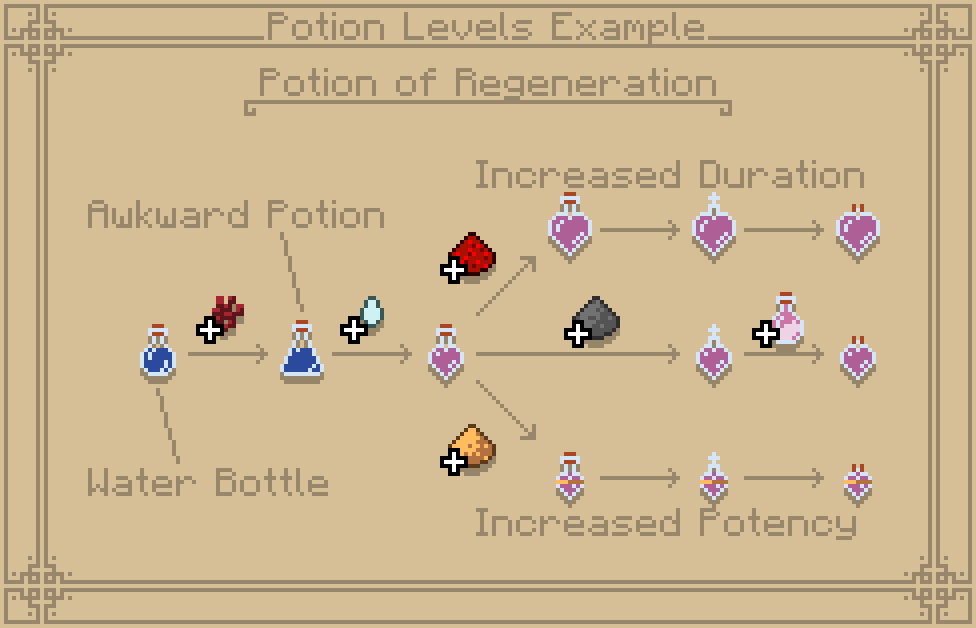
In the image above, all variations and components of the regeneration potion progression tree can be seen as the primary example of how potion identification works in this pack.
All The Potions
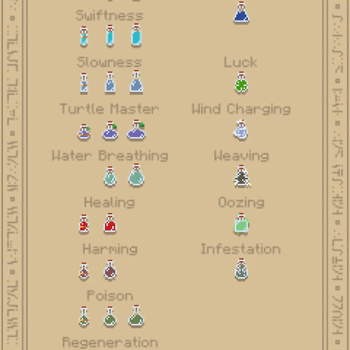
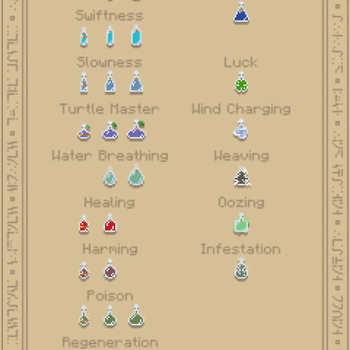
All potions follow these rules and have each been given a unique look as to try and make them easily distinguishable from one another.
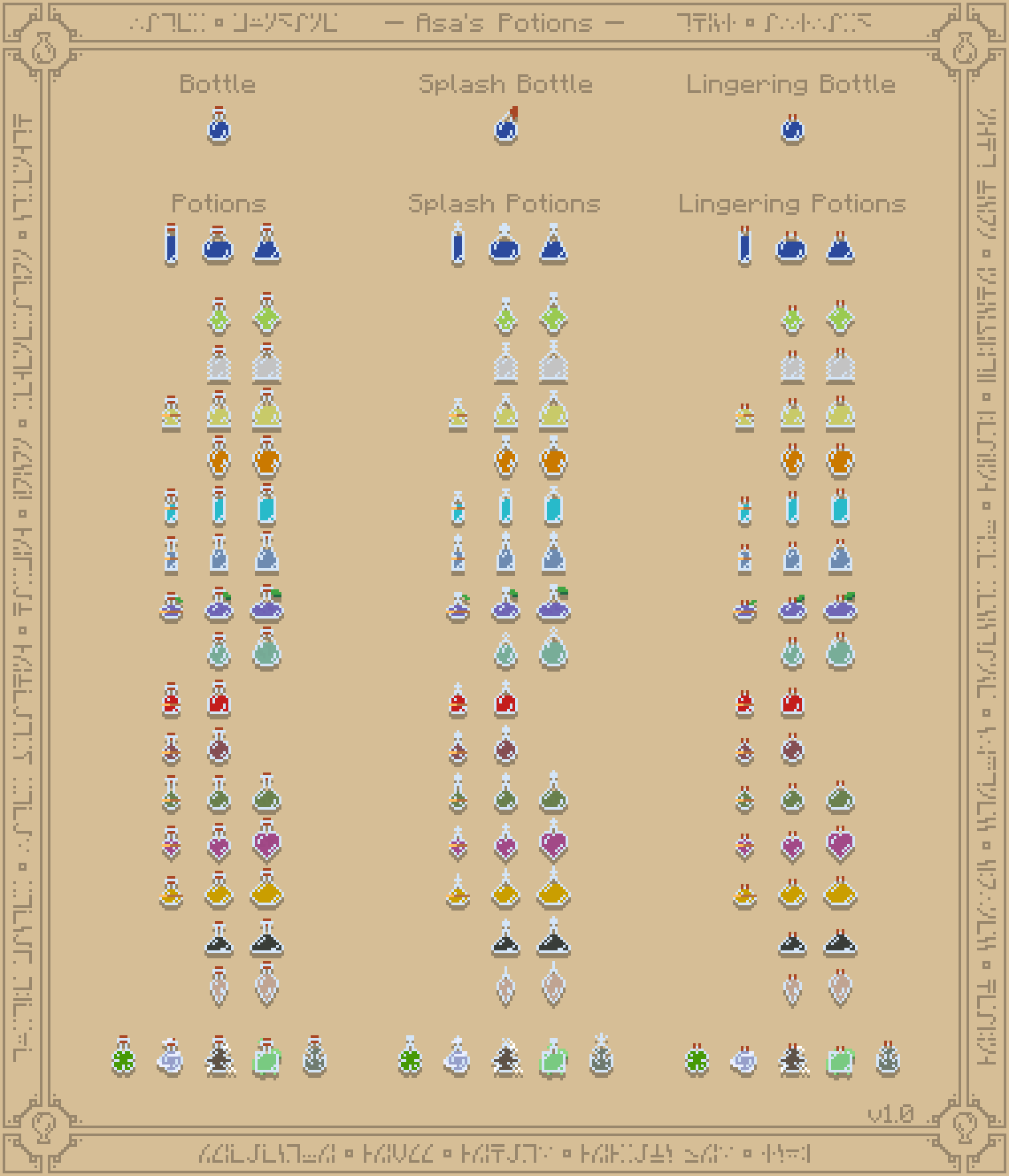
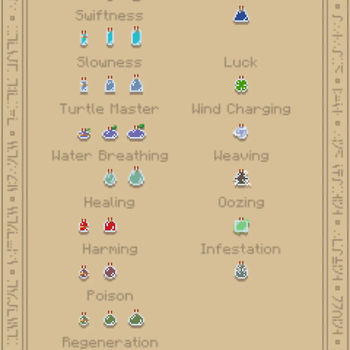
In the image above, All implemented potion textures for the 1.0 release of this pack are visible.
The Future of Asa's Potions
More information on the future of Asa's Potions and Bare Bones x Asa's Potions (Asa's Bare Potions) will be available on the primary page for Asa's Potions.
Currently Supported Potions
Minecraft : 1.21.5+
Terms of Use You are allowed to alter Asa's Bare Potions as long as it's not distributed. Do not reupload any instance of the Asa's Bare Potions resource pack. You are allowed to use Asa's Bare Potions in a modpack, and in forms of content such as videos, live streams, and blog posts as long as proper credit is given.- Edition: Minecraft Java
- File type: .zip (resource pack)
- Minecraft versions listed: 1.21.5, 1.21.6, 1.21.7
- How to install: Download the .zip resource pack — do not unzip it. → Put it in .minecraft/resourcepacks. → Enable it in Options → Resource Packs.
- Where to get it: Opens on Modrinth — not every file is mirrored on our own servers.
Install steps are the general flow for this file type — How to install Minecraft Java resource packs walks through it step by step.
- Downloads as Asa's Bare Potions v1.0 - 26.2.zip
- Download size: 163 KB
- Download link checked 20 Aug 2026 — working
These come from our own check of the pack file, not from the source page.