
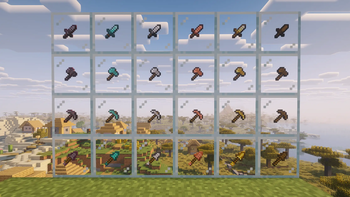
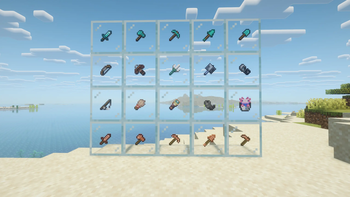
Smaller Tools ⚒️
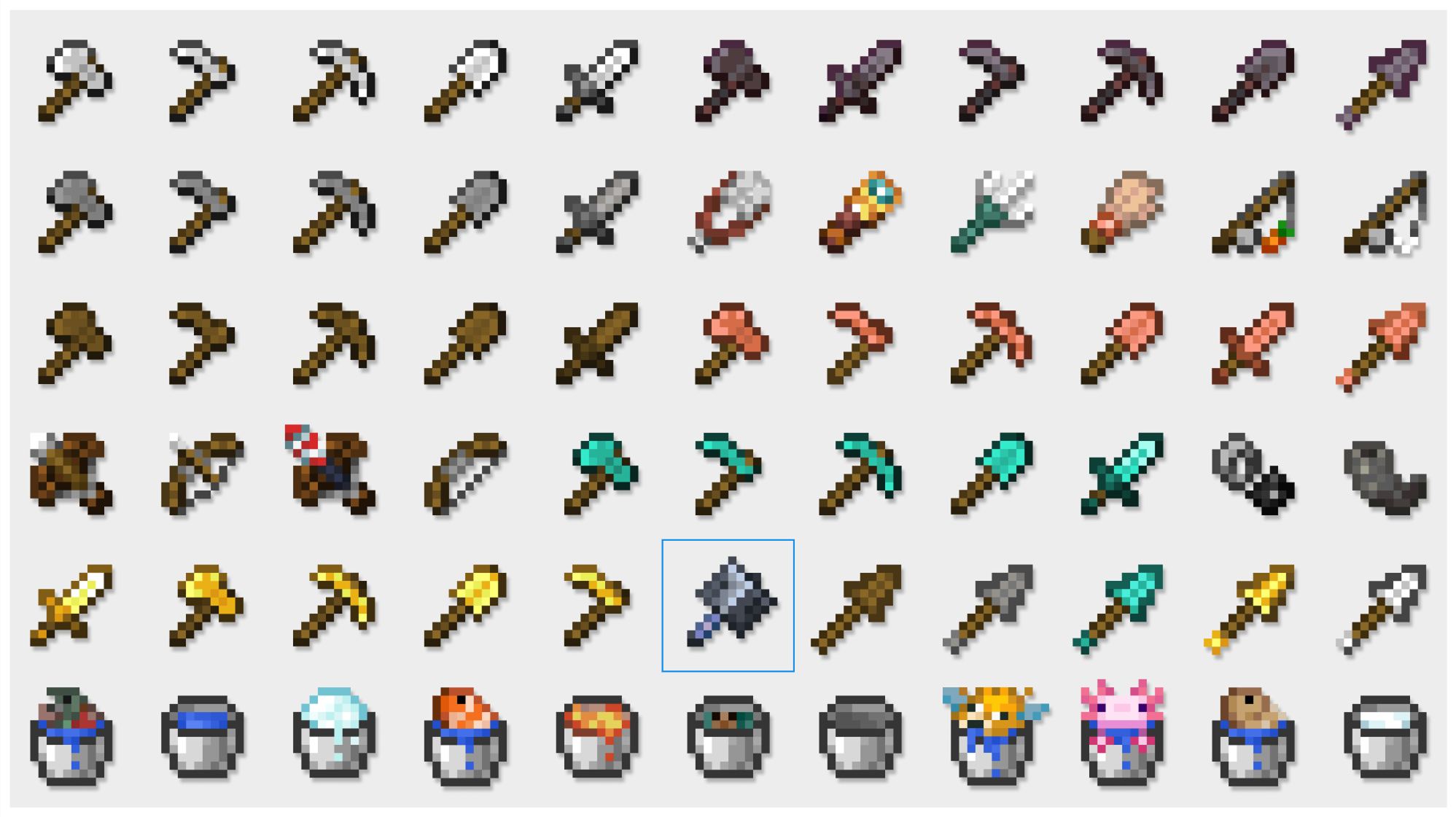
A clean, vanilla friendly Minecraft resource pack that makes tools smaller, sharper, and less distracting.
Smaller Tools redesigns Minecraft tools with a more compact shape, cleaner proportions, and refined pixel details, while still keeping the classic vanilla look and feel.
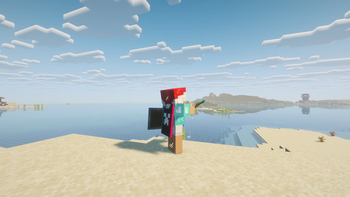
It is made for players who want a cleaner screen, a more polished hotbar, and tools that feel less bulky when held in first person.
Whether you are playing Survival, PvP, building, or simply prefer a more minimal style, Smaller Tools keeps everything familiar while making your tools look more compact and visually satisfying.
Overview 📌
| Category | Details |
|---|---|
| Edition | Minecraft: Java Edition |
| Pack Type | Resource Pack |
| Style | Vanilla inspired |
| Changes | Visual only |
| Dependencies | None required |
Features ✨
- Smaller and slimmer tool textures
- Cleaner, more polished designs
- Vanilla inspired appearance
- Sharper and more refined pixel details
- Less visual clutter while holding tools
- Works without mods or dependencies
- No gameplay changes, only visual improvements
Why use Smaller Tools? 🛠️
Smaller Tools is perfect for players who want:
- A cleaner first person view
- Tools that take up less space on screen
- A resource pack that still feels true to vanilla Minecraft
- A subtle visual upgrade without changing the game’s original identity
In short:
Bulky and distracting tools → Smaller, cleaner, and more polished tools.
Available Versions ✅
Smaller Tools is available for Minecraft: Java Edition in the following versions:
| Minecraft Version | Supported |
|---|---|
| 1.21.x | ✅ |
| 1.20.x | ✅ |
| 1.8.x | ✅ |
| 1.7.x | ✅ |
📦 Usage & Permissions
You may use Smaller Tools in:
- Modpacks
- Videos
- Screenshots
- Personal resource pack setups
As long as proper credit is given to Yannis_ and this project is linked.
Please do not:
- Sell this pack
- Monetize this pack directly
- Reupload it elsewhere
- Redistribute it as your own
- Claim the textures as your own work
without permission.
- Edition: Minecraft Java
- File type: .zip (resource pack)
- Minecraft version listed: 26.2
- How to install: Download the .zip resource pack — do not unzip it. → Put it in .minecraft/resourcepacks. → Enable it in Options → Resource Packs.
- Where to get it: Opens on Modrinth — not every file is mirrored on our own servers.
Install steps are the general flow for this file type — How to install Minecraft Java resource packs walks through it step by step.
- Downloads as Smaller Tools 26.zip
- Download size: 324 KB
- Download link checked 7 Sept 2026 — working
These come from our own check of the pack file, not from the source page.