
Luminara Shader spooky
Java shader pack listed for Minecraft 1.20–1.21. File opened and checked on 3 Oct 2026; downloads from the MC Java Mods app on Android.
Transform your Minecraft world into a haunting Halloween nightmare. Features eerie fog, desaturated spooky colors, oppressive shadows, and sinister…
⬇ Download on CurseForge


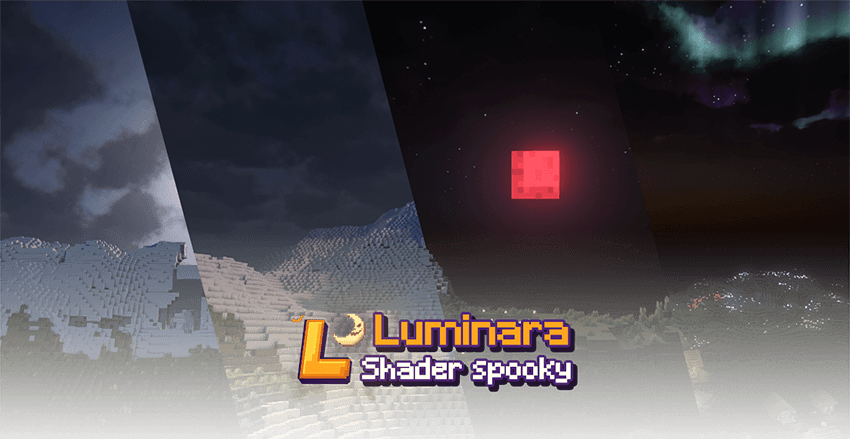
# 🎃 Luminara Spooky Shader
Halloween shader pack with dark atmosphere and spooky effects.
## Features
- Dark, desaturated colors with green/purple tints
- Enhanced shadows and fog
- Darker caves and nights
- Flickering torch lights
- Atmospheric particles

**Minimum**: GTX 1050, 8GB RAM, 4GB for Minecraft
**Recommended**: GTX 1660, 16GB RAM, 6-8GB for Minecraft

Based on [Complementary Shaders] by EminGT.
## Installation
1. Install [OptiFine] or [Iris Shaders]
2. Download shader pack
3. Place in `shaderpacks` folder
4. Select from shaders menu
---
*Version 1.0 - Halloween Edition*
- Edition: Minecraft Java
- File type: .zip (resource pack)
- Minecraft versions listed: 1.21, 1.20.2, 1.21.8
- How to install: Download the .zip resource pack — do not unzip it. → Put it in .minecraft/resourcepacks. → Enable it in Options → Resource Packs.
- Where to get it: Opens on CurseForge — not every file is mirrored on our own servers.
Install steps are the general flow for this file type — see the MC Java Mods guides for the full walkthrough.
- Downloads as Luminara Shader spooky 1.2.zip
- Download size: 6.1 MB
- Download link checked 27 Oct 2026 — working
These come from our own check of the pack file, not from the source page.