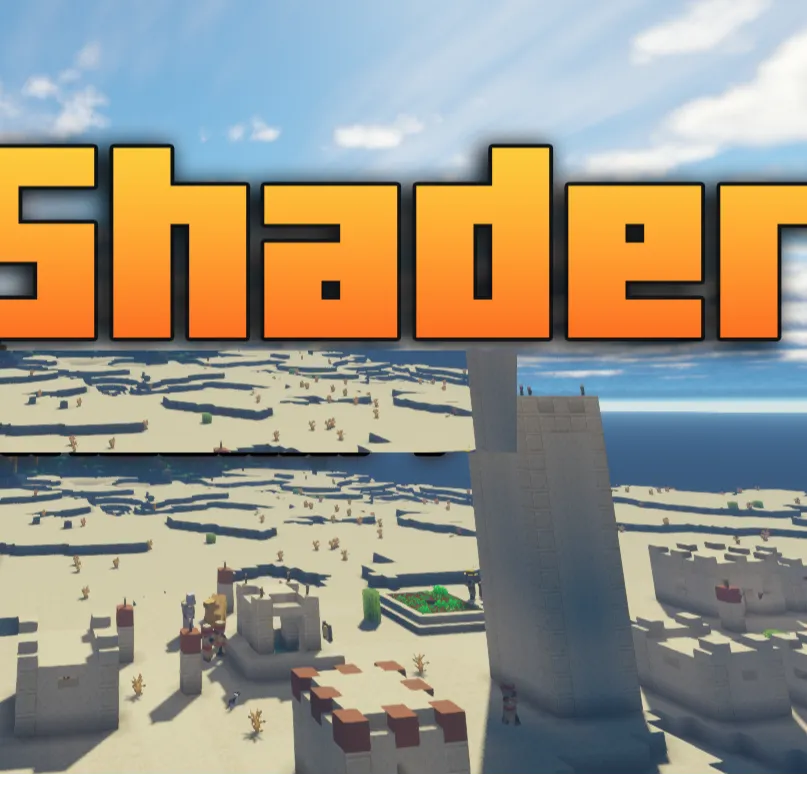
Gaint Villagers Shader
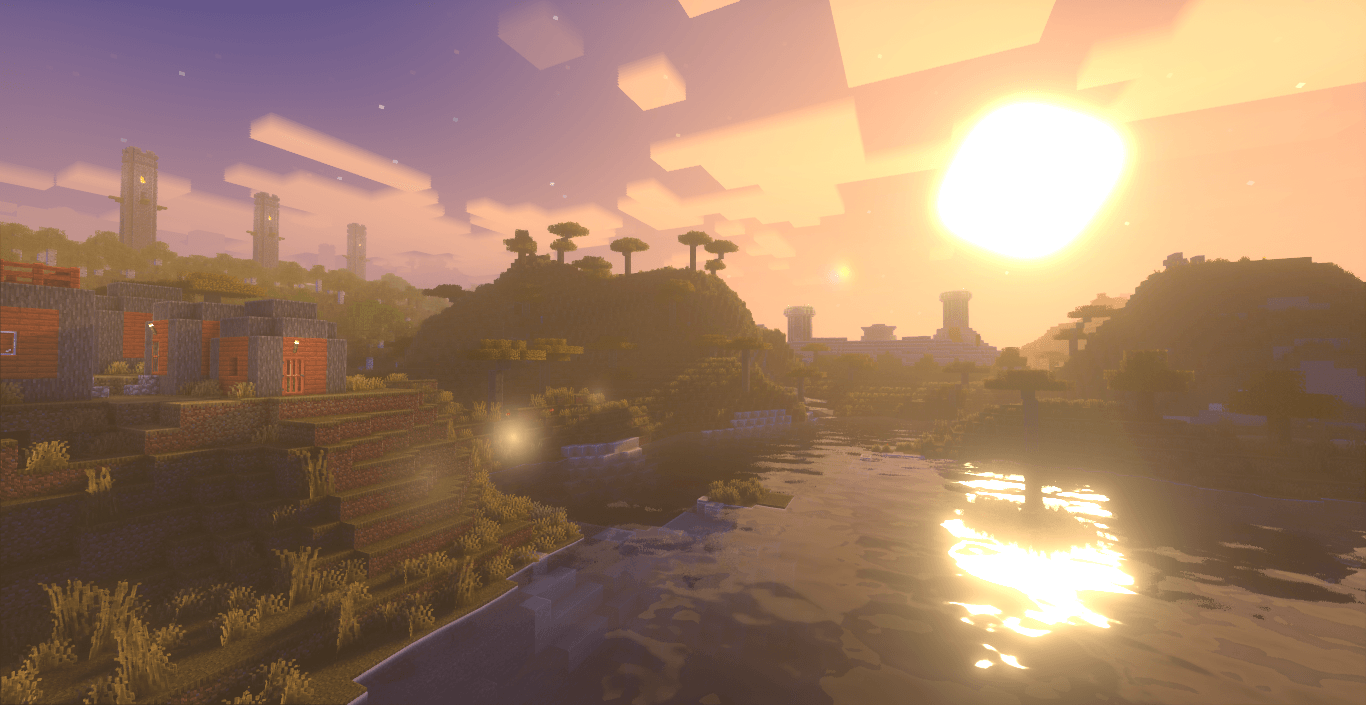
this shader pack for Minecraft offers a huge number of preset profiles, allowing you to choose the appropriate set of enhancements and effects in just a…
⬇ Download on CurseForge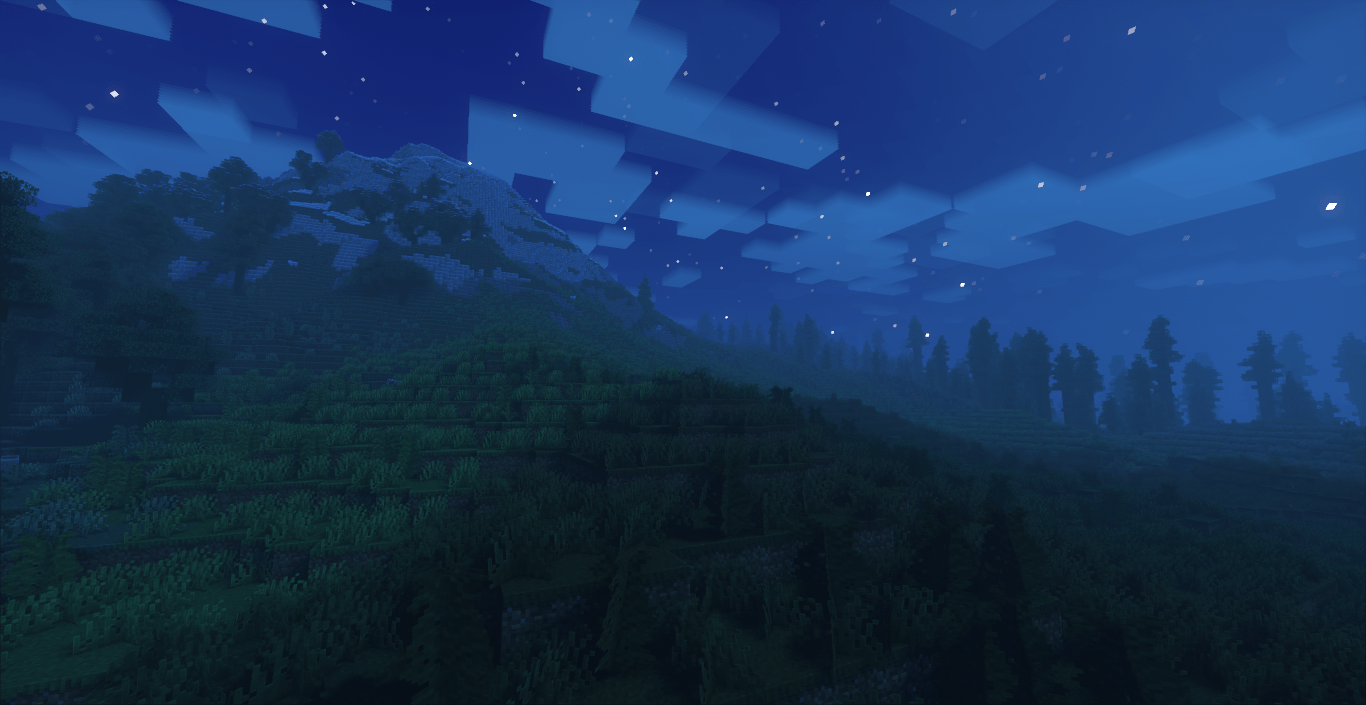
First step: download the shader package from the link below.
hi there we are team to create this type of shaders with relastic config settings and made players to understand this visual effects and thier playing gameplay with ultra realtisc shaders
Second step: Unpack the downloaded archive and copy the Glint folder to c:\Users\User\AppData\Roaming\.minecraft\shaderpacks\(if this folder does not exist, create it yourself) (For Windows)
Third step: In the game, go to Settings, then to Graphics Settings. Select the "shaders" section and activate the shader pack of your choice
- Edition: Minecraft Java
- File type: .zip (resource pack)
- Minecraft versions listed: 1.19.3, 1.20.2, 1.21
- How to install: Download the .zip resource pack — do not unzip it. → Put it in .minecraft/resourcepacks. → Enable it in Options → Resource Packs.
- Where to get it: Opens on CurseForge — not every file is mirrored on our own servers.
Install steps are the general flow for this file type — see the MC Java Mods guides for the full walkthrough.
Gaint Villagers Shader is a free Minecraft Java shader. Compatible with Minecraft 1.19.3, 1.20.2, 1.21, 1.20.5 and newer. Downloaded 85,454 times (via CurseForge). Download it and open it directly in the game.