
 .
.  .
.  .
. 

About
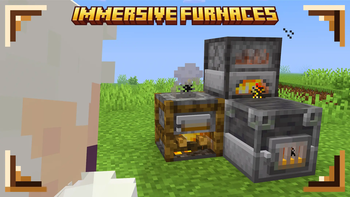
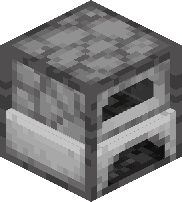
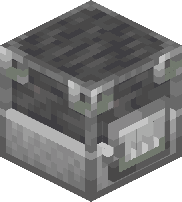
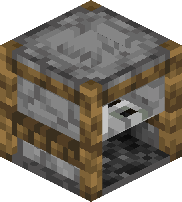
I modeled and textured all types of furnaces, on and off and packed it all toghether! You can see off version bellow. For more check gallery or just install and check for yourself!
.
FAQ
How to install resourcepacks? There are a lot of tutorial out there on youtube, that will explain this better than me, but just download something from trusted sites like modrinth or curseforge, then drag this file to folder that will pop out if you click "Open Pack Folder" in Minecraft.
Can i use some resources from it in my pack? After installing it, open the file you downloaded (.zip). Here you will find licence. Read it.
Are any mods required? No. All vanilla friendly.
- Edition: Minecraft Java
- File type: .zip (resource pack)
- Minecraft versions listed: rd-132211, 1.21.11, 26.1-snapshot-1
- How to install: Download the .zip resource pack — do not unzip it. → Put it in .minecraft/resourcepacks. → Enable it in Options → Resource Packs.
- Where to get it: Opens on Modrinth — not every file is mirrored on our own servers.
Install steps are the general flow for this file type — How to install Minecraft Java resource packs walks through it step by step.
- Downloads as §lImmersive Furnaces.zip
- Download size: 73 KB
- Download link checked 1 Sept 2026 — working
These come from our own check of the pack file, not from the source page.