
ResourcepacksJava
Maziv's Better Hotbar
Java resource pack listed for Minecraft 1.21–26.x. Downloads from the MC Java Mods app on Android.
⬇ Download on Modrinth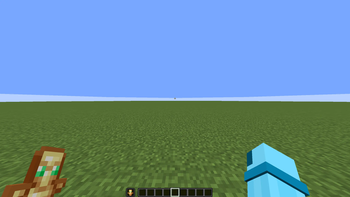
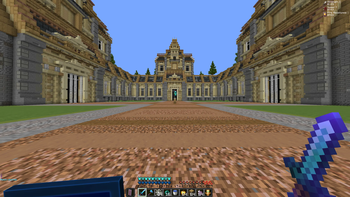
I made a better hotbar by cleaning up the textures and giving everything a smoother, sharper look. I kept the original layout but added clearer borders and softer shading so each slot feels cleaner and easier to read. After testing it in‑game, the hotbar finally looked polished instead of chunky, and it matched the rest of my pack way better.
Quick facts
- Edition: Minecraft Java
- File type: .zip (resource pack)
- Minecraft versions listed: 1.21, 1.21.1, 1.21.2
- How to install: Download the .zip resource pack — do not unzip it. → Put it in .minecraft/resourcepacks. → Enable it in Options → Resource Packs.
- Where to get it: Opens on Modrinth — not every file is mirrored on our own servers.
Install steps are the general flow for this file type — How to install Minecraft Java resource packs walks through it step by step.
File checked by MCModsHub
- Downloads as Better-Hotbar.zip
- Download size: 189 KB
- Download link checked 21 Oct 2026 — working
These come from our own check of the pack file, not from the source page.