
ResourcepacksJava
Annoying Dog Painting
A resource pack that replaces the kebab painting with the Annoying Dog from Undertale and adds custom fandom themed splash texts to your main menu
I don't know my version or loader
Open the Minecraft launcher and look at the profile you play on — it names both, like fabric-loader-1.21.4. The version also shows in the bottom-right corner of the game's main menu.
No loader in the profile name? Then it's plain Minecraft, and these mods won't run — you need Fabric or NeoForge installed first.
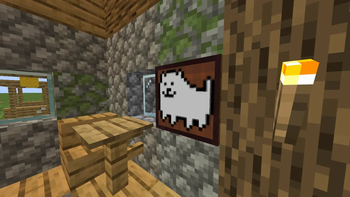
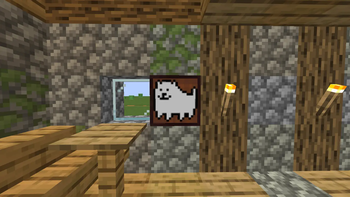
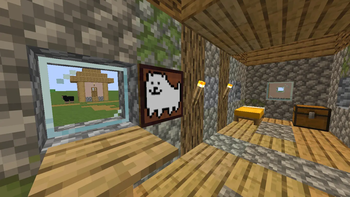
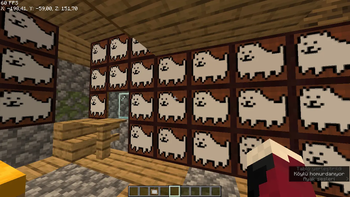
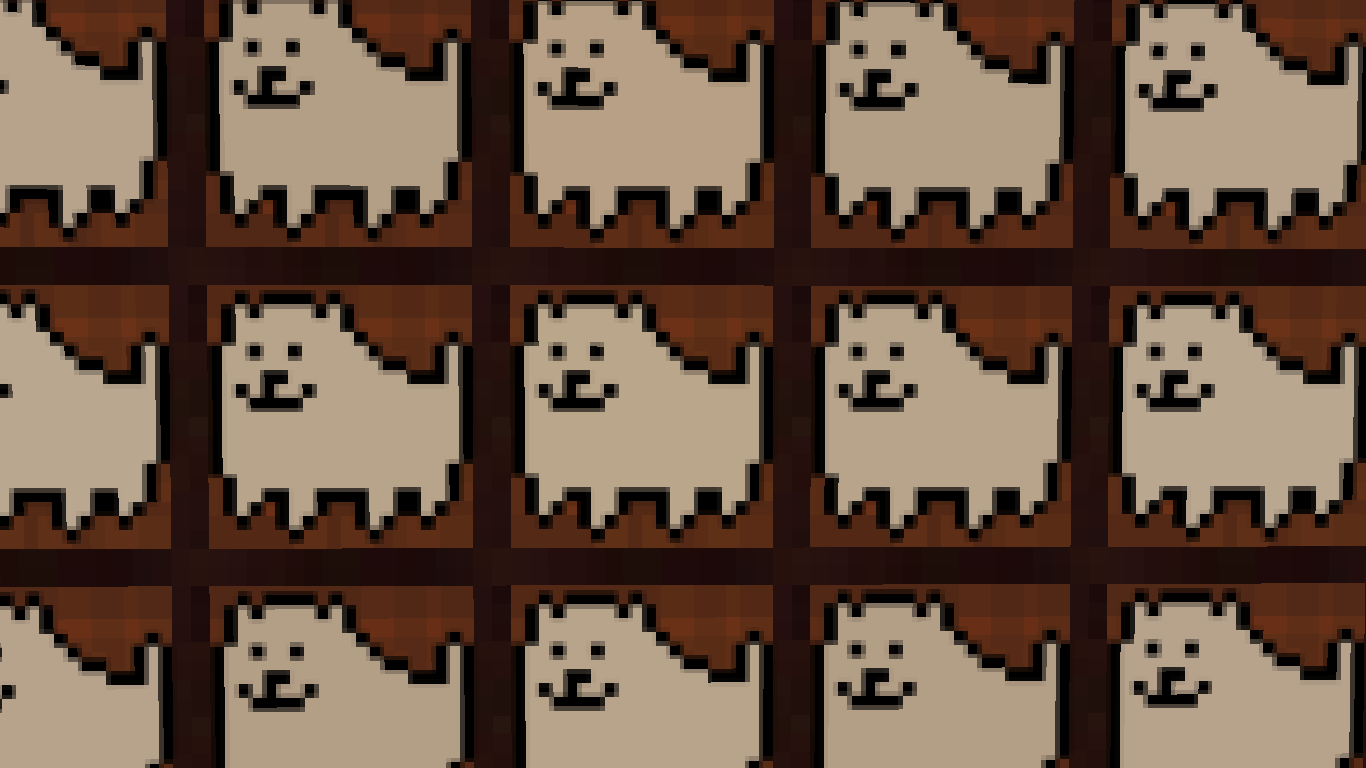
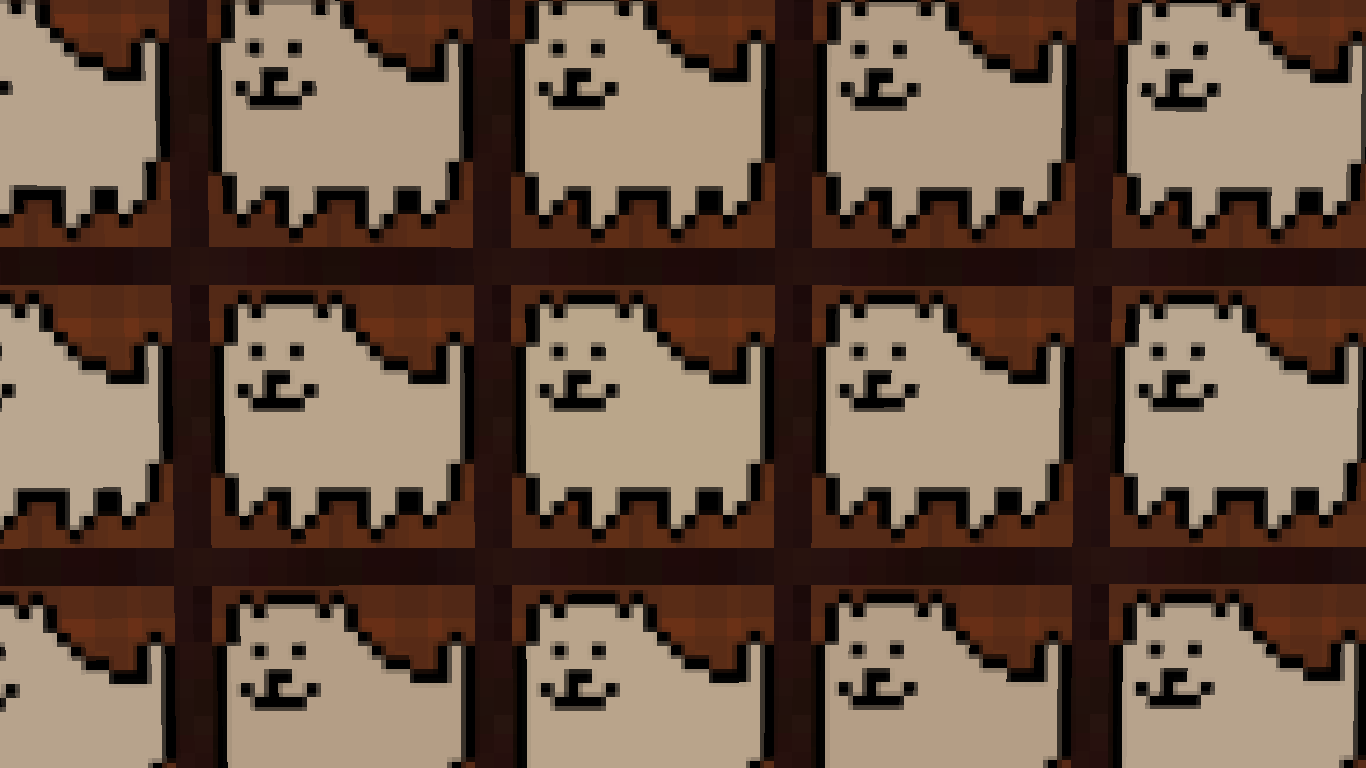
Annoying Dog Painting & More
Description
Bring the world of Undertale into your Minecraft experience! This resource pack is designed for those who want to carry a little bit of "determination" into their builds. It replaces vanilla assets with high-quality, community-inspired pixel art from Toby Fox's masterpiece.
Features
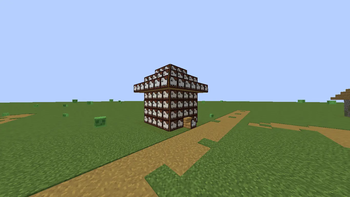
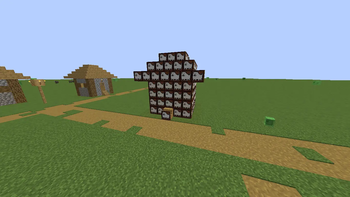
- Annoying Dog Painting: Replaces the 1x1 "kebab" (or "alban") painting. The dog has been placed on a custom-scaled item frame background to blend perfectly with the Minecraft aesthetic.
- Custom Splash Texts: Experience iconic Undertale quotes on the main menu! From "Stay determined" to "The dog absorbed the splash text," your title screen will never be the same.
- Vanilla Friendly: Designed at a crisp resolution that fits the game's original art style without looking out of place.
How to Use
- Download the
.zipfile. - Place it in your
resourcepacksfolder. - Activate it in-game and look for the 1x1 paintings!
Credits & Source
- Annoying Dog / Undertale: All characters and original concepts belong to Toby Fox.
- Design Choice: The painting background uses a modified vanilla Item Frame texture for better integration.
- Pack Creator: ProfessorRedman
Quick facts
- Edition: Minecraft Java
- File type: .zip (resource pack)
- Minecraft versions listed: 1.13, 1.13.1, 1.13.2
- How to install: Download the .zip resource pack — do not unzip it. → Put it in .minecraft/resourcepacks. → Enable it in Options → Resource Packs.
- Where to get it: Opens on Modrinth — not every file is mirrored on our own servers.
Install steps are the general flow for this file type — How to install Minecraft Java resource packs walks through it step by step.
Verified by MCModsHub
- Downloads as Annoying_Dog_Painting_Undertale_Deltarune_Fandom_Pack_Toby_Fox_1_13_1_14_4.zip
- Download size: 6 KB
- Download link checked 7 Sept 2026 — working
These come from our own check of the pack file, not from the source page.