
Default Green Blue Theme
Java resource pack listed for Minecraft 1.21–26.x. Downloads from the MC Java Mods app on Android.
💚 Default Green Blue Theme – Clean & Modern Interface 💙 This texture pack changes the normal gray Minecraft textures into beautiful blue-green tones…
⬇ Download on Modrinth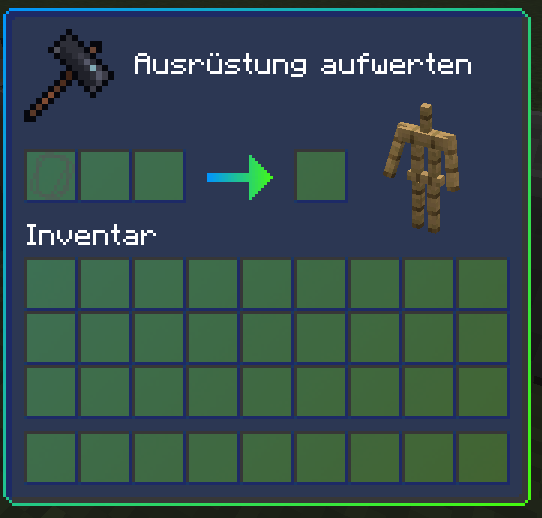
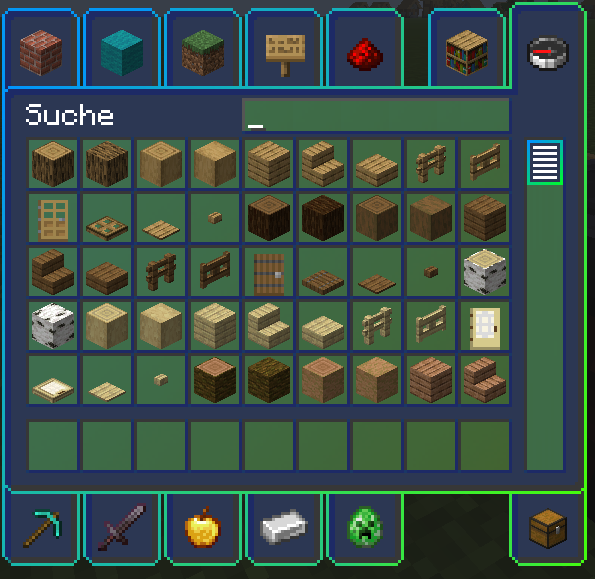
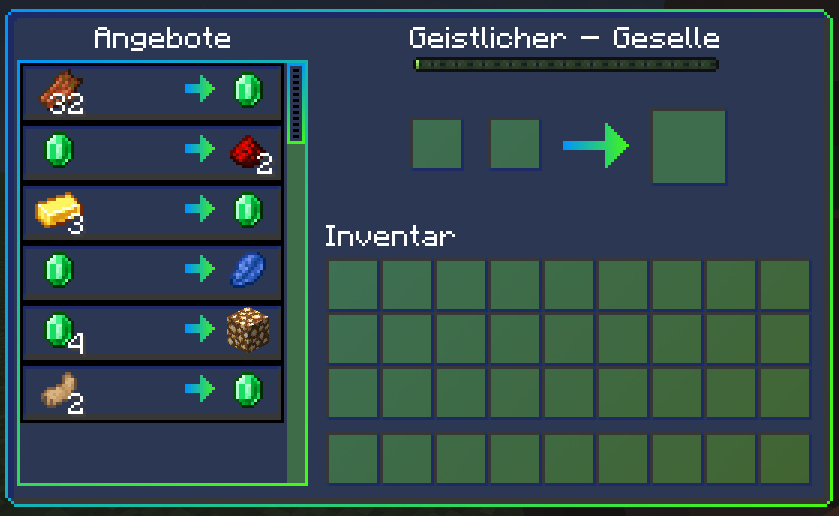
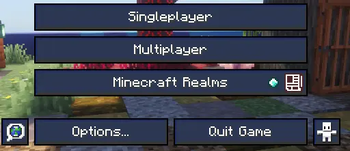
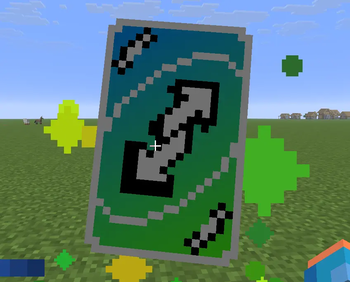
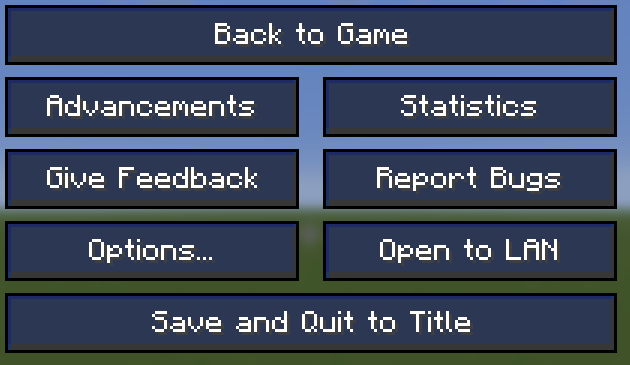
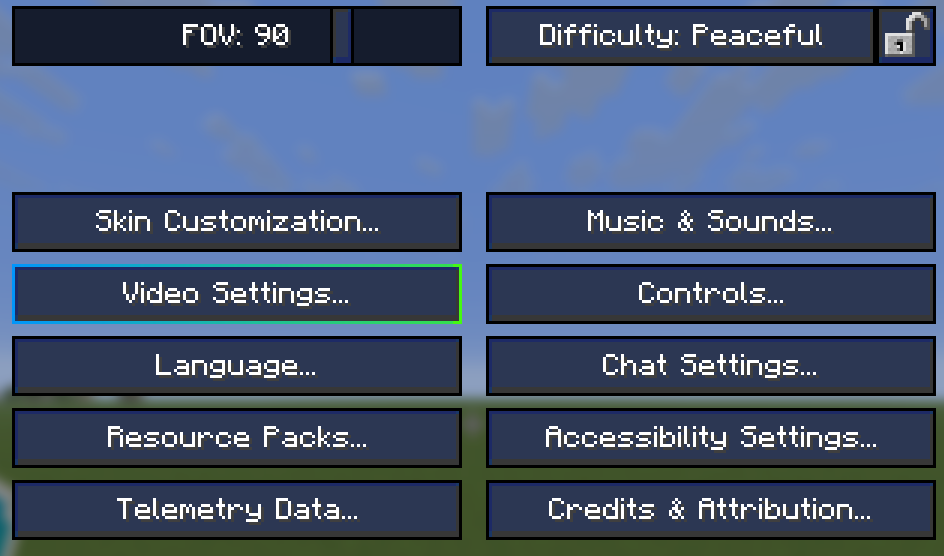
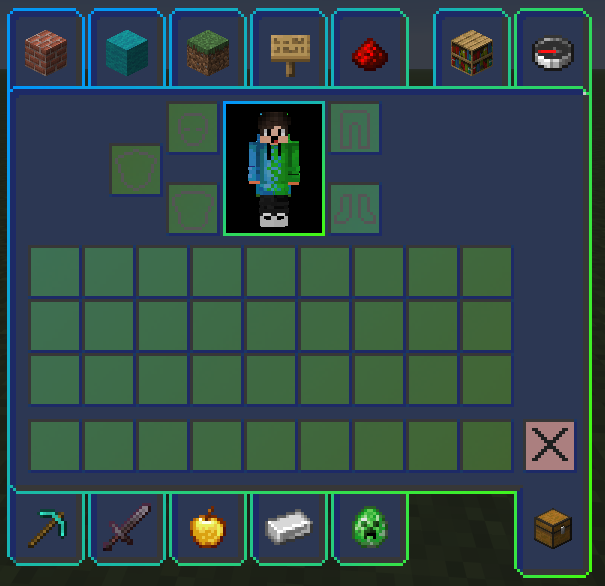
💚 Default Green Blue Theme – Clean & Modern Interface 💙
This texture pack changes the normal gray Minecraft textures into beautiful blue-green tones.
🖼️ Feel free to check out the gallery to get an impression 🖼️
🔷 Features:
- Minimalist GUI with a blue-green color palette
- Easy on the eyes for long play sessions
- Redesigned menus, inventory, and HUD
- Lightweight & performance-friendly
- Compatible with most mods and clients
Whether you're playing PvP, Survival, or Creative — Default Green Blue Theme is a feature to make the game look nicer.
- Edition: Minecraft Java
- File type: .zip (resource pack)
- Minecraft versions listed: 1.21.11, 26.1, 26.1.1
- How to install: Download the .zip resource pack — do not unzip it. → Put it in .minecraft/resourcepacks. → Enable it in Options → Resource Packs.
- Where to get it: Opens on Modrinth — not every file is mirrored on our own servers.
Install steps are the general flow for this file type — How to install Minecraft Java resource packs walks through it step by step.
- Downloads as TXP-Green-Blue-GUI-V4.zip
- Download size: 561 KB
- Download link checked 22 Oct 2026 — working
These come from our own check of the pack file, not from the source page.