
Euphoria's Overlay
This Simple Minecraft texture pack that will make your game look more smooth for pvp. (The texture pack may say "Broken or incompatible" if your not on 1.21.11, but it will still work for 1.21+)
(This is pack idea was from my friend Euphoriaaa.)
What the pack has
- Small Totem
- Side Shield
- No flashing hearts
- Dotted Crosshair
Installation
(⚠️ This may be different on other operating systems ⚠️)
- Windows/Win + R, type %appdata%.
- Open the .minecraft folder.
- Find the resourcepacks folder and open it.
- Paste the resource pack/file there.
⬇
Easier Method (May not work on some launchers, does work on most)
In the Minecraft menu, open the resource packs screen.
Then Simply Drag the resource pack onto your screen.
After you drag it onto your screen it may say something like,
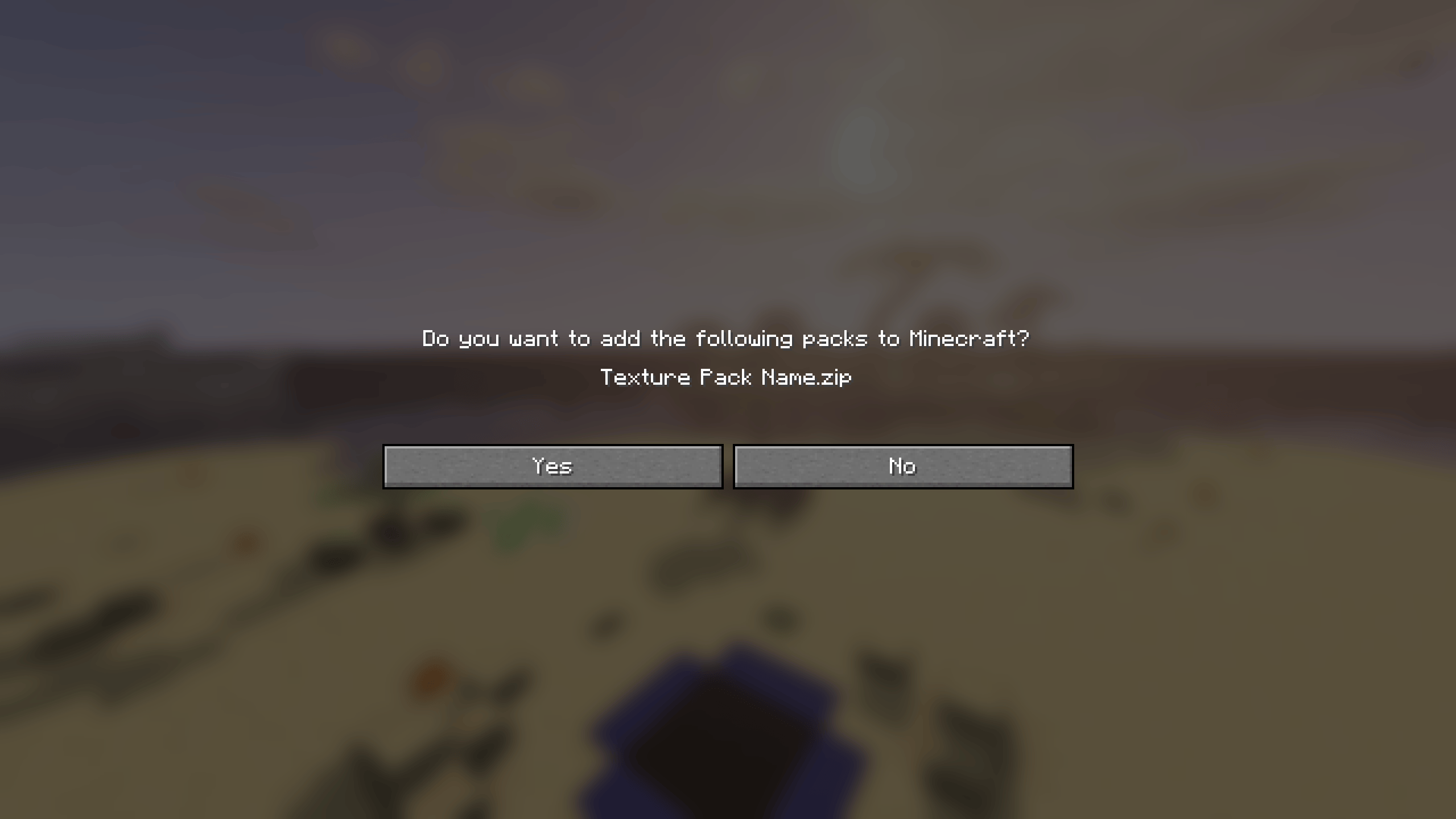 Click Yes on that popup.
- Edition: Minecraft Java
- File type: .zip (resource pack)
- Minecraft versions listed: 1.21, 1.21.1, 1.21.2
- How to install: Download the .zip resource pack — do not unzip it. → Put it in .minecraft/resourcepacks. → Enable it in Options → Resource Packs.
- Where to get it: Opens on Modrinth — not every file is mirrored on our own servers.
Install steps are the general flow for this file type — How to install Minecraft Java resource packs walks through it step by step.
- Downloads as euphorias-overlay-1.21.11.zip
- Download size: 990 KB
- Download link checked 21 Aug 2026 — working
These come from our own check of the pack file, not from the source page.